365 SELECTION / WI-FI VERSION
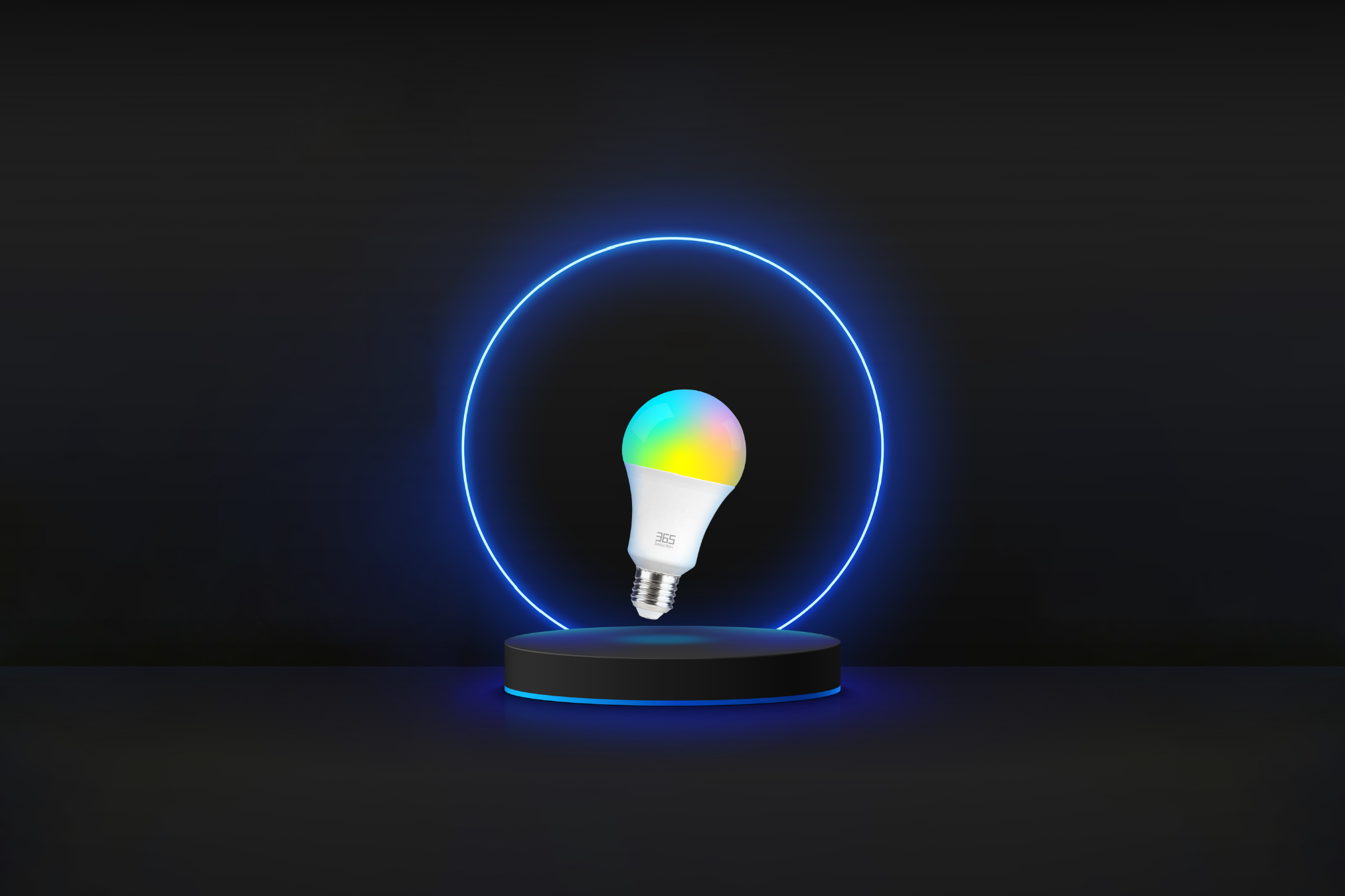
Smart Bulb B1
Let there be light

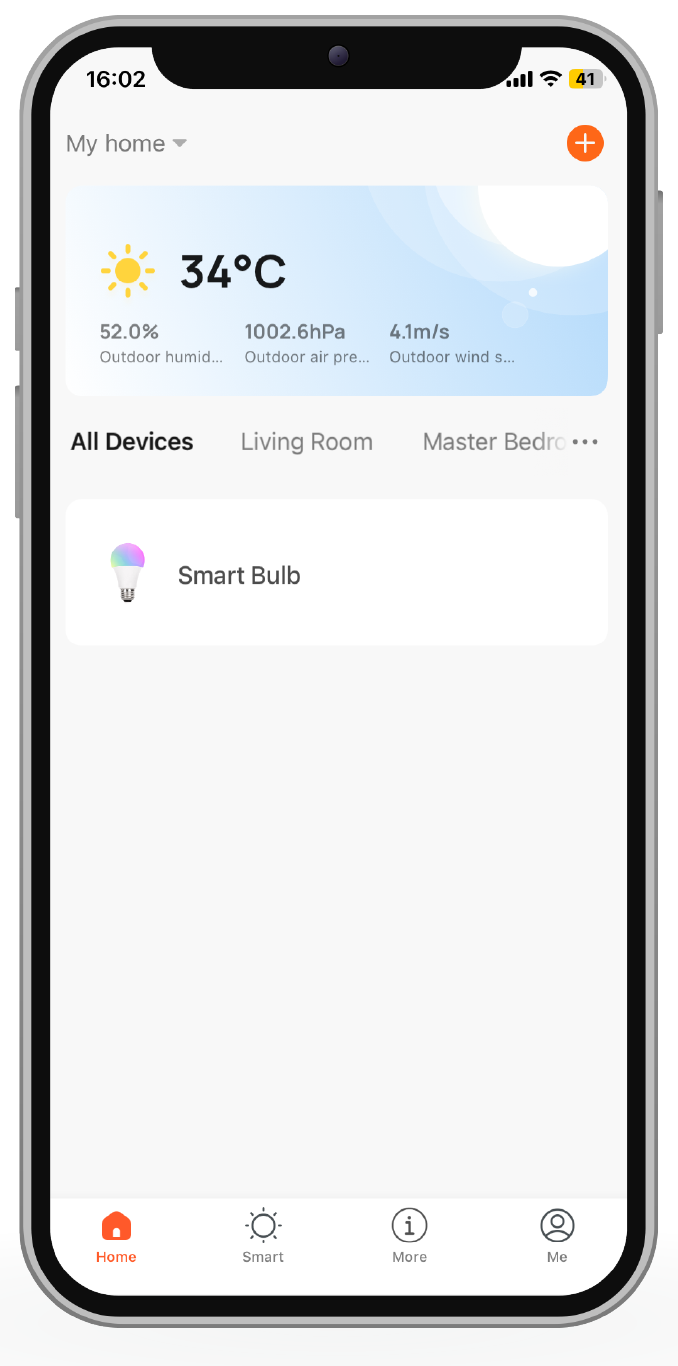
Control the bulb via App
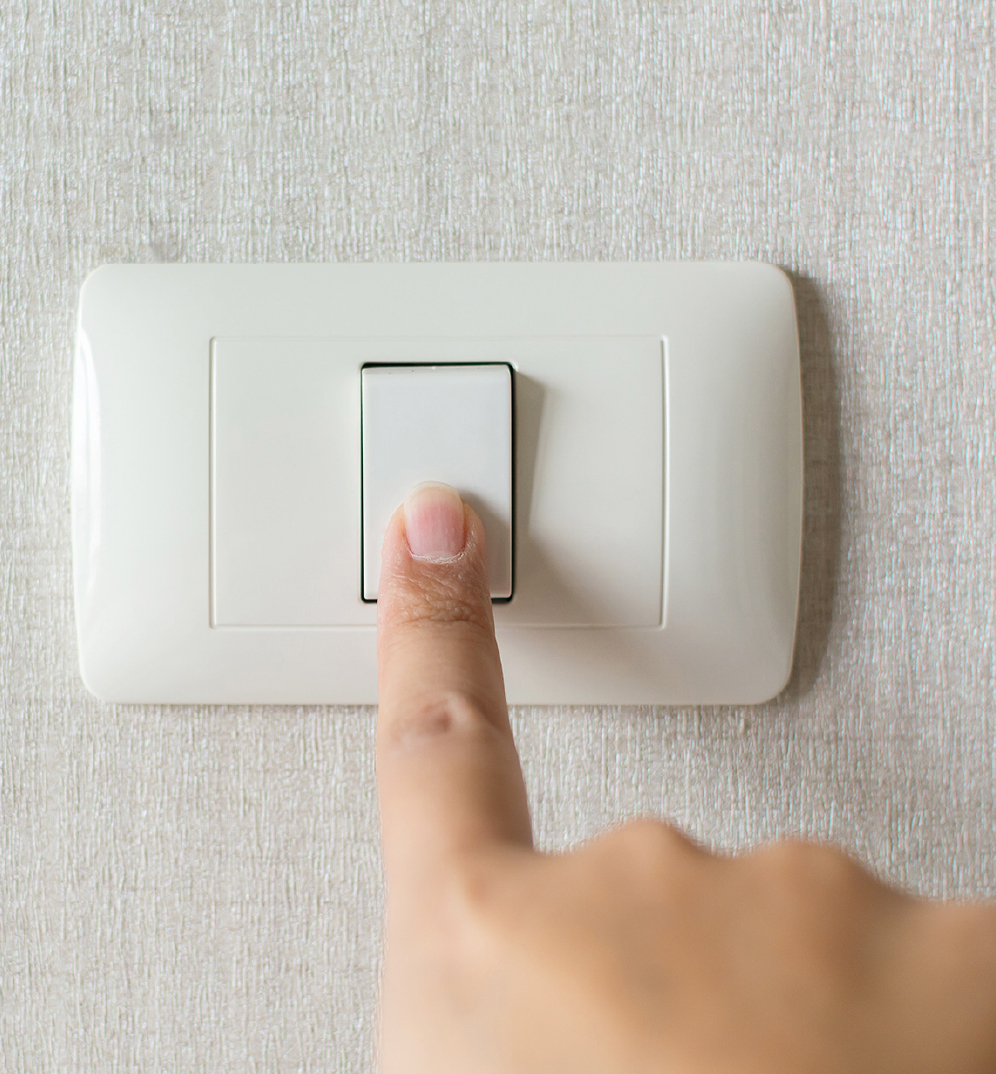
Control the bulb by switch


Wi-Fi 2.4 GHz

Voice Control

Group Control
Automation

Dimmer

16 Million Colors

Timer
App Control

Control your light
from anywhere
Turn the bulb on or off even when you are not at home.
“Hey Google, turn on the light!”


Group control
Control multiple bulbs with just one press.
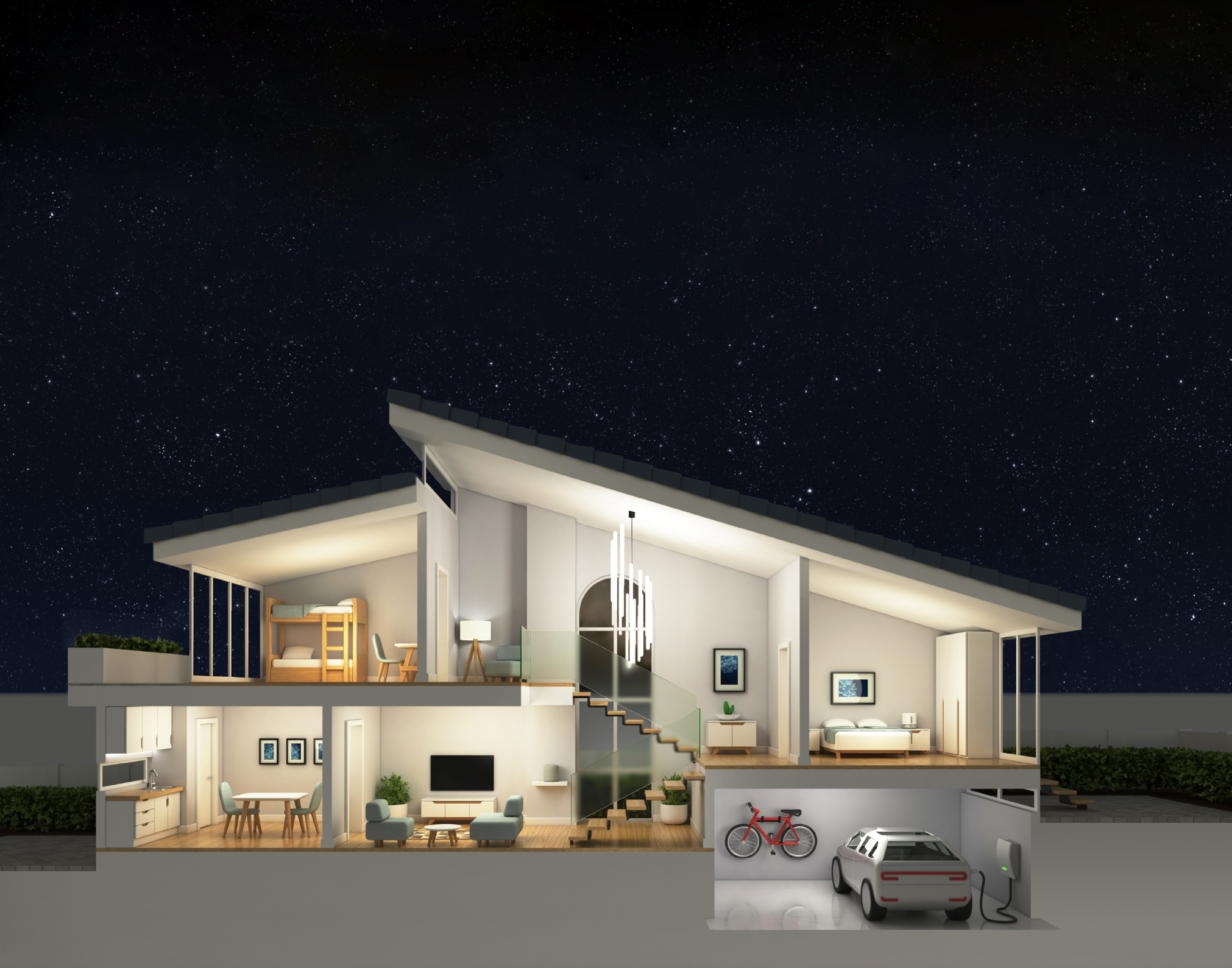
Turn on the life
brighter
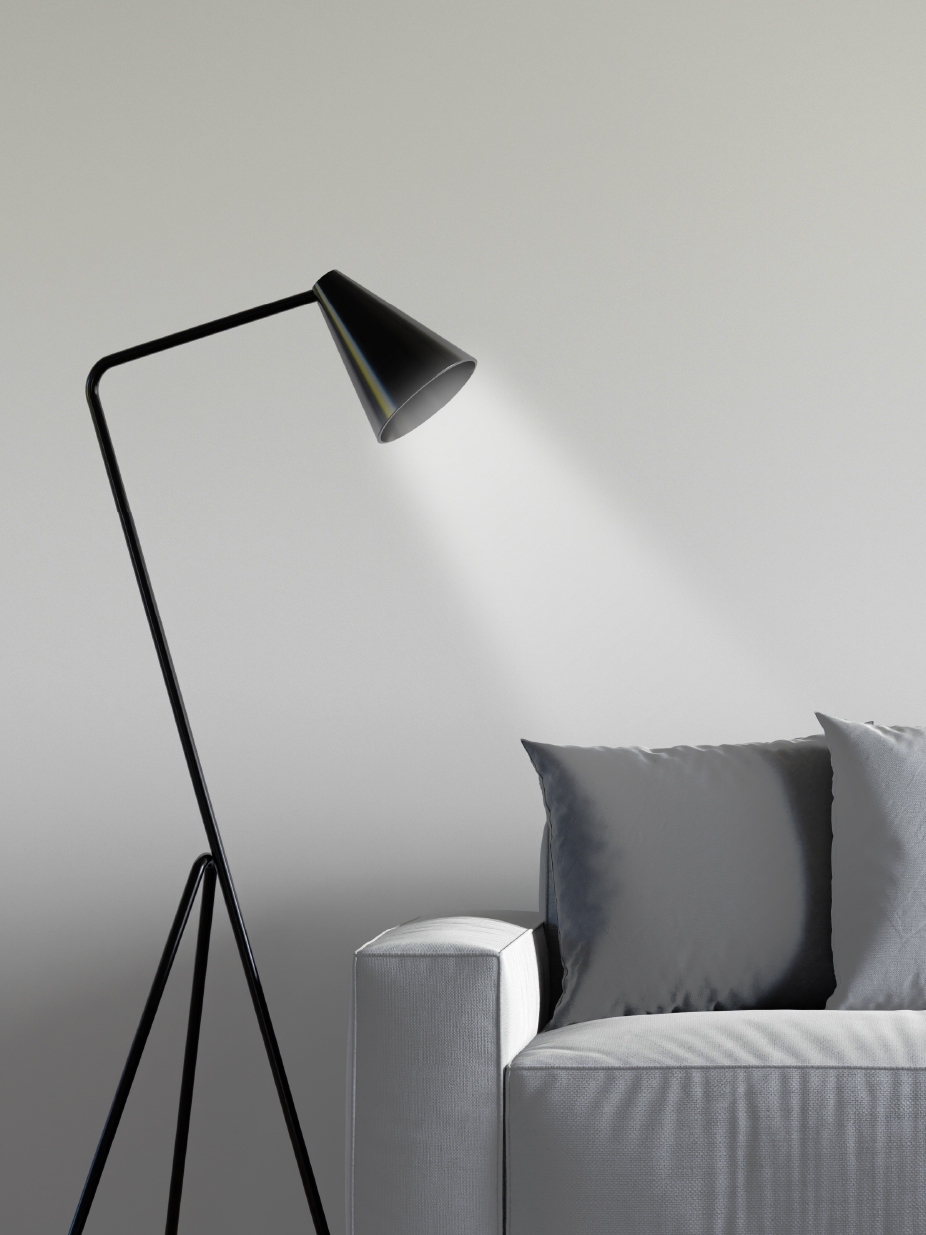

Set a comfortable
color temperature
Adjust the color shade
as needed
The lamp combines RGB color, warm white and white lighting. Adjust the color to 16 million colors and control it through the app.
Drag the four sliders below to preview different colors and brightness levels.

100%
300°
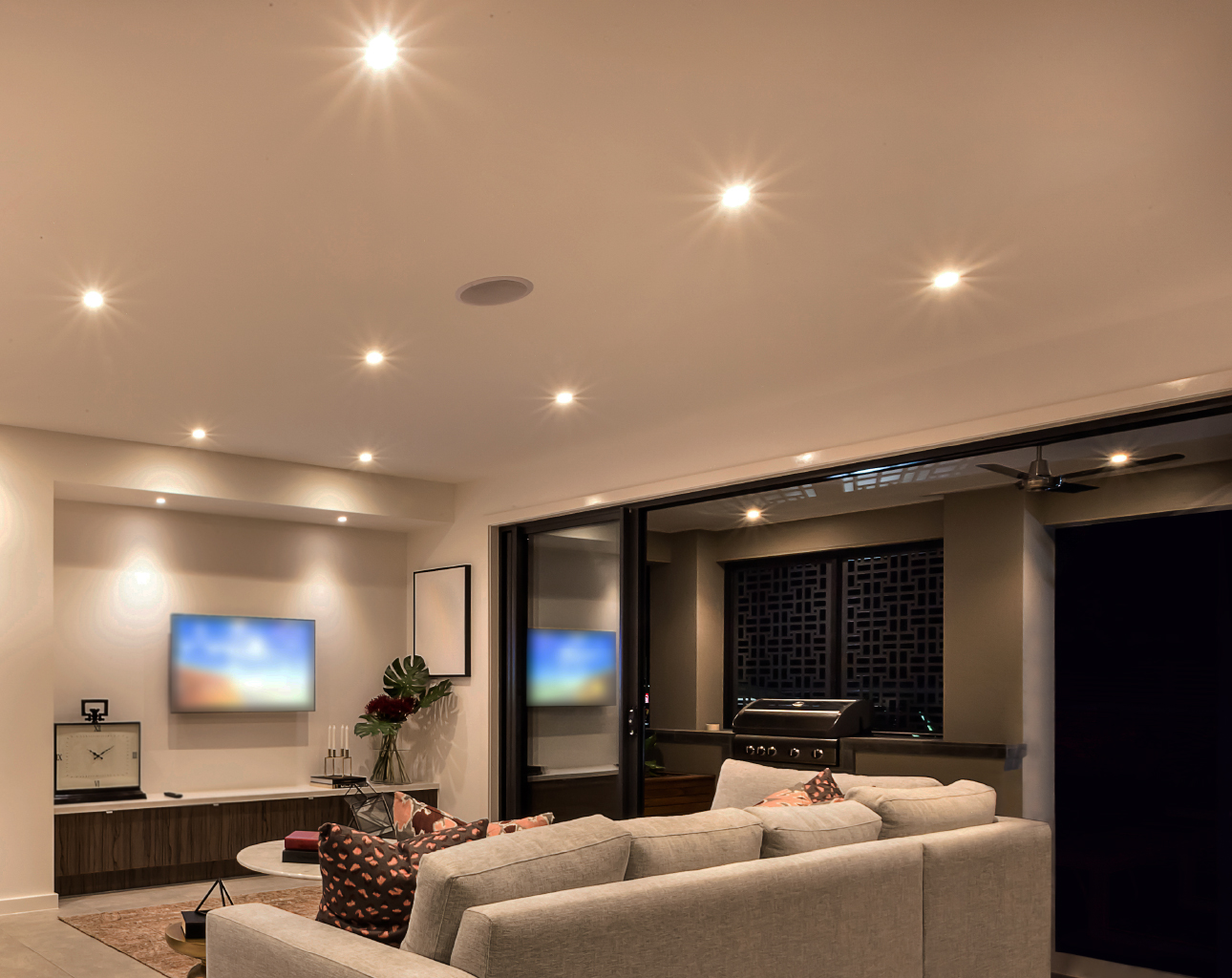
Dim the lights
300°
Brighten your room
110%
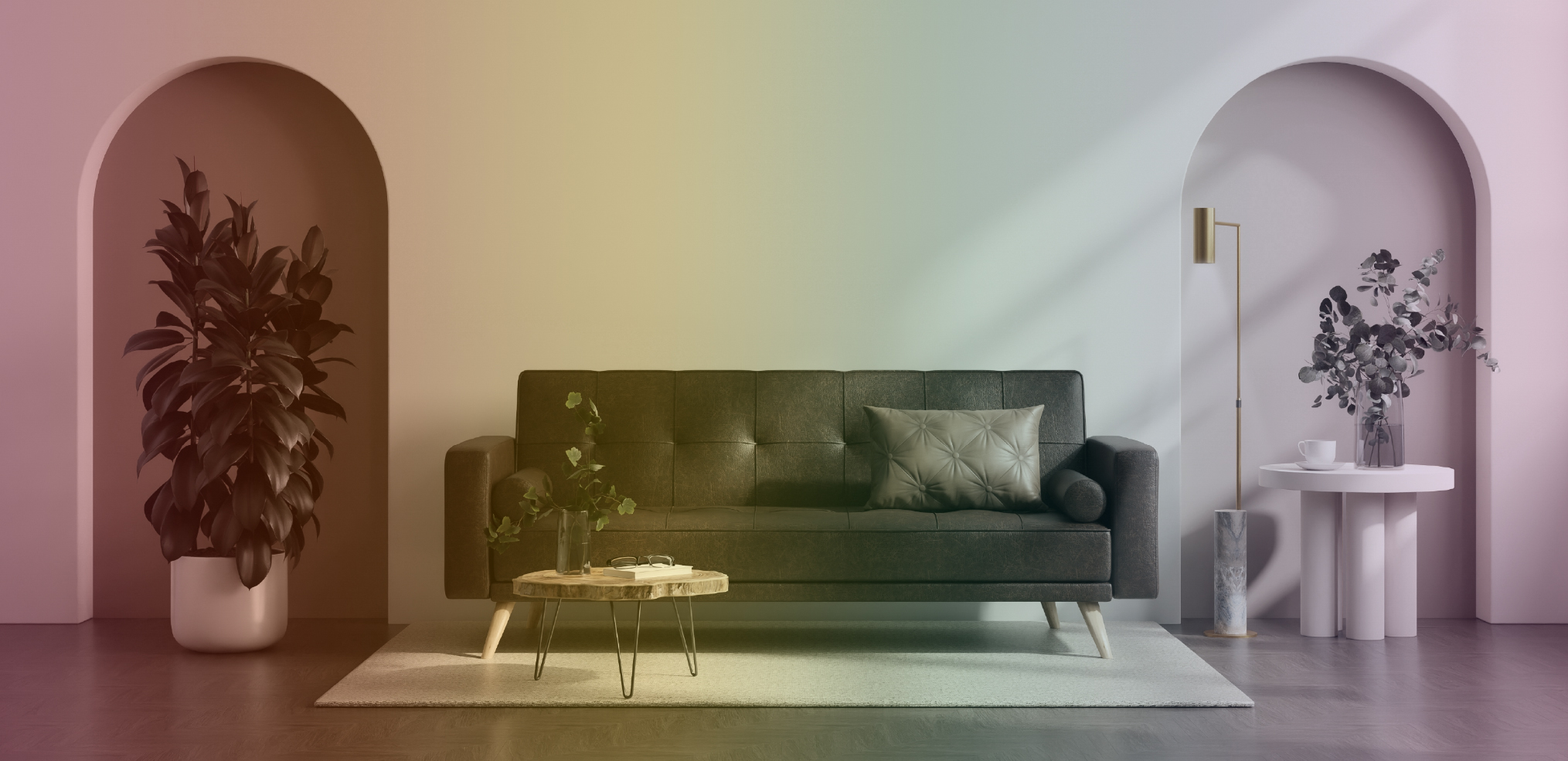
Multiple scene modes
Choose a scene mode to suit the situation and enhance your enjoyment of light.
Music Mode
The lights flash to the beat of the music as received by the smartphone’s microphone.

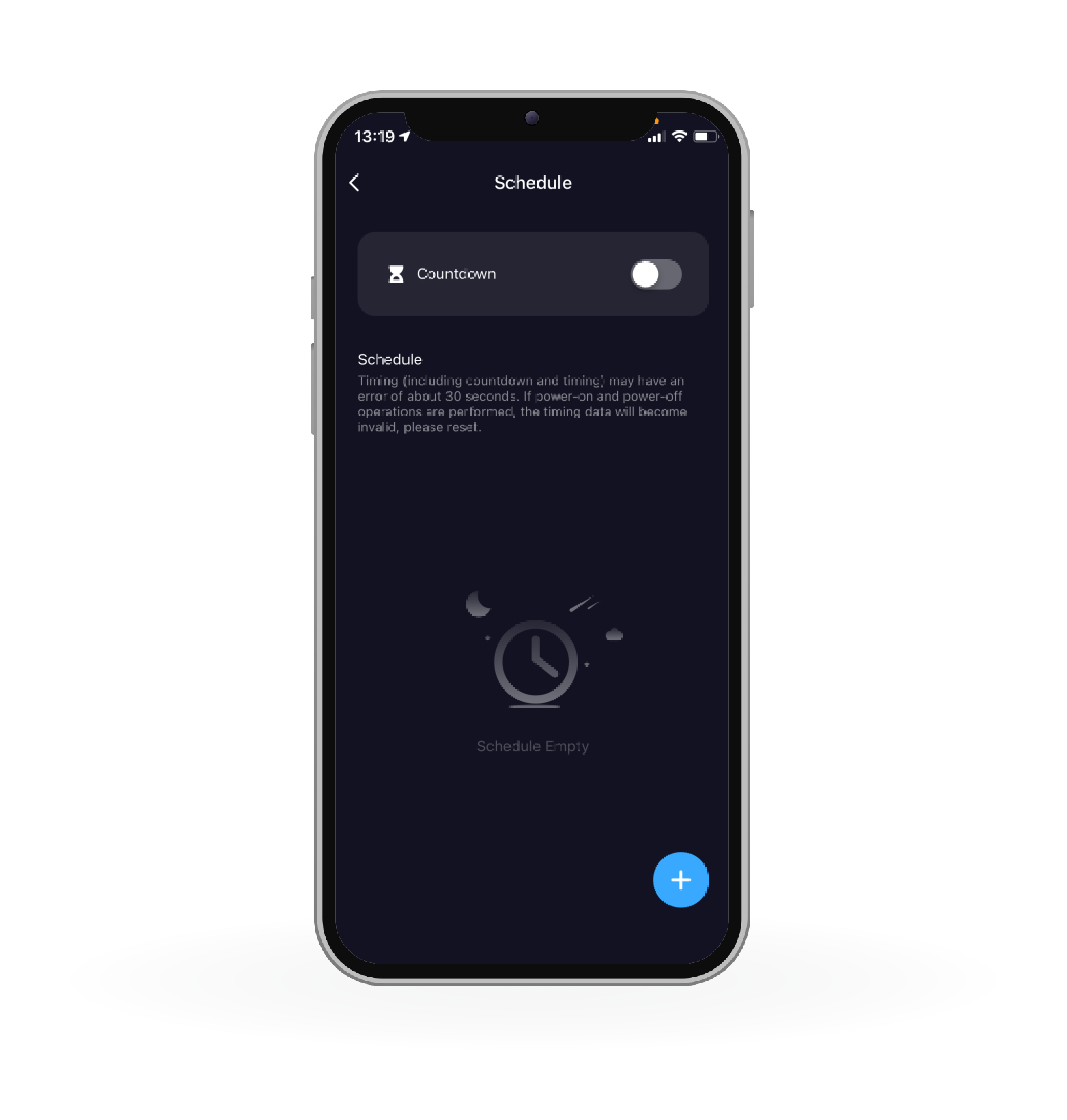
Set the on/off time

Energy saving
Energy cost: estimated 30 THB per year.


Easy to install
Plug and play
Specifications
| Model | 365-SEL-101 |
|---|---|
| Power Input | 200–240V / 50–60Hz / 0.065A Max |
| Rated Power | 9W |
| Color Temperature | 2700–6500K RGB+CCT |
| Luminous Flux | 800 lm |
| Wi-Fi Standard | 2.4GHz |
| Lamp Interface | E27 |
| System Supported | iOS / Android |
| Warranty | 12 Months |
Quick Guide
1
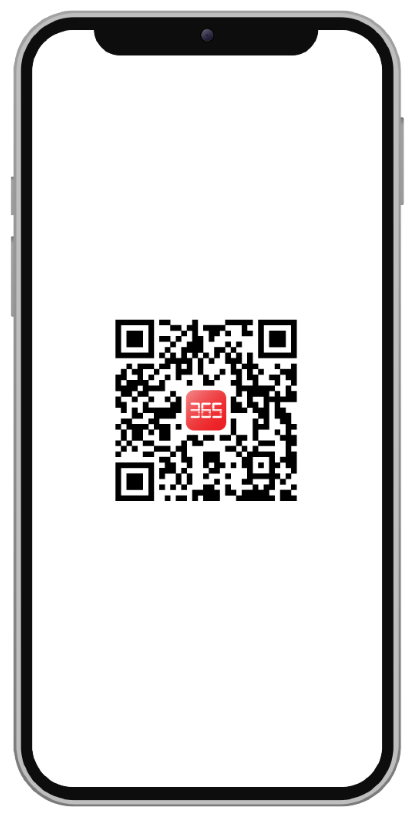
Install application
2
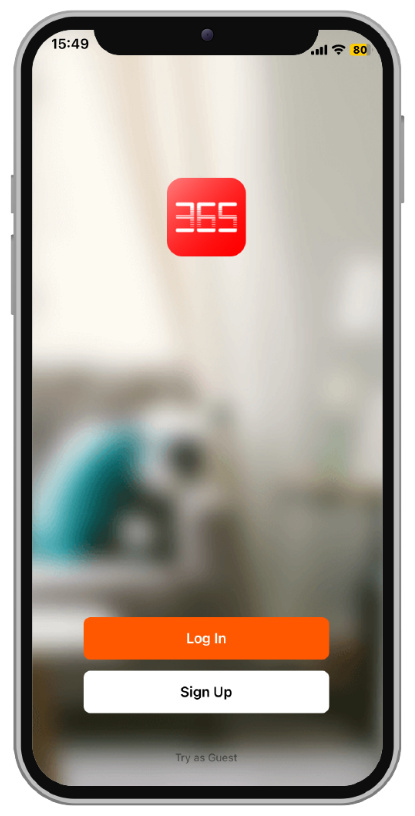
Log in
3
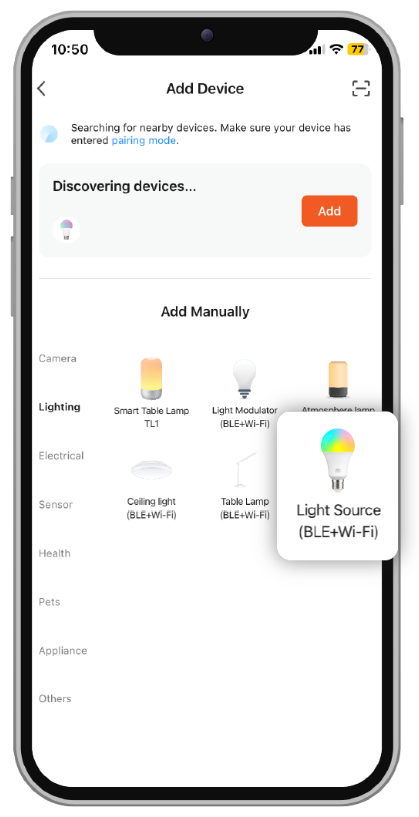
Select Wi-Fi and add the device
4
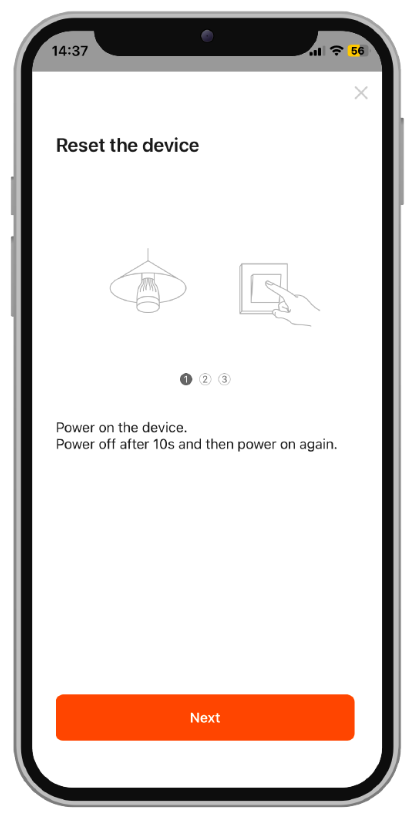
Install the device
5
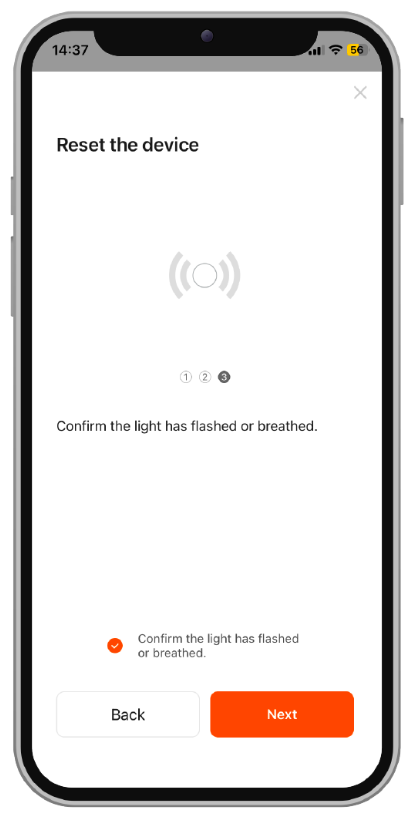
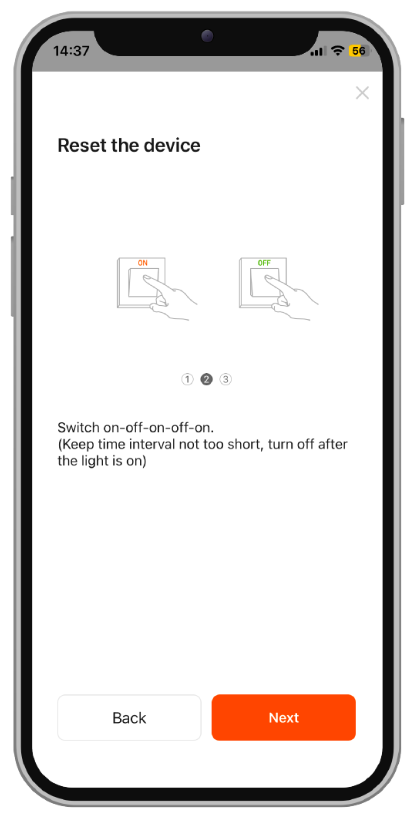
Reset the device
6
Connect the device