
365 AI Sleep Lamp AL1
Everyday AI Assistant
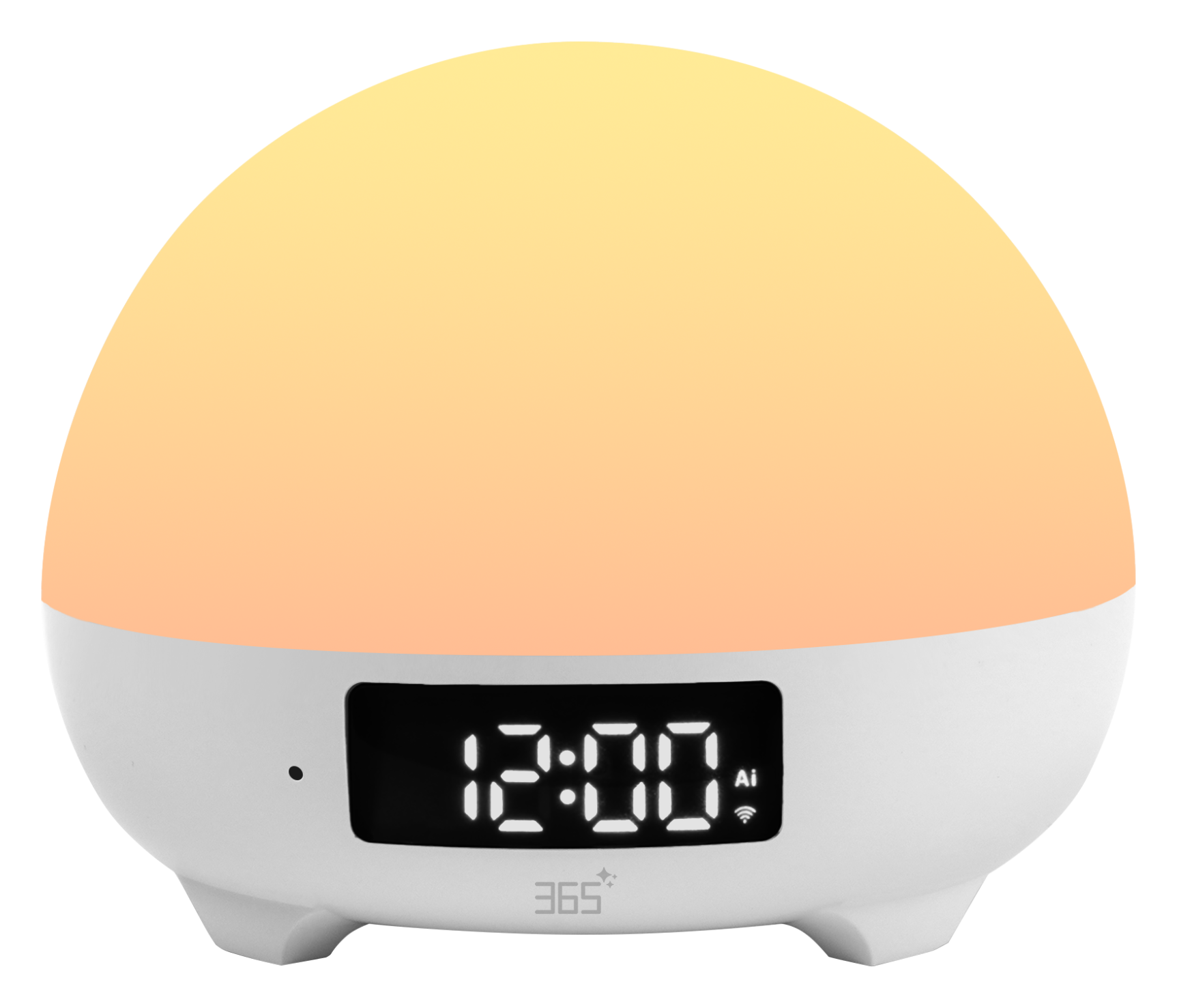
Light, sound, conversation, and everyday controls come together in one compact bedside device.
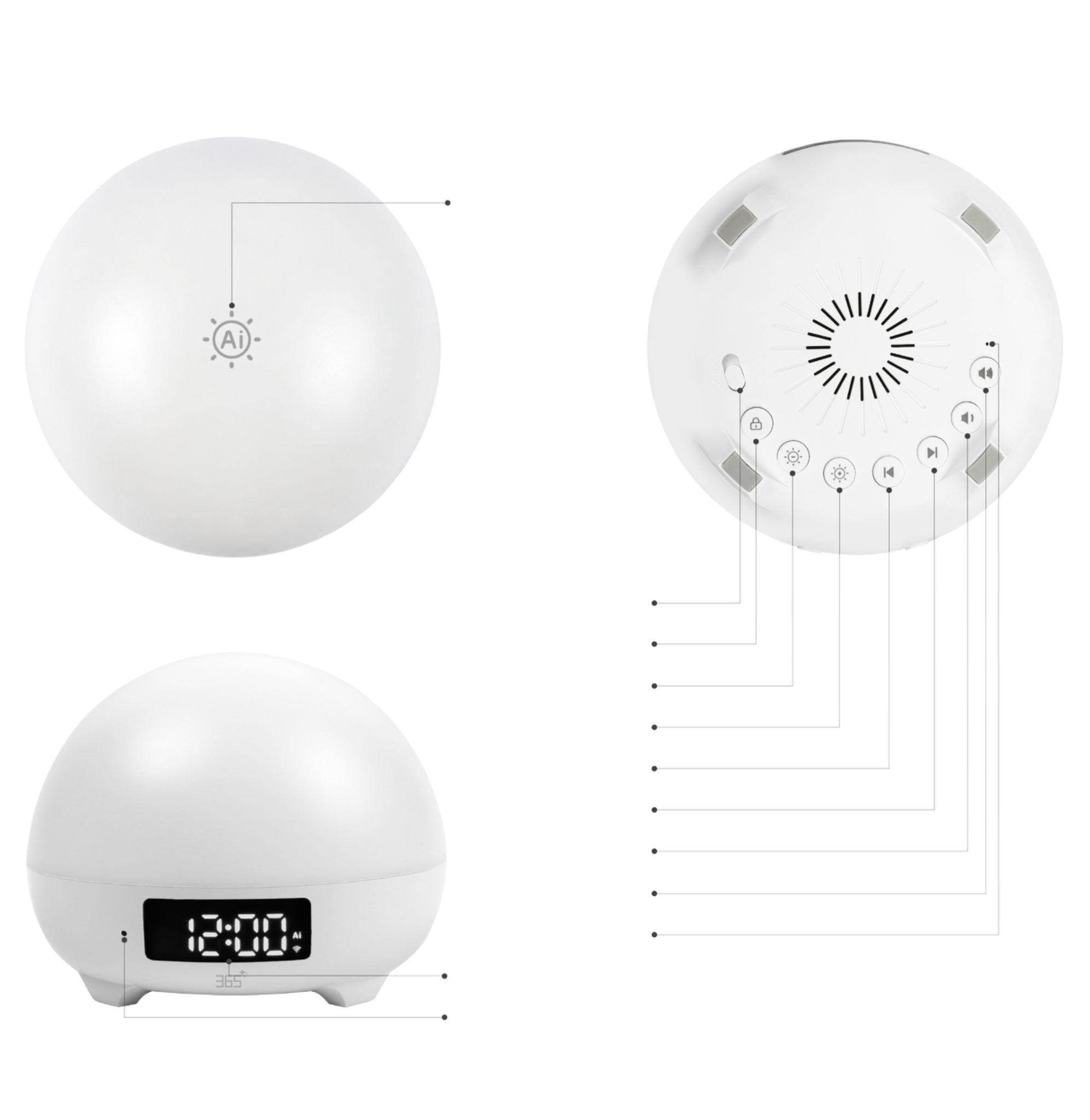 Top Touch ControlPower Toggle SwitchChild Lock ButtonBrightness − ButtonBrightness + ButtonPrevious Track ButtonNext Track ButtonVolume − ButtonVolume + ButtonReset ButtonClock Display PanelAI Microphone
01 / INTUITIVE DESIGN
Simple controls, right where you need them
A top touch surface works alongside dedicated physical controls for power, child lock, brightness, tracks, volume, and reset. The front keeps the clock display and AI microphone within view.
02 / AI COMPANION
A little conversation
A world to discover
Stories, games, learning, and everyday conversation. A bedside AI companion for children aged 6–12, with Thai and English support.
Hey Tino,
let’s chat
From a curious question to a bedtime story, bring conversation into everyday moments.
Ask about the weather, set an alarm, or control supported compatible devices with your voice.
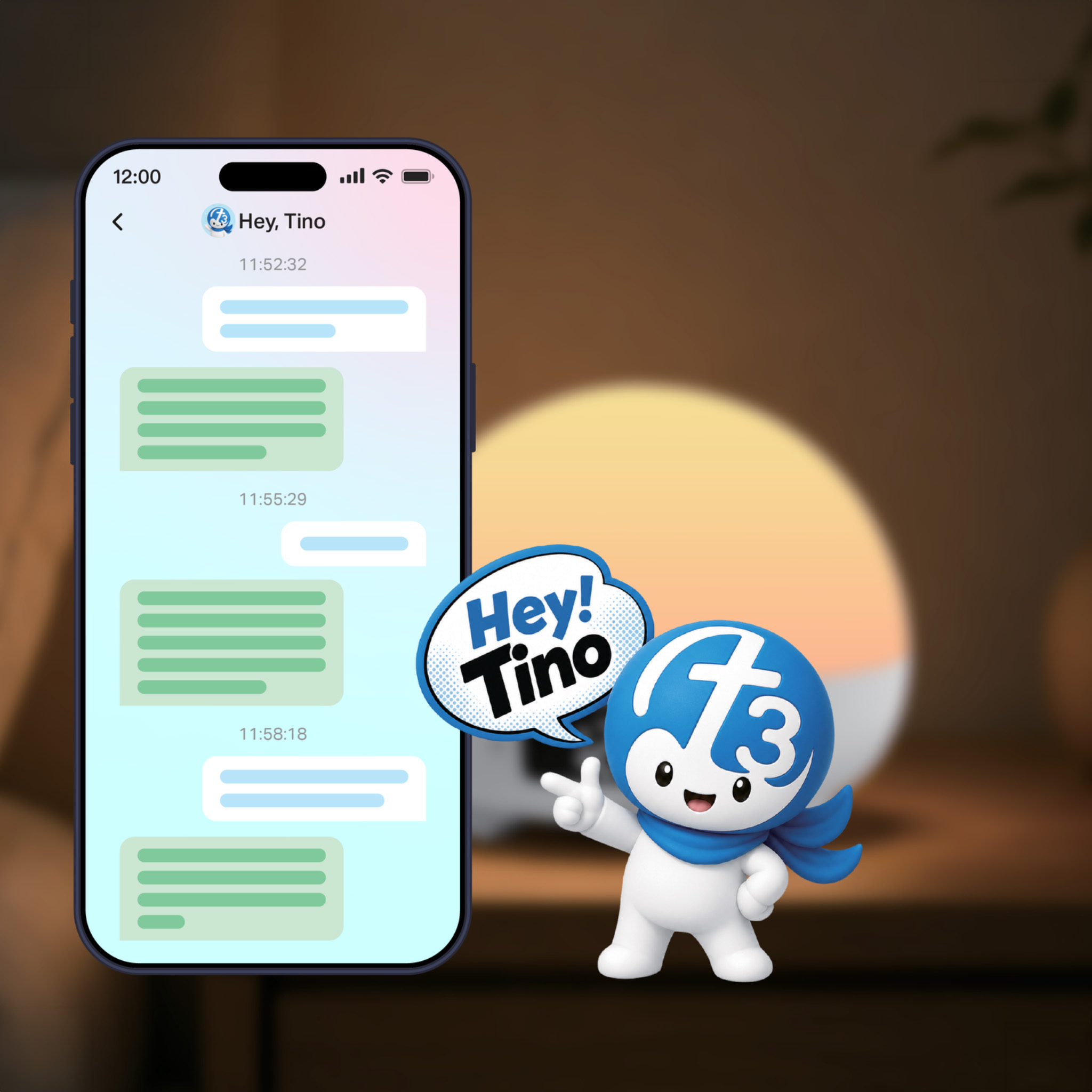
Hey Tino, Let’s Chat
Your bedside AI companion
- “Hey Tino, set the alarm at 6:30 AM”
- “Hey Tino, turn on the light”
- “Hey Tino, what is the weather today?”
03 / NATURAL LIGHT
A softer end to the day
A gentler beginning
Simulate natural light cycles for peaceful wind-down moments and a refreshing start to your day.
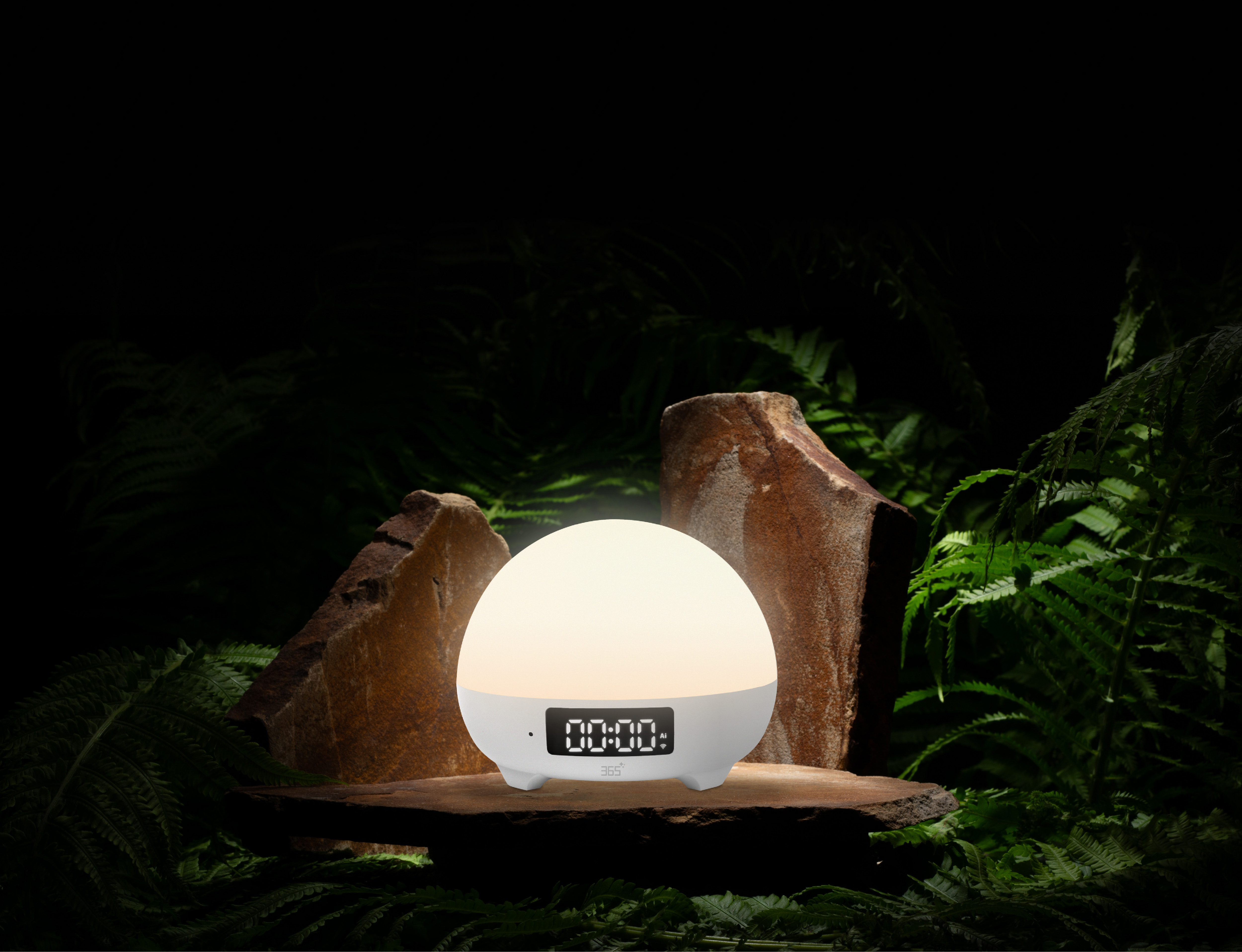

Custom Scene Mode
The system comes with 3 pre-set scene modes. Users can edit and add scenes based on their preferred music, volume level, light mode, and light brightness. Users can add up to 8 custom scene modes, and it supports device preview, Color Light, Day Light, and Effect Light lighting effects. Scene modes can be deleted from the editing interface.
04 / YOUR OWN ATMOSPHERE
One light
So many moods
Pair your preferred sounds and volume with color, daylight, or effect lighting. Fine-tune brightness and preview your scene in the app.
05 / SOUND & SLEEP
Sound and light, working together
Create a calmer routine with built-in sounds, a sleep timer, scheduled behavior, and alarm settings.
06 / APP CONTROL
Fine-tune the experience from your phone
The app brings lighting, scheduling, alarms, and countdown timers into one control flow.
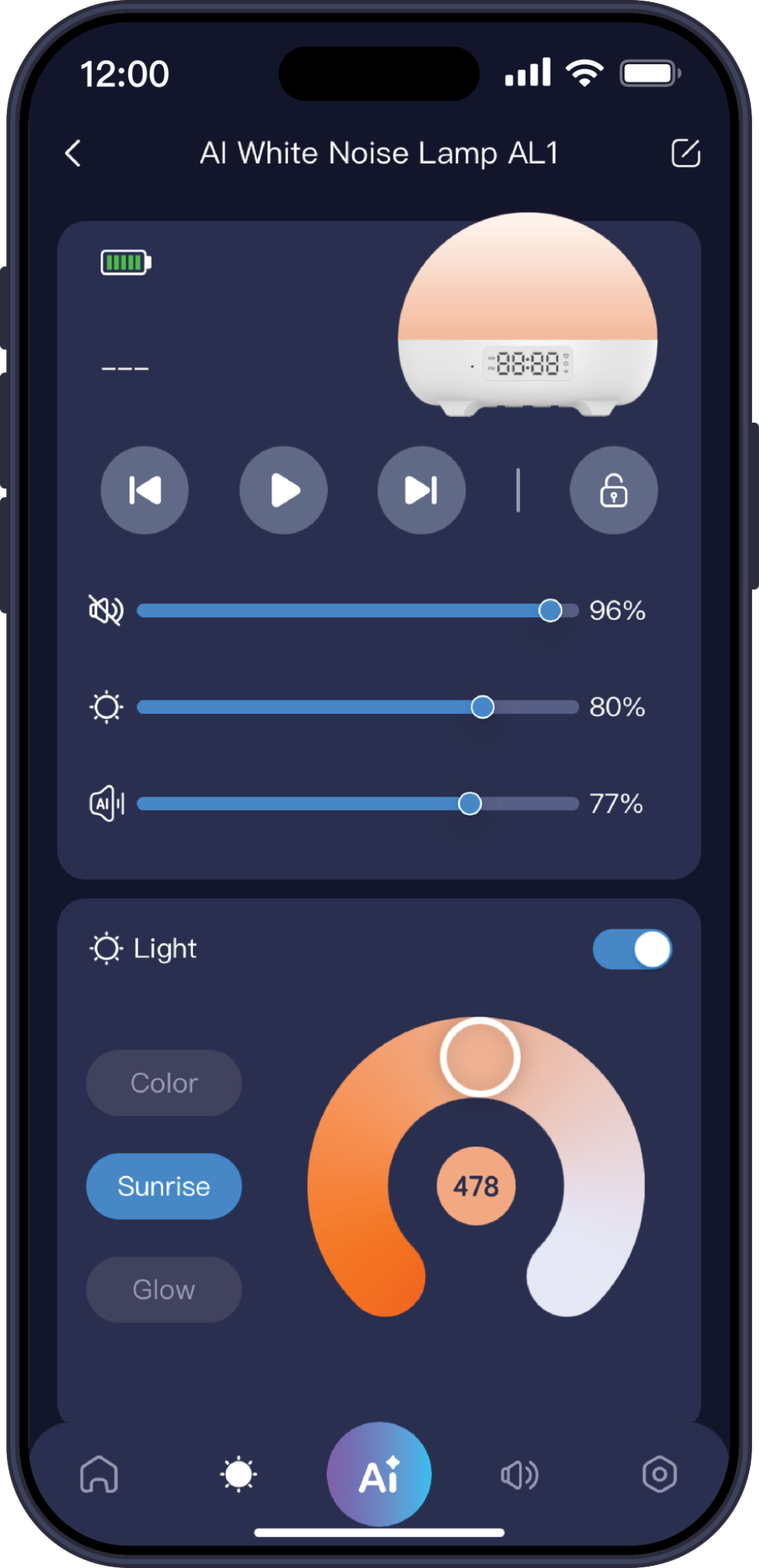
Lighting Settings
You can set Color Light, Day Light, and Effect Light modes. Only when Color Light or Day Light is turned on, you can tap the “478” icon in the center of the light to enable the 4-7-8 Breathing Light (aids in falling asleep faster).
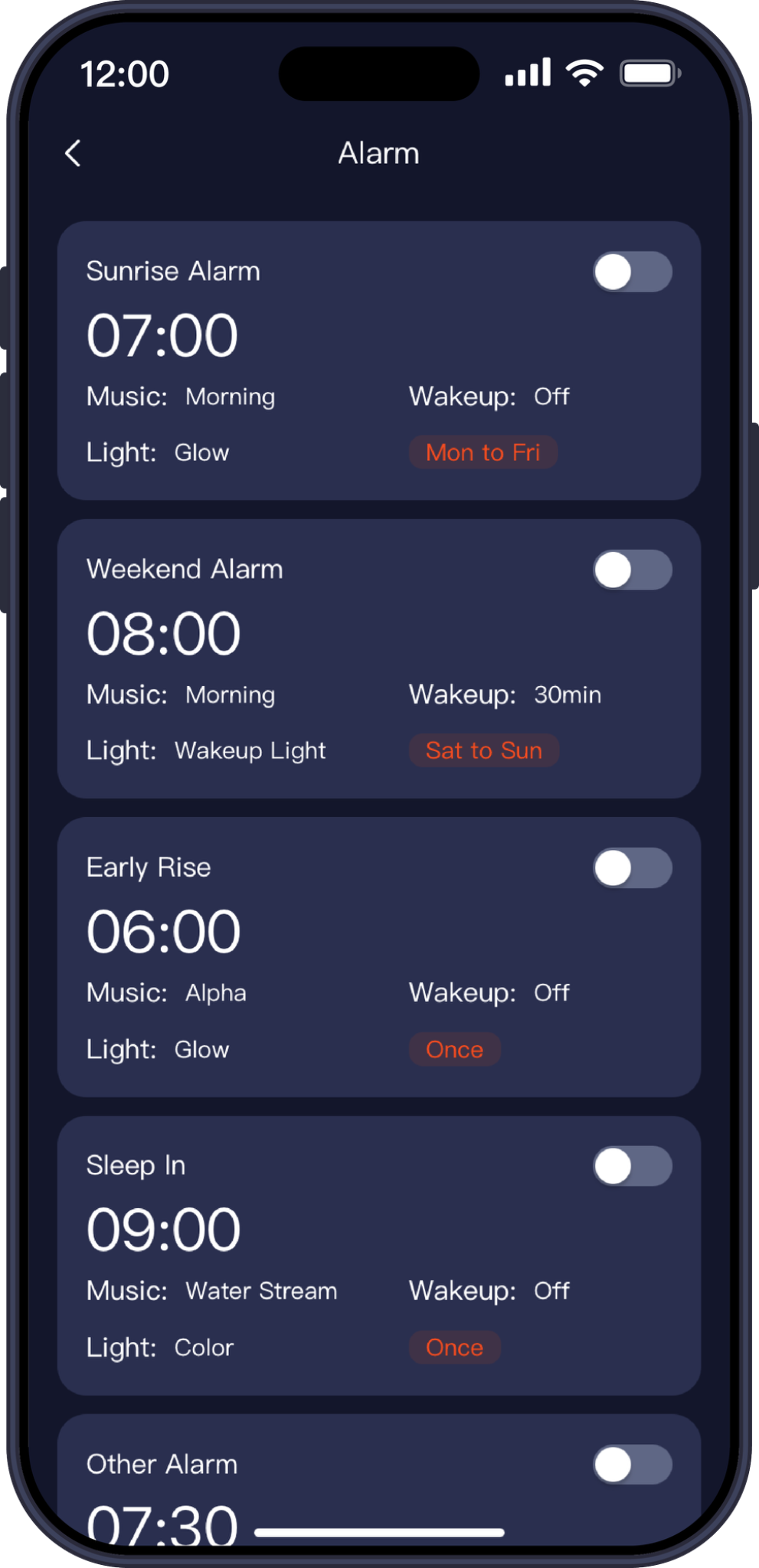
Alarm Settings
You can set the start time and wake-up time (Wake-up Light: Color Light Wake-up, Sunrise Wake-up), set the repetition cycle, select light color, light brightness (Brightness cannot be adjusted for Warm Breathing Light and Cool Breathing Light under Effect Light), sound track, and volume level.
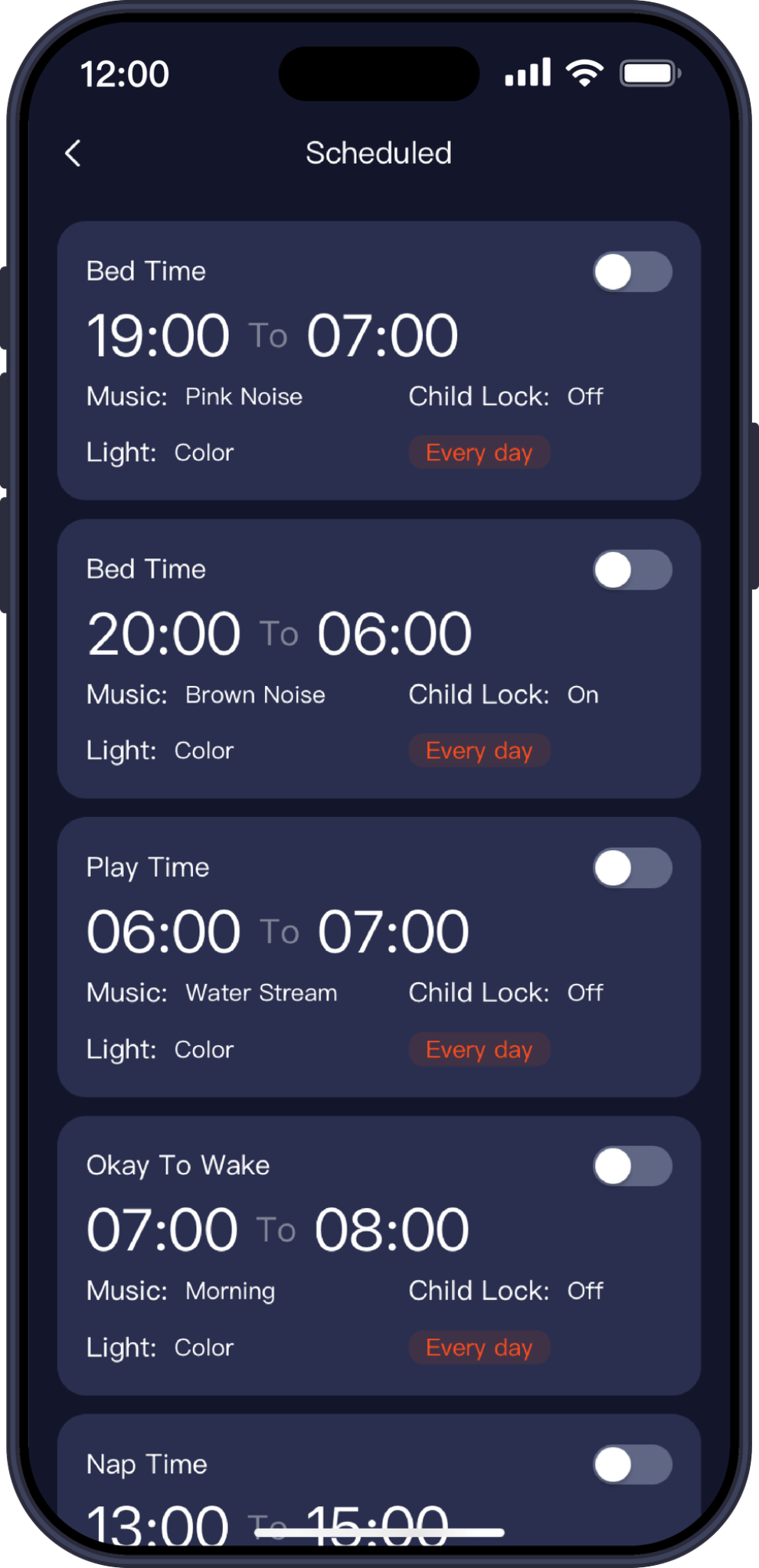
Schedule Settings
You can set the start time and end time, set the repetition cycle, select light color, light brightness, sound track, child lock switch, and volume level. The device preview for Schedules works the same way as for Scene Modes. On the schedule list screen, swipe left on an entry to delete it.
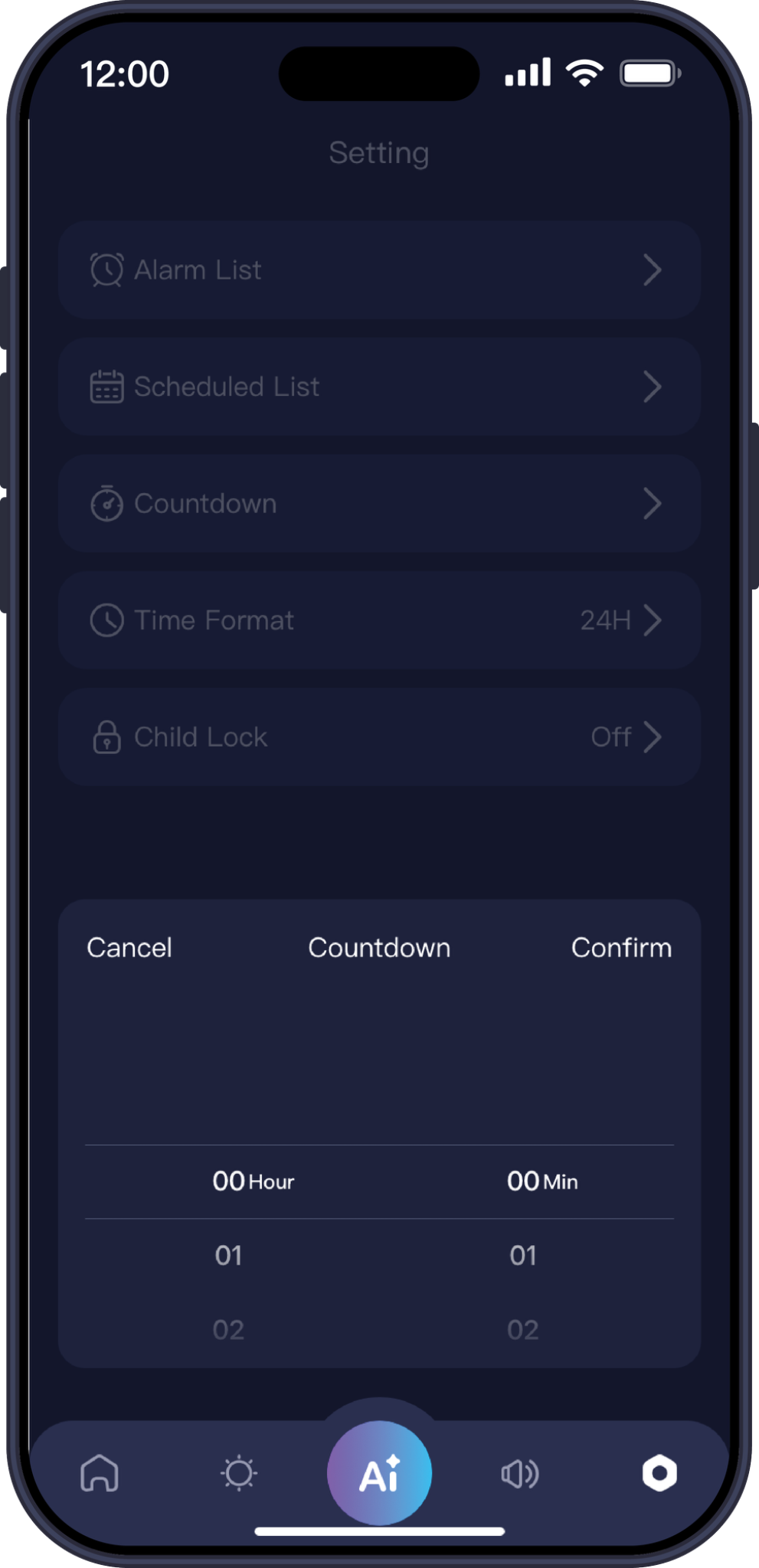
Timer Settings
Supports setting a countdown timer within 23 hours and 59 minutes period. When the countdown ends, the device will turn off sounds and lights.
07 / EASY CONNECTION
Connected in a few simple steps
Set up with the 365 Life app, available for Android and iOS. Connect to a 2.4 GHz Wi-Fi network to get started.
- Download the app and prepare your phone
Download the 365 Life app for Android or iOS using the QR code. Turn on Bluetooth and Location services, then connect your phone to a 2.4 GHz Wi-Fi network. - Put the lamp into pairing mode
Press and hold the Next Track and Volume − buttons on the bottom of the lamp at the same time. Keep holding until the Wi-Fi icon on the LED clock display starts blinking. Open the 365 Life app and select “Add Device”. - Connect the device and finish setup
Add the lamp in the app and enter your 2.4 GHz Wi-Fi password. Follow the app’s prompts to complete the connection. Once connected, select “Done”.
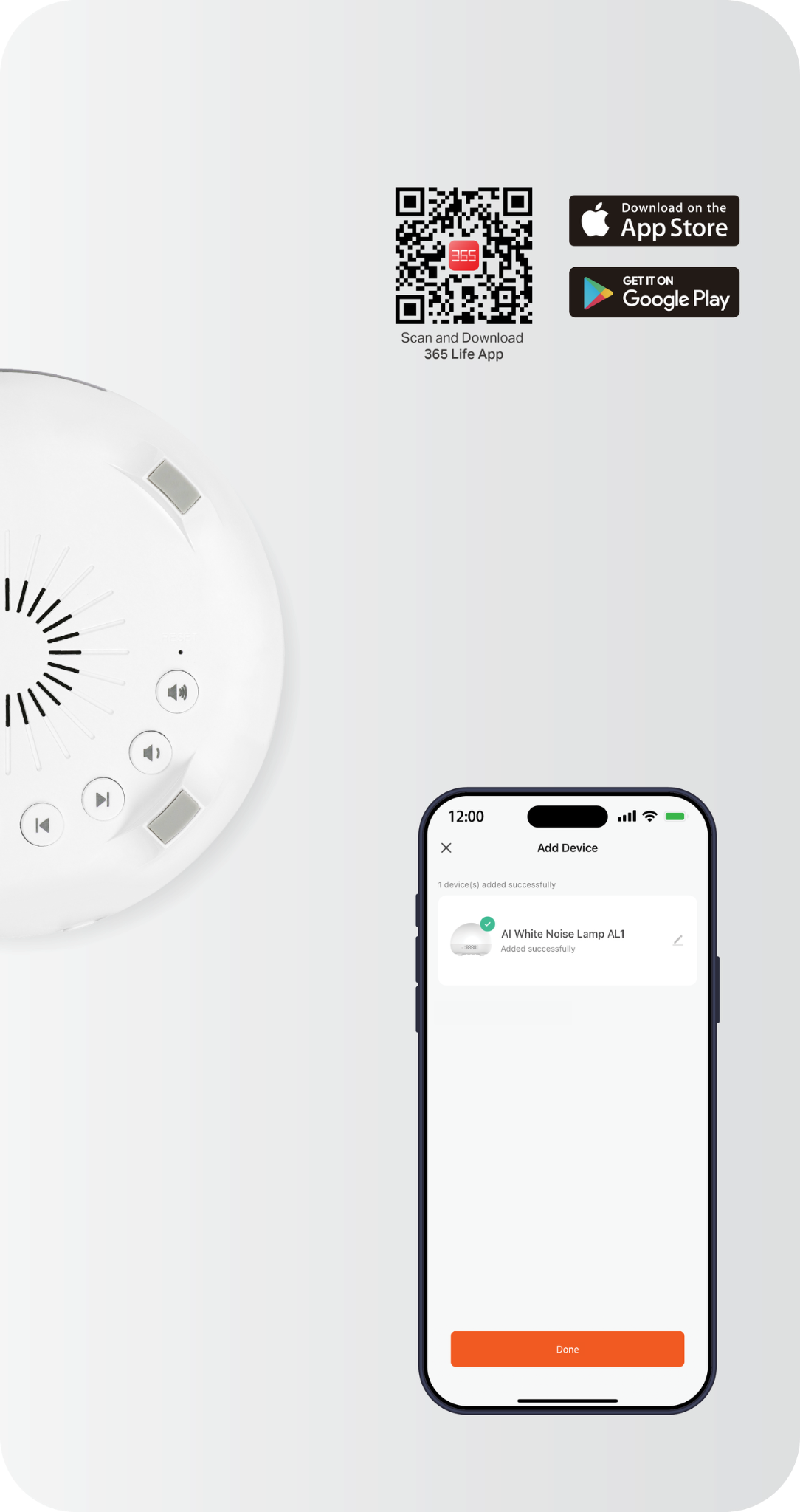
Mobile App Network
Setup Instructions
01Download APP
02Pairing Mode
03Connect Device
08 / SPECIFICATIONS
Compact by design
Built for everyday use
The details that make AL1 a compact part of your everyday routine.
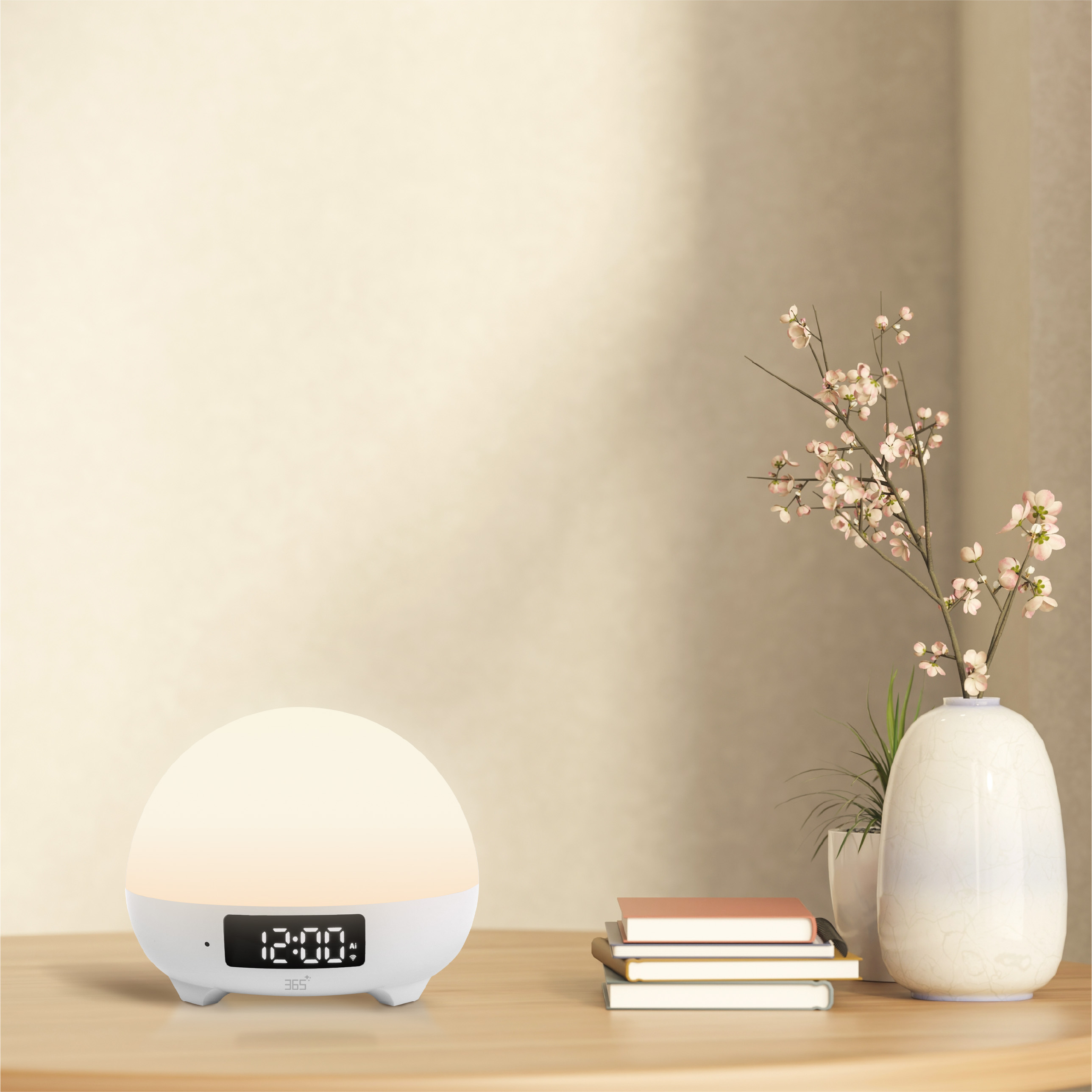
| Model | 365-SEL-182 |
|---|---|
| Dimensions | Ø130 × 102 mm |
| Net weight | 320 g |
| Power input | 5 V / 2 A, USB Type-C |
| Rated power | 10 W |
| Battery | Built-in 1800 mAh rechargeable lithium-ion battery |
| Speaker & microphone | 3 W speaker with built-in microphone |
| Built-in sounds | 36 white noise, nature, and soothing sounds |
| Sleep timer | 30 / 60 / 90 minutes |
| Lighting | RGB and tunable white LEDs |
| Luminous flux | Max. 140 lm |
| Display | LED clock display with 12-hour / 24-hour format |
| Wireless connection | 2.4 GHz Wi-Fi |
| Supported system | Android / iOS |
| Warranty | 12 months |
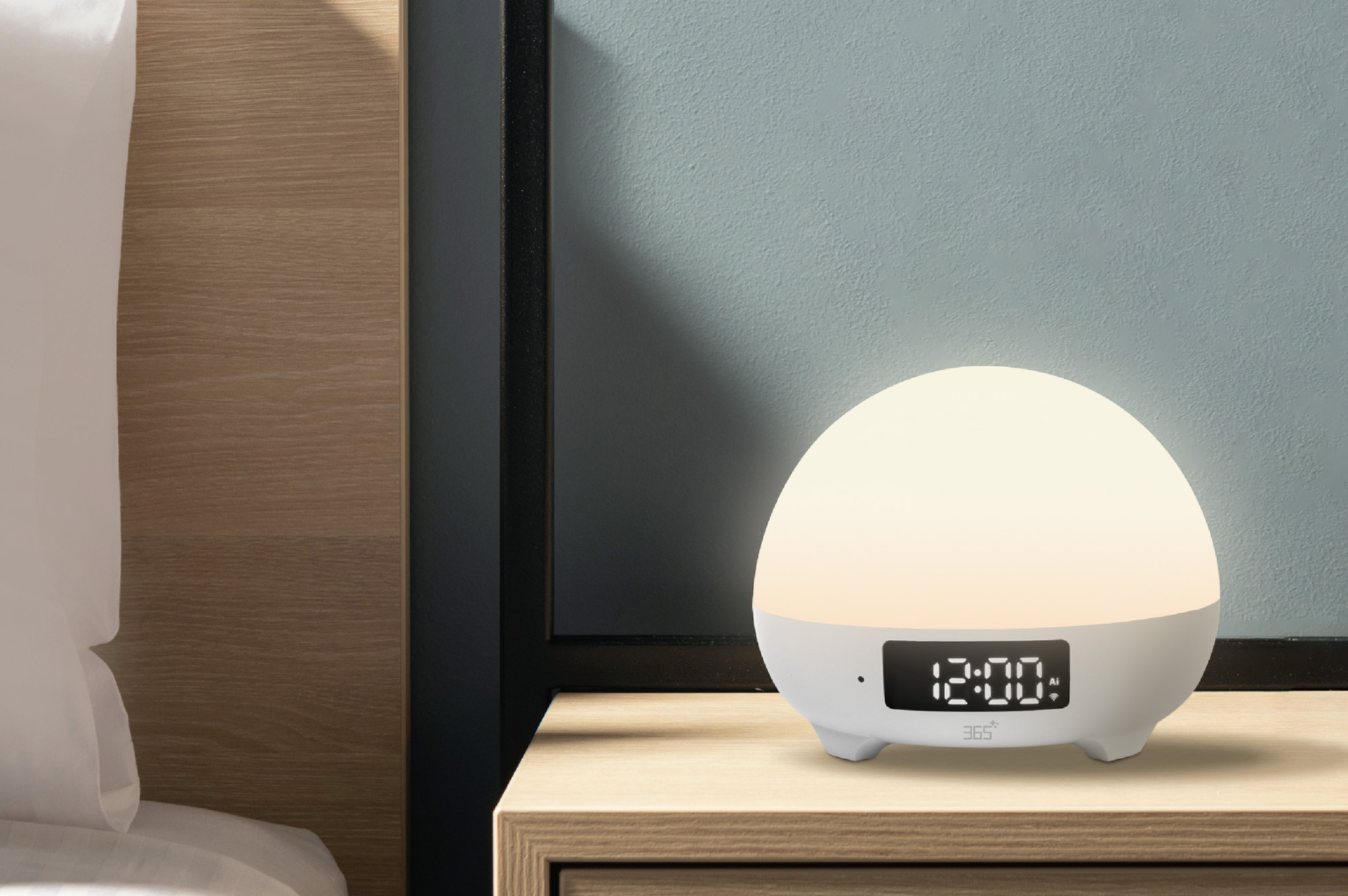
365 AI Sleep Lamp AL1
Live on a whole new level
One compact device for conversation, atmosphere, sound, timing, and connected control.