
4G MiFi C32
My walking
Wi-Fi
Turn 4G internet into Wi-Fi and take your connection with you.
Maximum download speed
Share your Wi-Fi
Maximum working time
Easy power connection
Turn 4G internet into Wi-Fi
A connection that comes along
Connect to a 3G or 4G mobile network and share it as Wi-Fi with your everyday devices.

3G / 4G connectivity
Maximum download speed
Made for staying connected on the move.
Actual data speeds depend on network conditions.
Small device More freedom
Portable MiFi
From a walk in the park to a day away, bring your Wi-Fi connection with you.

Compact by design
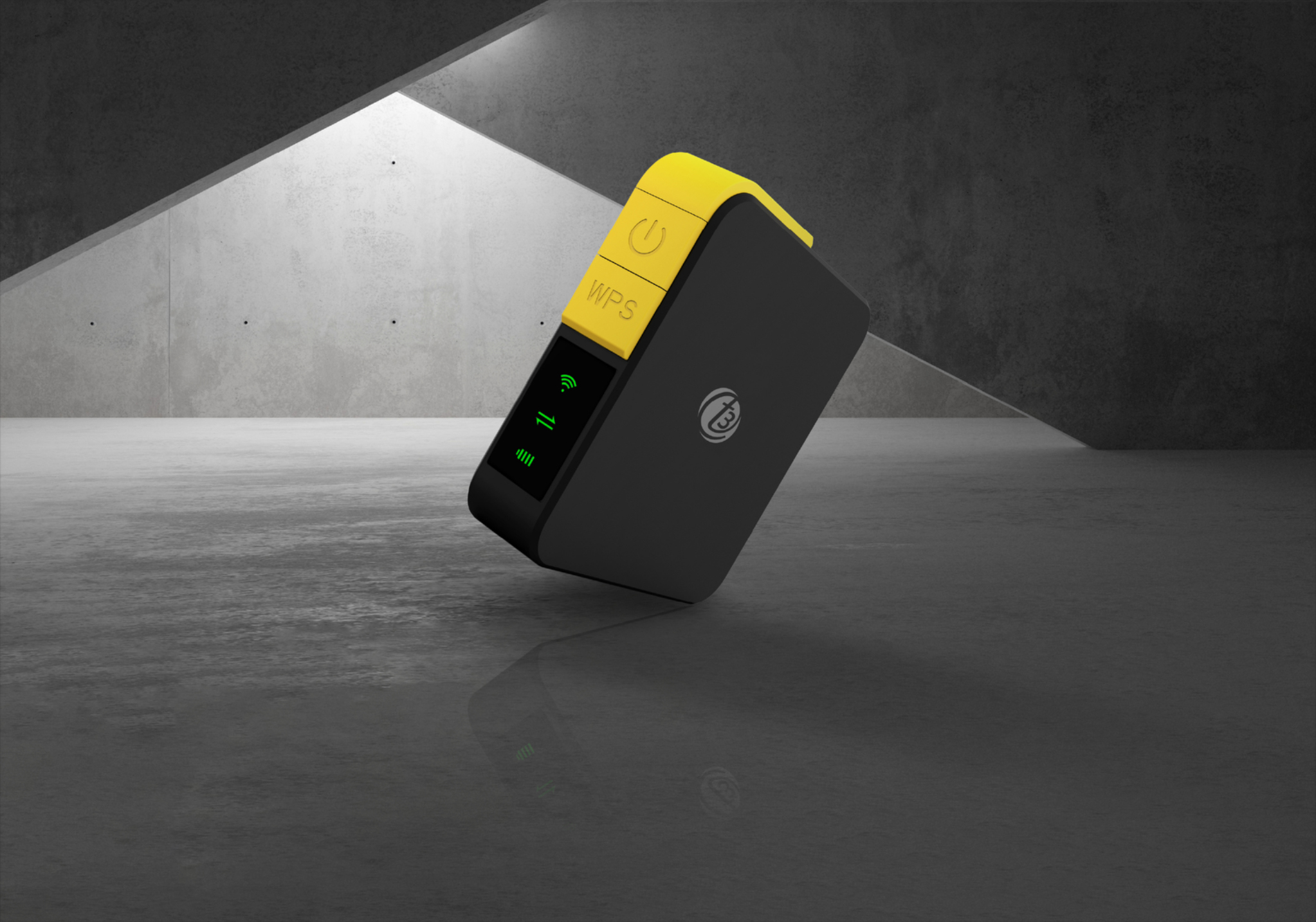
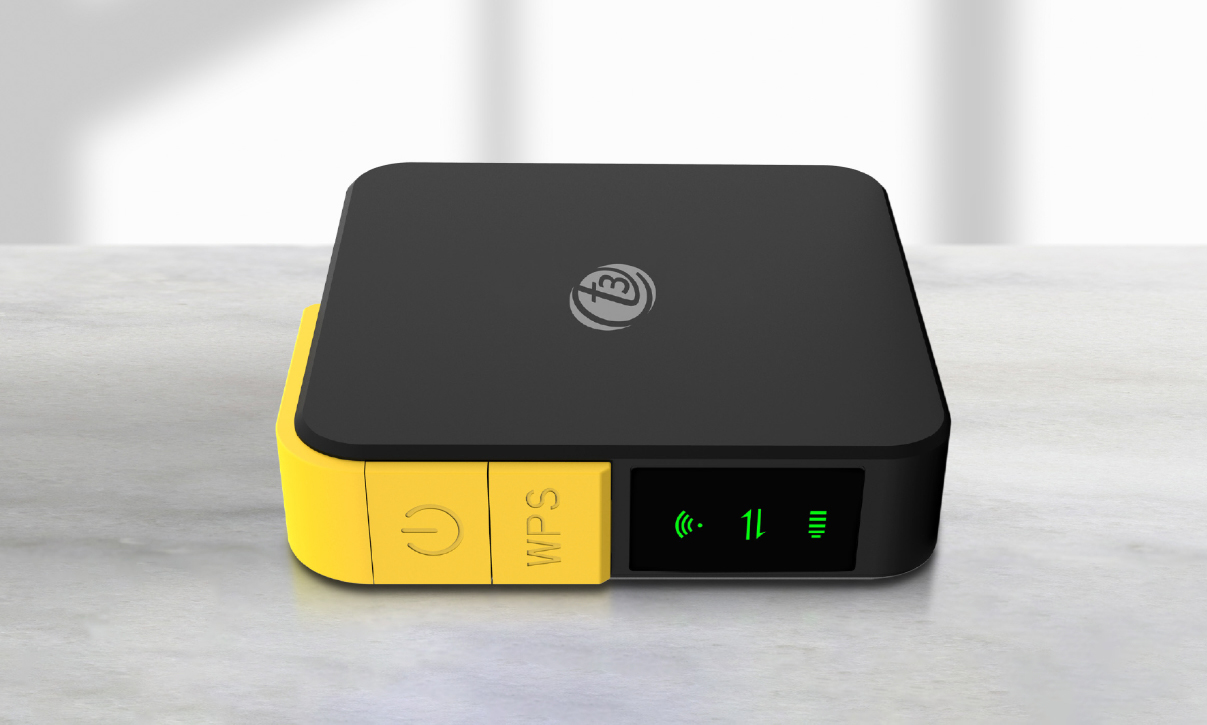
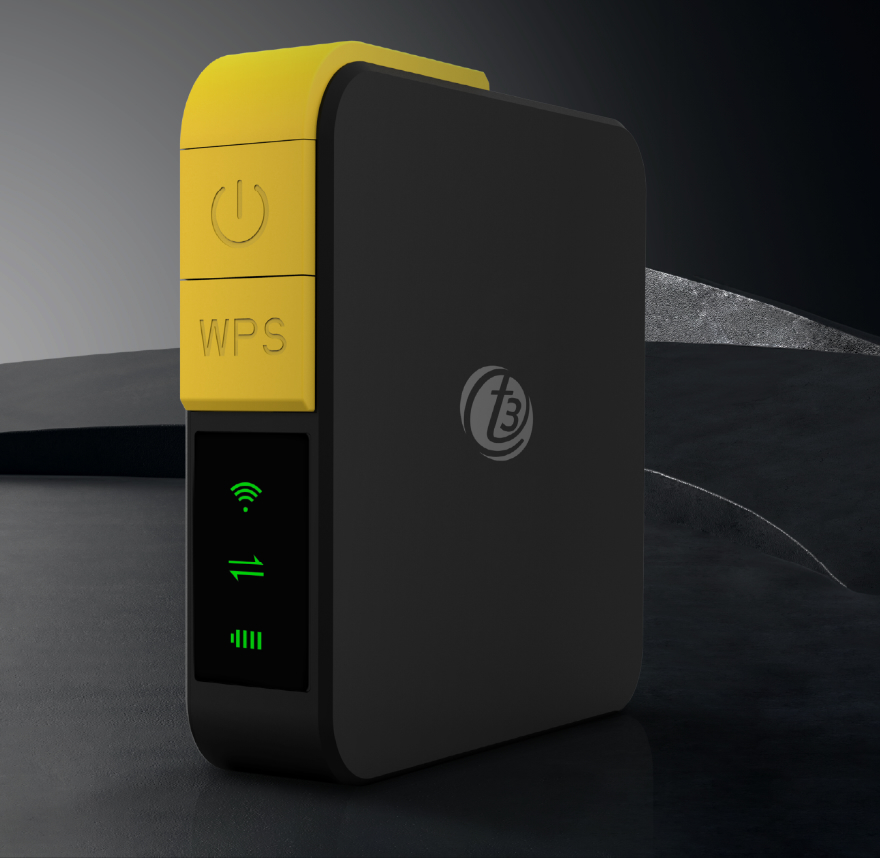
A compact body with a Nano SIM card slot, USB Type-C port and dedicated controls.
Power for the day ahead
Long-life battery
Less stopping
A 2800 mAh lithium-ion battery delivers up to 8 hours of working time.
Battery life varies with use and network conditions.
One hotspot More company
Wi-Fi worth sharing
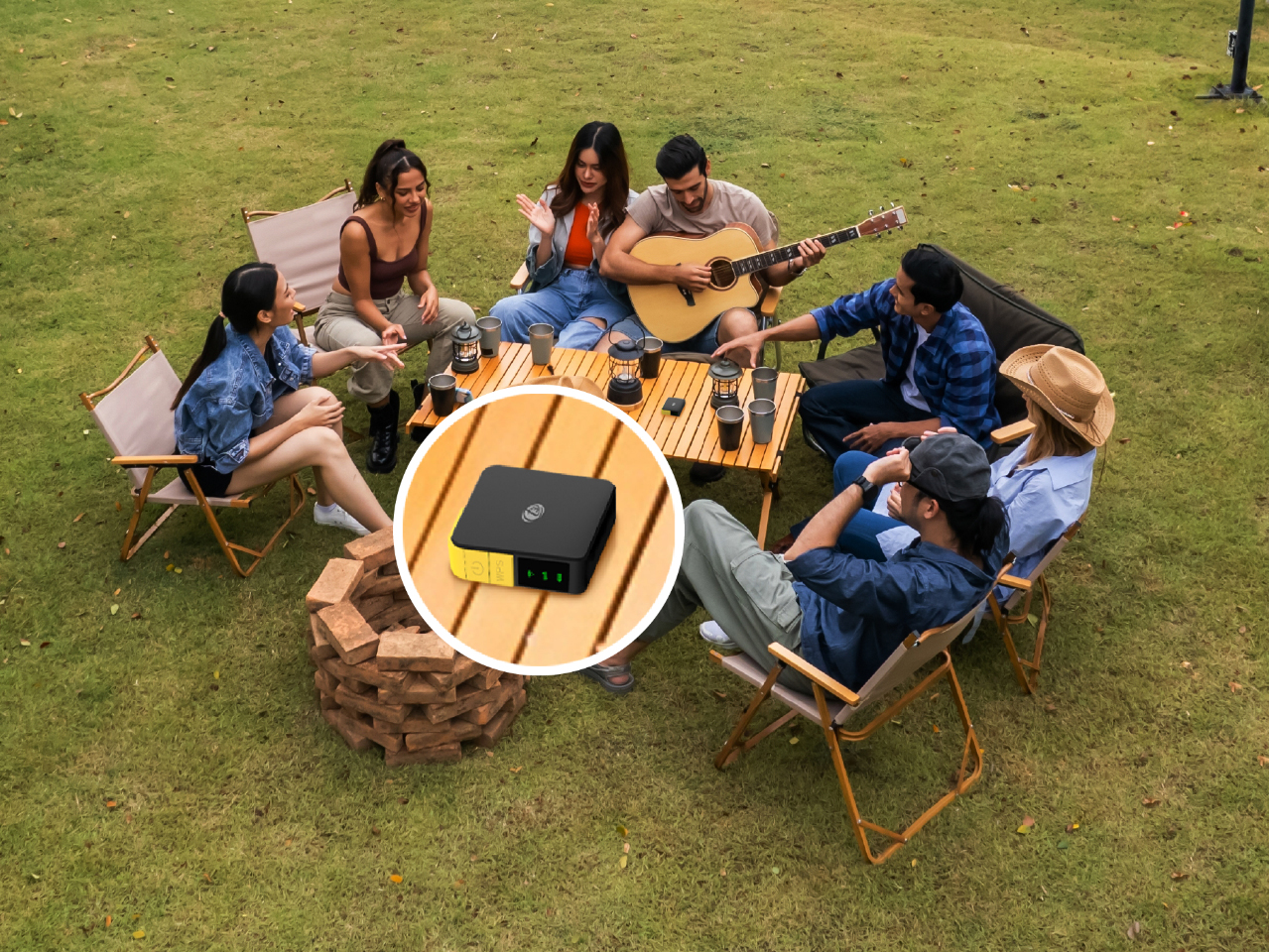
Connect your phone, tablet or laptop, and share Wi-Fi with up to 10 clients.
Wherever you go

Travel

Camping

Work
Get to know your MiFi
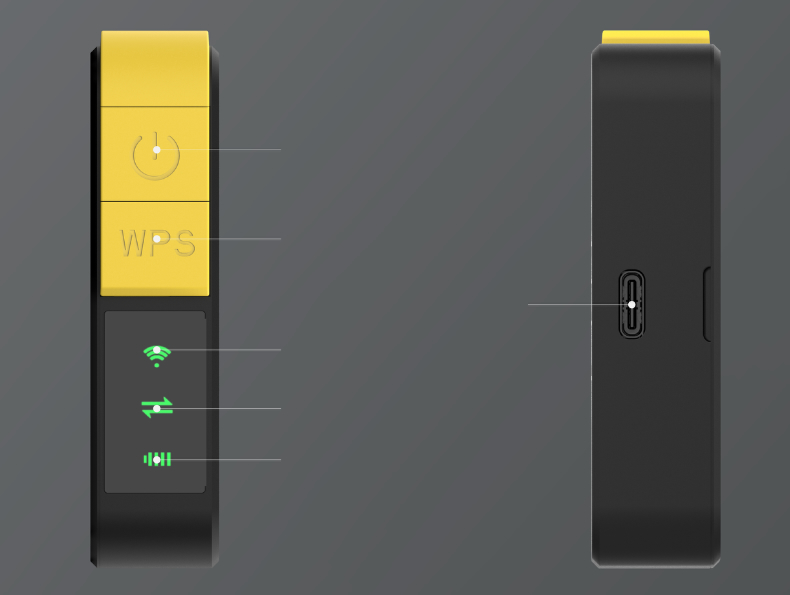
Connected user is green on.
is red blink. Connected is green on.
Full is green on. Battery capacity < 15%
is red blink. No battery is no LED.
Simple controls, clear status
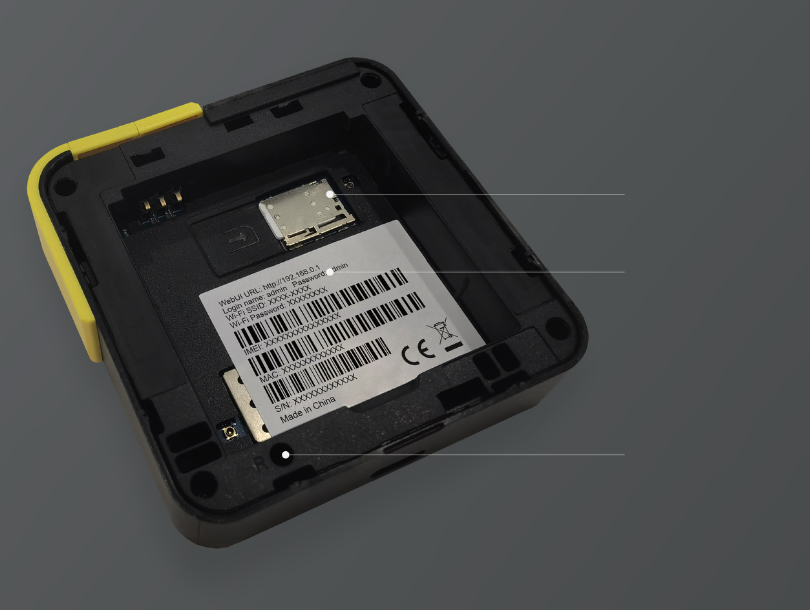
and Password
Everything in its place
Understanding the status indicators
Wi-Fi status
Red: no connected user.
Green: a user is connected.
Signal status
Red: no SIM.
Blinking red: not connected.
Green: connected.
Battery status
Normal: LED off. Charging: red. Full: green. Below 15%: blinking red. No battery: LED off.
Specifications
| Mobile network | 3G / 4G |
|---|---|
| Maximum data rates | 150 Mbps download / 50 Mbps upload |
| Wi-Fi connection | 2.4 GHz |
| Connected clients | Up to 10 |
| SIM card | Nano SIM |
| Battery | 2800 mAh Li-ion |
| Working time | Up to 8 hours |
| Power supply | 5 V DC, 1 A / USB Type-C |
| Configuration | Web GUI |
| LED indicators | Wi-Fi, signal and battery status |
| Dimensions | 70 (L) × 70 (W) × 18 (H) mm |
| Weight | 220 g |
| Working temperature | −20°C to 55°C |
| Working humidity | 5%–95% |
| Warranty | 12 months |
Your connection Your settings
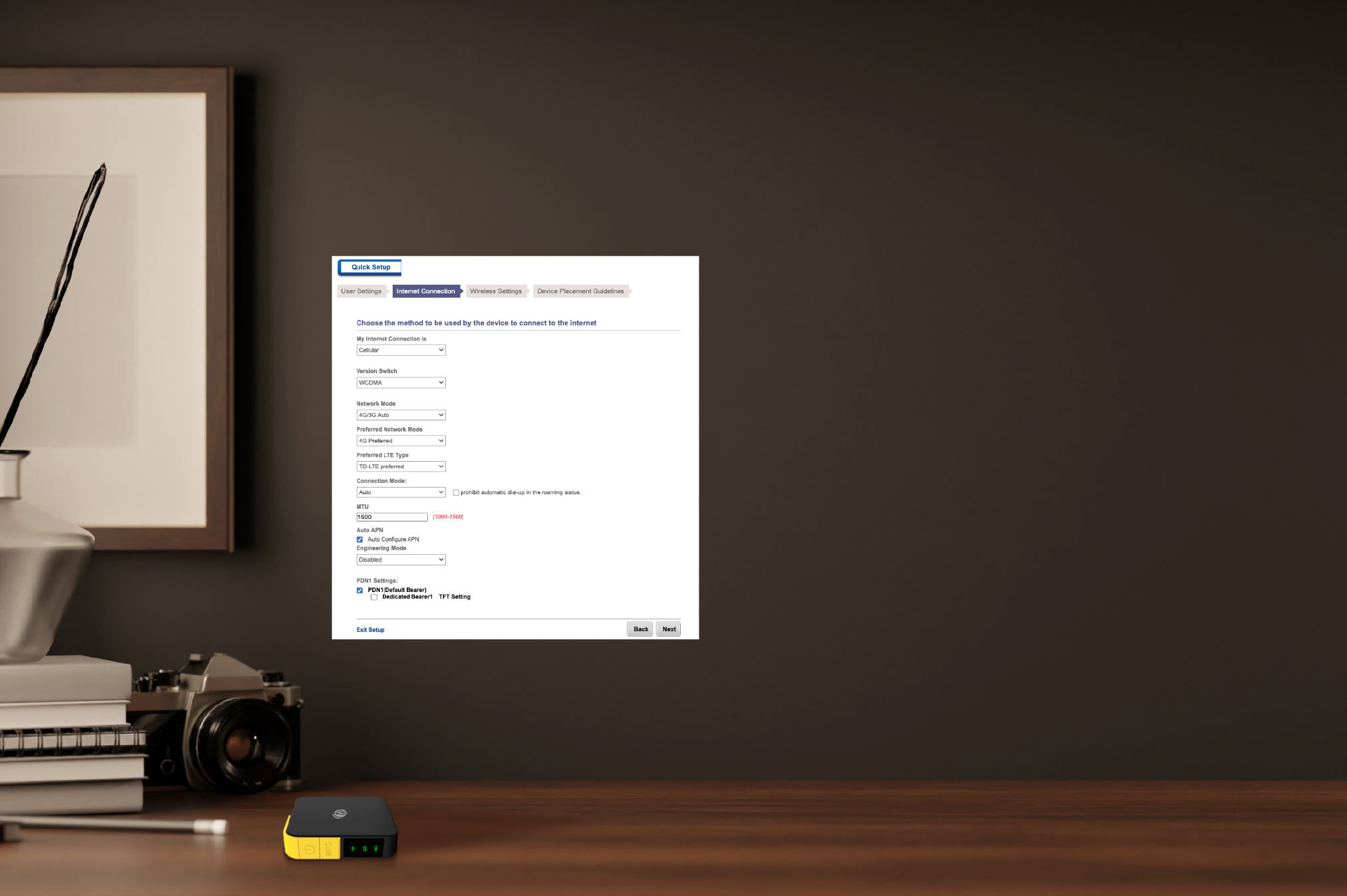
- Connect to your MiFiConnect a Wi-Fi-capable phone, tablet or laptop to the device’s Wi-Fi network. Find the Wi-Fi name and password inside the back cover.
- Open the management pageOpen a browser and enter
http://192.168.0.1in the address bar. - Sign in to the portalEnter
adminas both the default username and password. Change these under Quick Setup > User Settings.
User settings
Update the administrator username and password in Quick Setup > User Settings.
Internet settings
Manage the network mode, preferred network mode, preferred LTE type and connection mode in Quick Setup > Internet Connection. MTU range: 1000–1500.
Wireless settings
Adjust your wireless configuration in Quick Setup > Wireless Settings.
Stay Connected