Dash CameraDC1/DC2
Your Driving Assistant
Concentrate on your journey
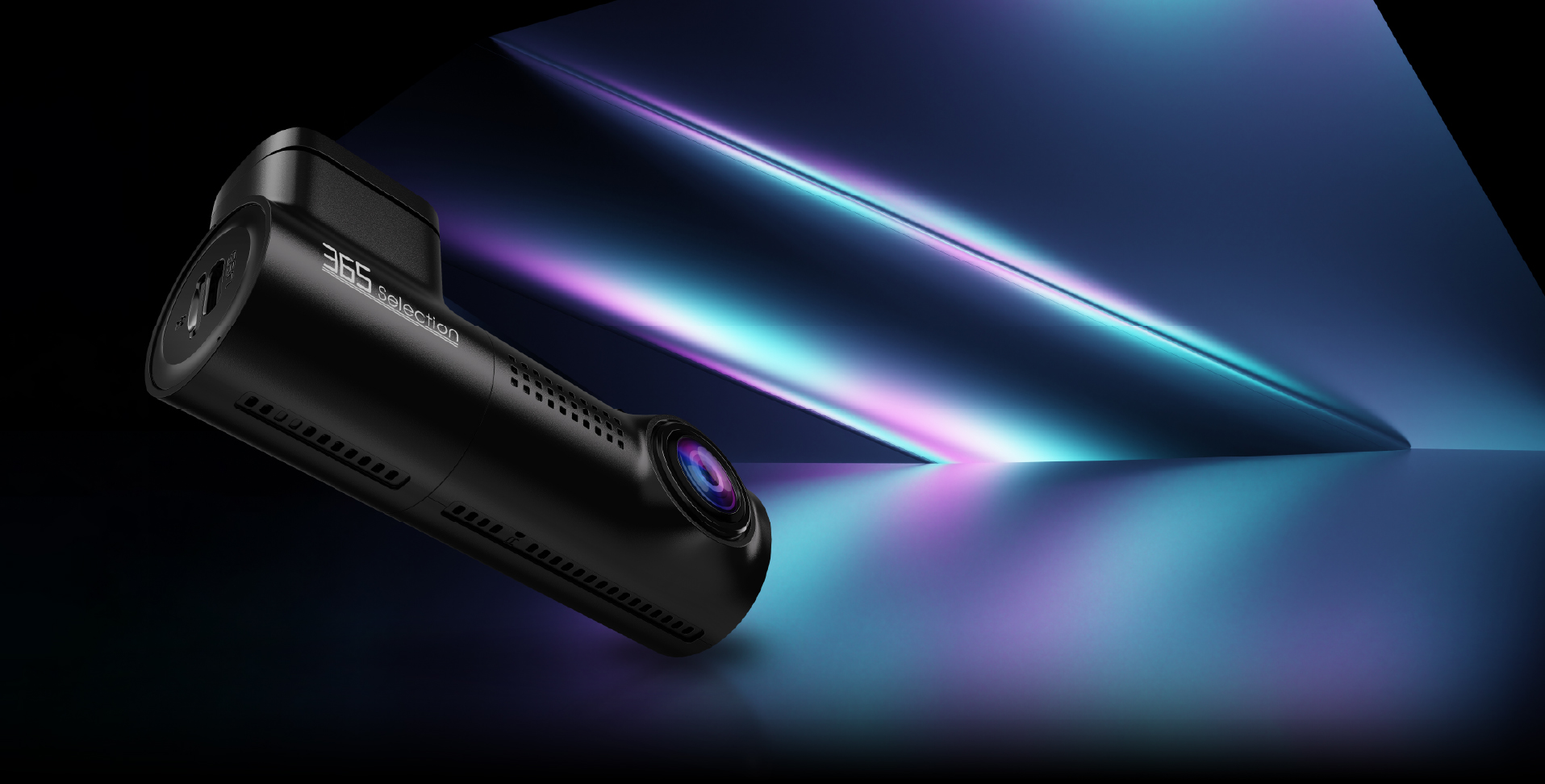
Dash Camera DC1
- Voice Control
- Loop Recording
- Night Vision
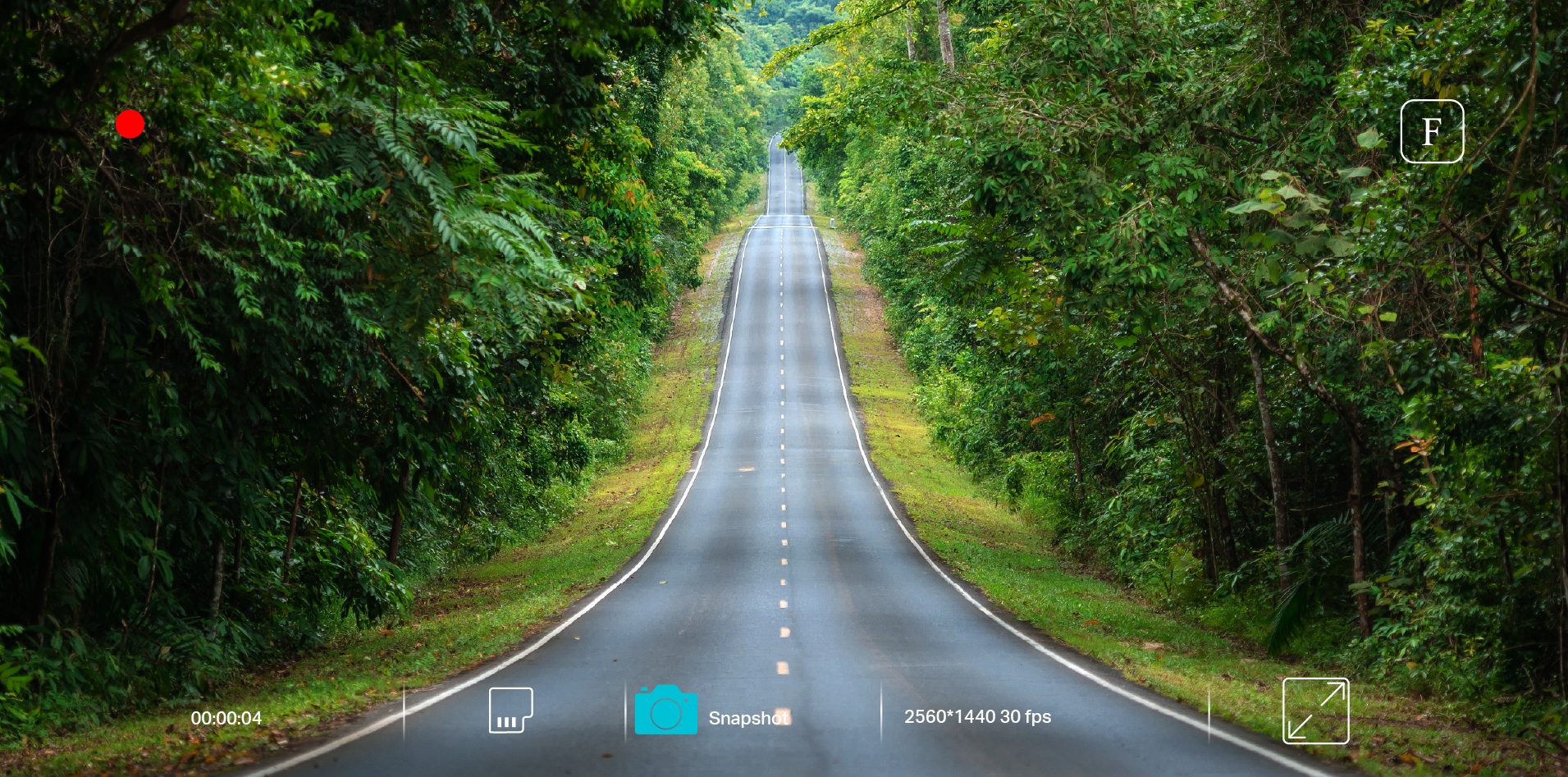
- Support 1440P
- G-Sensor
- Parking Mode*
- Wi-Fi
- App Control
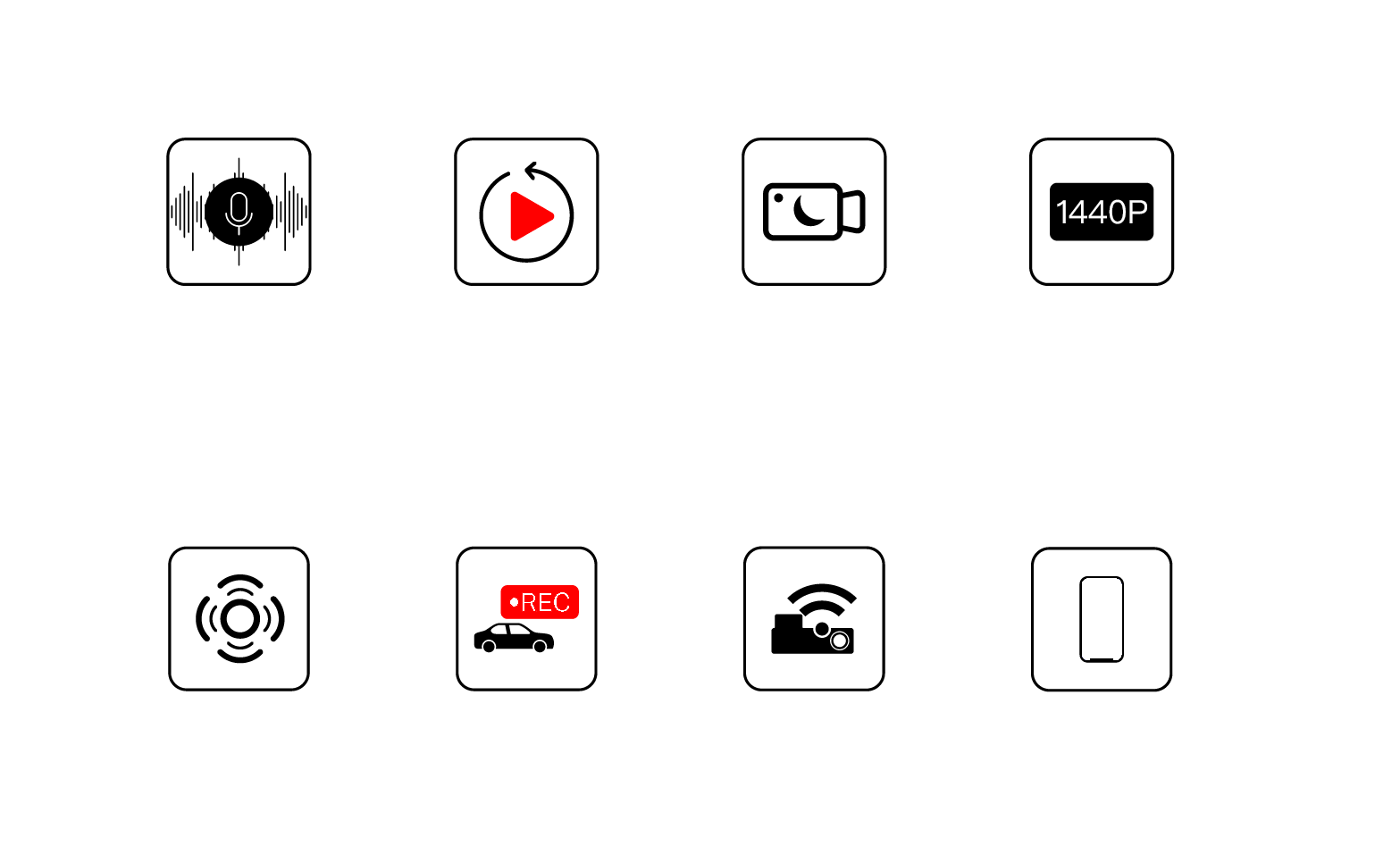
* Additional accessory is required for parking mode.
Wide Dynamic Range
Simple Manageable DC1
Click the white circles to view component details.
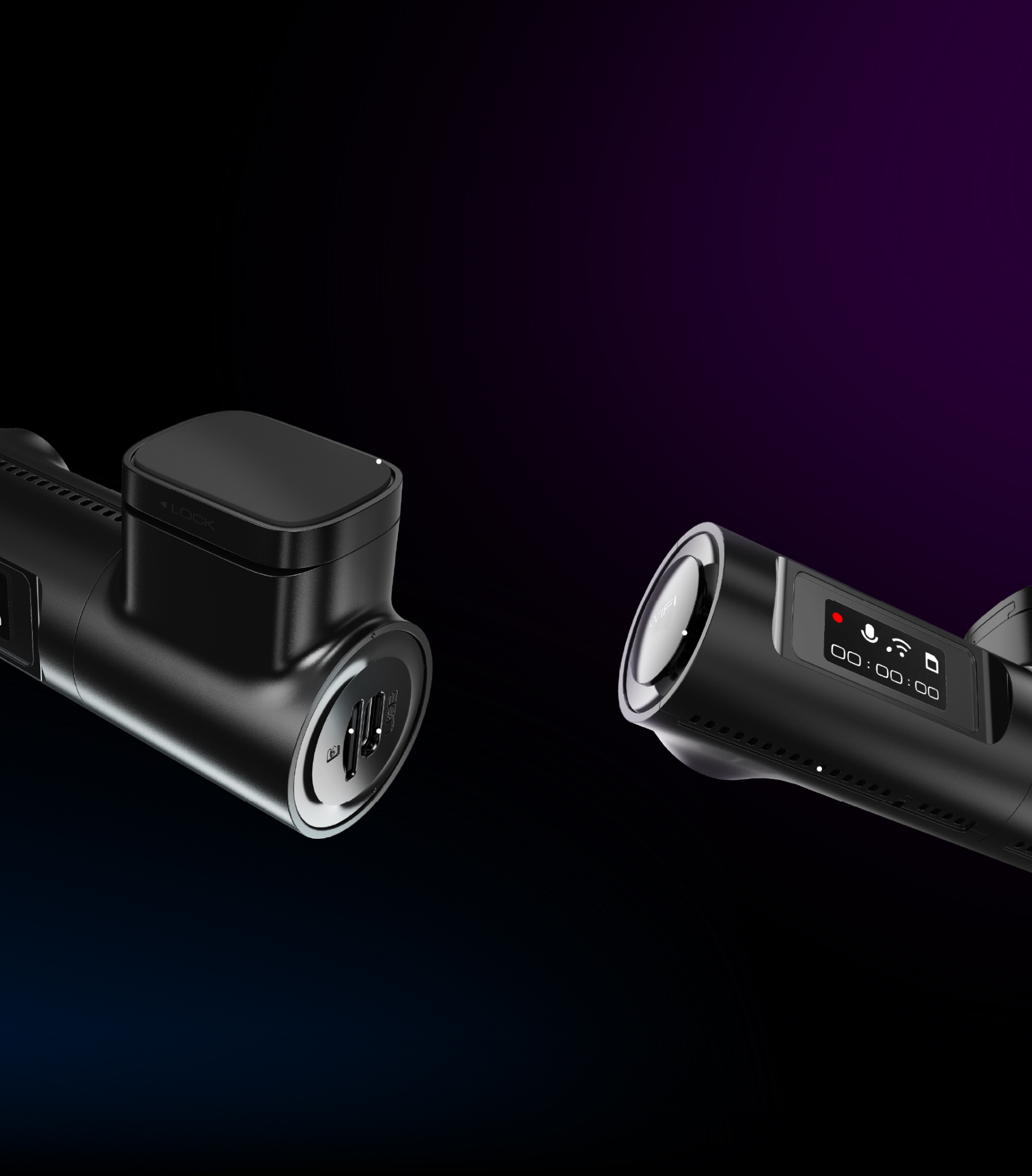 Sticker Mount0.96 Inch DisplayWi-Fi KeyMicroSD Card SlotType-C USB Charging PortSpeaker
Easy Installation
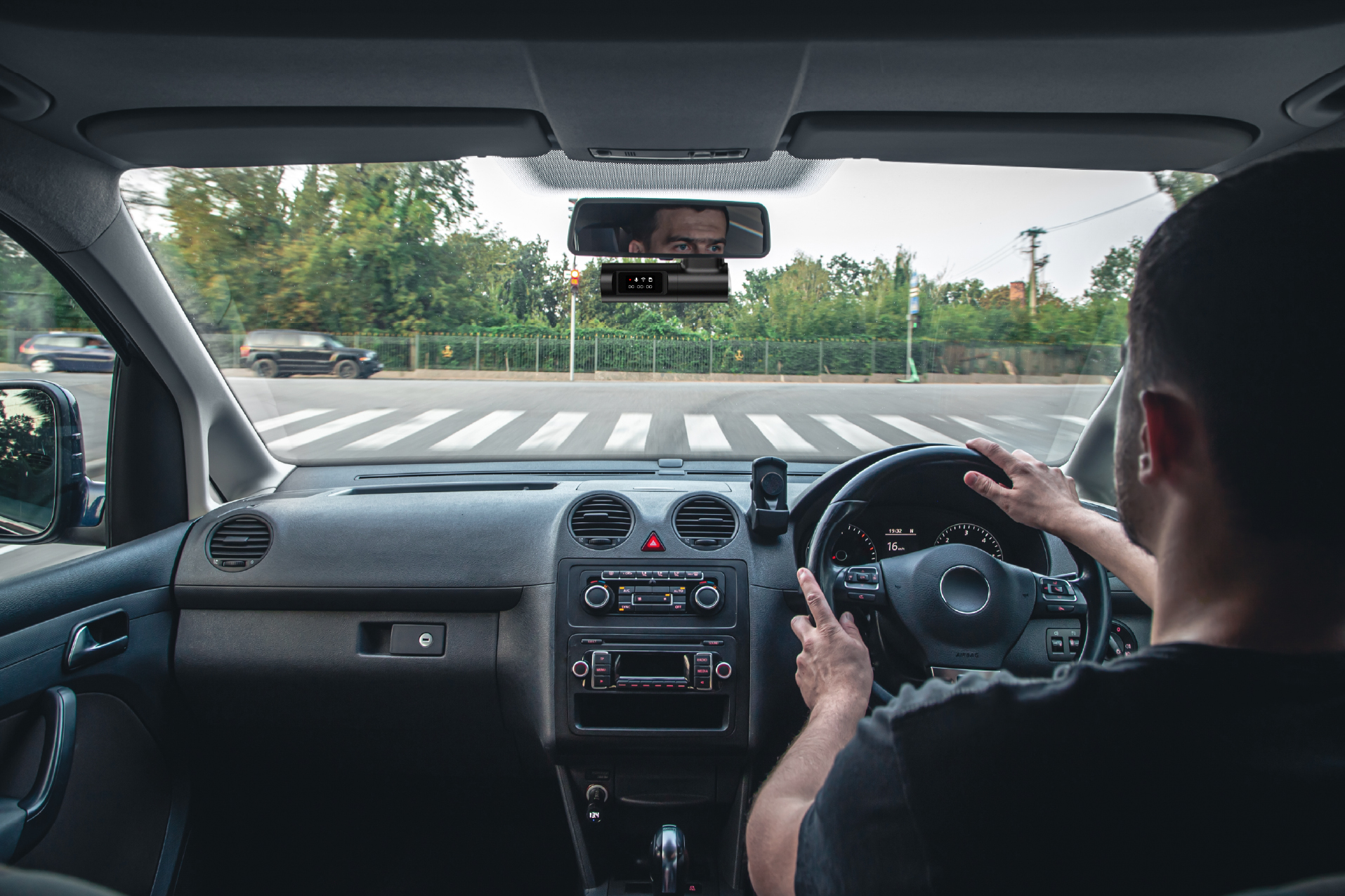
Install the front camera behind the rear view mirror. Plug the cigarette lighter power cable into the cigarette lighter socket and the front camera. Use the pry tool to lift the edges of the windshield and keep the power cord neatly hidden.
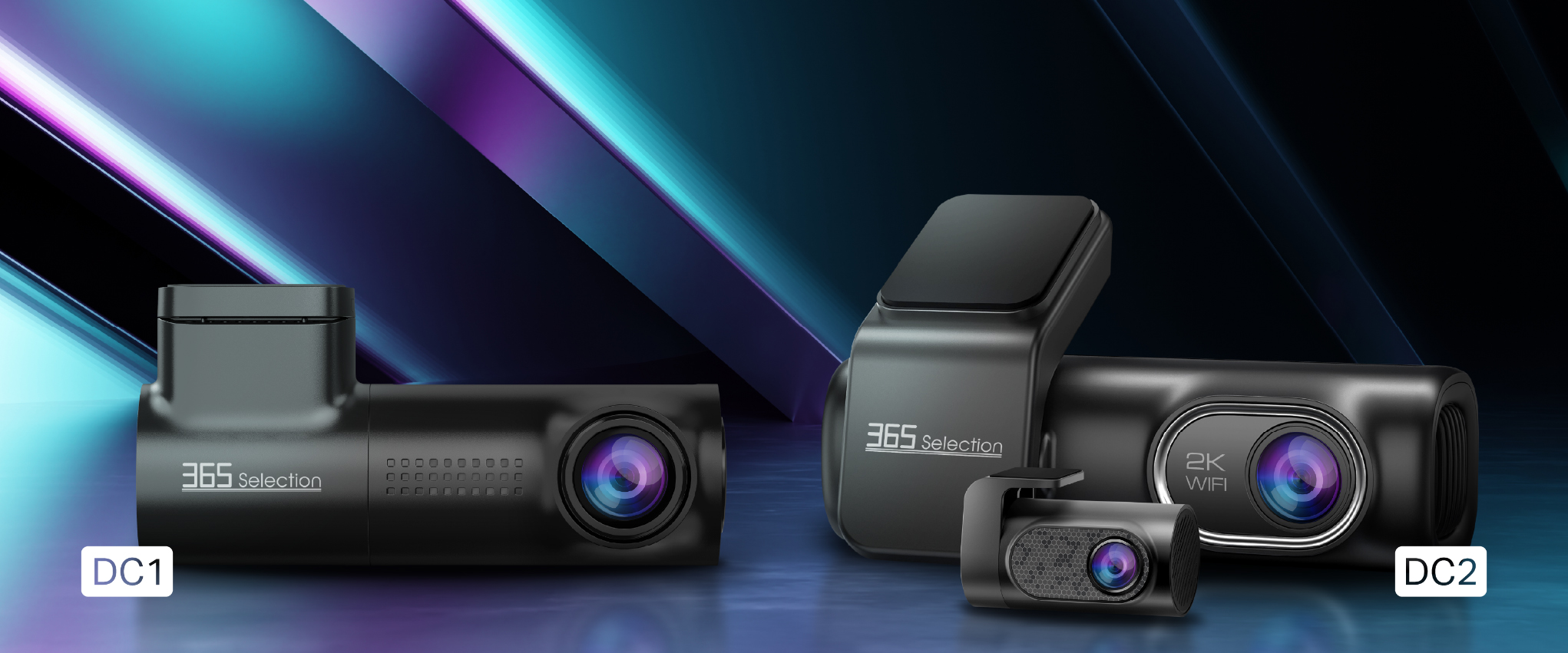
Dash Camera DC2
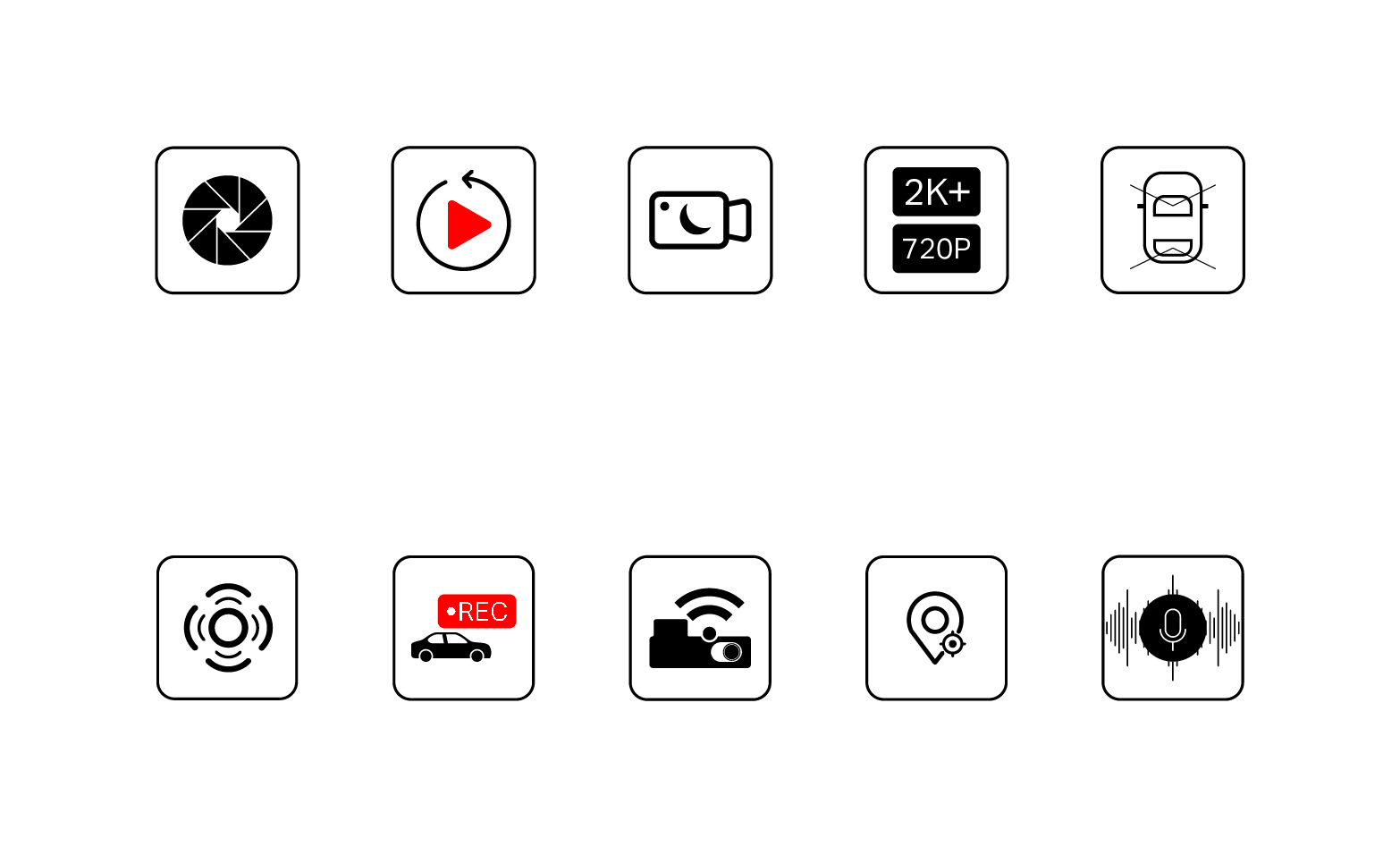
- Aperture F/1.8
- Loop Recording
- Night Vision
- Dual Cameras
- Front/Rear Cameras
- G-Sensor
- Parking Mode*
- Wi-Fi
- GPS
- Voice Control
* Additional accessory is required for parking mode.
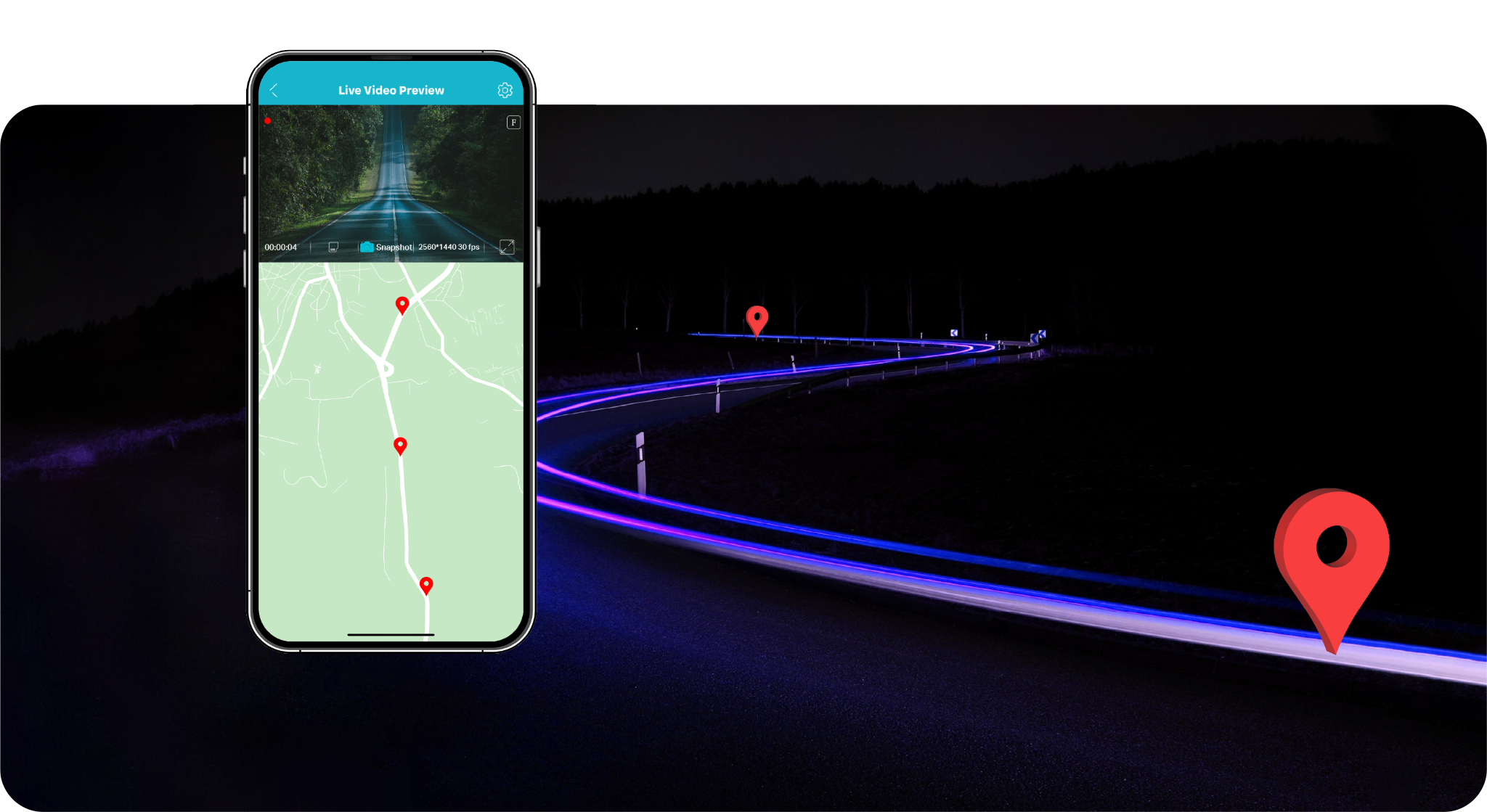
Built-in GPS
Get more information including time, speed, mileage, latitude and longitude.
2K Resolution
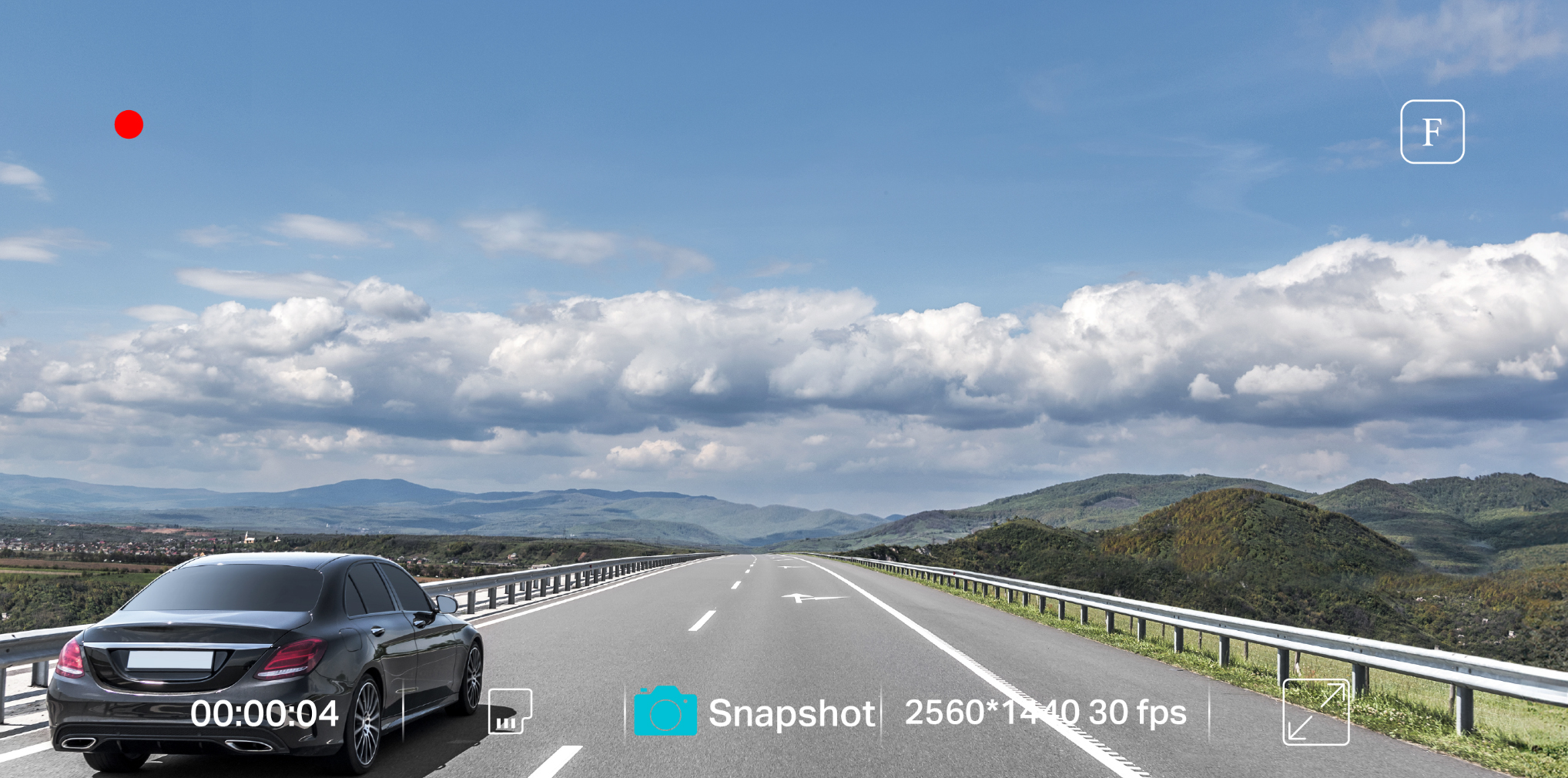
The front camera has a resolution of 2560 × 1440P (30fps) and the rear camera has a resolution of 1920 × 1080P (30fps).
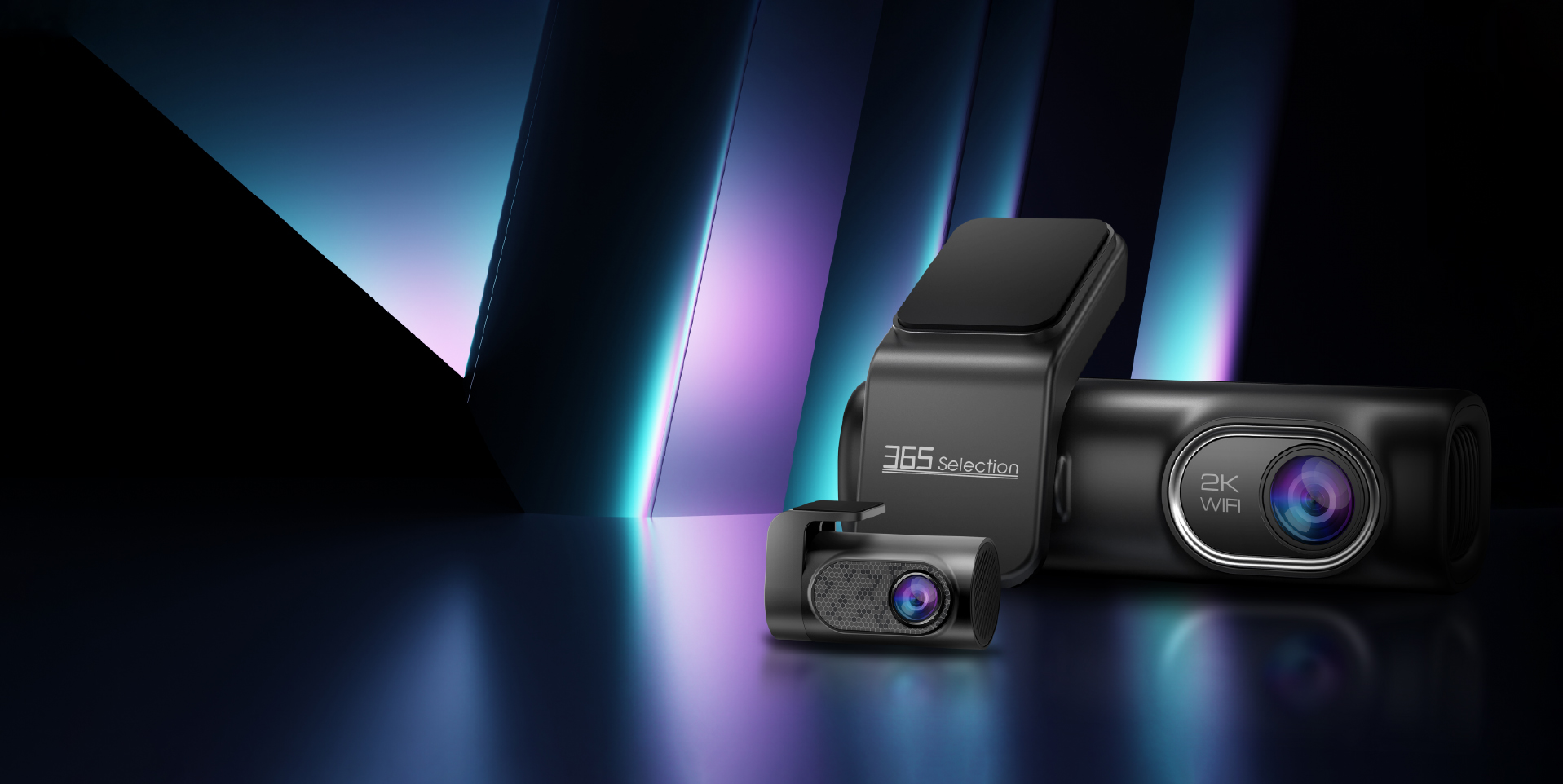
Dual Camera DC2
Click the white circles to view component details.
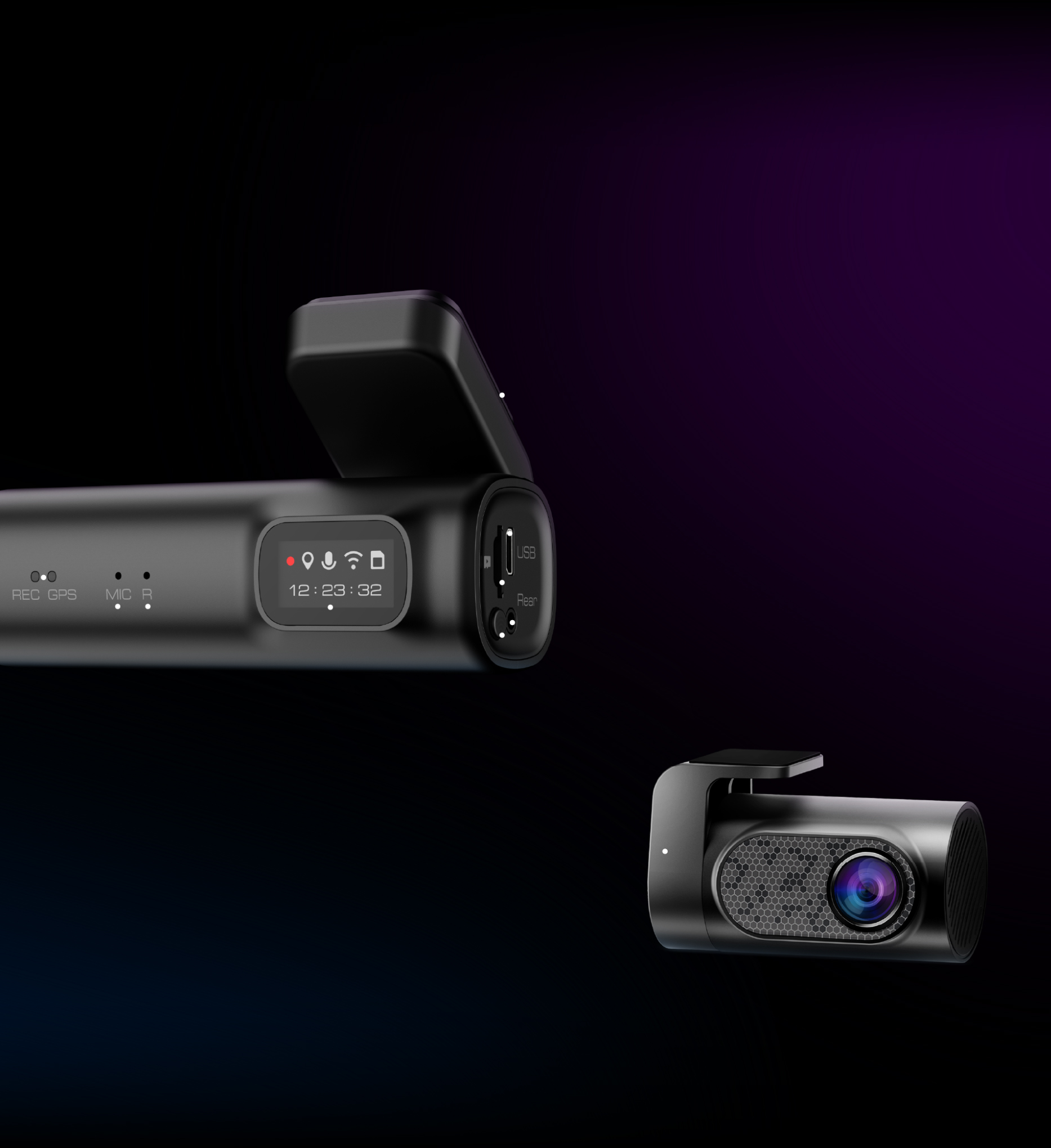 Sticker MountMicro USB Charging PortMicroSD Card SlotRear Camera Slot (AV-IN)Wi-Fi Key0.96 Inch DisplayReset ButtonMicrophoneLED IndicatorRear Camera
How to Install DC2
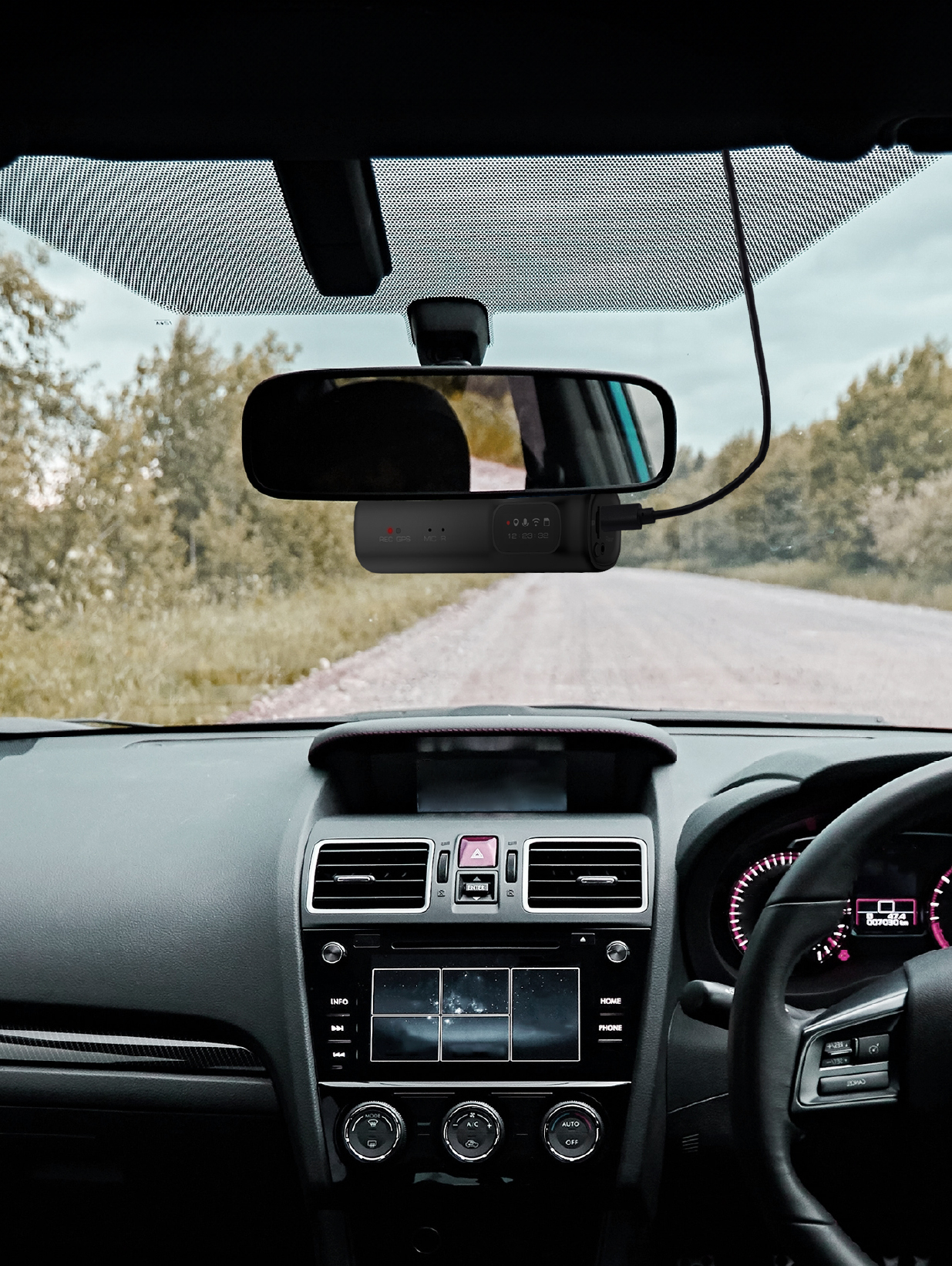
Front Camera
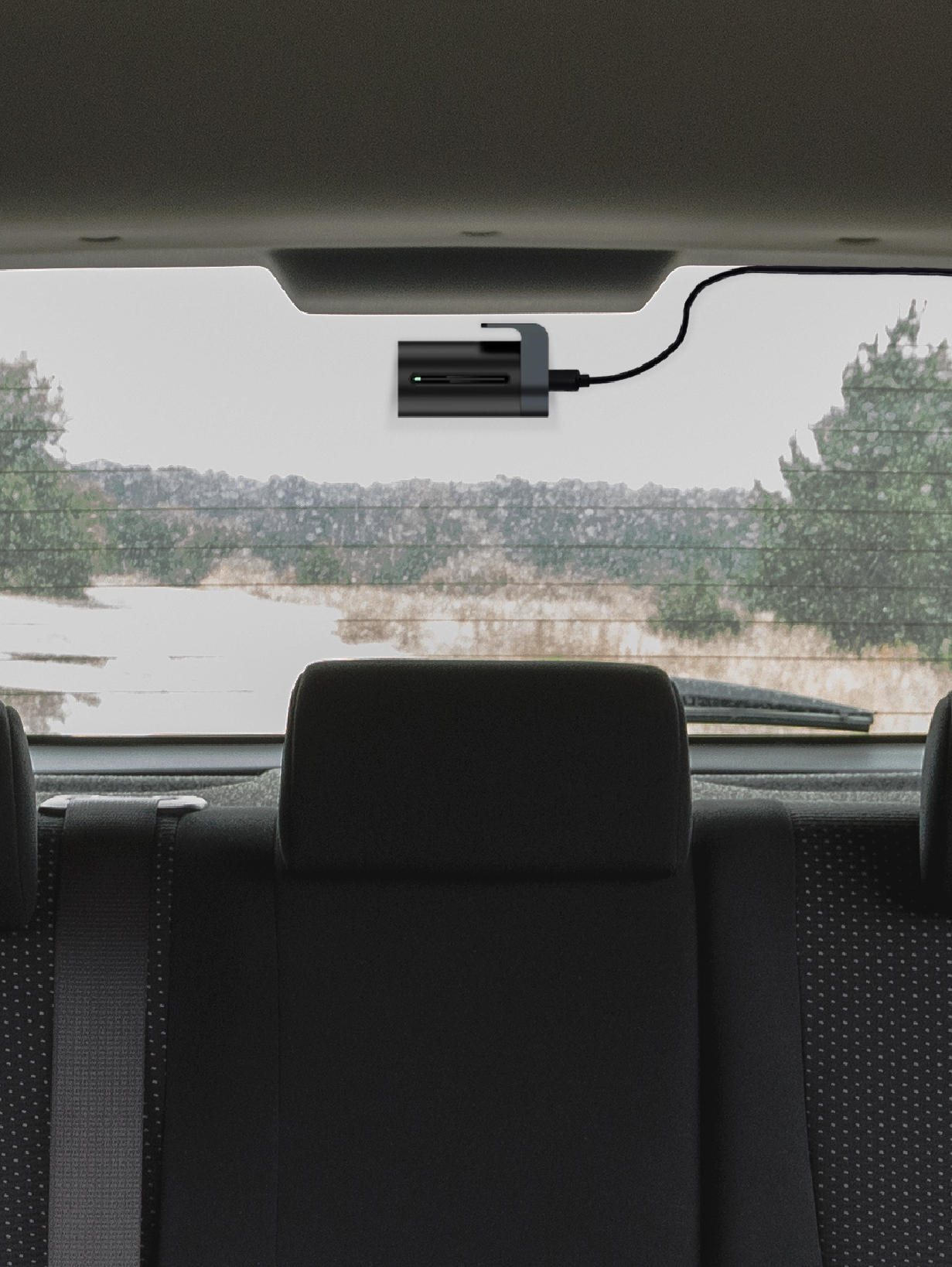
Rear Camera
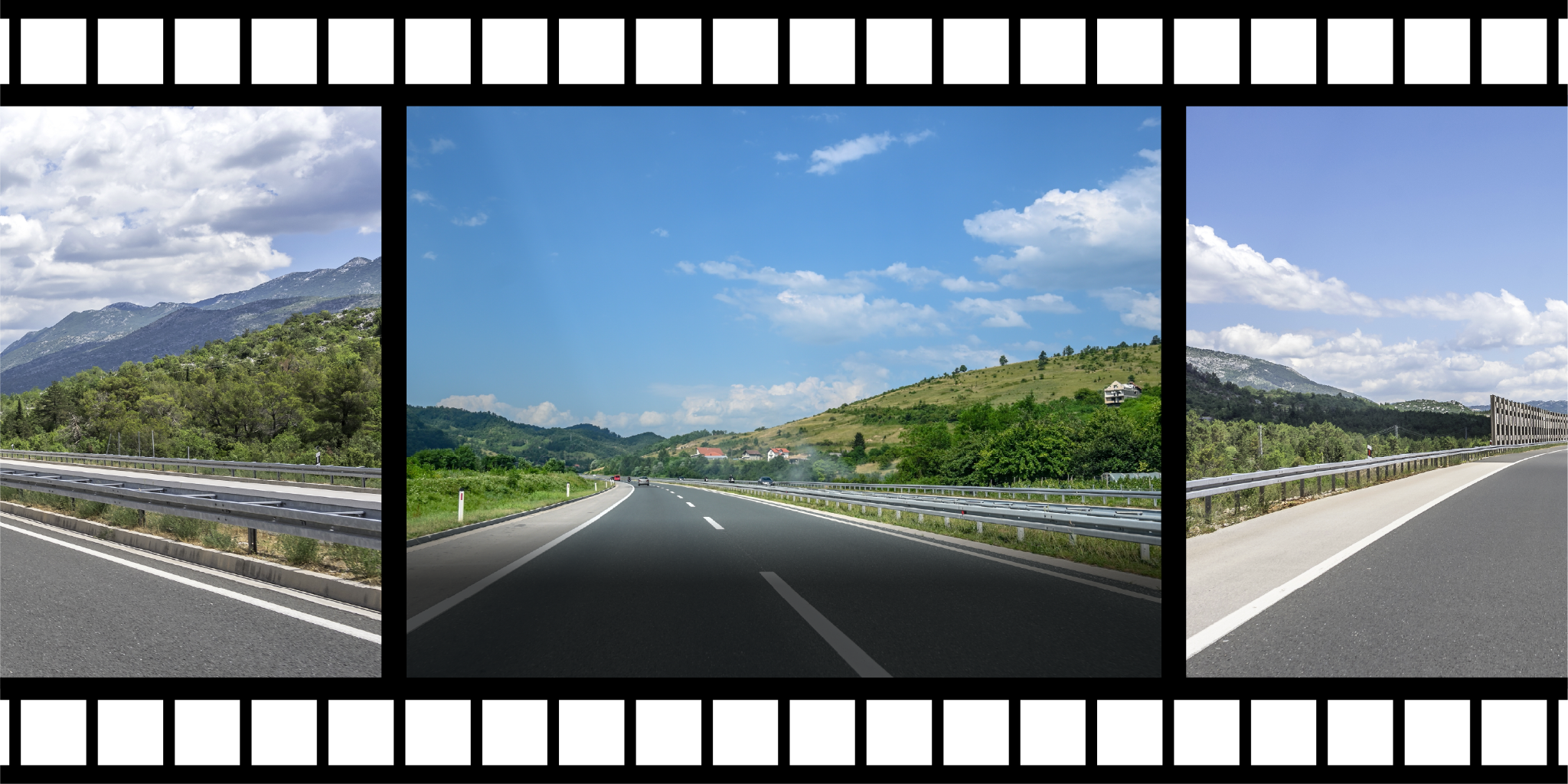
Loop Recording
When the memory card becomes full, new videos will automatically overwrite the oldest ones. The camera will continue recording your journey.
For the best memories
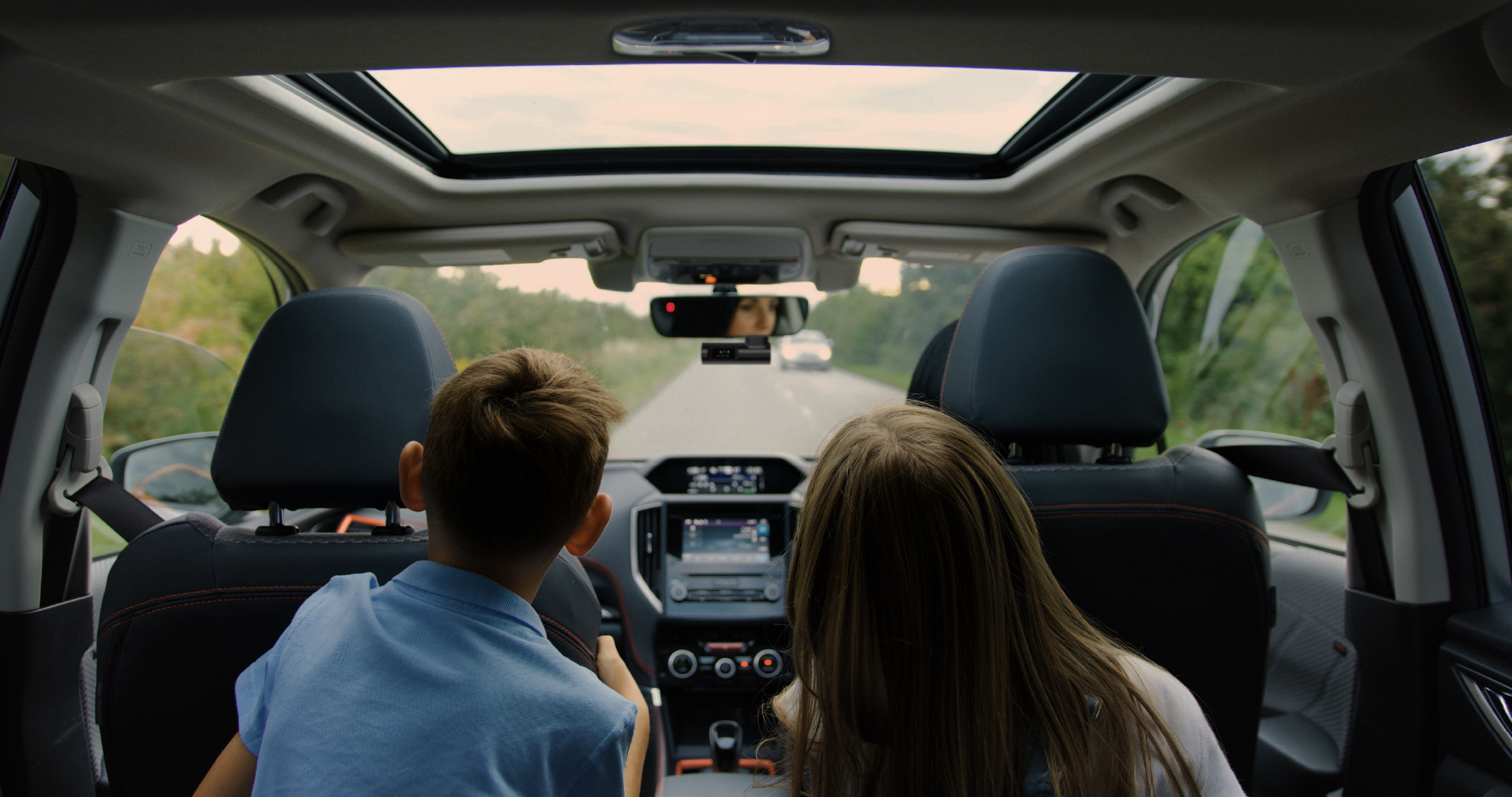
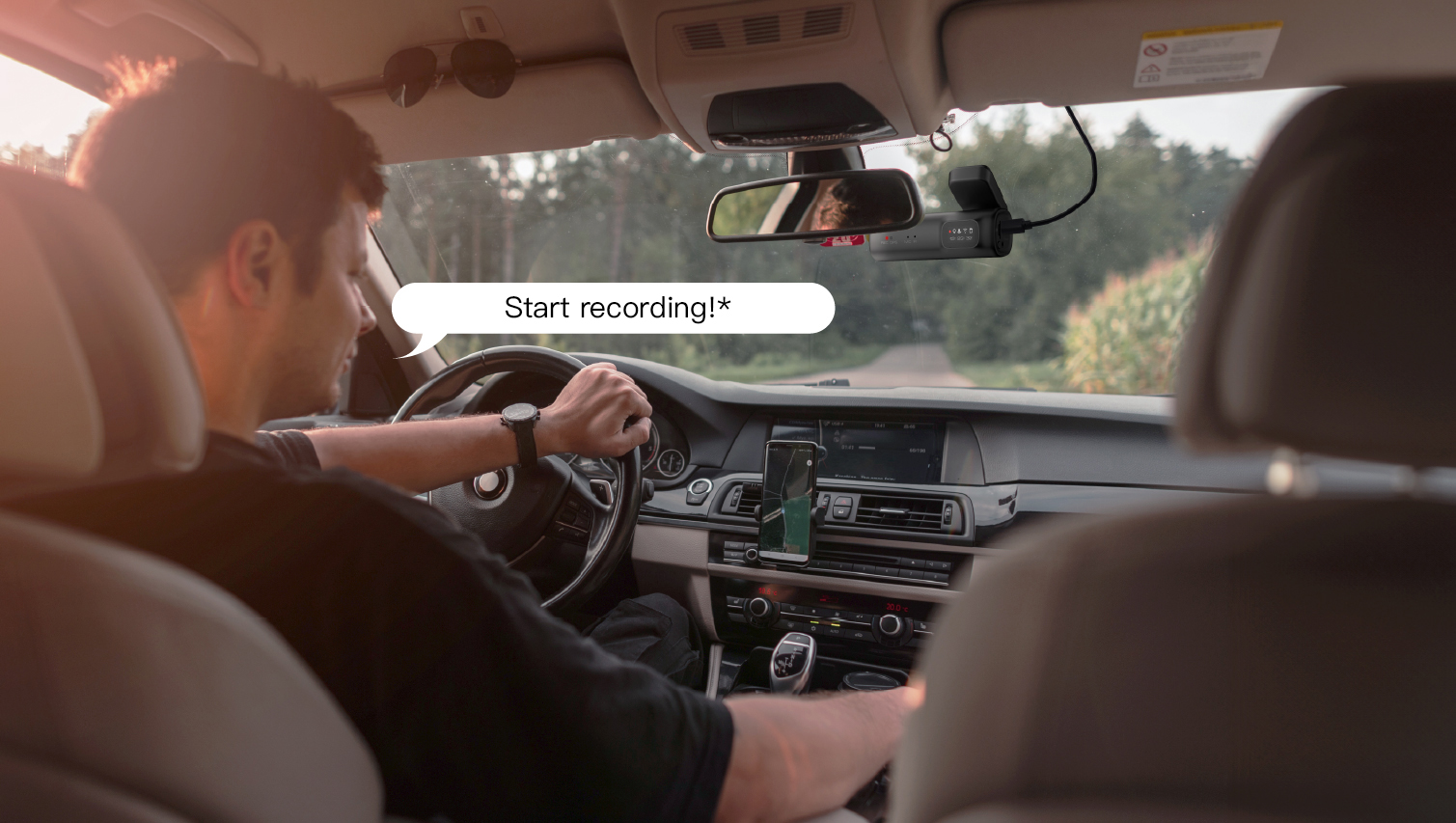
Voice Control
* Supports English only.
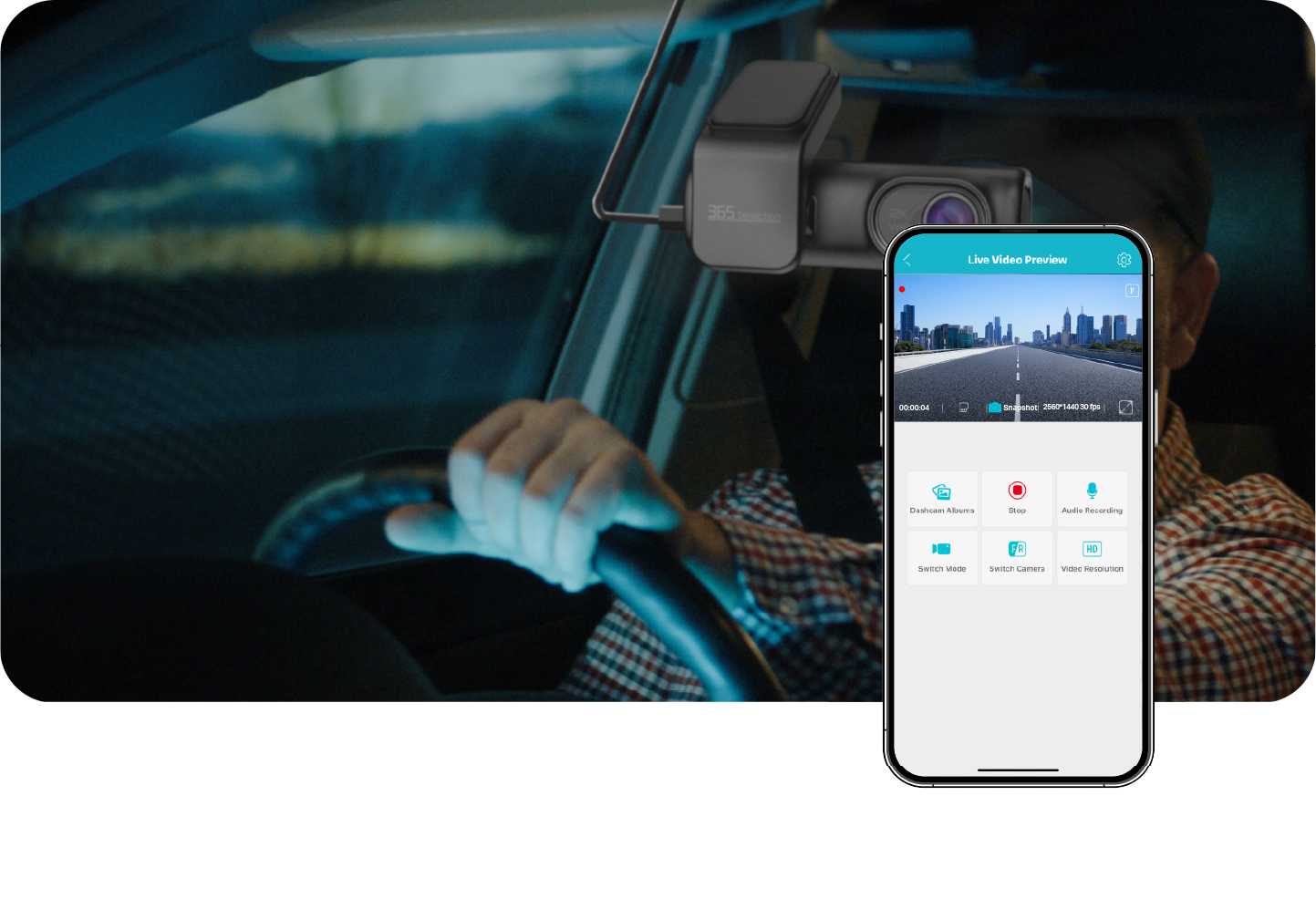
App Control
Record your journey through the app.

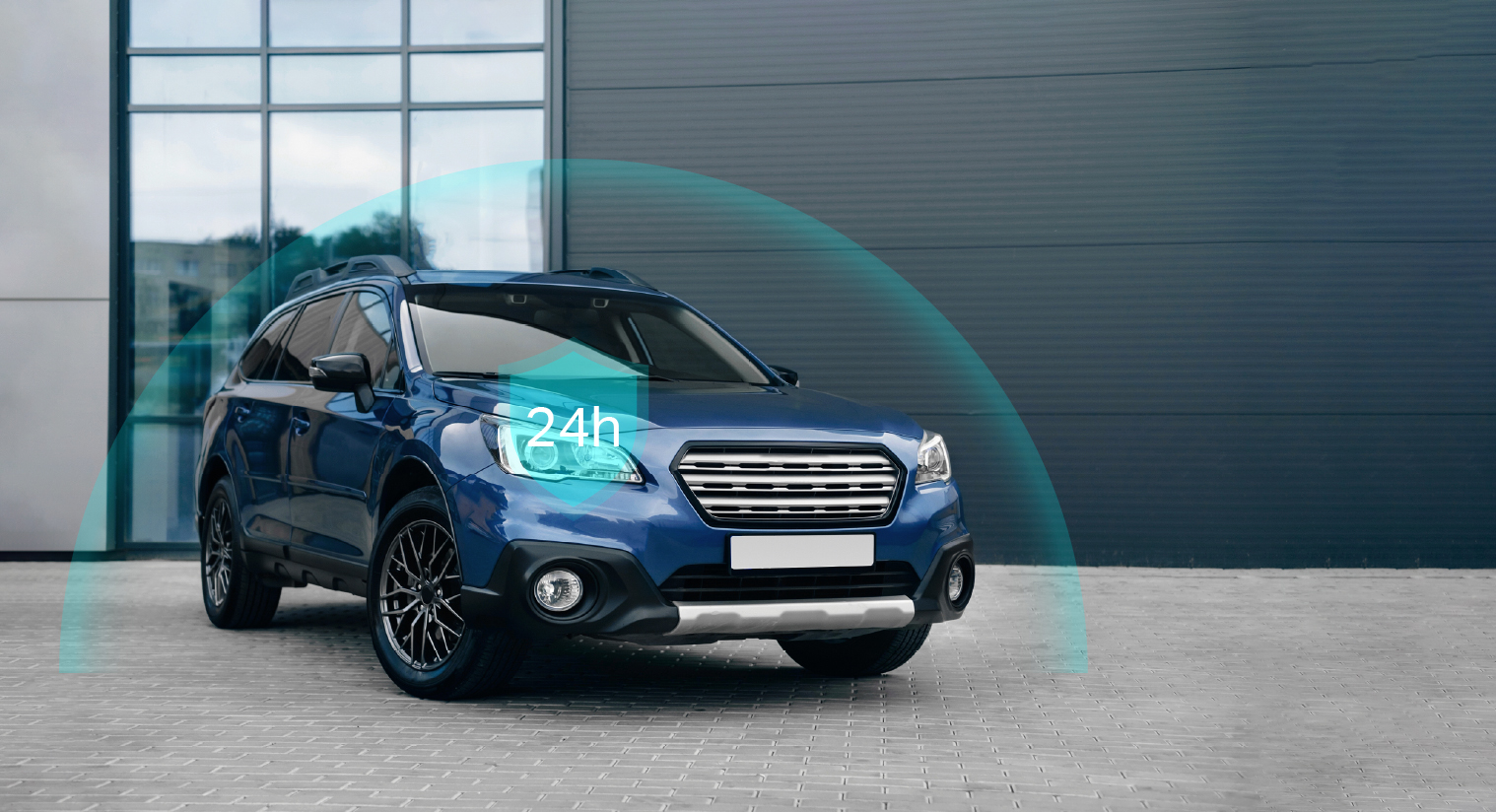
24 Hours Parking Monitor*
Supports 24-hour recording when connected to a hardwire kit.
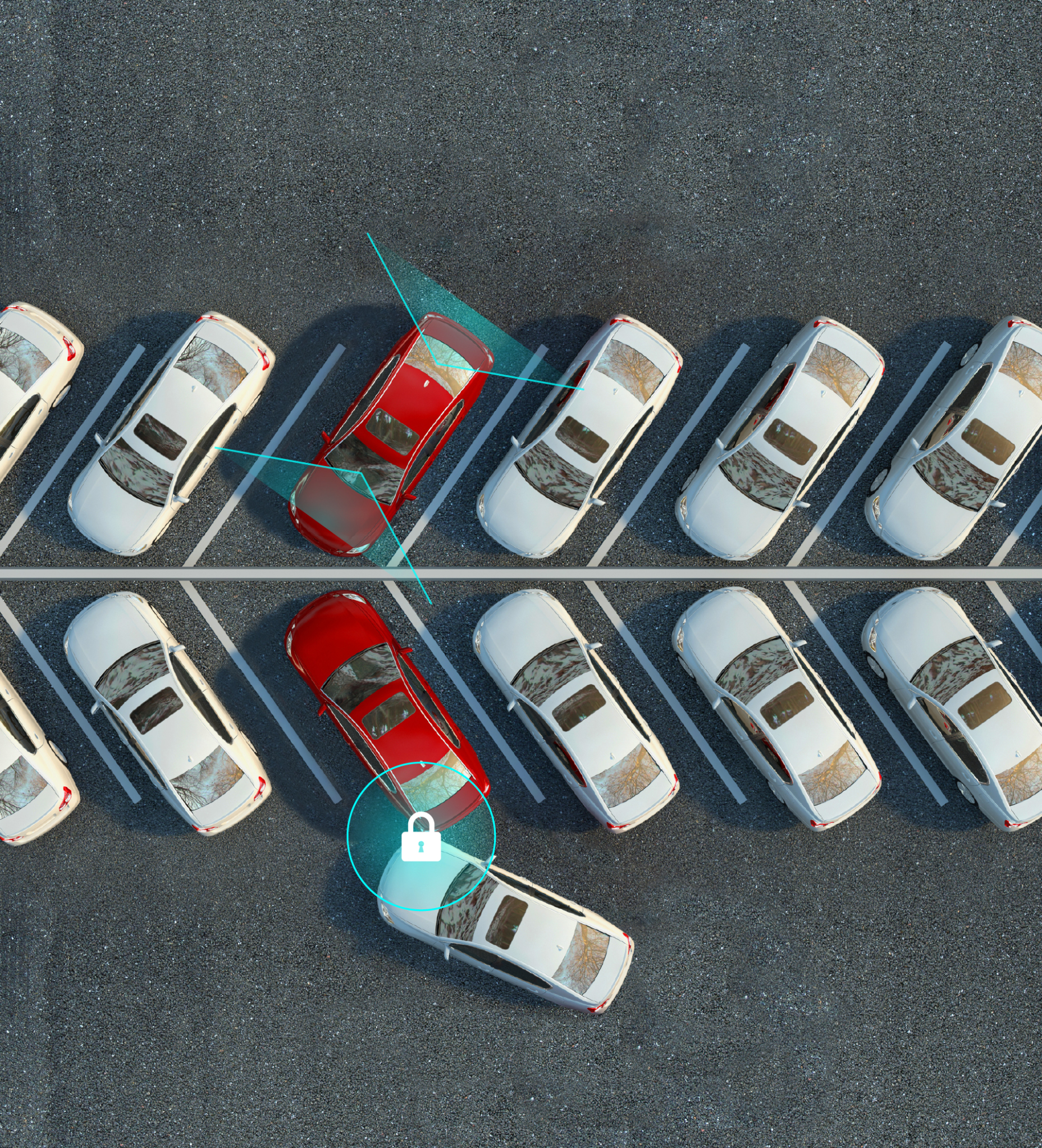
G-Sensor + Parking Mode*
* Additional accessory is required.
Protect Your Car
Choose your driving assistant
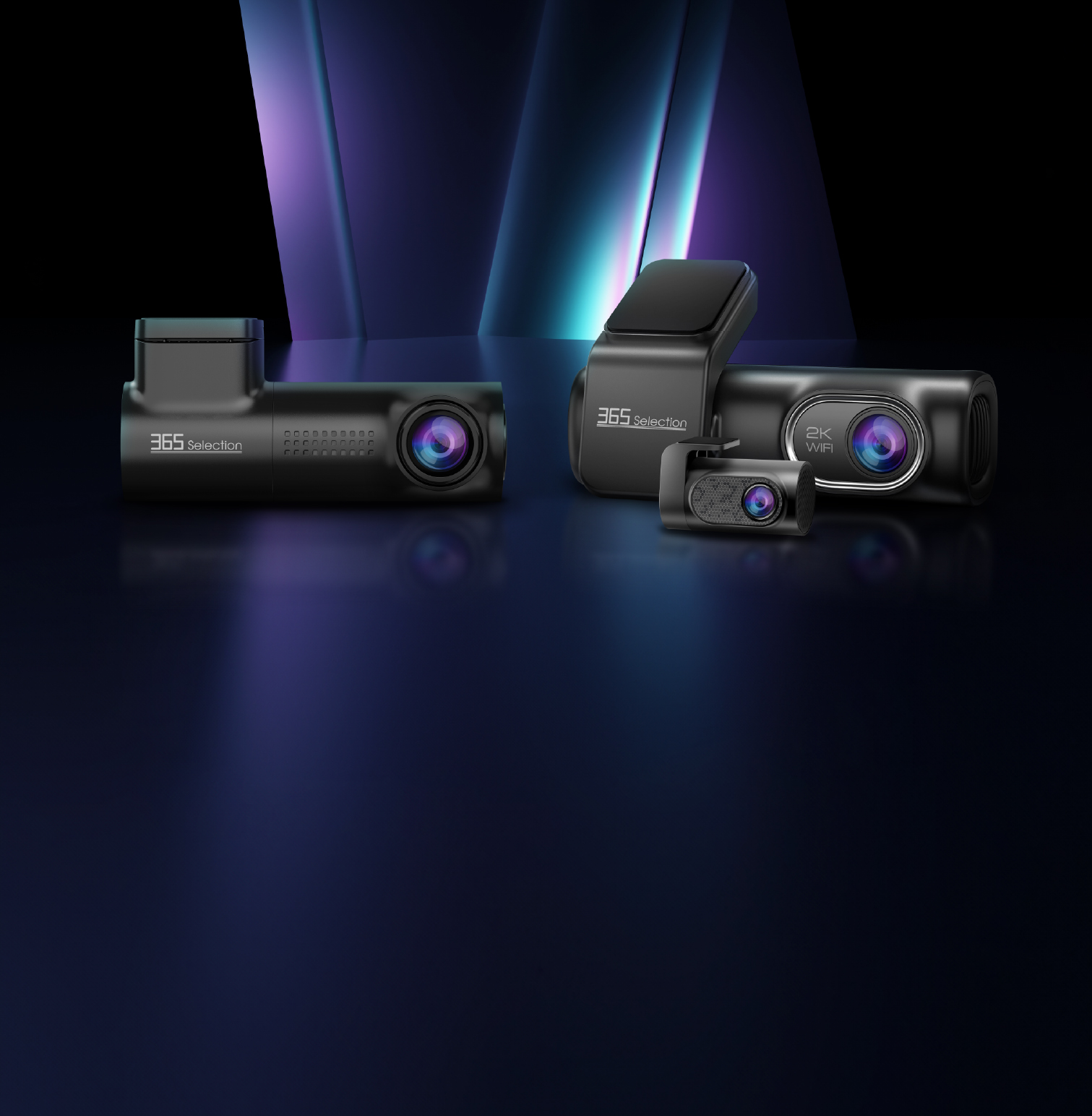
Dash Camera DC1
| Model | 365-SEL-231 |
|---|---|
| Power Input | 5V / 1.5A |
| Video Resolution | QHD 2560 × 1440P SHD 2304 × 1296P FHD 1920 × 1080P |
| Loop Recording | 1 min (Default) / 2 mins / 3 mins |
| Screen | 0.96 inch TFT, 80 × 160 RGB |
| Storage | Micro SD Card (Max 128GB) |
| Wi-Fi Standard | 2.4GHz |
| Dimensions | 100 × 48 × 31.5 mm |
| Working Temperature | −20°C ~ 65°C |
| System Supported | iOS / Android |
Dash Camera DC2
| Model | 365-SEL-232 |
|---|---|
| Power Input | 5V / 2.5A |
| Video Resolution | QHD 2560 × 1440P SHD 2304 × 1296P FHD 1920 × 1080P |
| Loop Recording | 1 min (Default) / 2 mins / 3 mins |
| Screen | 0.96 inch TFT, 80 × 160 RGB |
| Storage | Micro SD Card (Up to 256GB) |
| Wi-Fi Standard | 2.4GHz |
| Dimensions | 105.2 × 34.5 × 33.4 mm |
| Working Temperature | −20°C ~ 65°C |
| System Supported | iOS / Android |