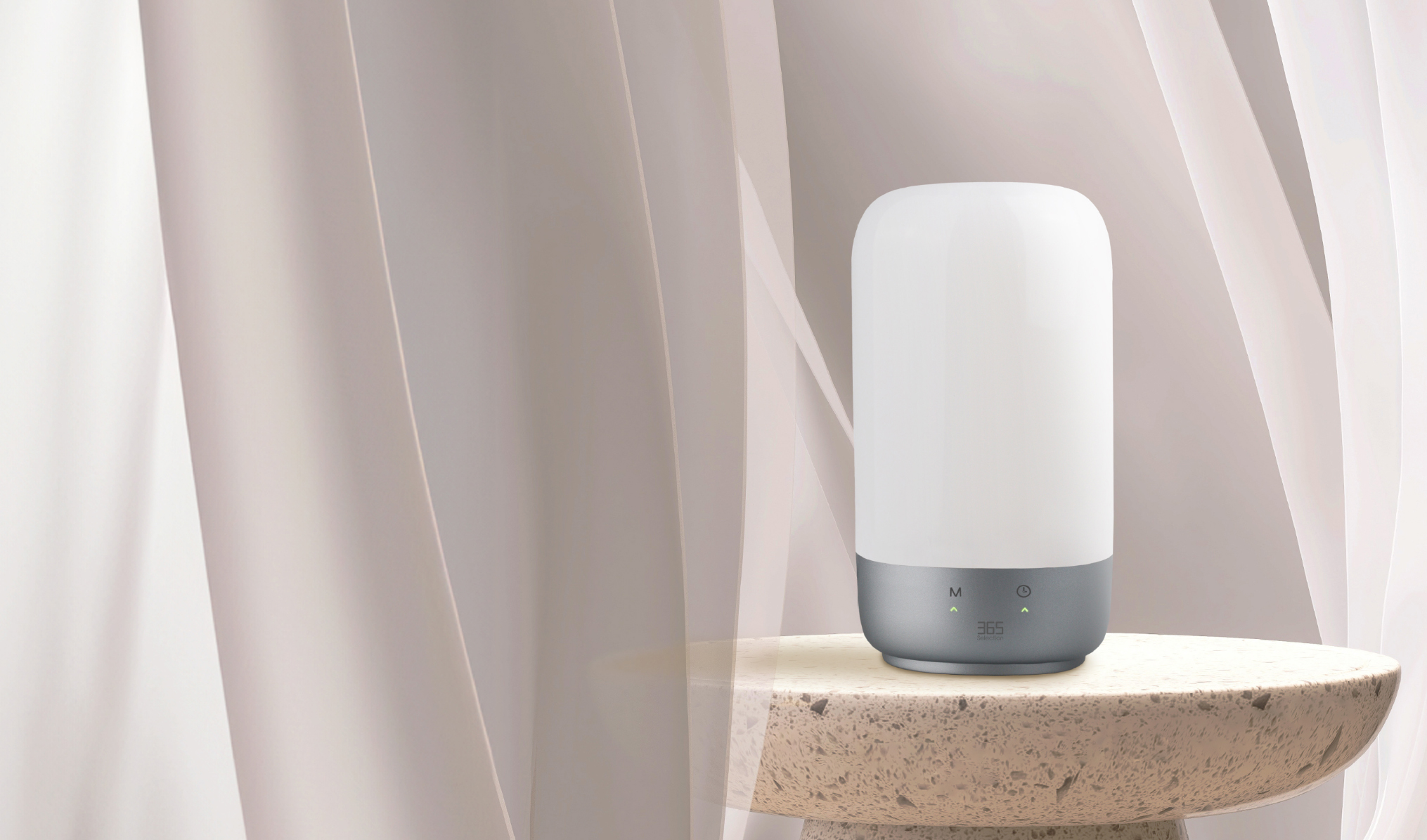
Smart Table Lamp TL1
Lighten Up Your Night
Create your light


Touch Control
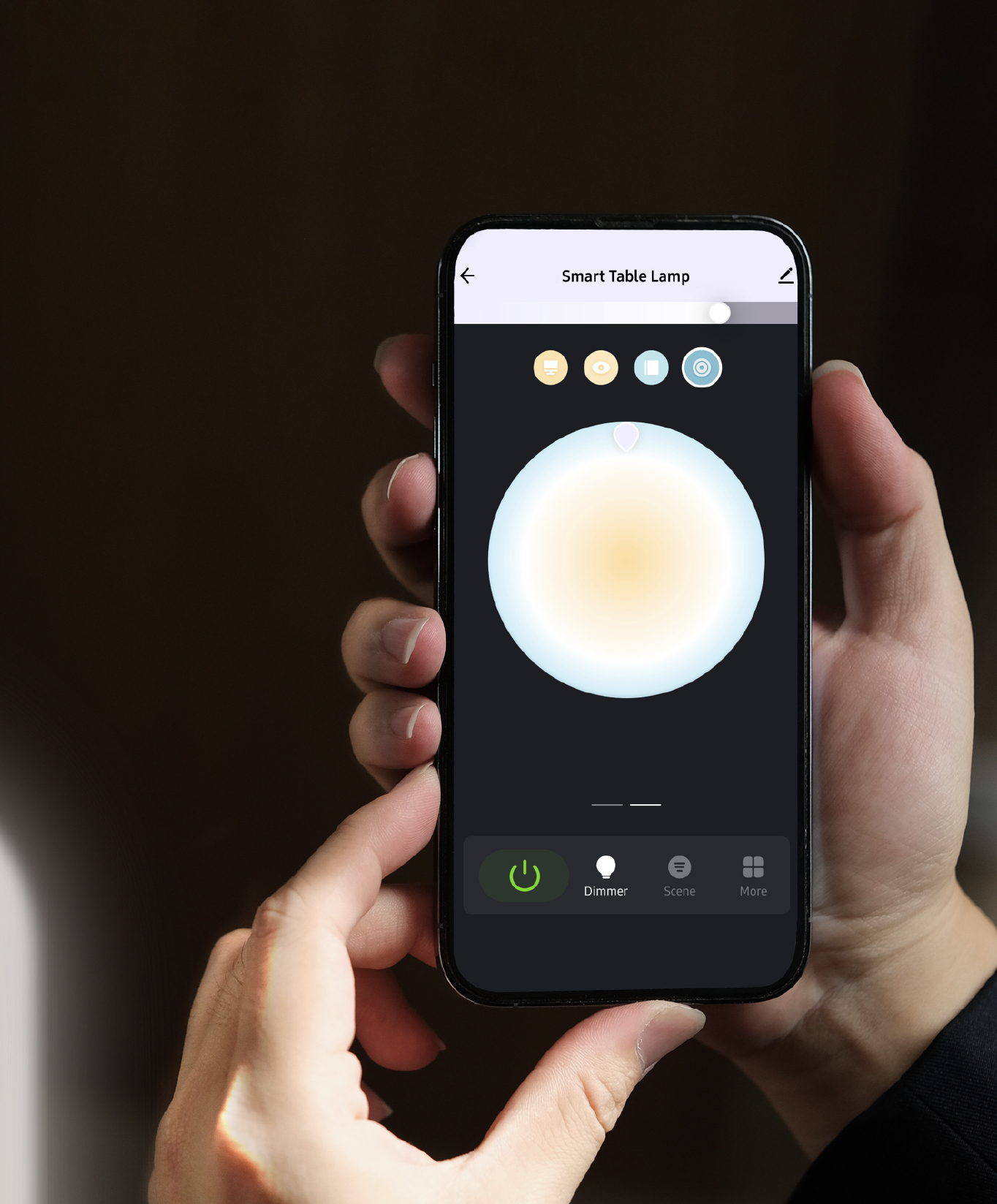
App Control
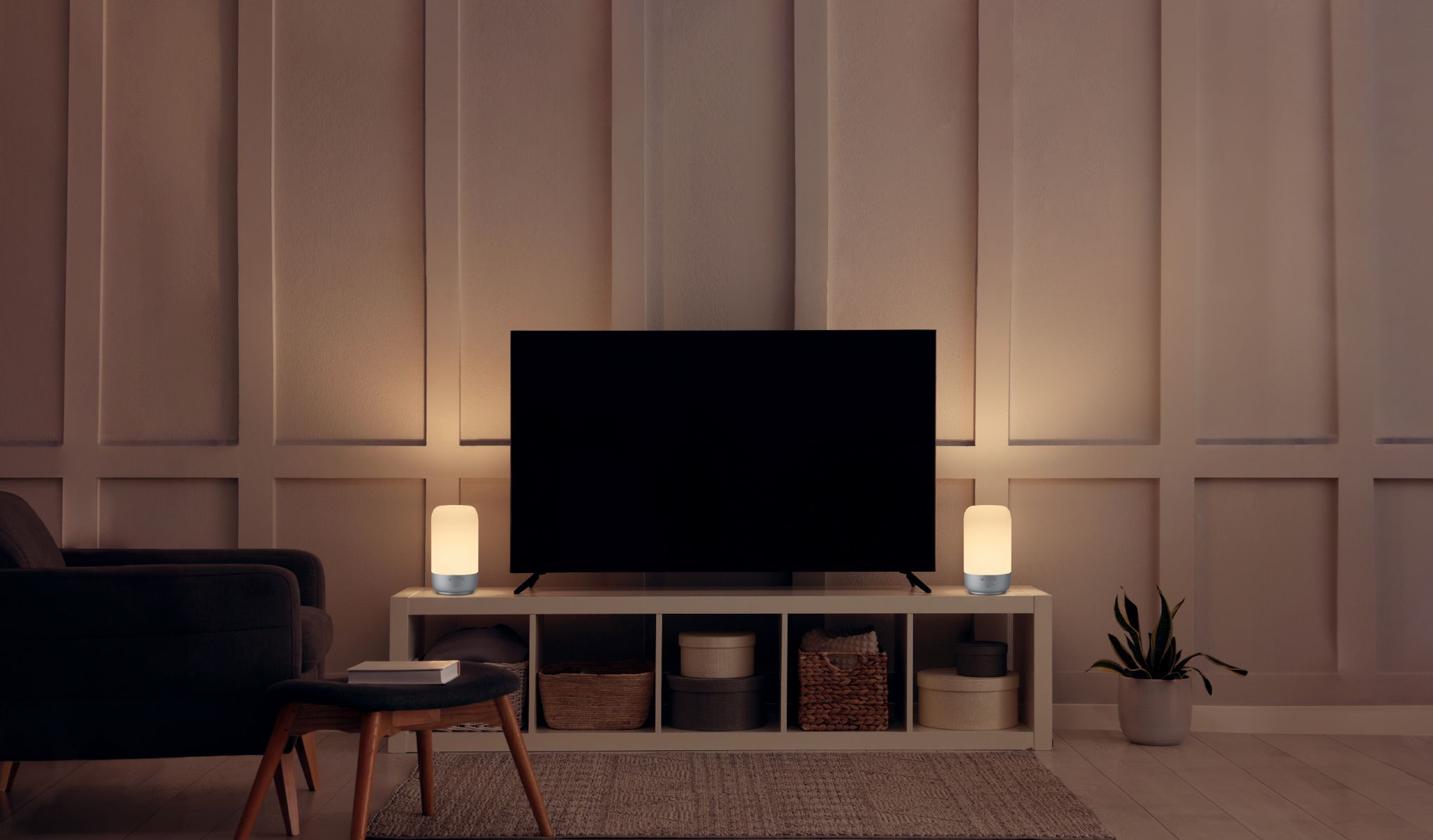
Voice Control
Voice control supports Google Home, iOS and Android systems.

Adjustable Light
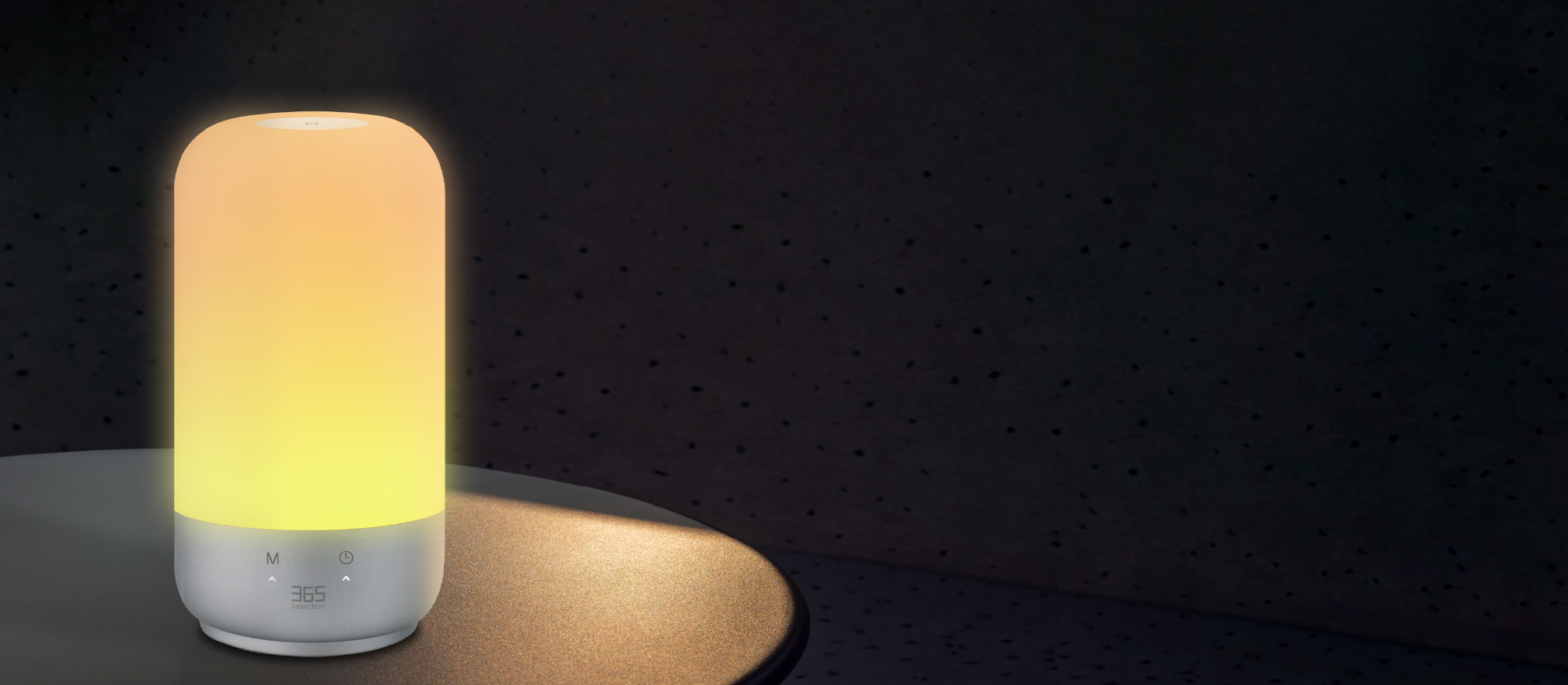
The lamp consists of RGB color, warm white, neutral white and cool white. Customize colors to suit different styles and control them through the app.
Drag the sliders to preview brightness and color.

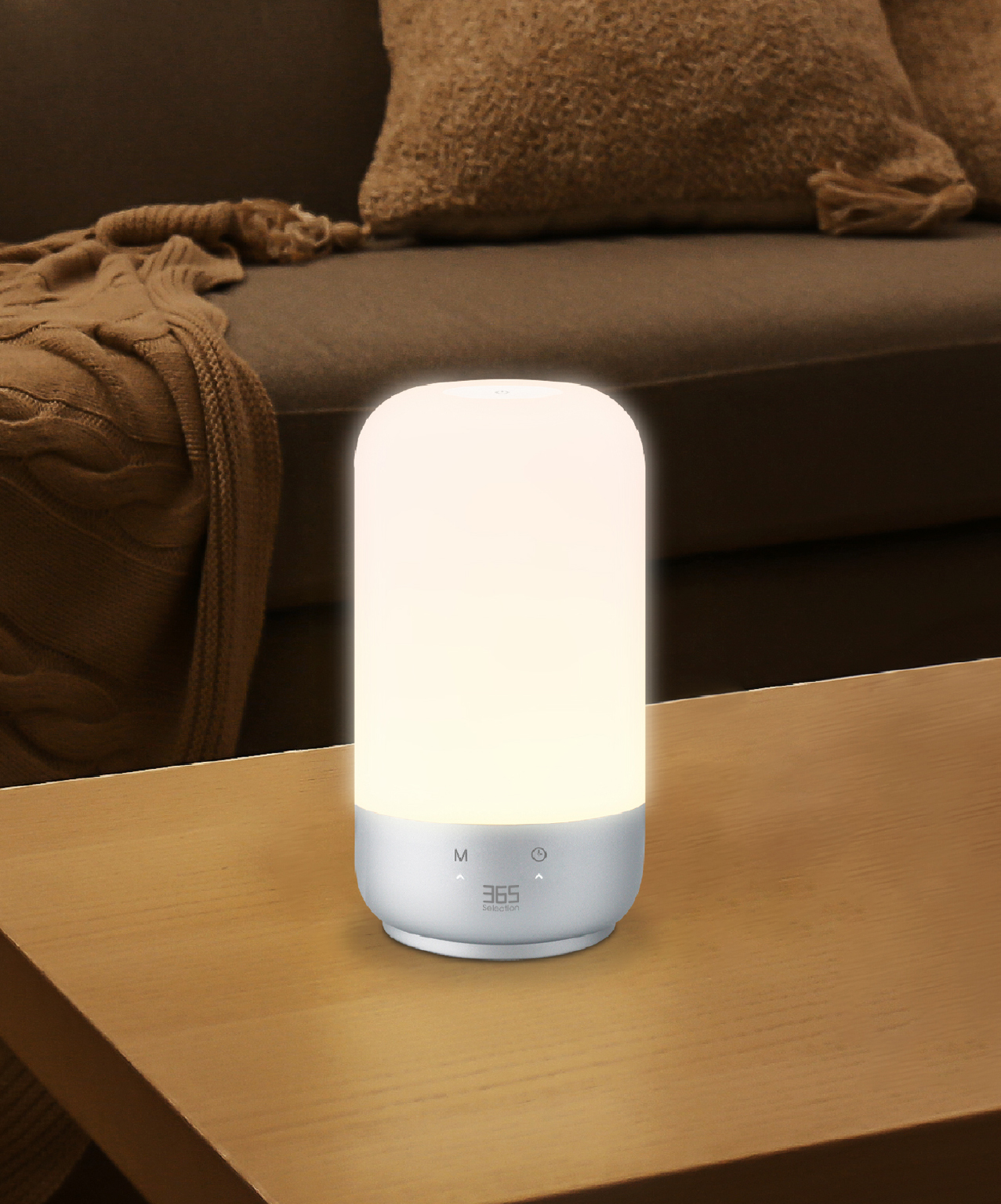
Dim the lights
Brighten your room
Features
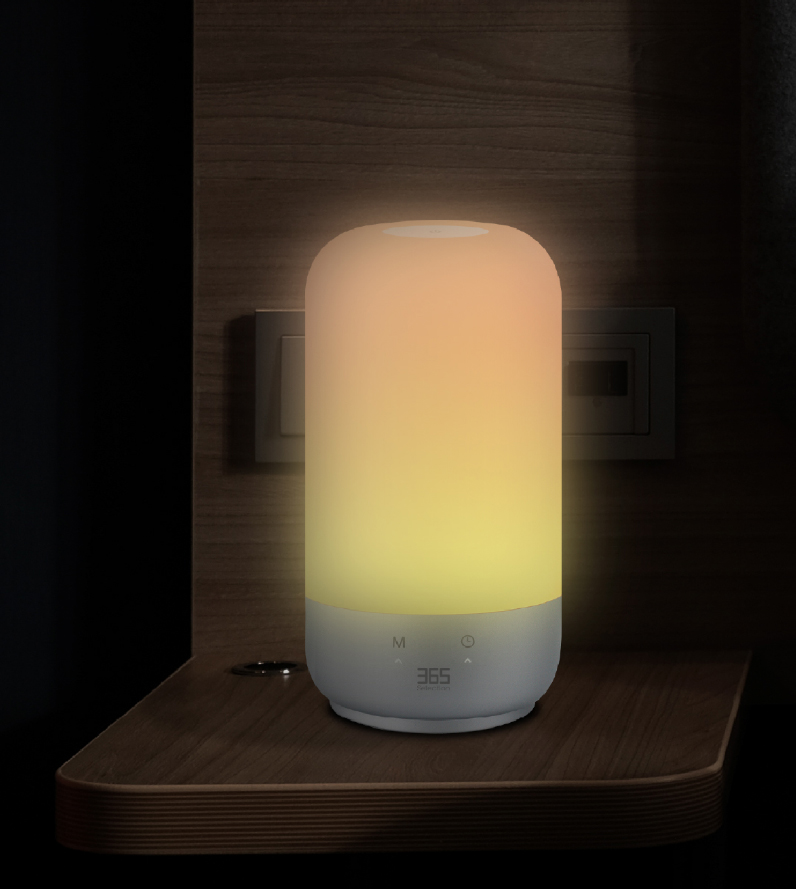

Wi-Fi 2.4 GHz

Tap Control

Timer

Schedule
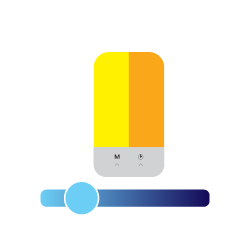
Dimmer

16 Million Colors

Scene Options
Application Control

Scene Modes
Make your room suit your mood
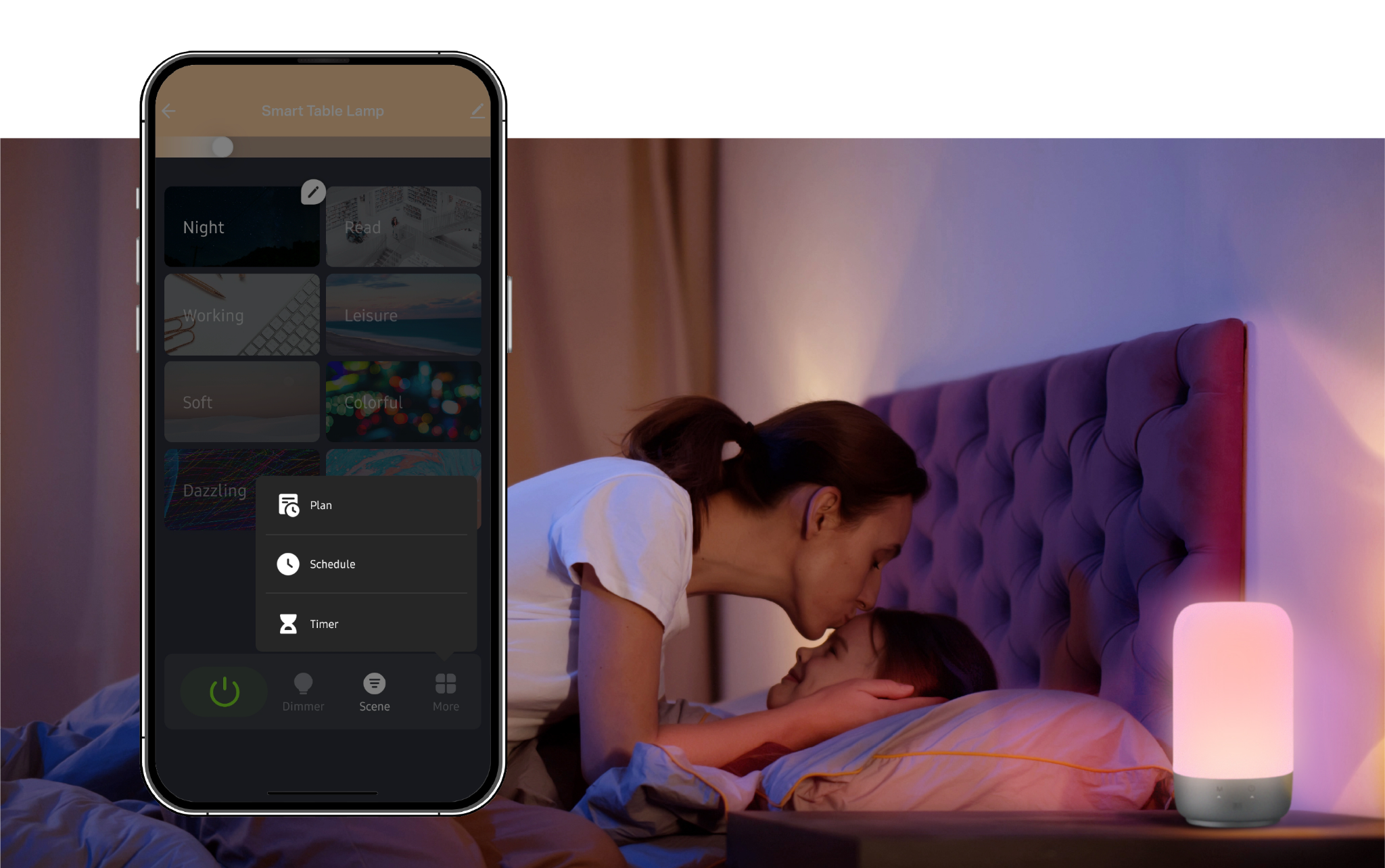
Good Night Sleep
There are preset schedules, and timer modes to set the time based on your preferences or daily activities.
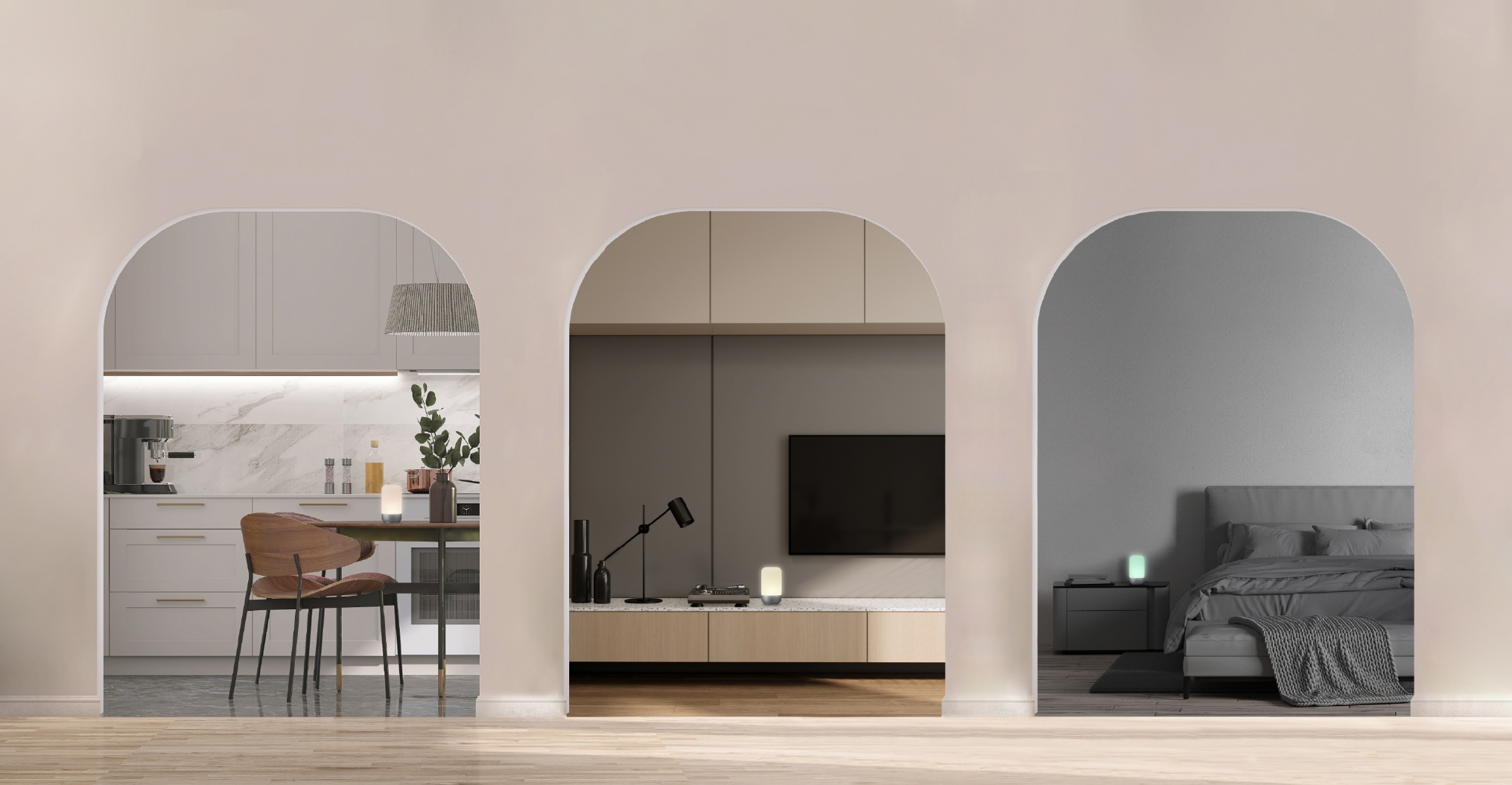
Perfect For House
Specifications
365 Selection Smart Table Lamp TL1
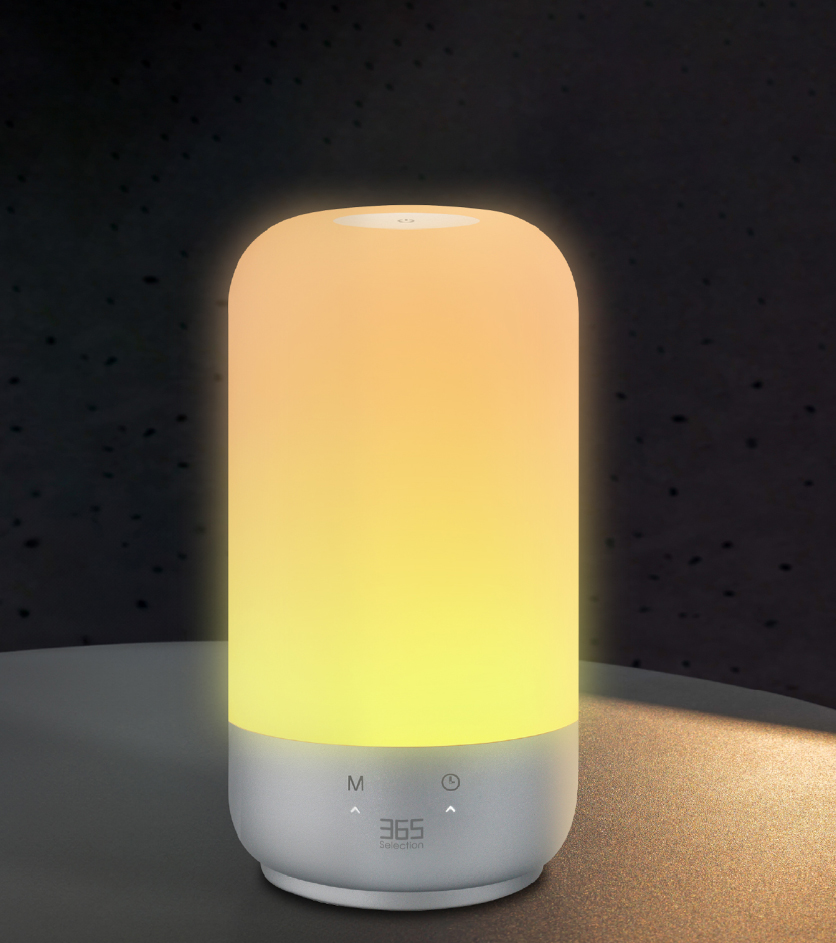
| Model | 365-SEL-181 |
|---|---|
| Power Input | DC 5V 1.5A |
| LED Power | 7W |
| Lumen | 360 lm |
| LED Colors | RGBW 2700K–5700K |
| Wi-Fi Frequency | 2.4 GHz |
| System Supported | iOS / Android |
| Product Size | 100 mm (Φ) × 180 mm (H) |
| Warranty | 12 Months |
Quick Guide
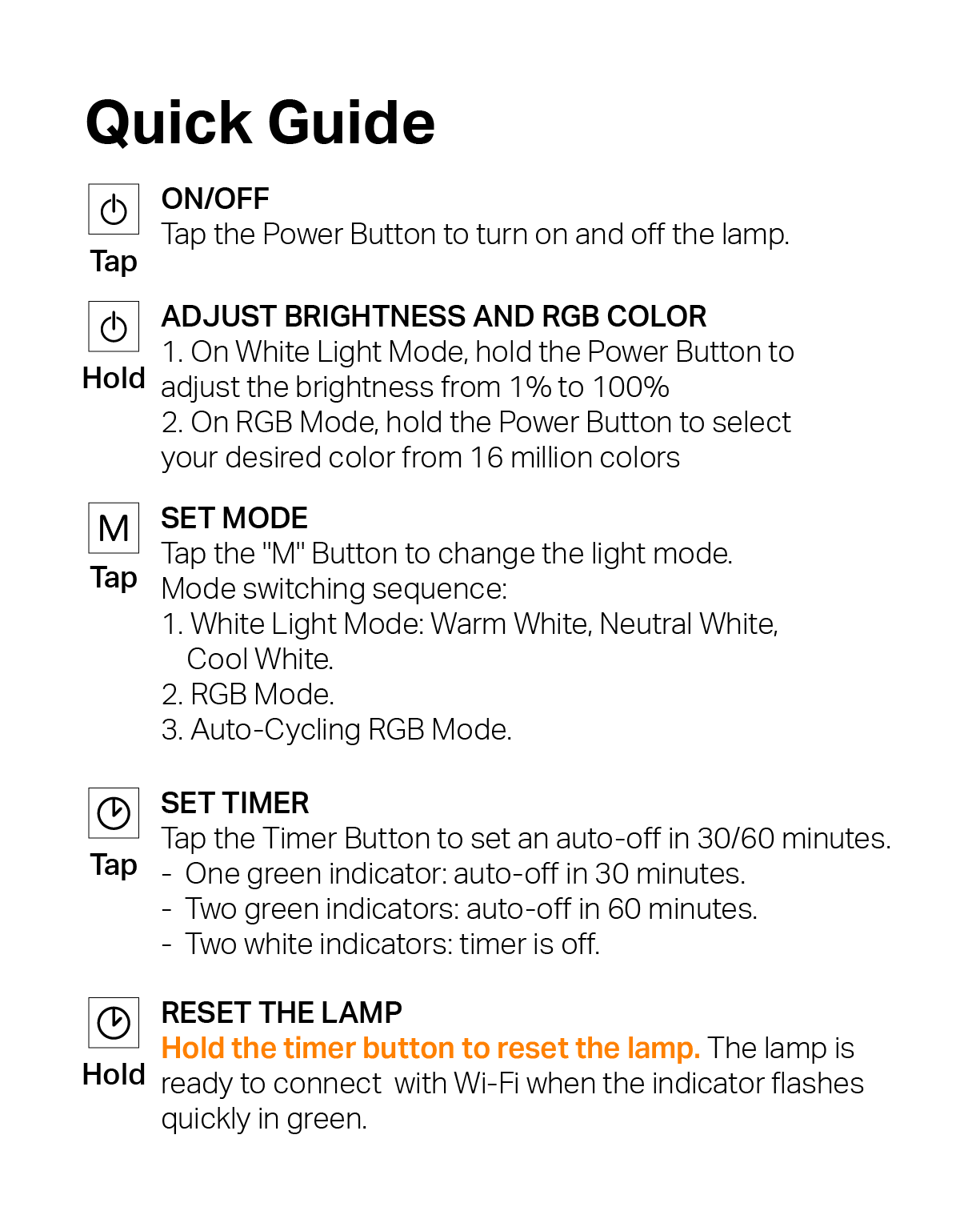
On / Off
Tap the power button to turn the table lamp on or off.
Adjust Brightness and RGB Color
In White Light Mode, hold the Power Button to adjust brightness from 1% to 100%. In RGB Mode, hold the Power Button to select your desired color from 16 million colors.
Set Mode
Tap the M Button to change the light mode. Mode switching sequence: White Light Mode (Warm White, Neutral White, Cool White), RGB Mode, then Auto-Cycling RGB Mode.
Set Timer
Tap the Timer Button to set auto-off in 30 or 60 minutes. One green indicator: 30 minutes. Two green indicators: 60 minutes. Two white indicators: timer is off.
Reset the Lamp
Hold the Timer Button to reset the lamp. The lamp is ready to connect with Wi-Fi when the indicator flashes quickly in green.
View the original quick guide