
Smart IR Remote Control RC2
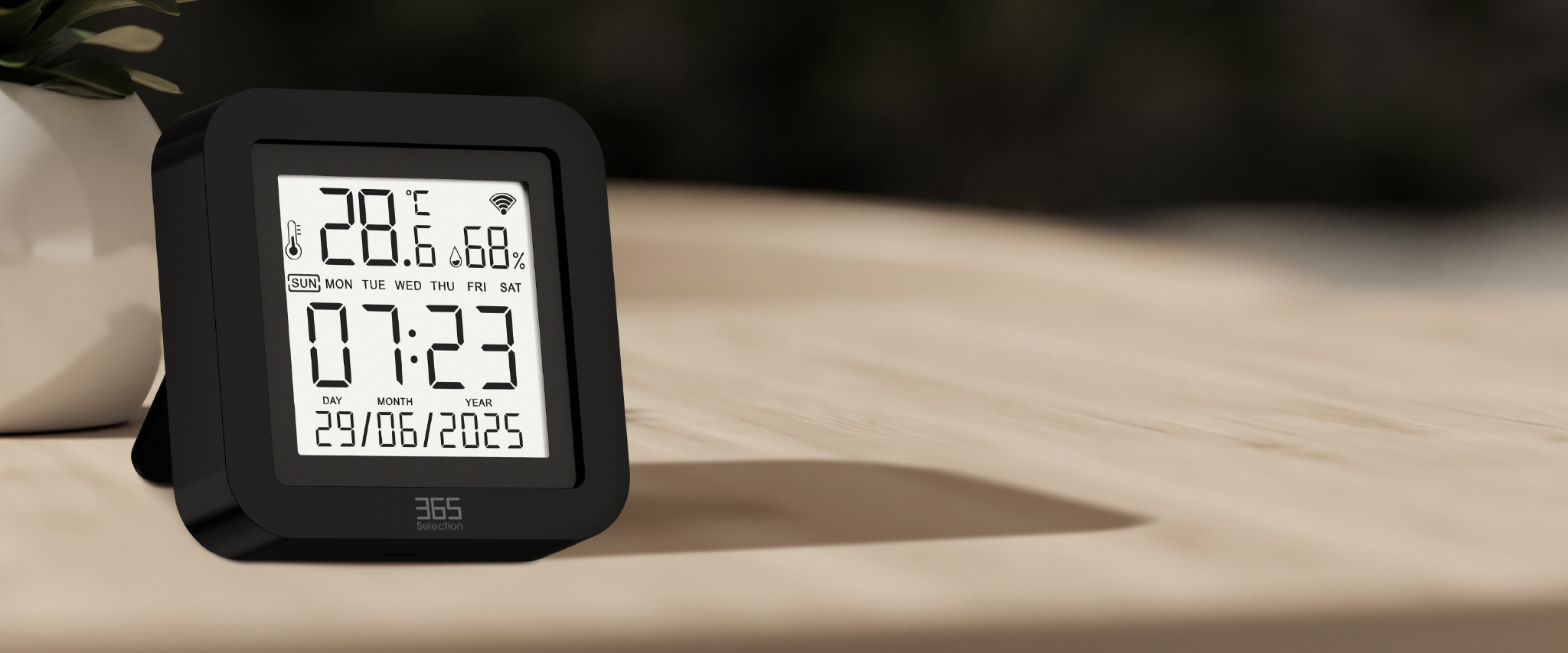
One place for everyday control
Real SMART
Remote
Bring your remotes together. Control your home, create your routines, and keep comfort in view.
AT YOUR FINGERTIPS
Your home, a little closer
From a tap on your phone to a simple voice command, make everyday control feel effortless.

Control from wherever you are
Use the app to control your home appliances, even when you are away. Share devices so the people at home can take control, too.
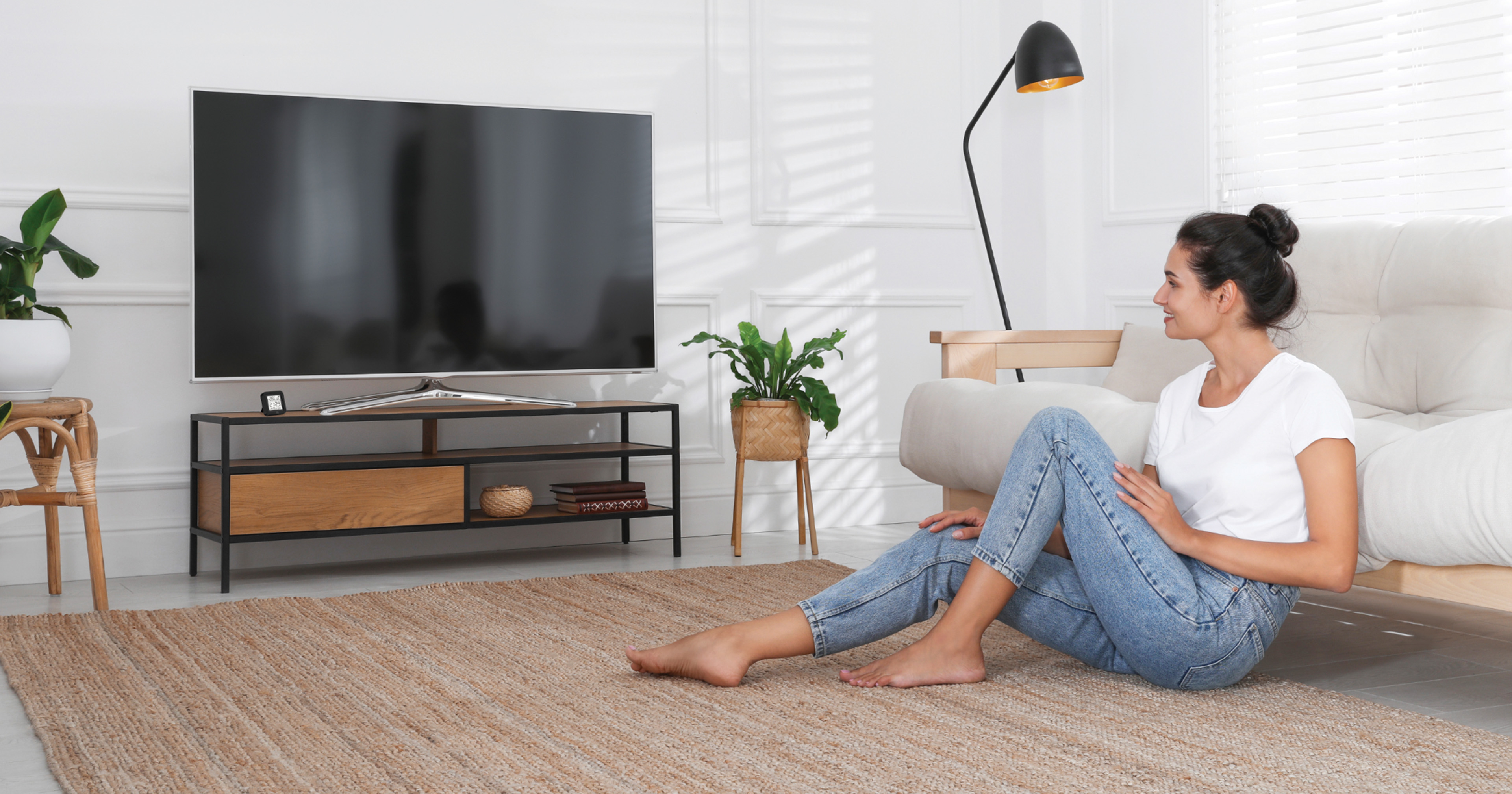 Hey Google! Turn on the TV.
Just say the word
“Hey Google! Turn on the TV.” Control compatible appliances with Google Assistant, or use Siri Shortcuts for everyday actions.
SCENES & AUTOMATION
Comfort that follows your day
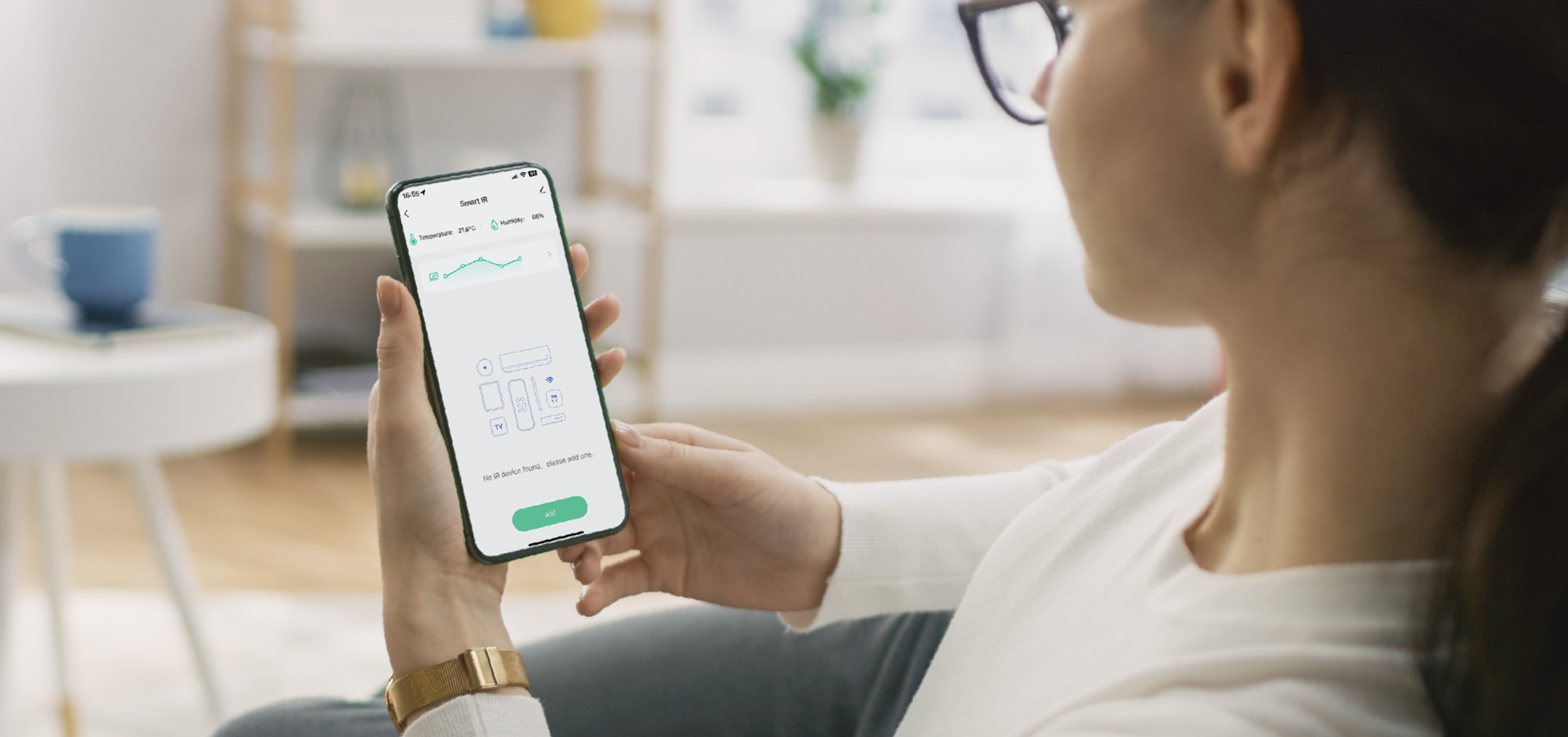
Customize your scenario
Your routines, your way
Create scenes around the way you live. Bring everyday appliance controls together in the app with Tap-to-Run actions and automations.
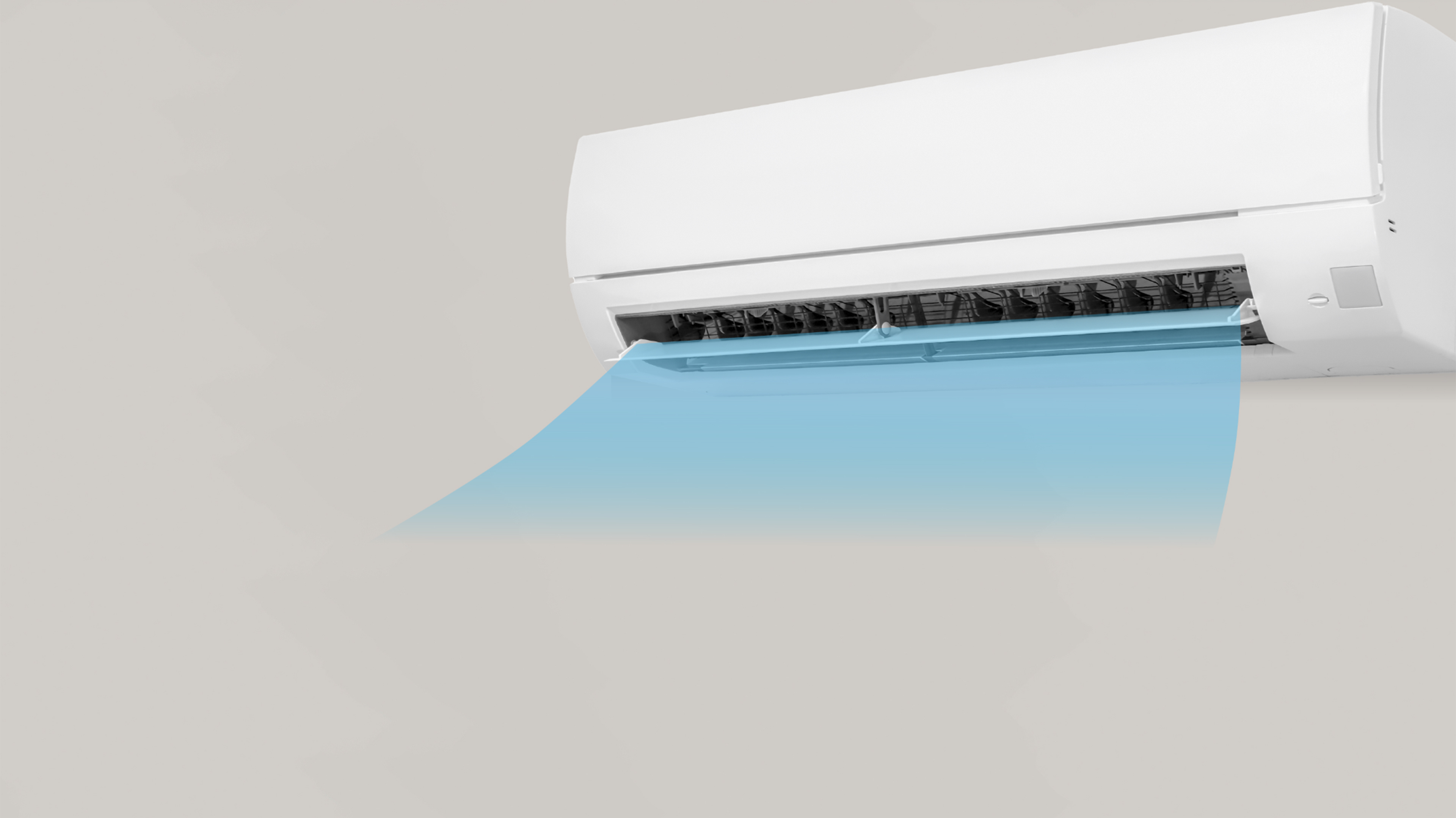
Intelligent linkage
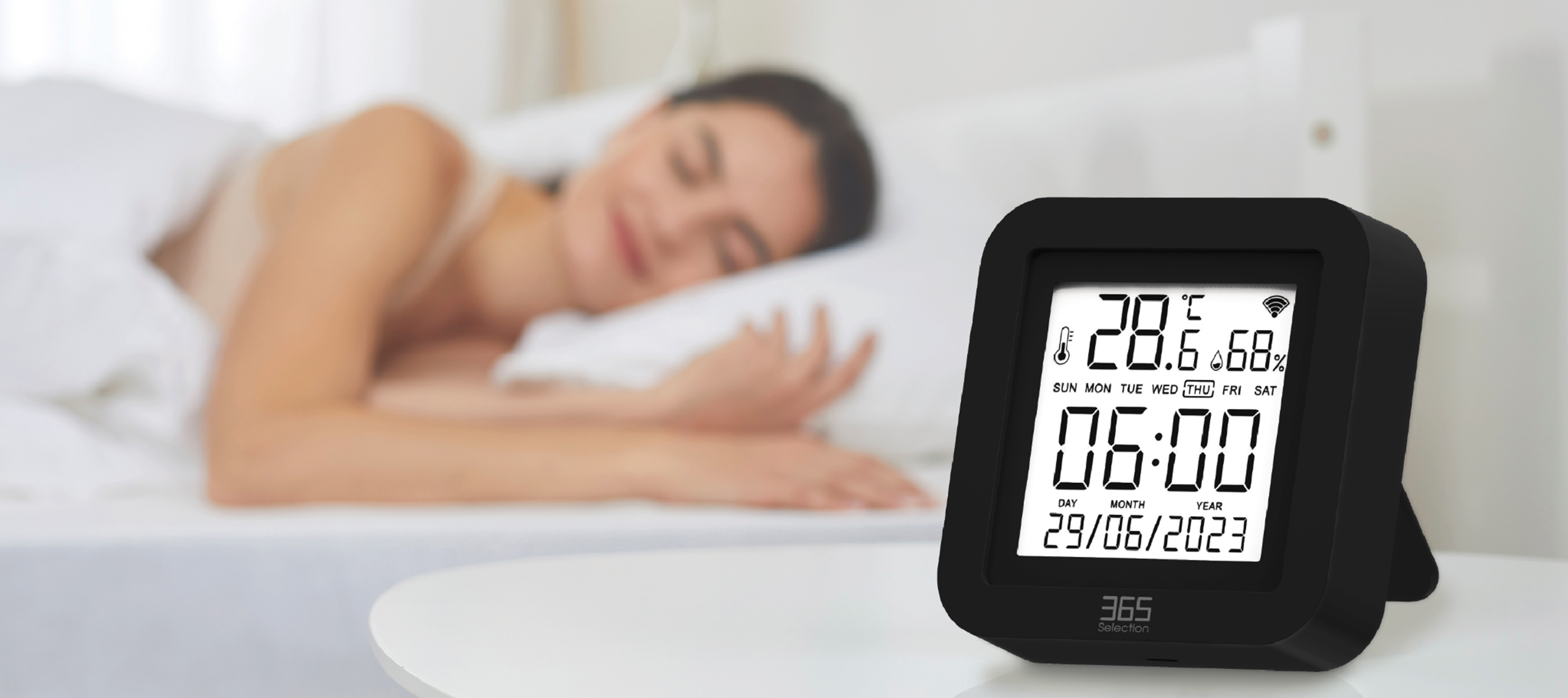
Set appliances to respond to changes in your room’s temperature and humidity.
Below 20% RH → turn on the humidifier
Set it around your schedule
Choose when appliances turn on or off. Set the time using Tap-to-Run or Automation in the app, and let your routines run on schedule.
ROOM AWARENESS
See your comfort
Reach around the room
Temperature & humidity,
at a glance
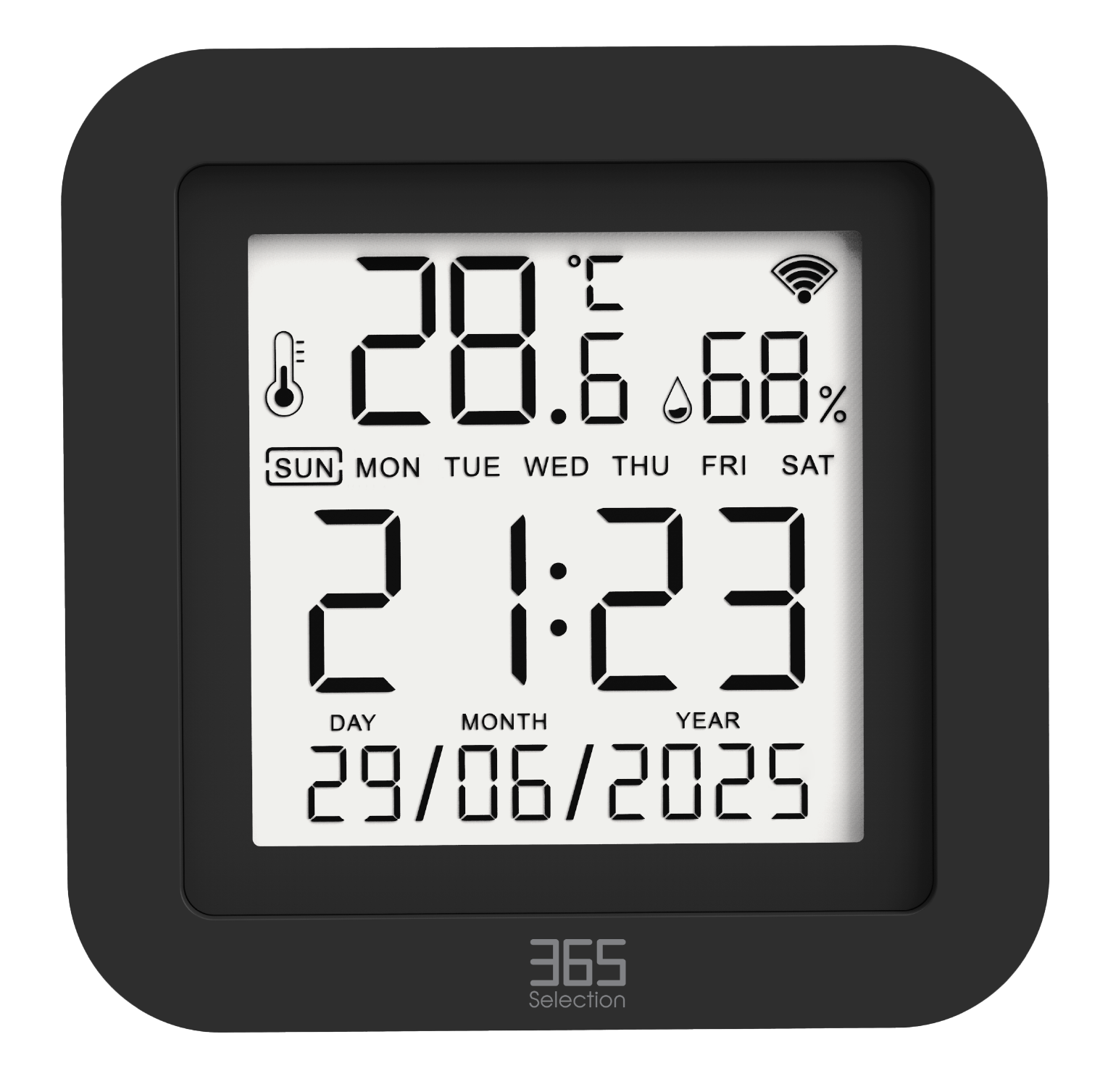
Check your room’s conditions on the RC2 display or in the app, and view historical records alongside live readings.
Allow about 30 minutes after configuration for readings to adjust to the surrounding environment.
360° coverage
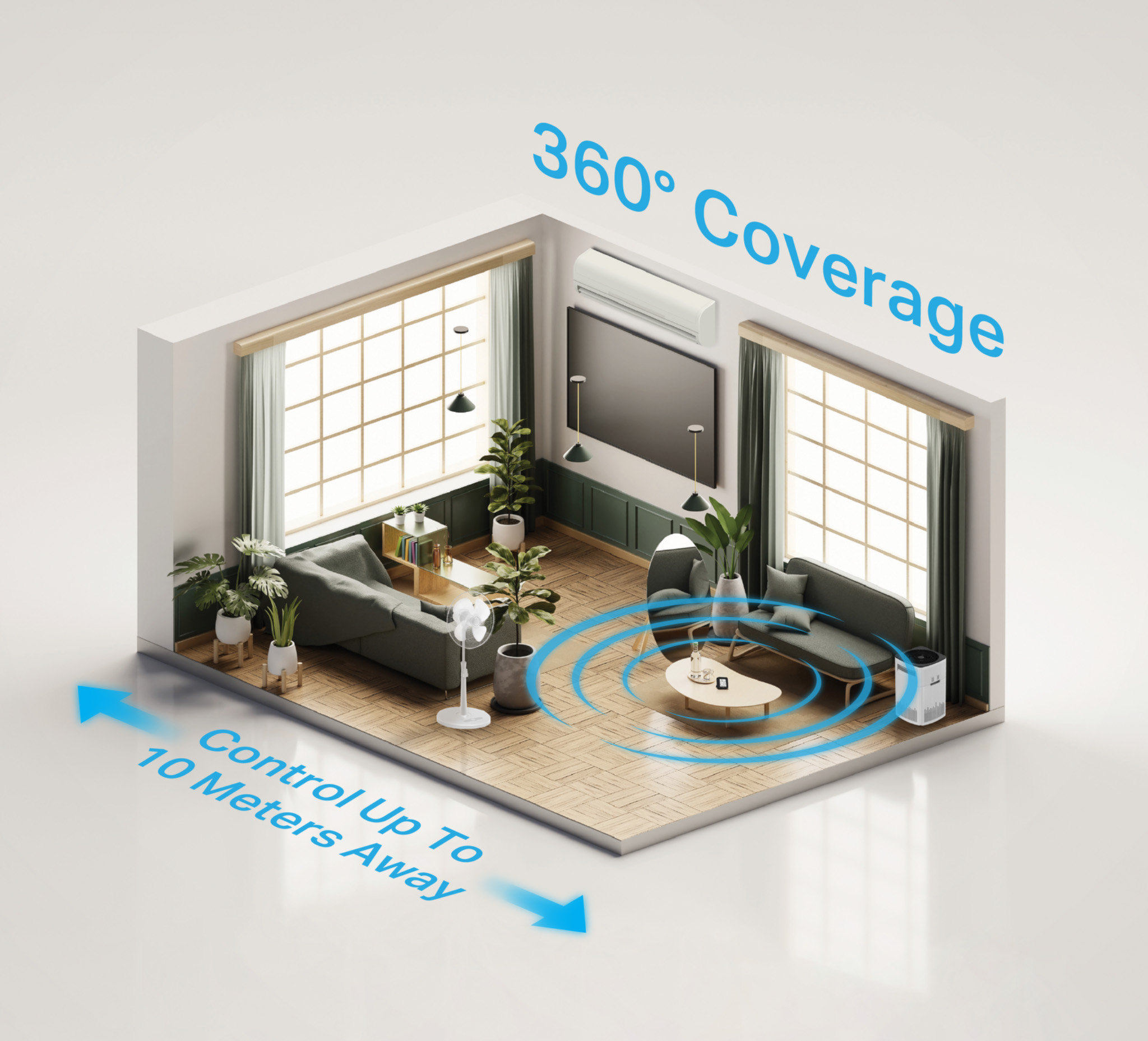
Control compatible infrared appliances around the room, with control from up to 10 metres away.
ONE REMOTE, MORE POSSIBILITIES
Bring your remotes together
More than 5,000types of home appliances
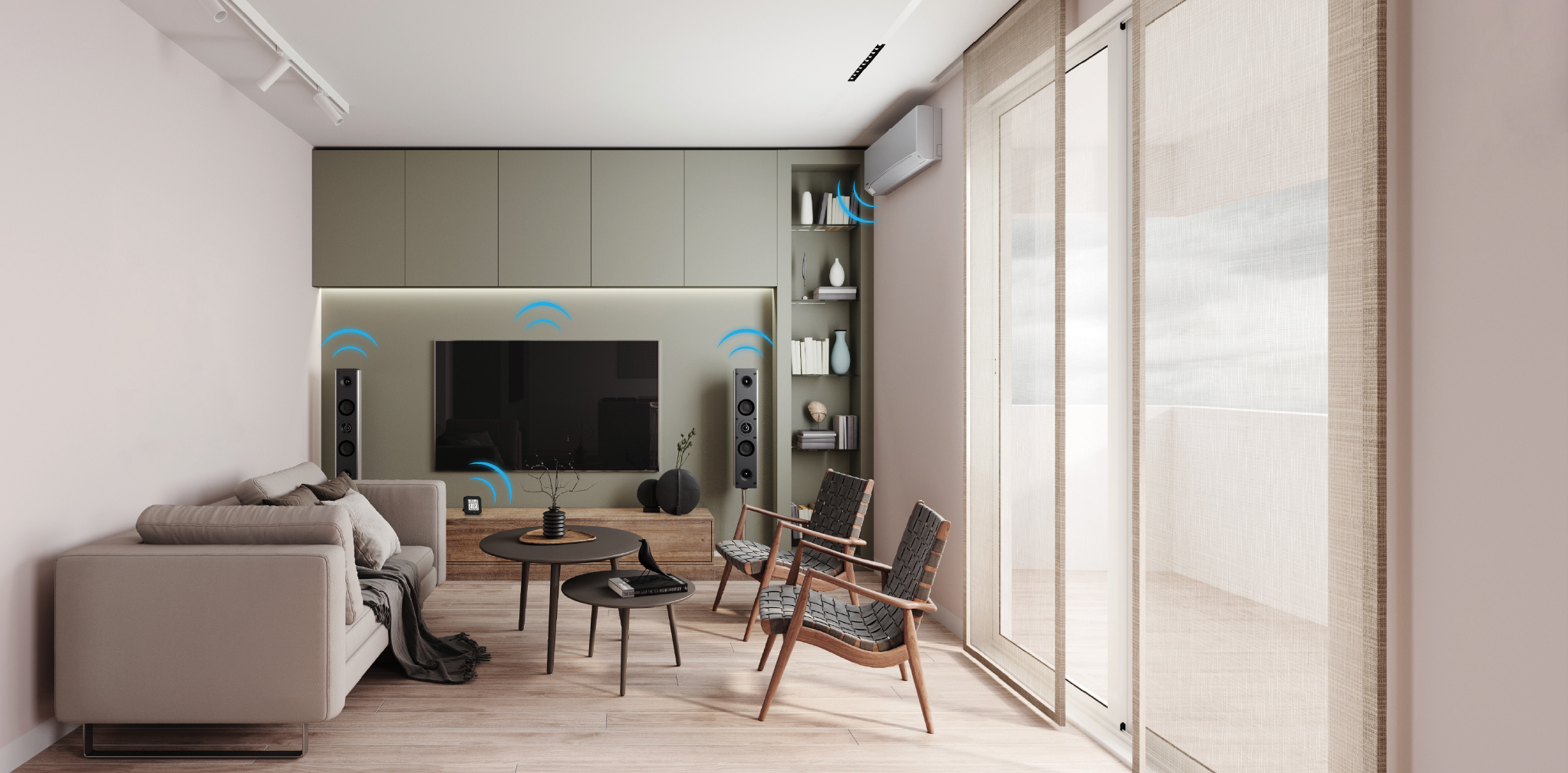
Bring familiar infrared appliances into your connected home, including televisions, air conditioners and fans.
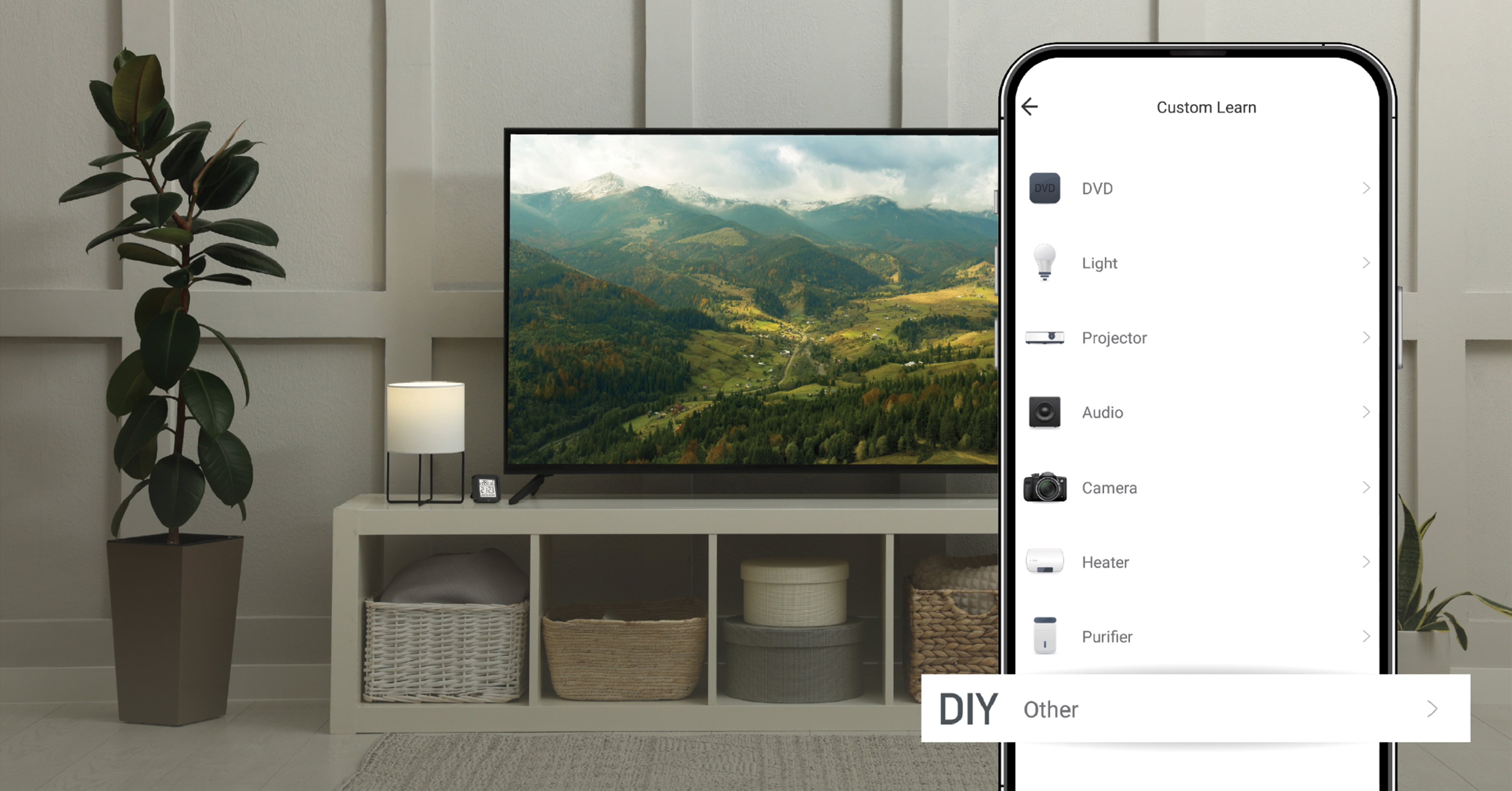
Teach it your remote
Can’t find your appliance’s brand in the app? Use DIY learning to copy buttons from its original infrared remote and create the controls you need.
DIY learning is for appliances that use infrared remote controls.
SPECIFICATIONS
Small device, smart details
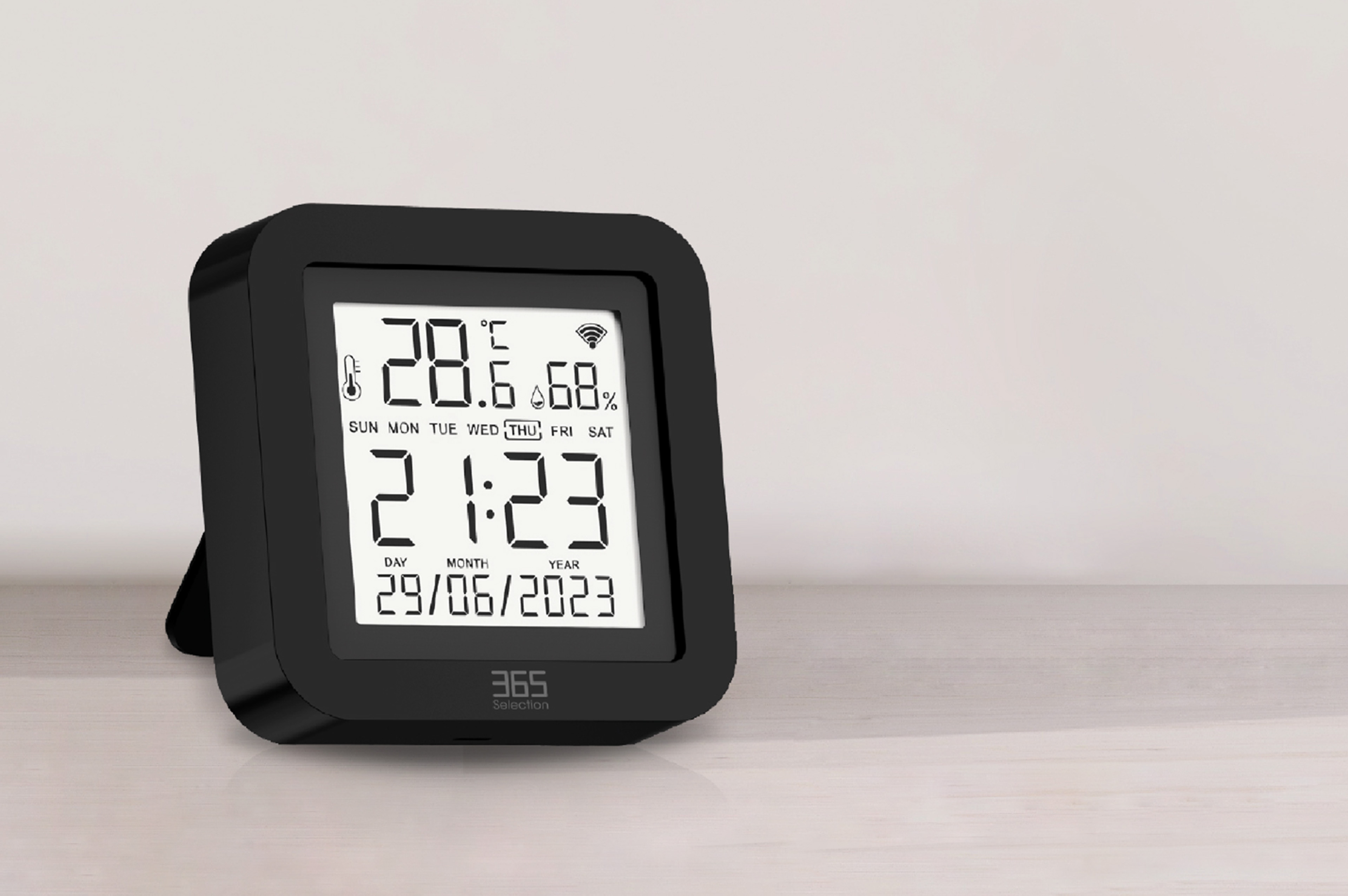
| Model | 365-SEL-309 |
|---|---|
| Power input | DC 5 V / 1 A |
| Infrared frequency | 38 kHz |
| Infrared range | ≤ 10 metres |
| Temperature measuring range | 0°C–60°C |
| Humidity measuring range | 0% RH–99% RH |
| Wi-Fi | 2.4 GHz |
| Dimensions | 65 × 65 × 17 mm |
| Supported systems | iOS / Android |
| Warranty | 12 months |
GETTING STARTED
A few steps to smarter control
Add your appliances, make your controls easy to find, and finish setting up your remote.
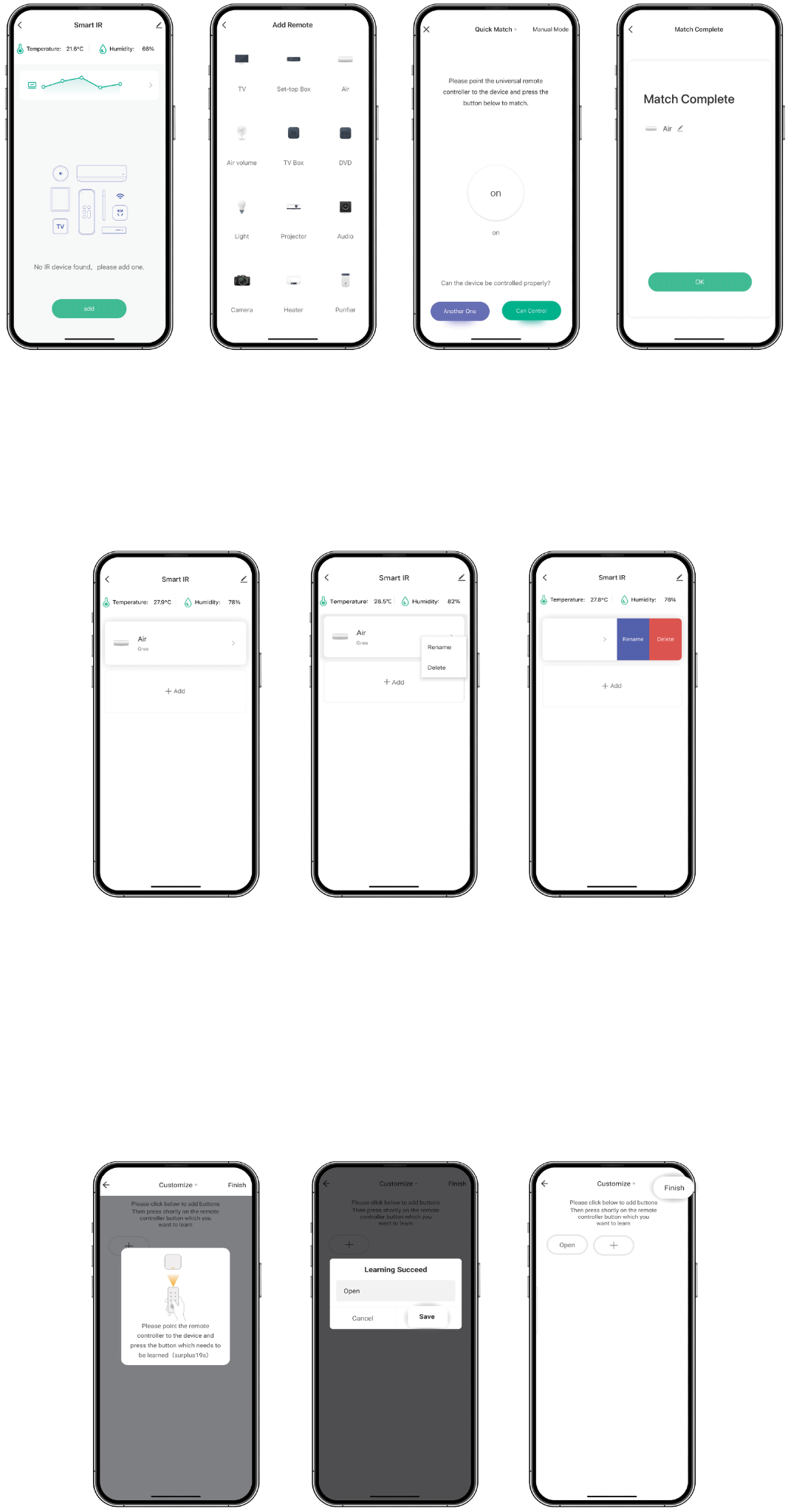
01Add & match an appliance
Tap Smart IR, then Add. Select the device and its brand, and choose Quick Match or Manual Mode to match the remote buttons.
Test at least three buttons to make sure the appliance responds correctly. Once matching is complete, you can control the device.
02Give it a familiar name
After adding the device, rename it so it is easy to recognise.
Android: long-press the device box, then select Rename.
iOS: slide the device box to the left, then select Rename.
03Finish your DIY remote
When using DIY learning, follow the app’s instructions to learn and save a button from your original remote.
Tap + to continue copying other buttons, or select Finish when your remote is ready.
Experience Smart Life
A familiar home, with smarter control