Zigbee Sensor Home Kit
ZH1A Smart Home
A Safe Home
A gateway, a door sensor and a motion sensor. Bring awareness and useful automations into everyday life.
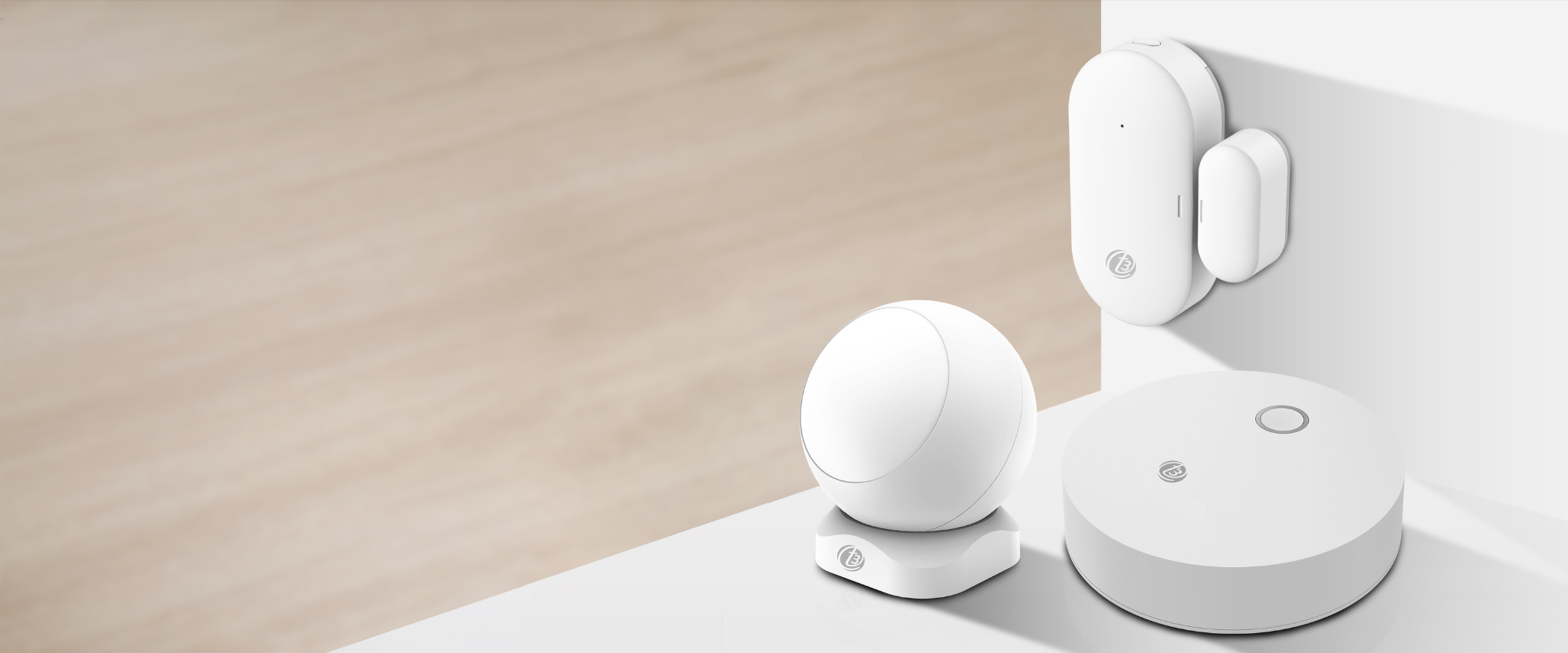
*Sensor battery-life specification: more than one year at 20 activations per day.
A Connected Home
Small signals, a closer connection
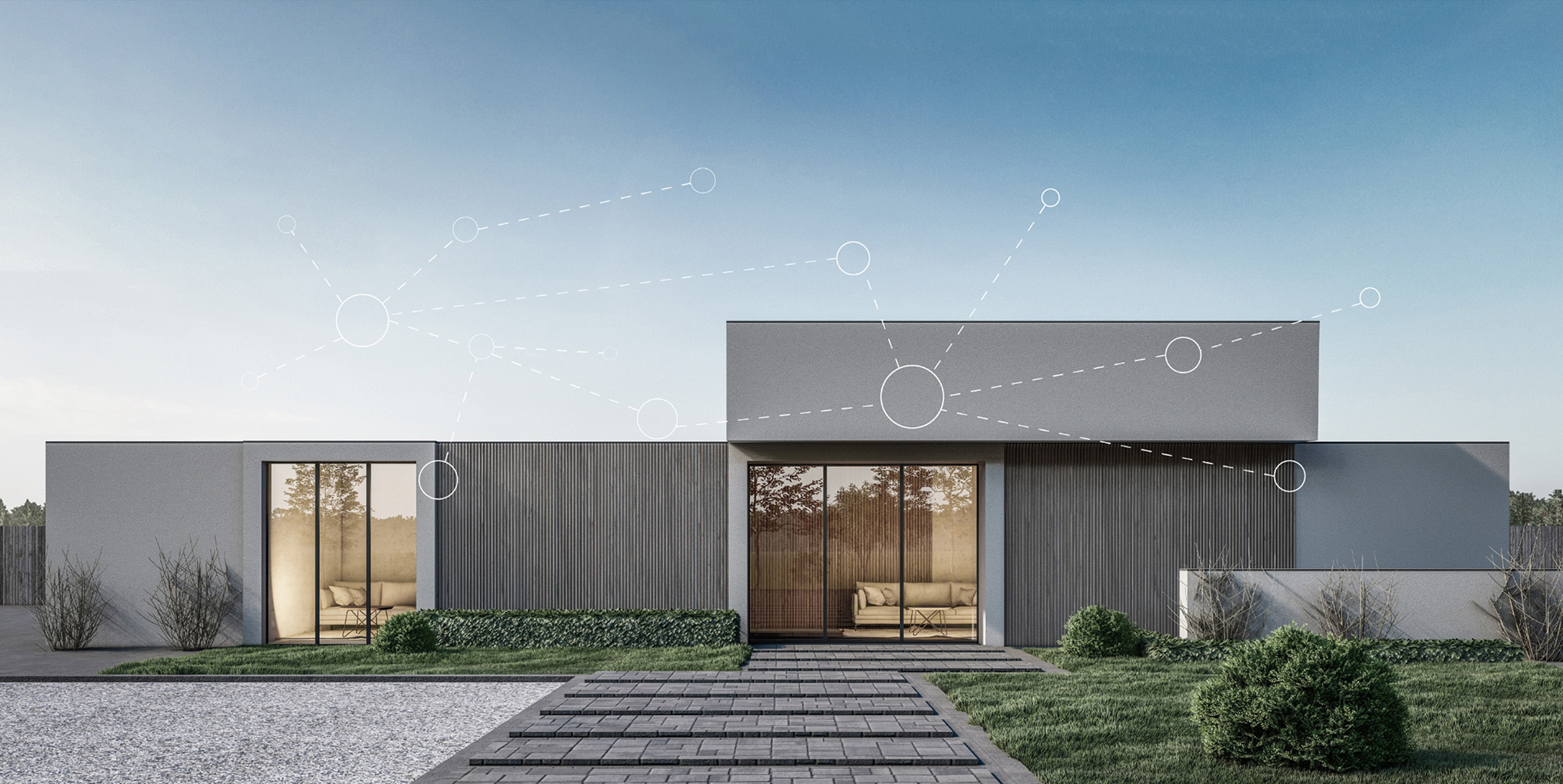
Built around Zigbee, ZH1 brings three smart-home essentials together in one connected system.
What is Zigbee?
A low-power wireless technology for a private device network. Small data packets help sensors communicate efficiently.
Stay home, stay safe
Keep an eye on openings and movement, with app notifications and smart linkage around your home.

Low power
Energy-efficient sensors reduce the need for frequent battery changes.
Smart linkage
Connect sensor events with compatible devices and configured scenes.
Everyday awareness
Door and motion notifications help you stay informed through the app.
Zigbee Gateway
One gateway, more possibilities
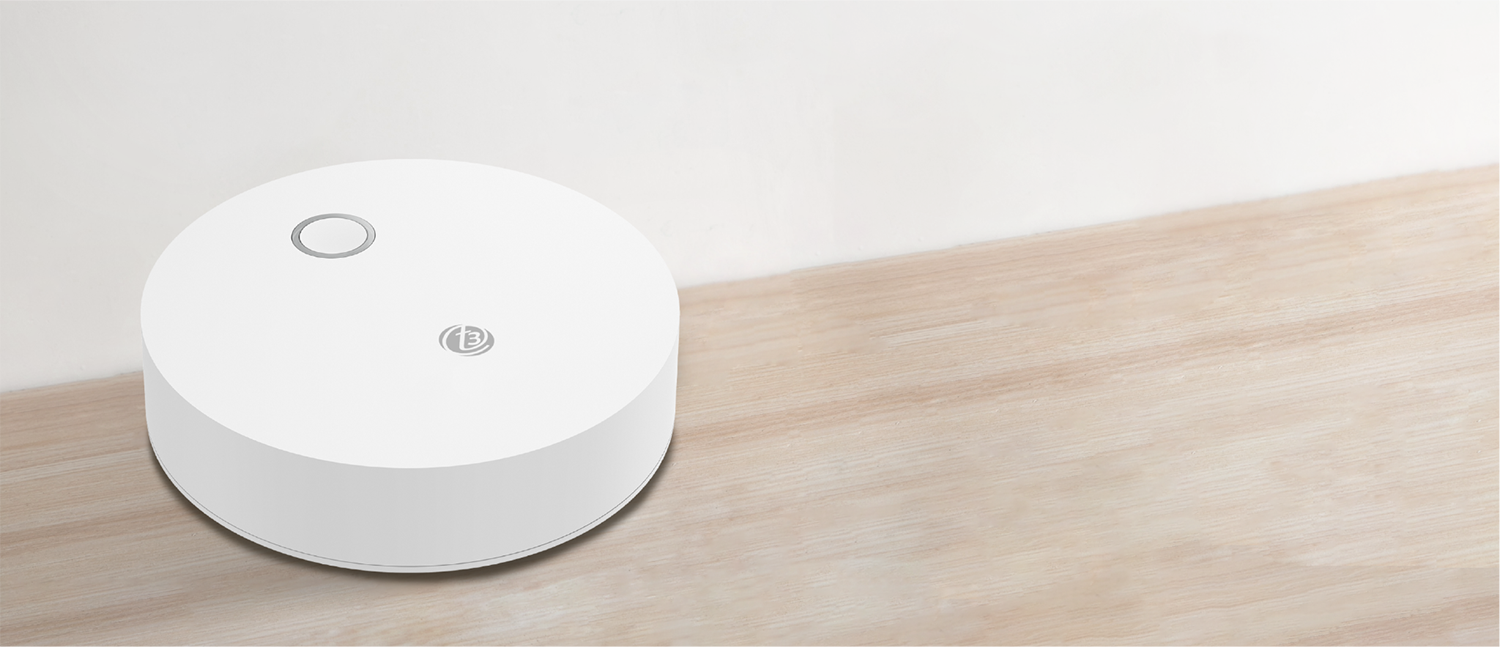
Connect your sensors, manage devices and build a home system that works around you.
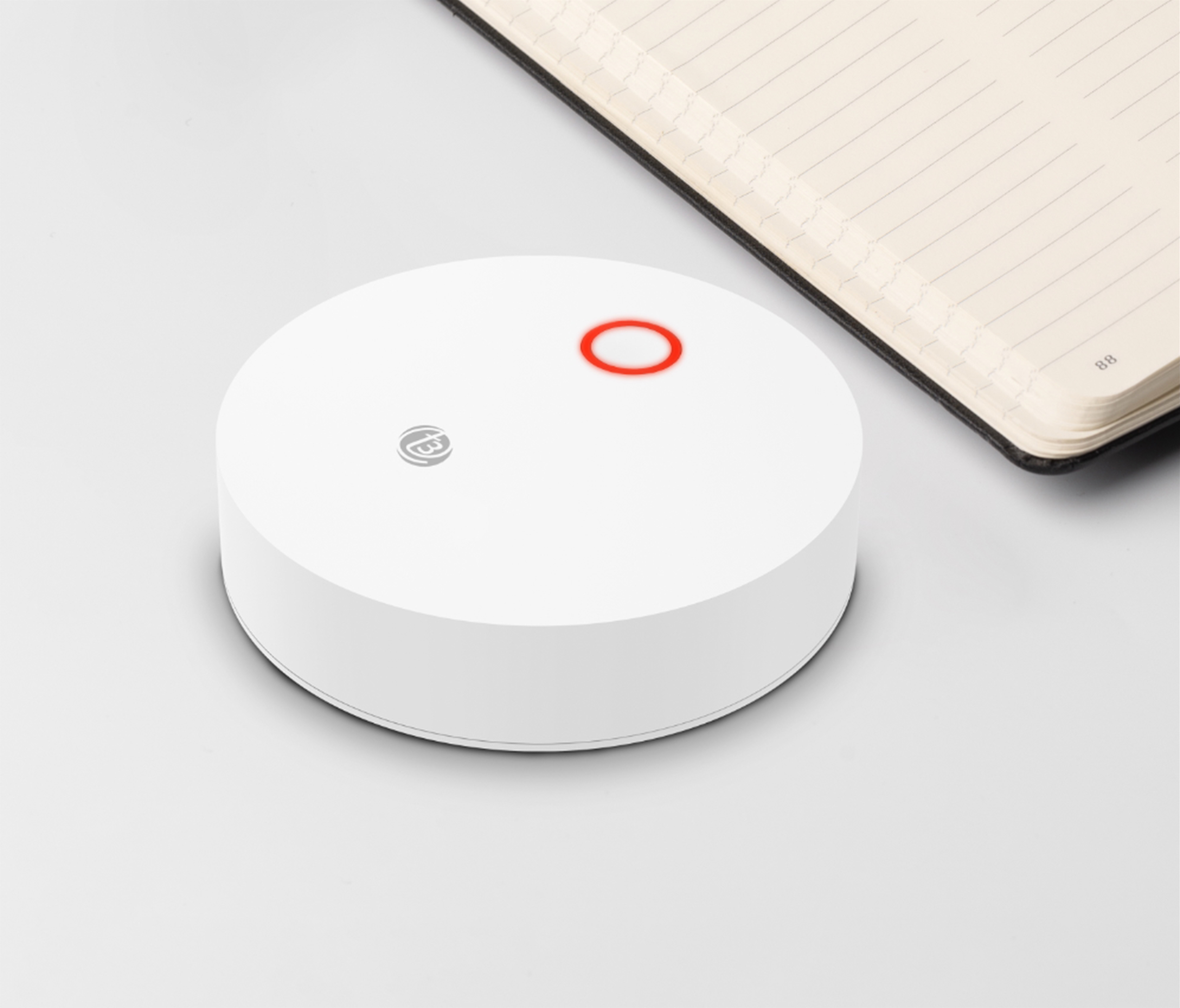
The center of your connected home
Link Zigbee devices through the gateway and manage them remotely in the app.
A wider reach
Control Zigbee devices up to 100 meters away through the gateway.

Build it around your home
Create your own home security system with compatible Zigbee devices.
Door Sensor
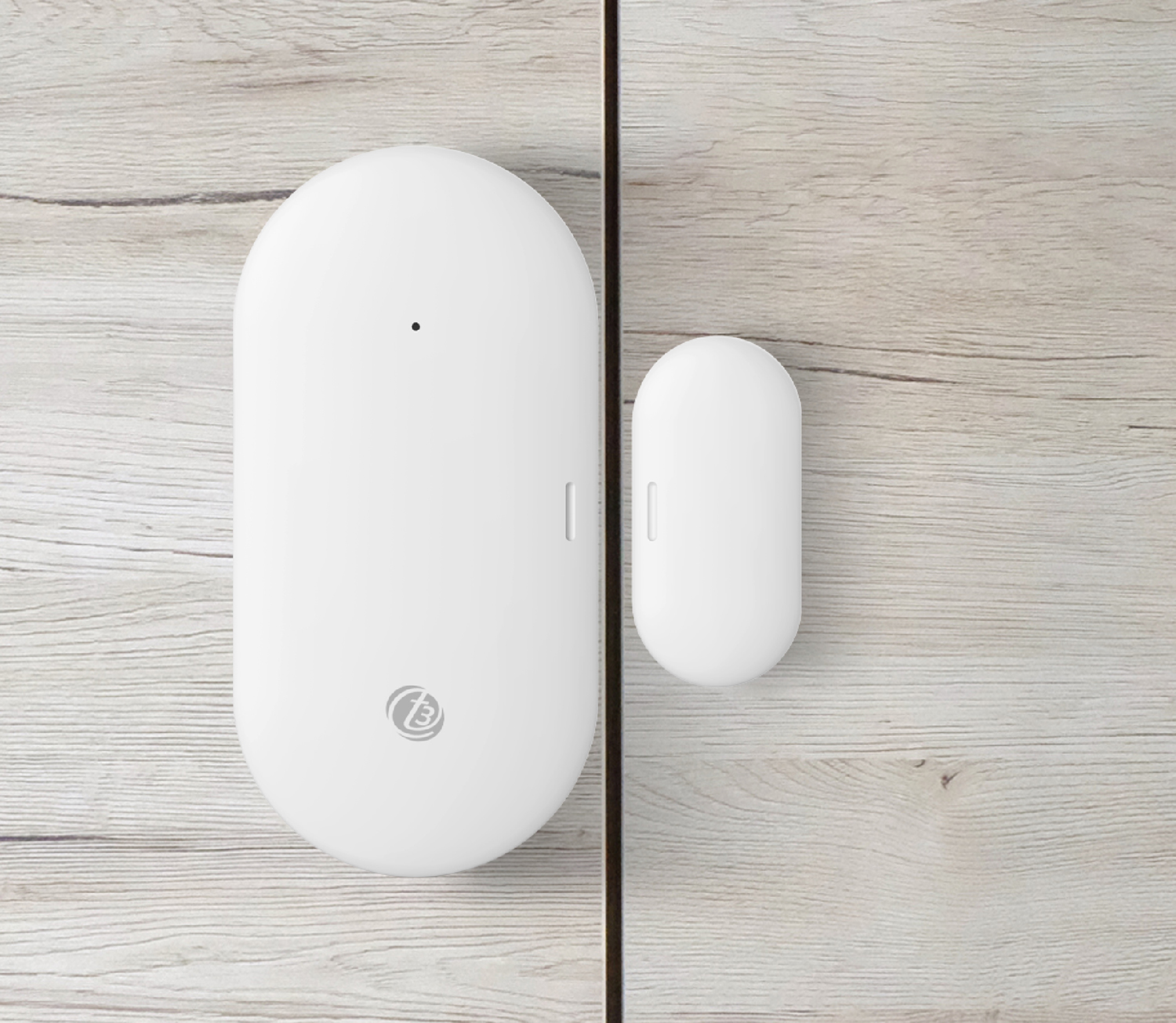
A little sensor, a useful heads-up
Know when a door or window opens or closes, and connect those moments to your smart-home routines.
Stay aware of every opening
The sensor automatically triggers when an opening is detected. Receive a notification and use the event in a smart linkage.
- Auto trigger
- Smart linkage
- Low-battery indication
- 1 year+ battery life*
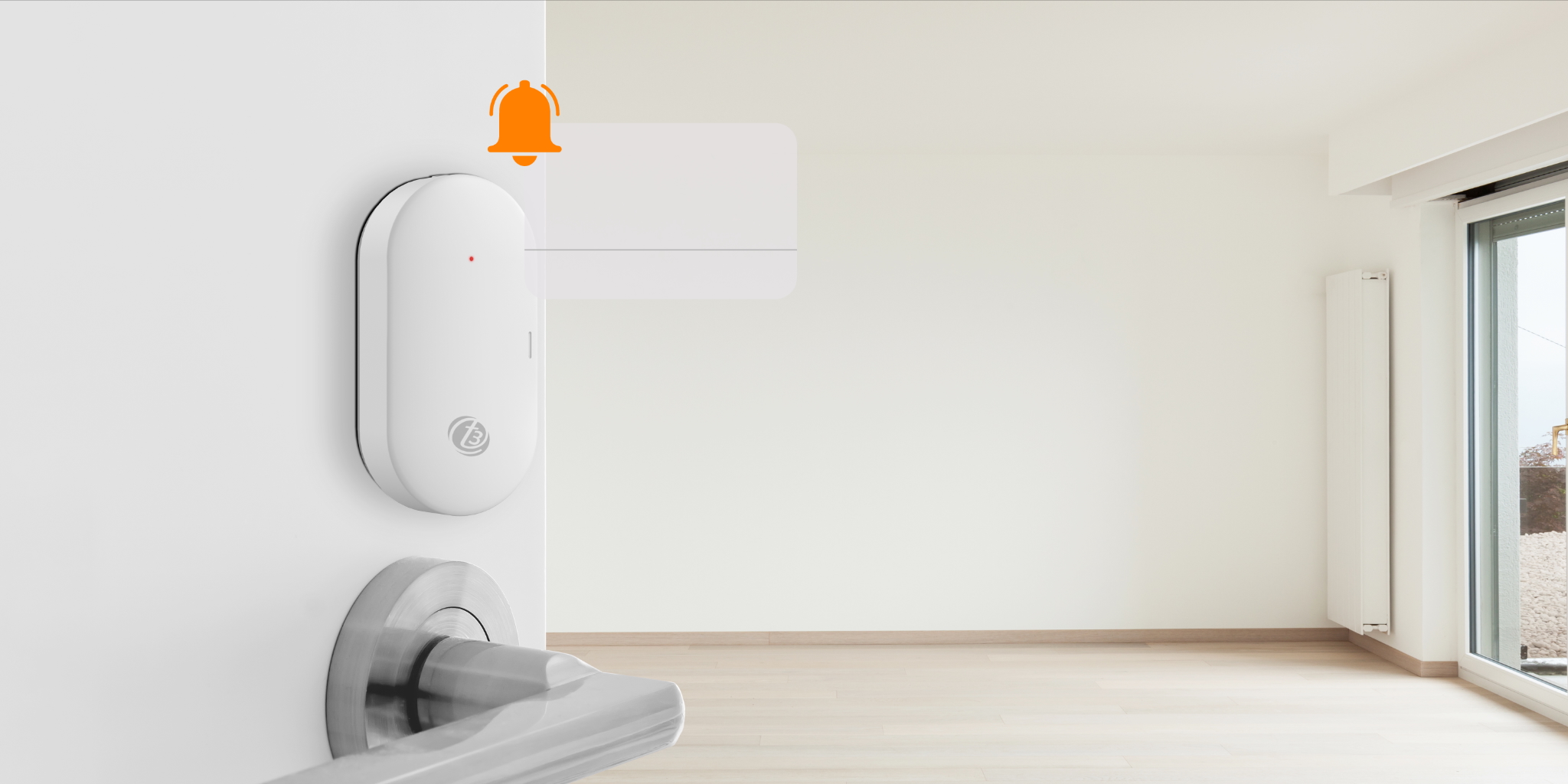
Open, close, stay informed
Get an app notification when the sensor detects a door or window opening or closing.
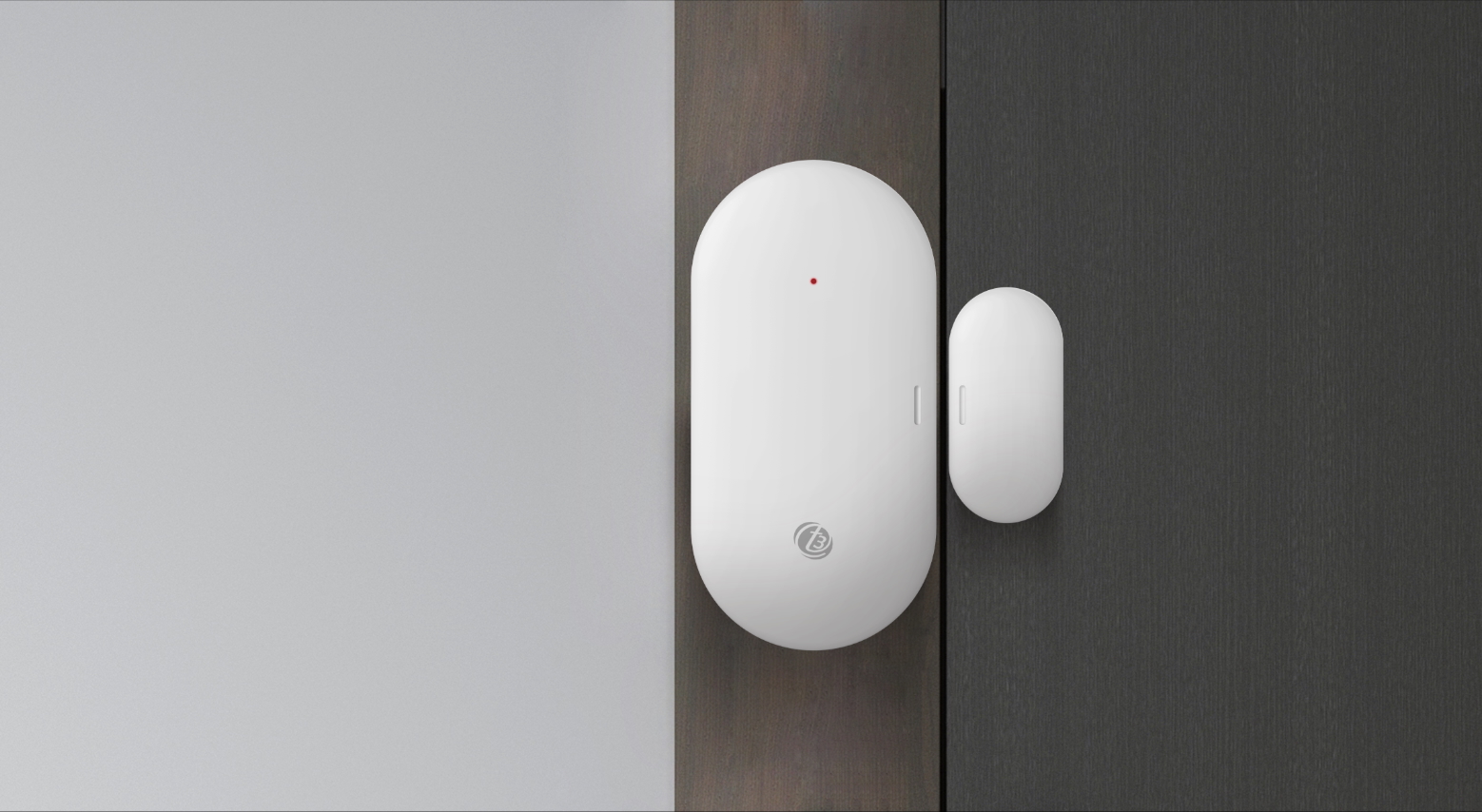
Stick it in place
Install the sensor by attaching it to the door or window area you want to monitor.
Motion Sensor
A home that notices movement
Detect activity in your room and use motion as the starting point for useful automations.
Small in size,
wide in awareness
Receive motion alerts in the app, with smart linkage and a low-battery indicator.
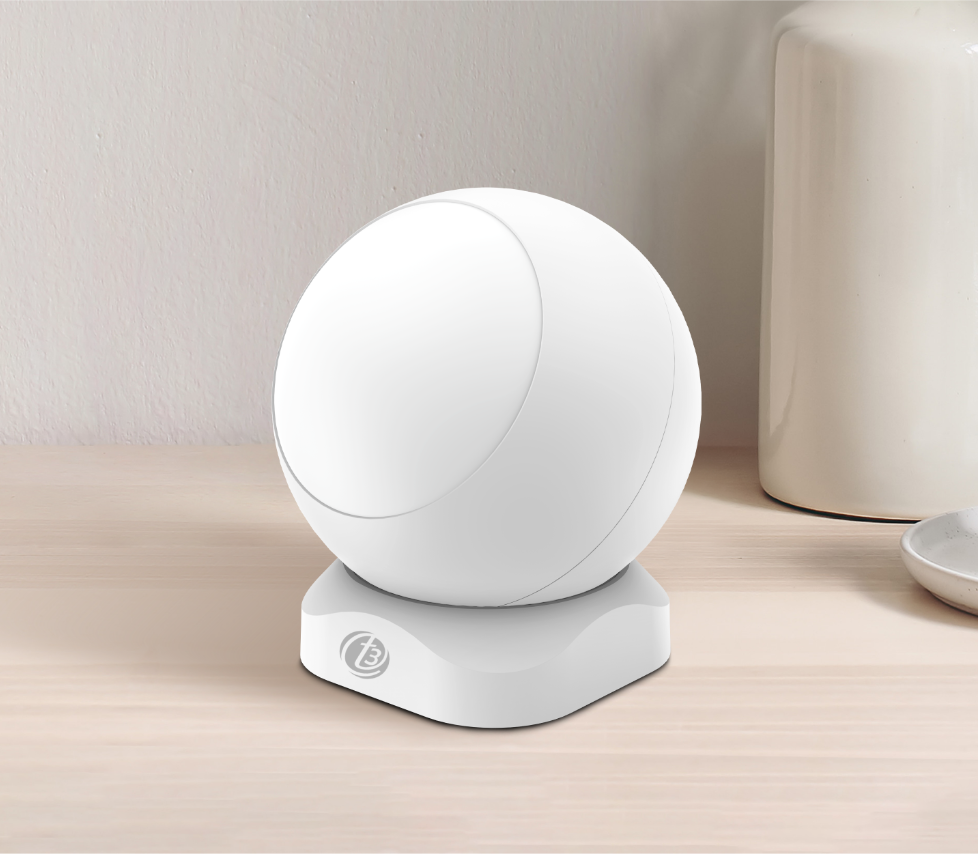
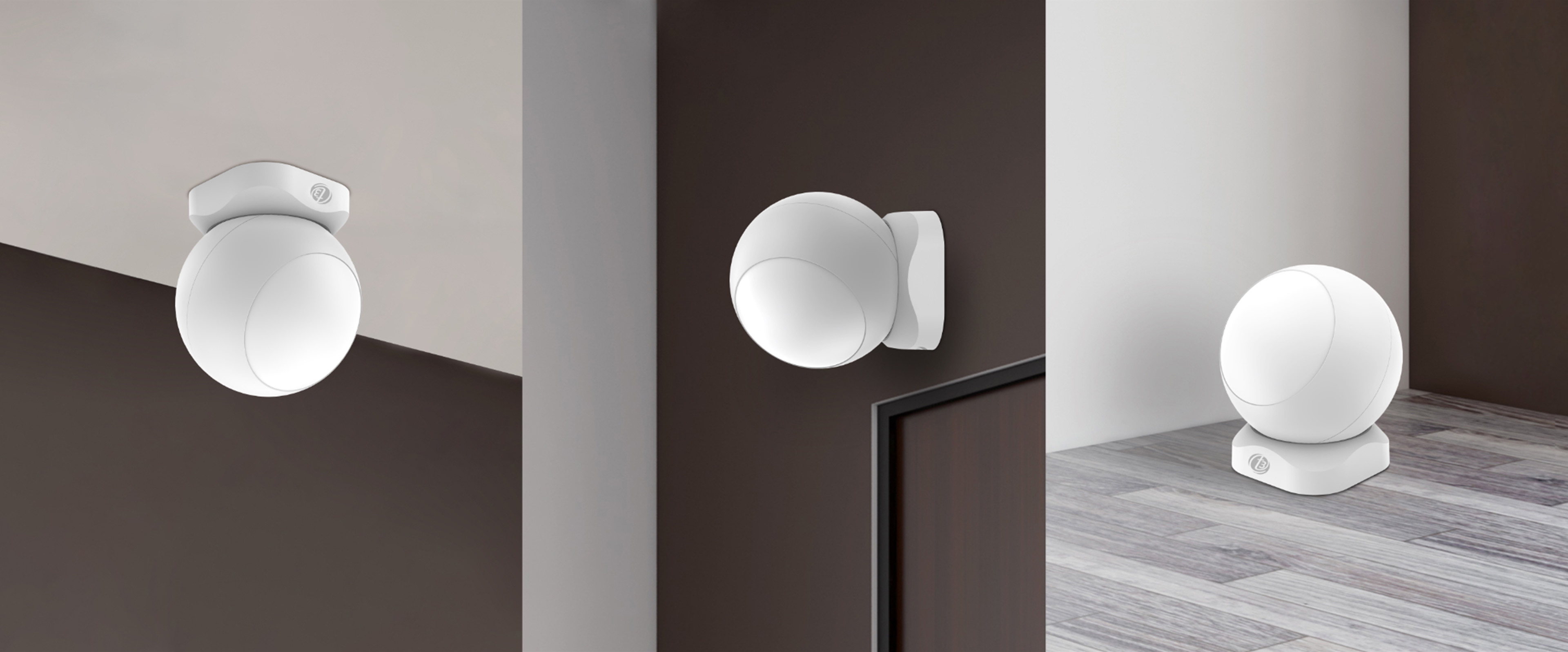
A place that suits your room
Mount on a wall or ceiling, or place on a surface. Adjust the sensor orientation to suit the installation.
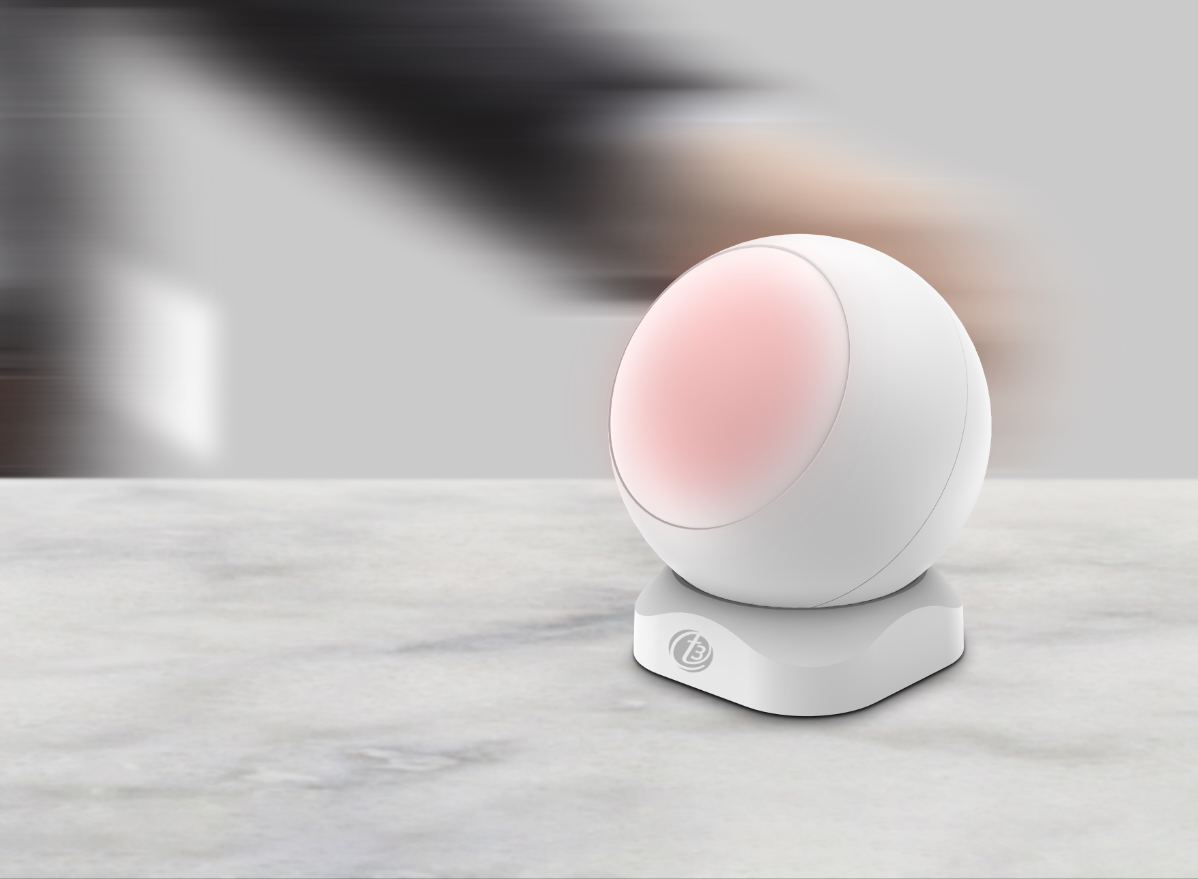
Notice the everyday comings and goings
Motion sensing covers a maximum distance of 8 meters and an angle of 90 degrees.

Movement, sent to your app
When movement is detected, the sensor sends an alarm notification to the app.
Smart Automation
You come, lights on
Let simple sensor events become useful actions around your home.
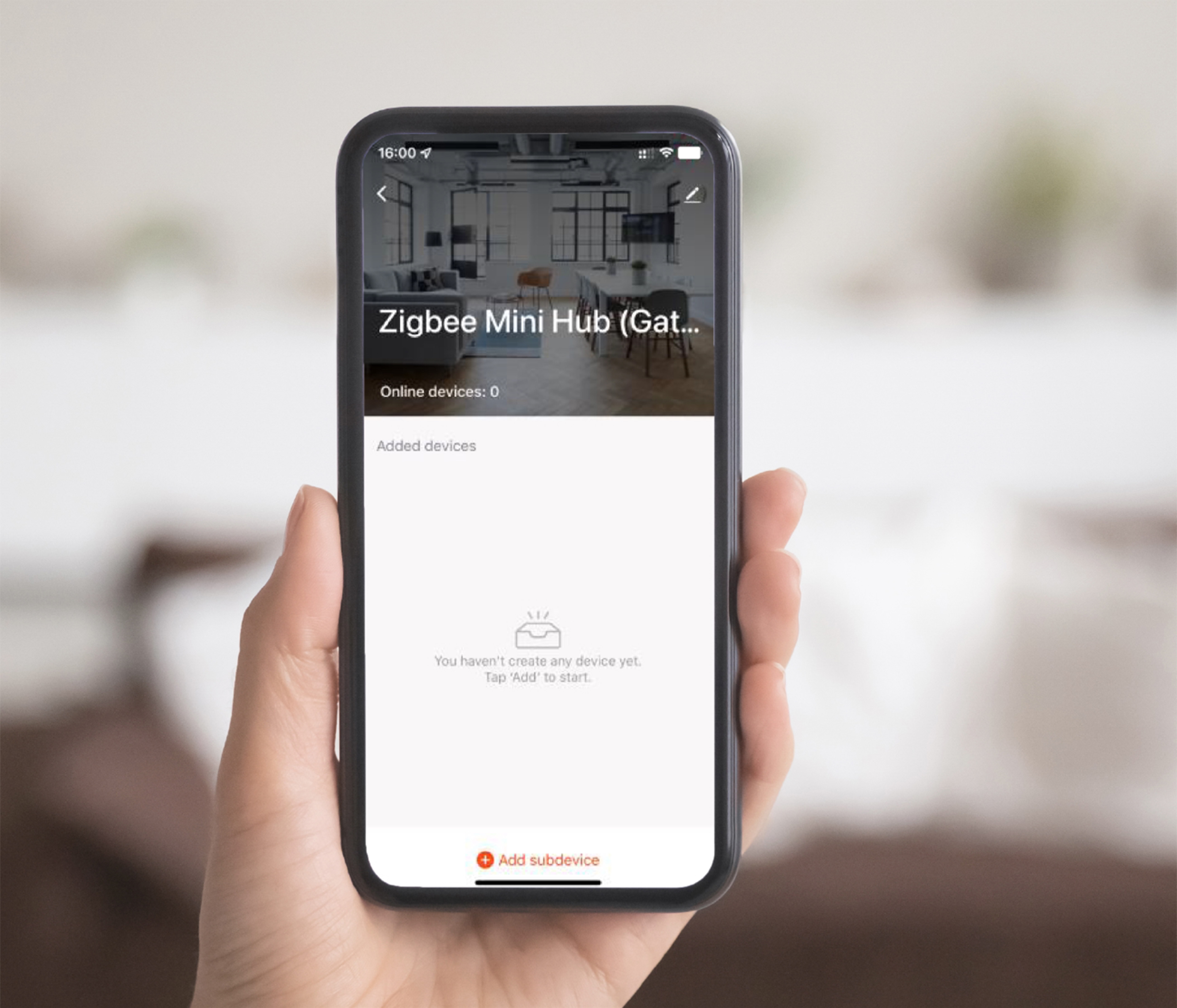
From motion to action
Set up automations in the app to link Zigbee sensor events with compatible IoT devices. Create lighting routines for when movement starts or stops.
Lighting examples require compatible connected lights and a configured automation.
A welcome when you arrive

A pause when the room is still

Specifications
The details, together
A closer look at the gateway and the two sensors in ZH1.
Model: T3-Smart-363
| Specification | Gateway ZG1 | Door sensor ZD1 | Motion sensor ZM1 |
|---|---|---|---|
| Connection | Zigbee / Wi-Fi 2.4 GHz | Zigbee | Zigbee |
| Power | 5 V, 1 A / Micro Usb | Dc 3 V / CR2032 battery | Dc 3 V / CR123A battery |
| Operating temperature | −10 °C to +55 °C | −10 °C to +55 °C | −10 °C to +55 °C |
| Operating humidity | 10–90% Rh, non-condensing | — | — |
| Gateway coverage | Up to 100 m | — | — |
| Supported devices | Up to 32 | — | — |
| Low-battery indication | — | 2.6 V ± 0.2 V | 2.6 V ± 0.2 V |
| Alarm trigger distance | — | 23 ± 5 mm | — |
| Motion detection | — | — | Up to 8 m / 90° |
| Battery life* | — | More than 1 year | More than 1 year |
| Dimensions | 75 × 75 × 23 mm | 52.6 × 26.5 × 13.8 mm | 48.4 × 48.4 × 53.4 mm |
*Battery-life figures are based on 20 activations per day. A dash indicates a field not specified or not applicable in the supplied product materials.
Quick Guide
A few steps to a connected home
Connect the gateway first, then pair your door and motion sensors in the app.
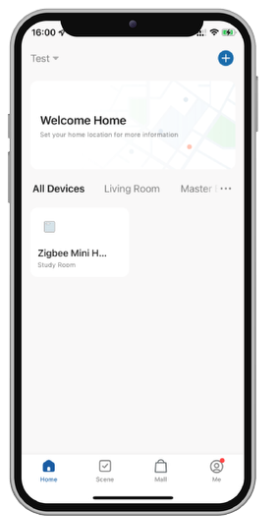
Connect your gateway
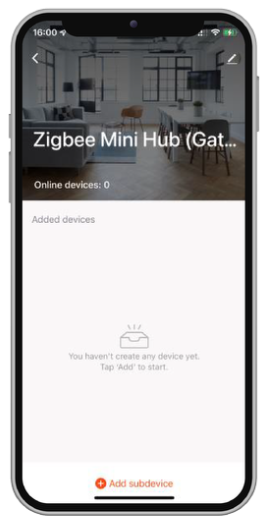
Once the Zigbee gateway is connected successfully, you can add sensors through its page in the app.
Power the sensors
Insert a CR2032 battery in the door sensor and a CR123A battery in the motion sensor. Position each sensor where needed.
Pair the door sensor · ZD1
-
01
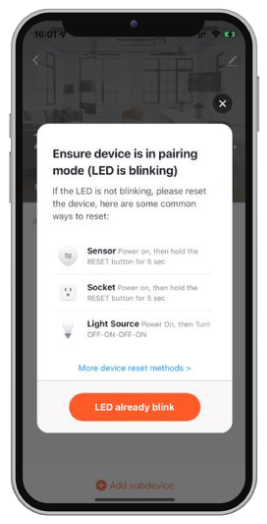
Enter pairing mode
Press the sensor reset button. While its indicator flashes, open the gateway in the app, select “Add device”, then “Led already blink”.
-
02
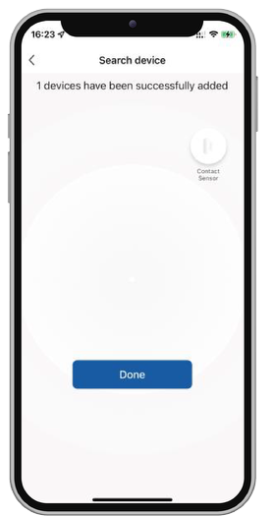
Let the gateway find it
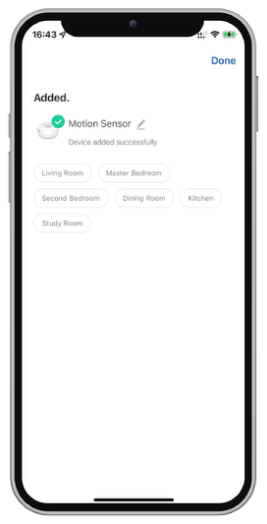
The gateway searches for and pairs with the sensor. When the device is found, select “Done”.
-
03
Ready for your home
Complete pairing. Your sensor is now listed in the app and ready to use.
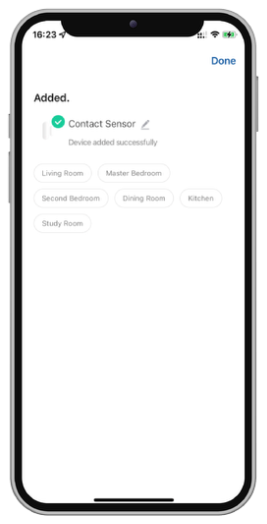
Pair the motion sensor · ZM1
-
01
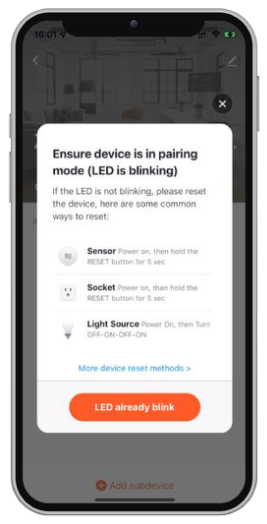
Enter pairing mode
Press the sensor reset button. While its indicator flashes, open the gateway in the app, select “Add device”, then “Led already blink”.
-
02
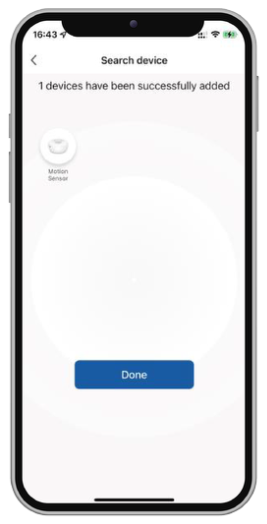
Let the gateway find it
The gateway searches for and pairs with the sensor. When the device is found, select “Done”.
-
03
Ready for your home
Complete pairing. Your sensor is now listed in the app and ready to use.