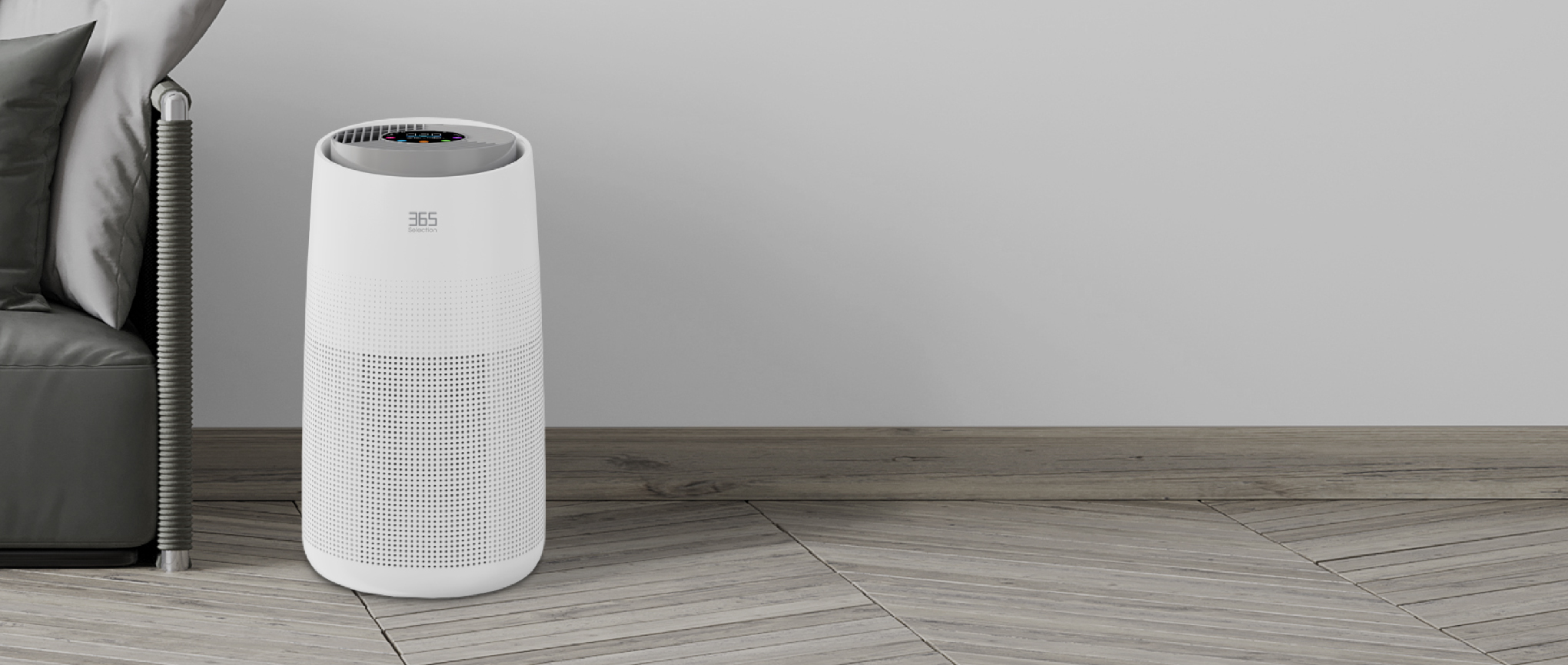
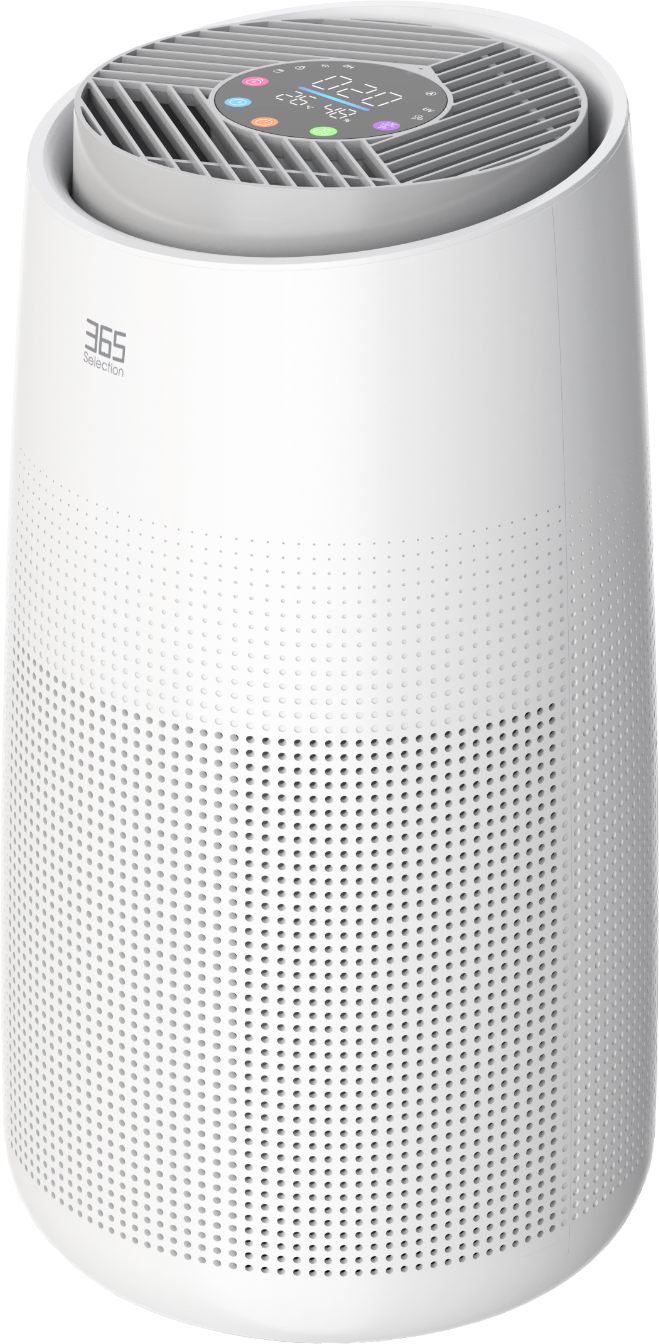
Smart Air Purifier A6
A Breath of Fresh Air
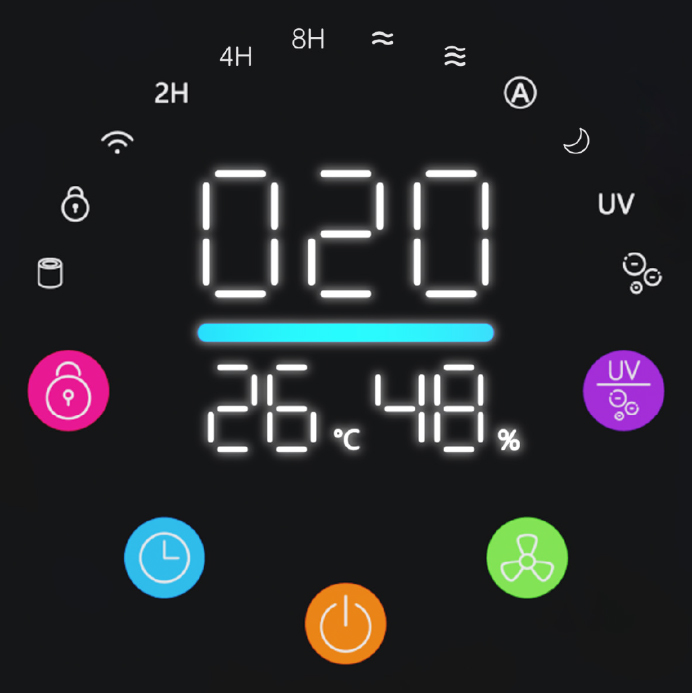
Real-time PM2.5 readingsKnow your air at a glance
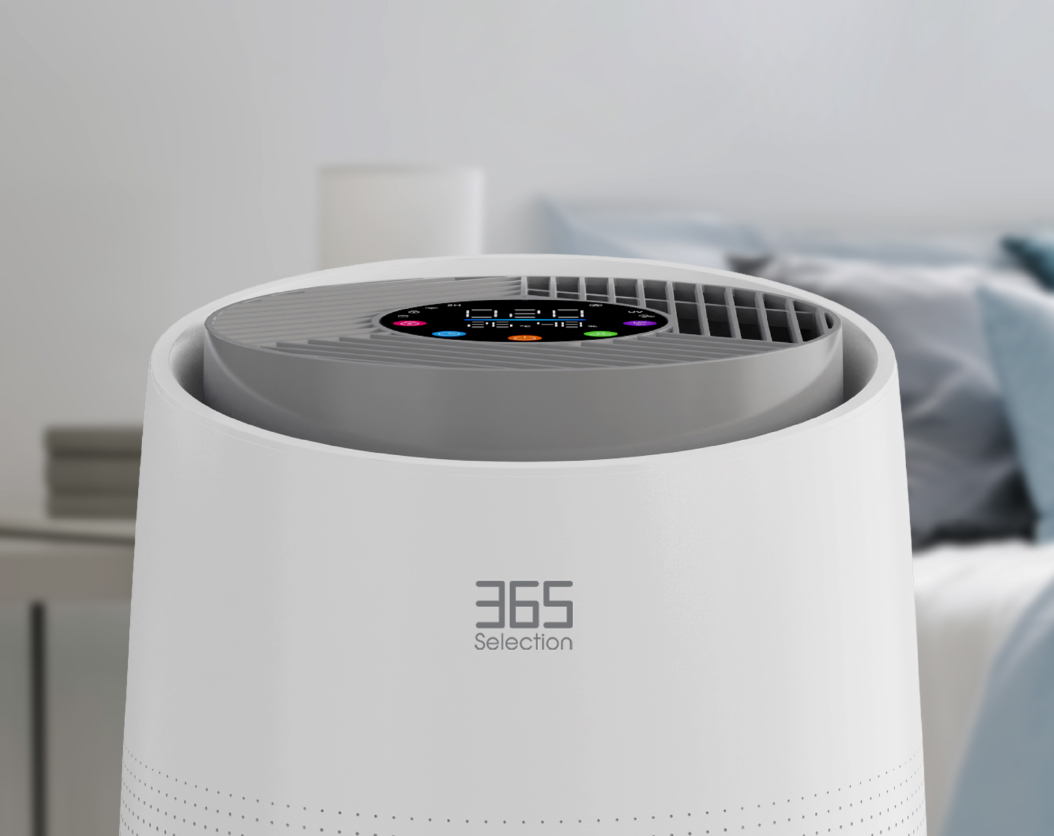
See indoor PM2.5 levels in real time and keep track of changes in your air quality.
Clean and fresh air
The smart air purifier reduces PM2.5, making the air 99.97% clean and safe for everyone.
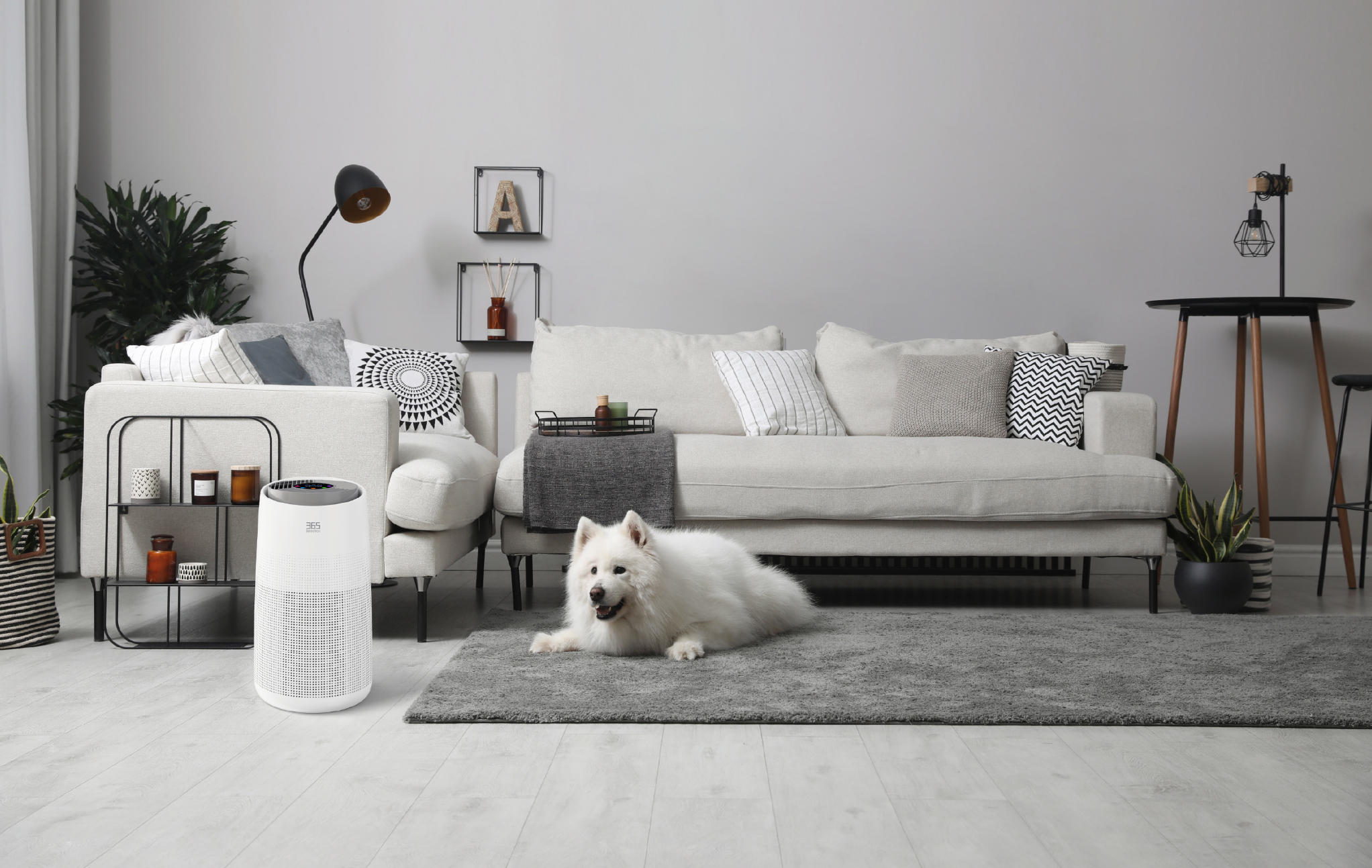
Safe for everyone and pets with air purification that filters odors and pet hair.
Features

Remove PM2.5
Coverage Area 36 m²

Timer

Ultra-Quiet Operation
PM2.5 Display
Kill Allergens and Bacteria
HEPA13 Filter
Remote Control
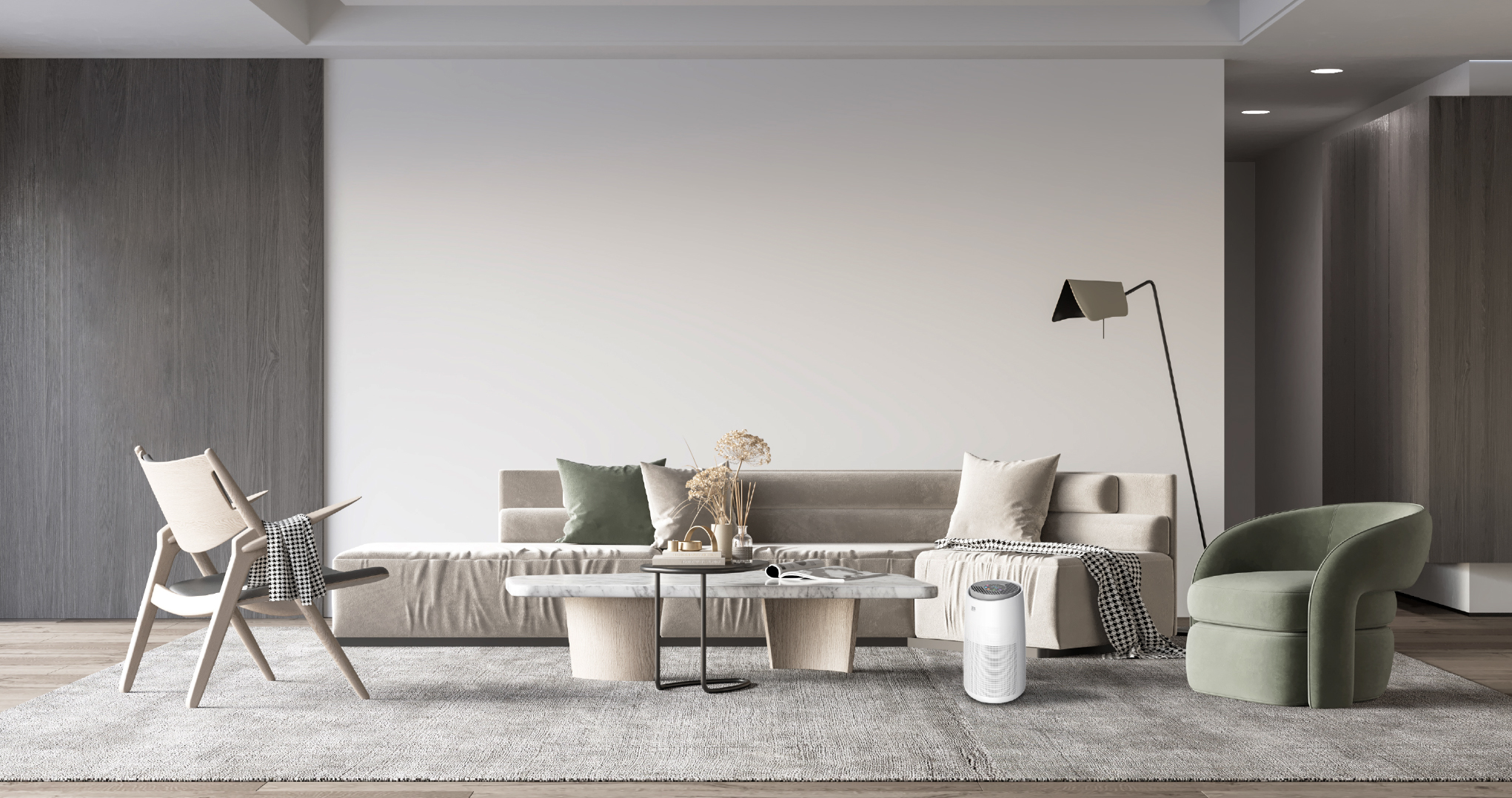
Coverage area
The A6 air purifier covers an area of 36 m².
Product controls
Click the blue circles to view each part.
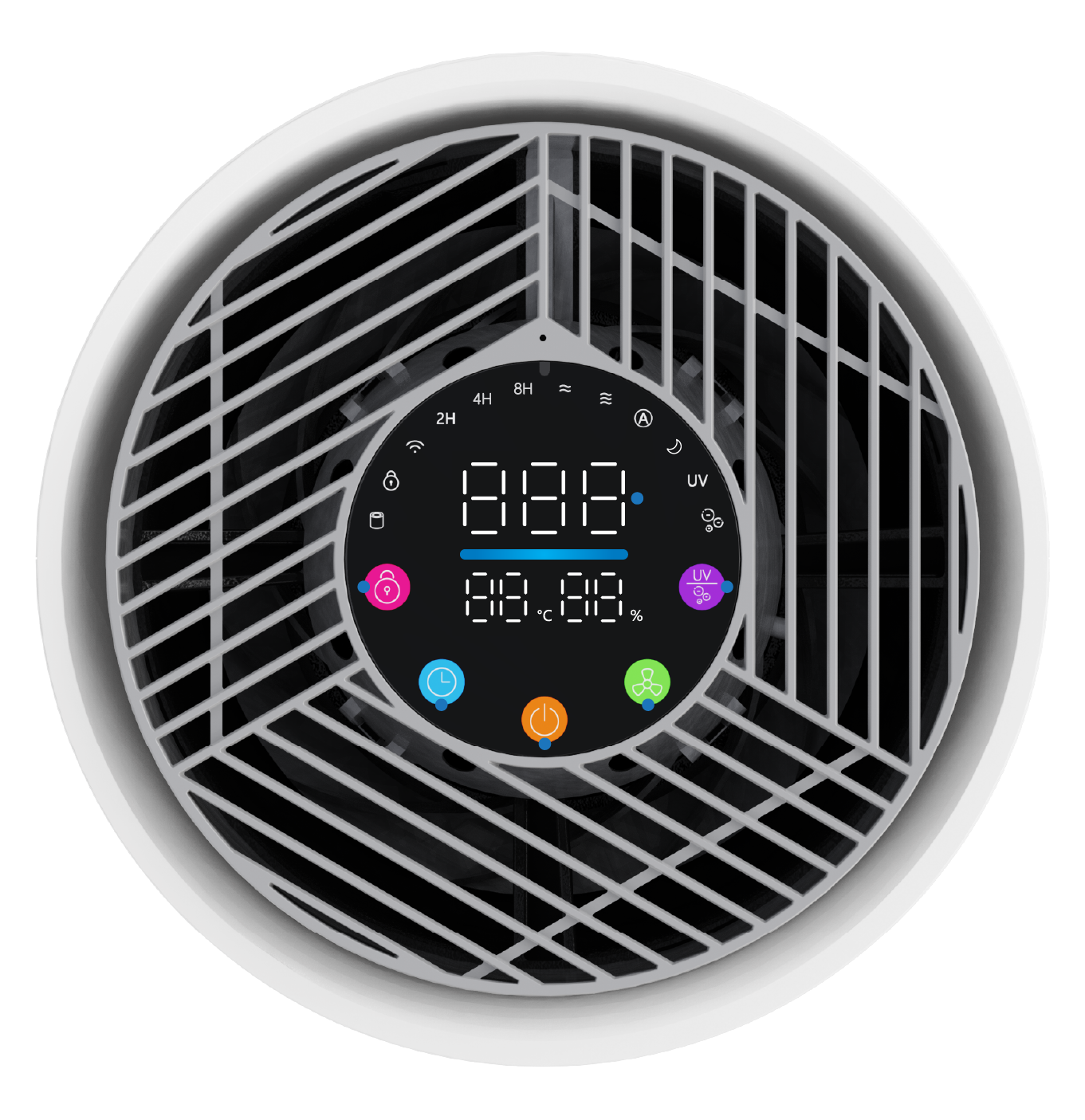 PM2.5UV/Anion Compound ButtonWind Speed ButtonPower ButtonTimer/Wi-Fi ButtonChild Lock
Low noise
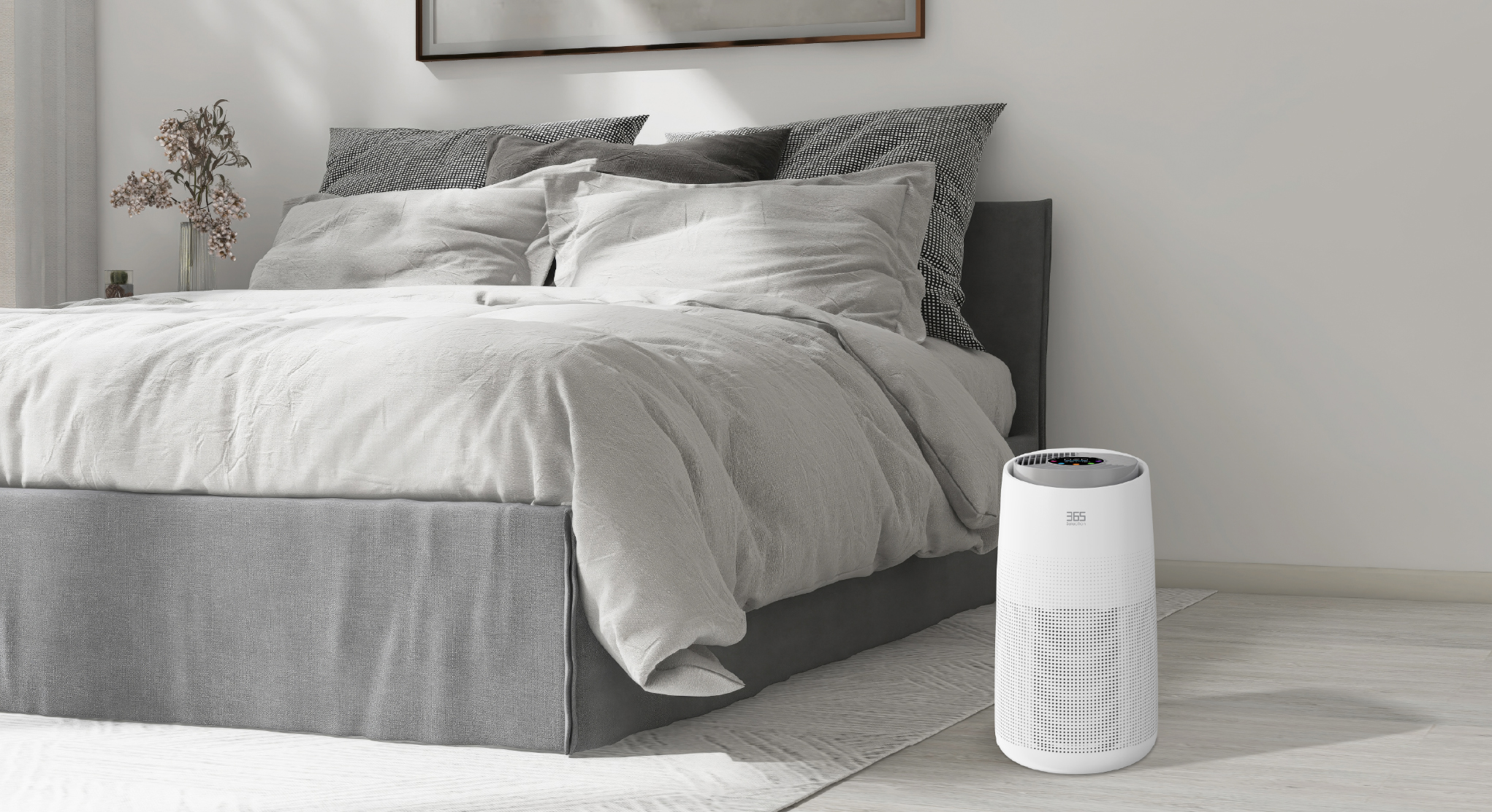
Make you sleep soundly all night
Filter
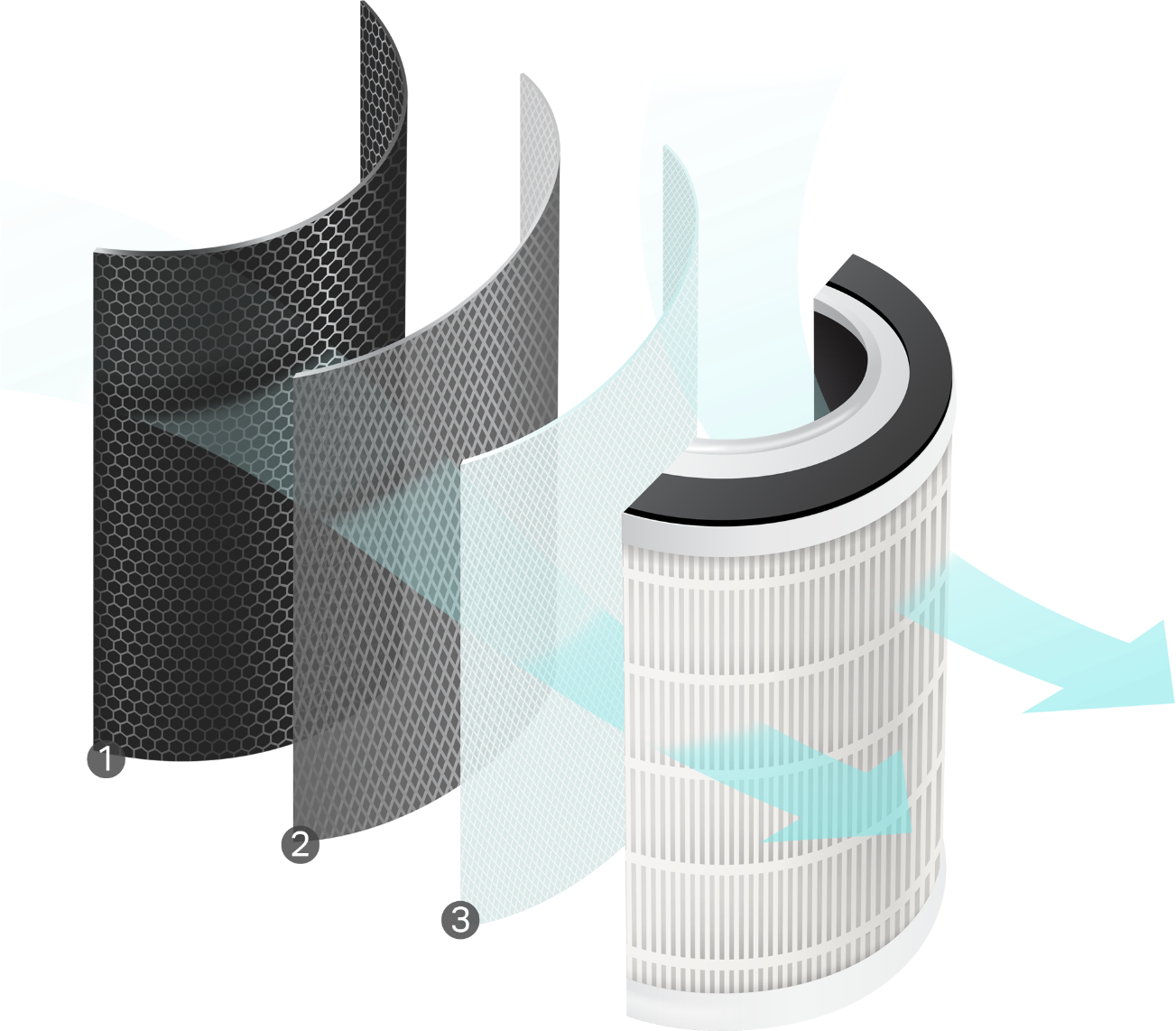
Three layers of air filtration for cleaner air and confident breathing.
1Activated Carbon
Eliminates unwanted odors.
2HEPA
Traps small dust and prevents bacteria.
3Primary Filter
Traps large dust.
Filter replacement steps
A reminder will appear after 2,200 hours of operation.
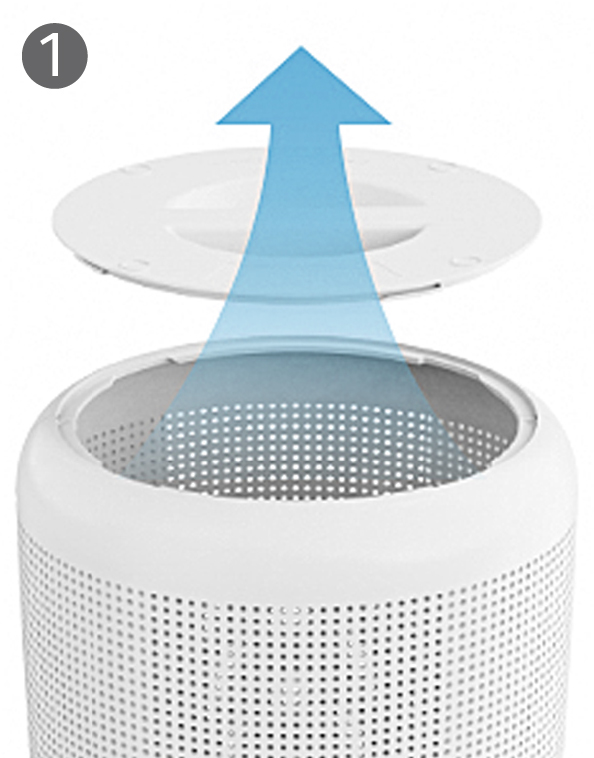
Open the base
Turn the machine upside down and twist the base to open it.
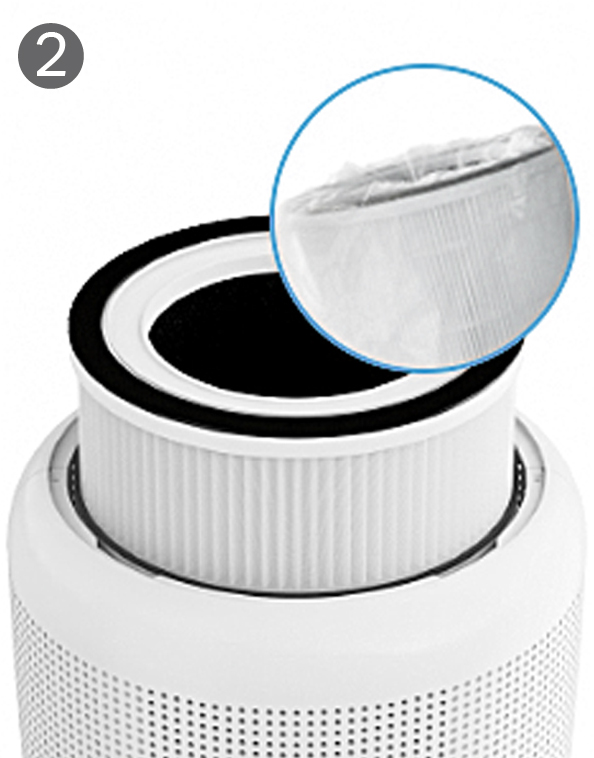
Replace the filter
Remove the old filter and take the new filter out of its packaging.
Secure the base
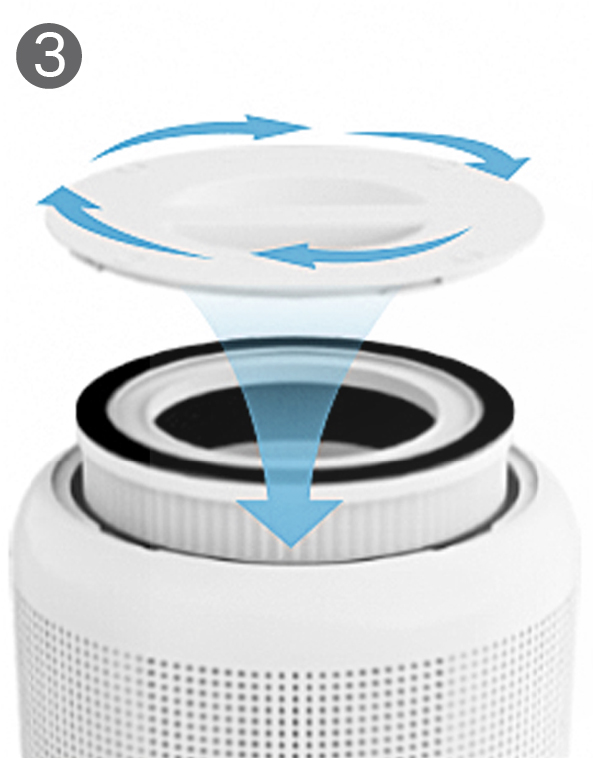
Place the new filter inside, then reattach and secure the base.
Reset the reminder
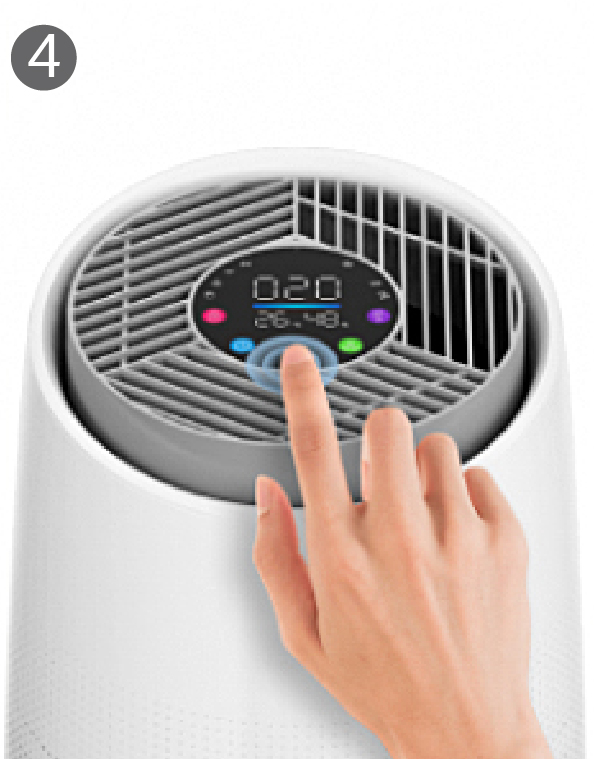
Press and hold the power button for 7 seconds to reset the filter life. The filter indicator will turn off.
Smart control
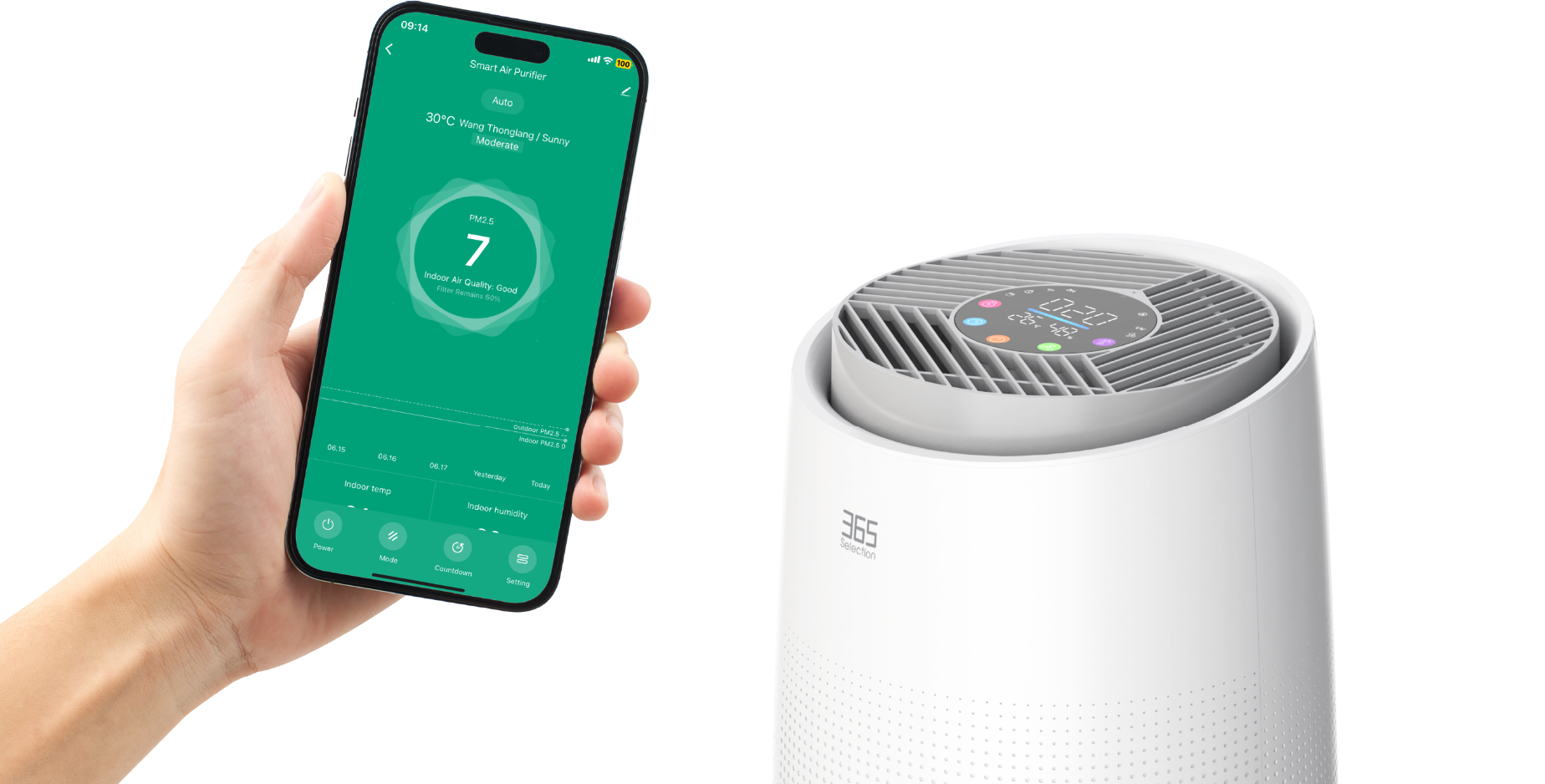
Use the application to turn the air purifier on or off, control the speed and set a countdown time.
Voice control

Supports Google Home, iOS and Android systems.
Specifications
365 Selection Smart Air Purifier A6
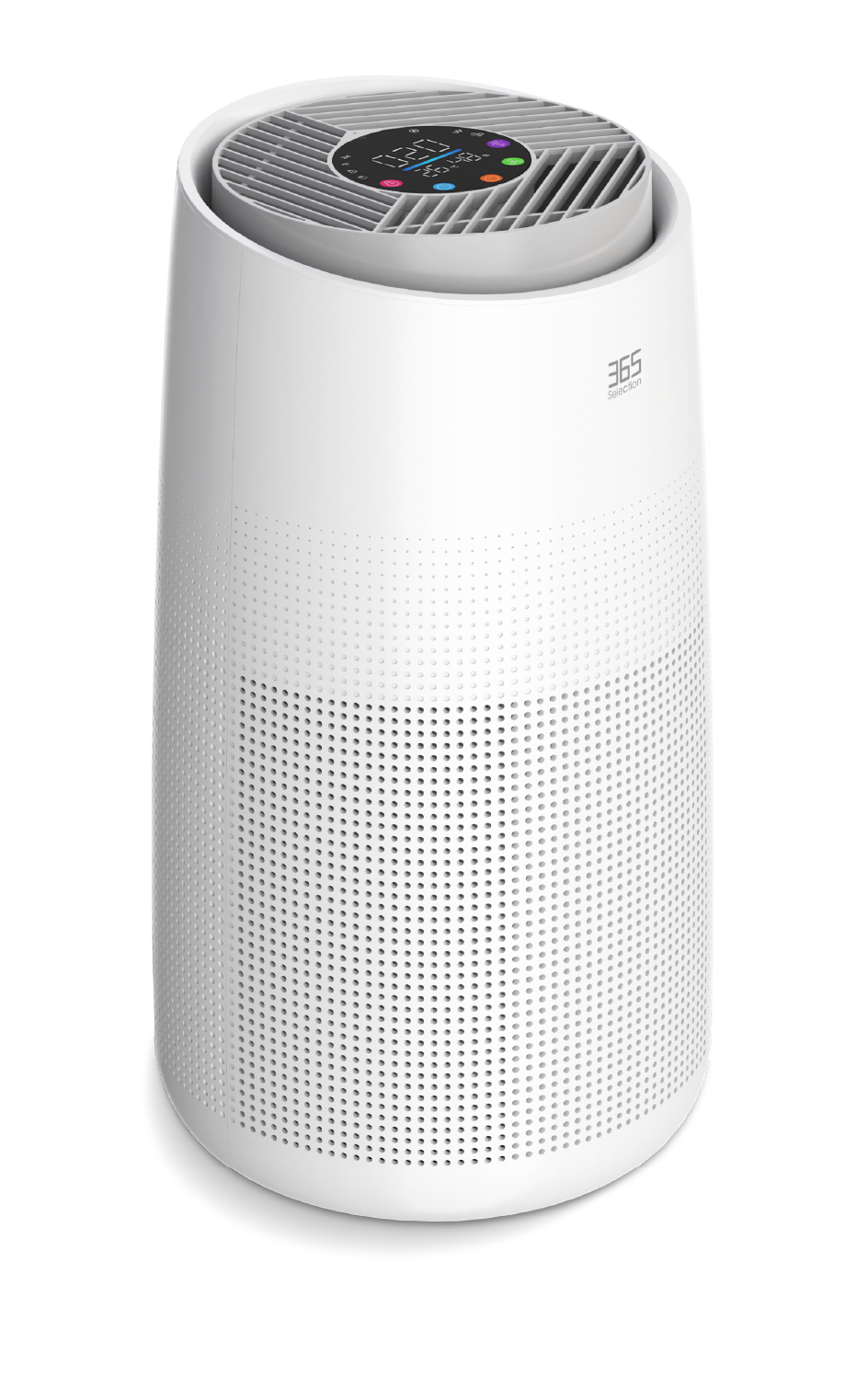
| Model | 365-SEL-516 |
|---|---|
| Size | 260 × 260 × 475 mm |
| Noise | <53 dB |
| CADR | 300 m³/h |
| Timer | 2 / 4 / 8 hours |
| Working Mode | Auto / High / Mid / Sleep mode |
| HEPA Type | 3-in-1 Pre-filter + HEPA13 filter + Carbon filter |
| Input | AC 100–240V, 50/60Hz |
| Output | DC 24V, 1.2A |
| Power | 25W |
| Warranty | 12 Months |
Quick Guide
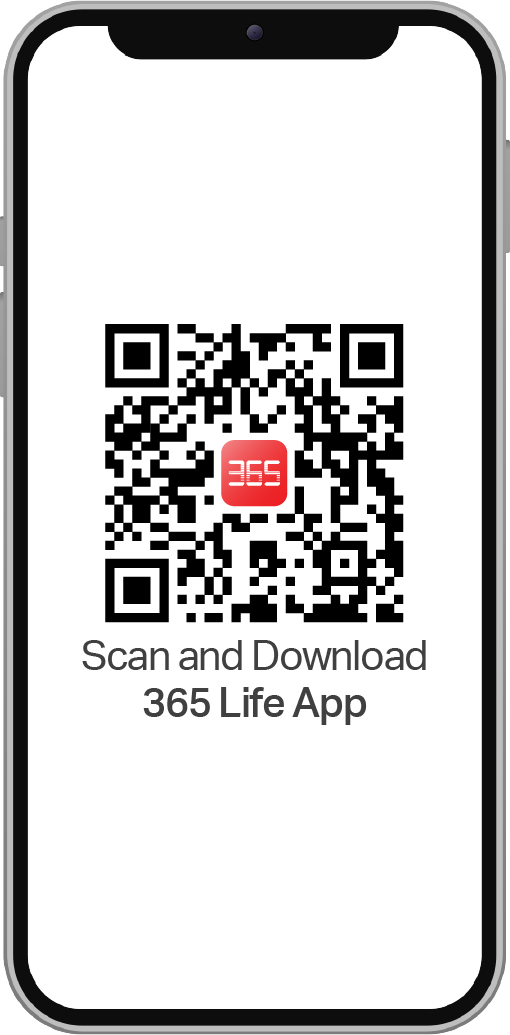
Install application
Scan the QR code to download the 365 Life app.
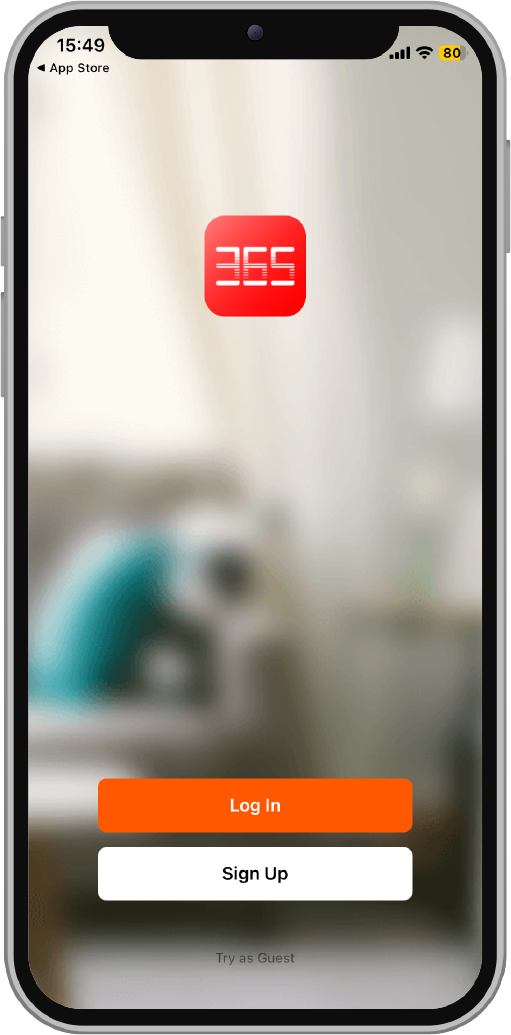
Log in
Open the application and log in.
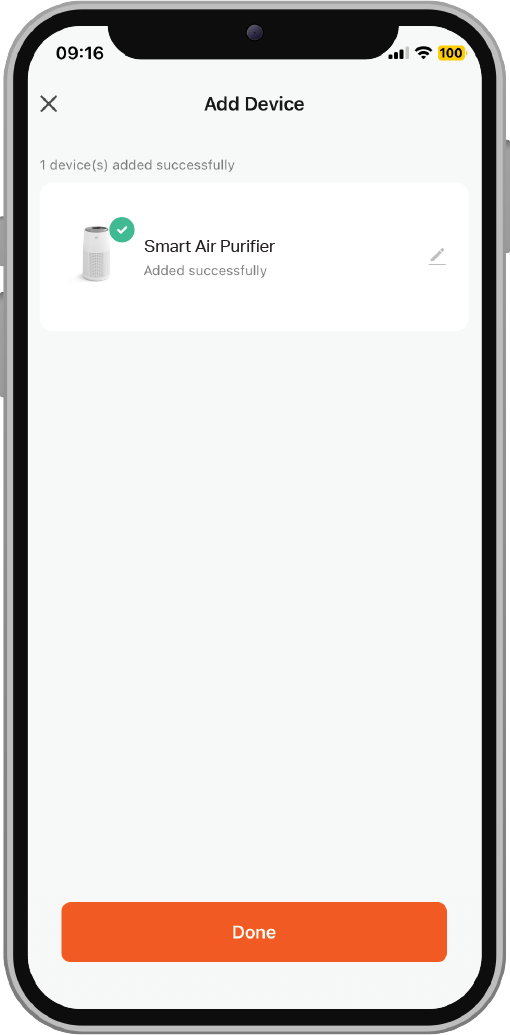
Add the device
Select a 2.4 GHz Wi-Fi network, then add the device.