
4G CPEC21
Your mobile working partner
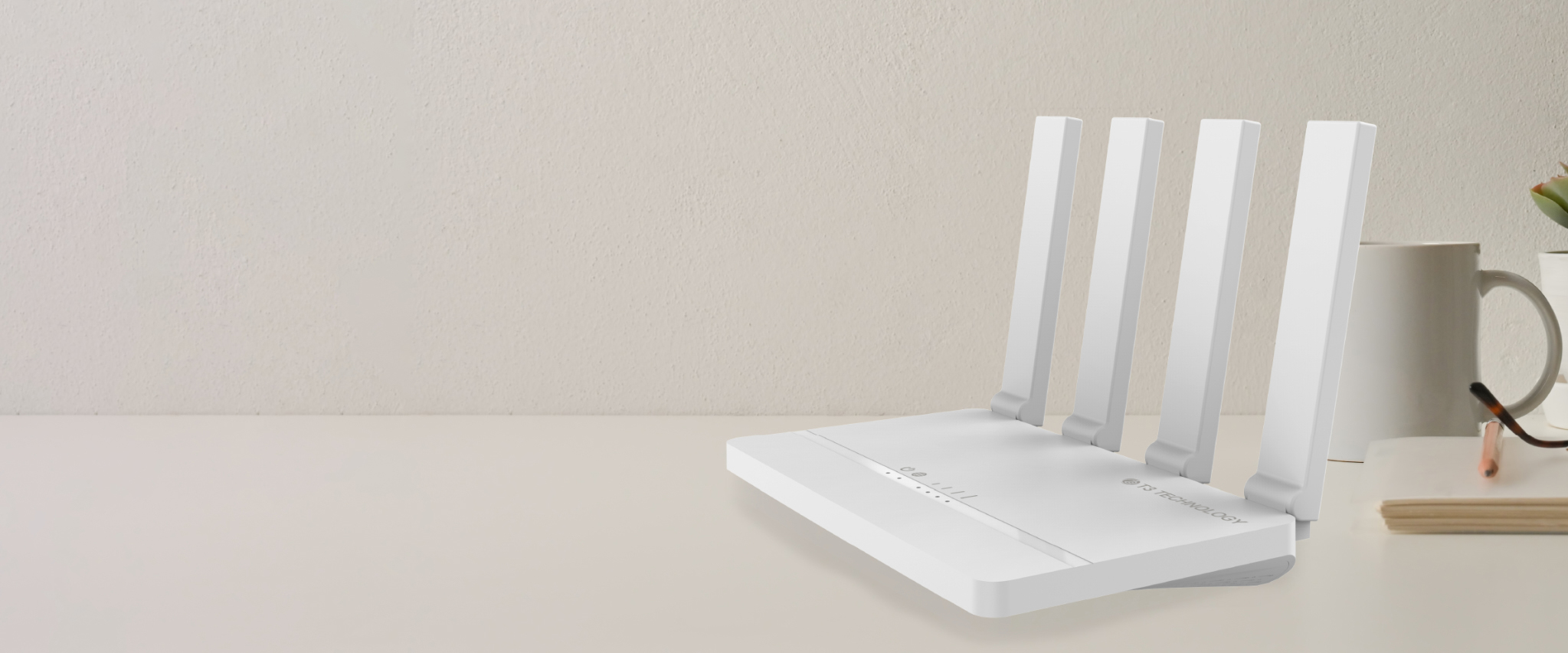

The best partner for your mobile working
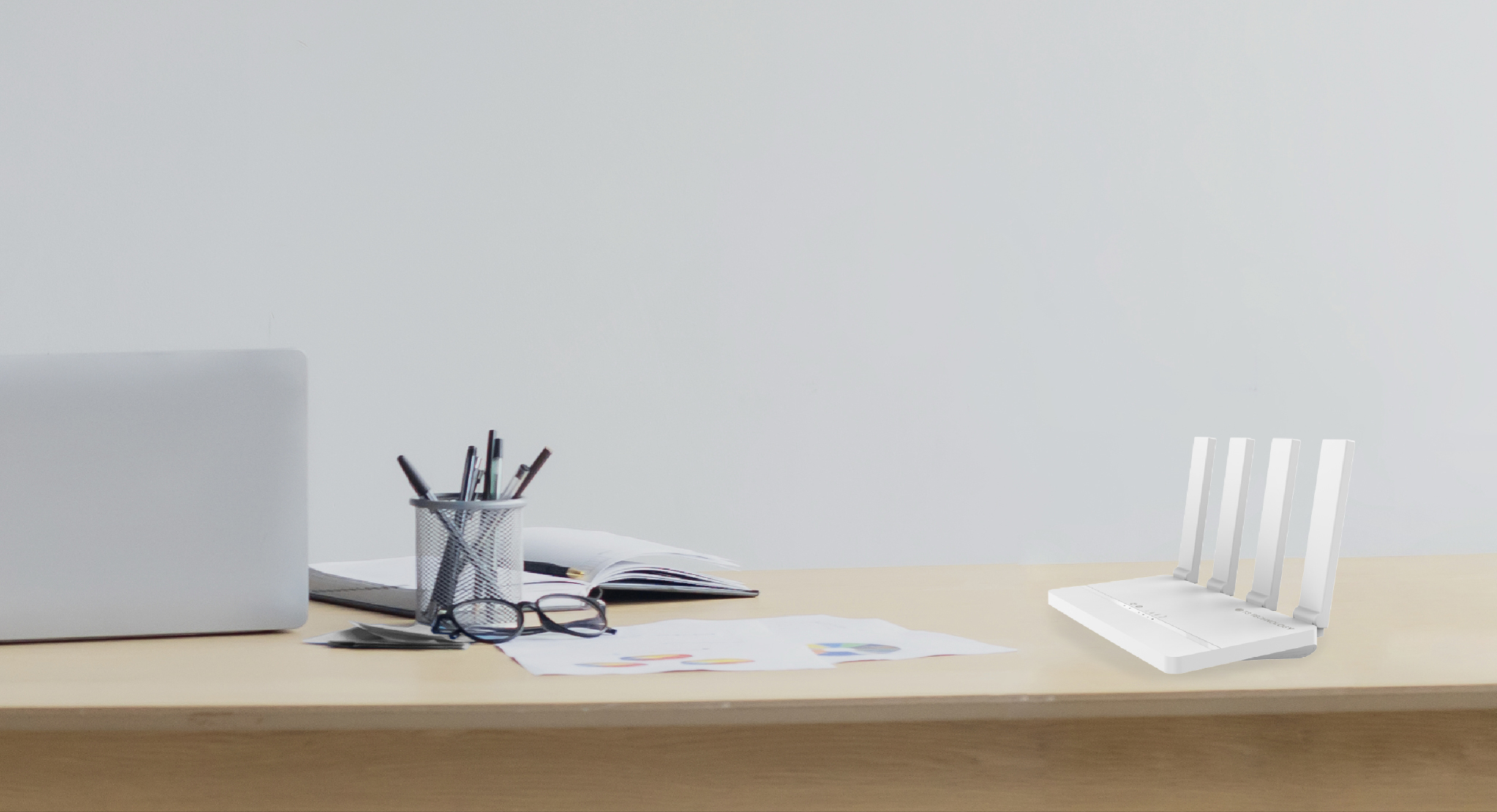
4G CPE C21 is designed to be easy to use, cover everyday needs and respond to your lifestyle.

Supports all your devices
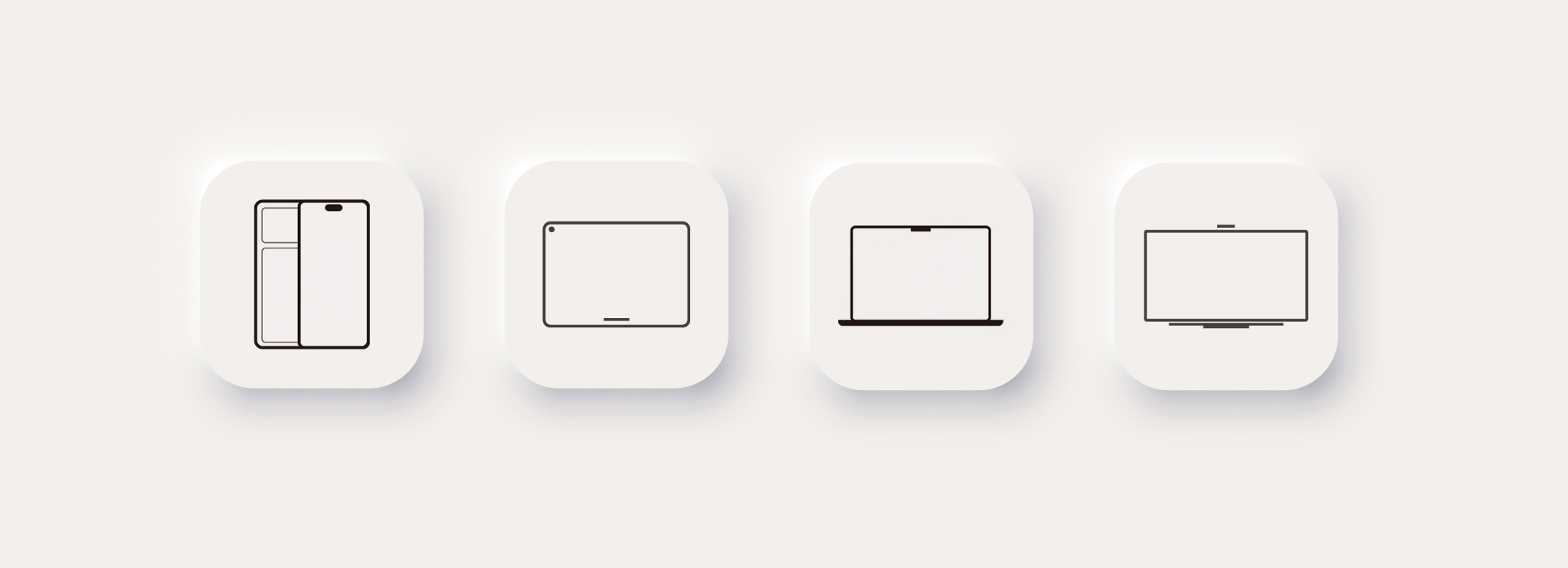
PhoneTabletLaptopTelevision
Connect with ease
Wi-Fi Everywhere
Wi-Fi 802.11 b/g/n
SIM Card Plug and Play
Web GUI — Easier Configuration
LED Indicator
Up to 32 Users
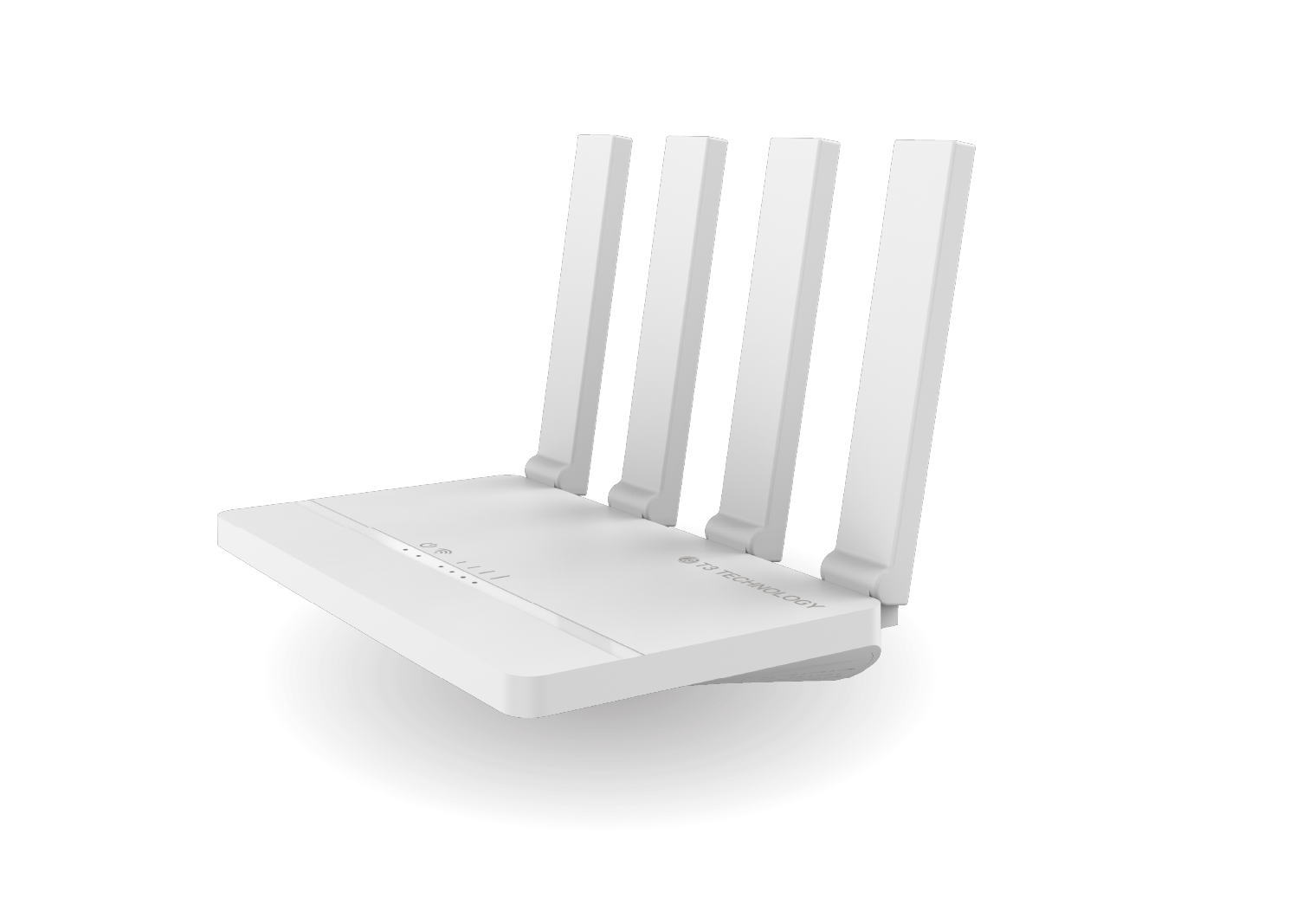
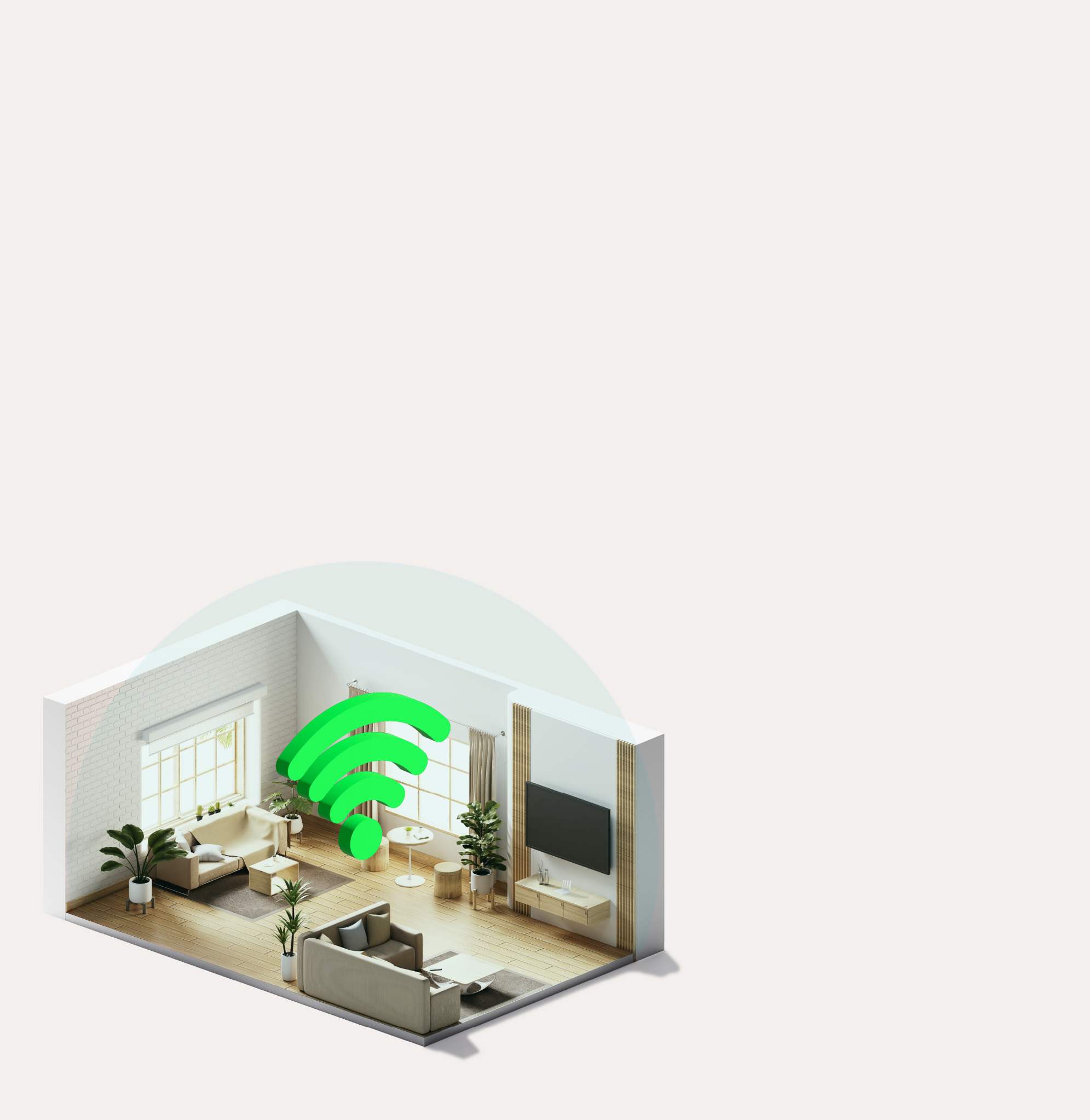
Whole-home coverage Wi-Fi
4G CPE C21 provides high-speed cellular data connectivity to the Internet. It supports local Wi-Fi and LAN access from multiple devices.
Internet is everywhere
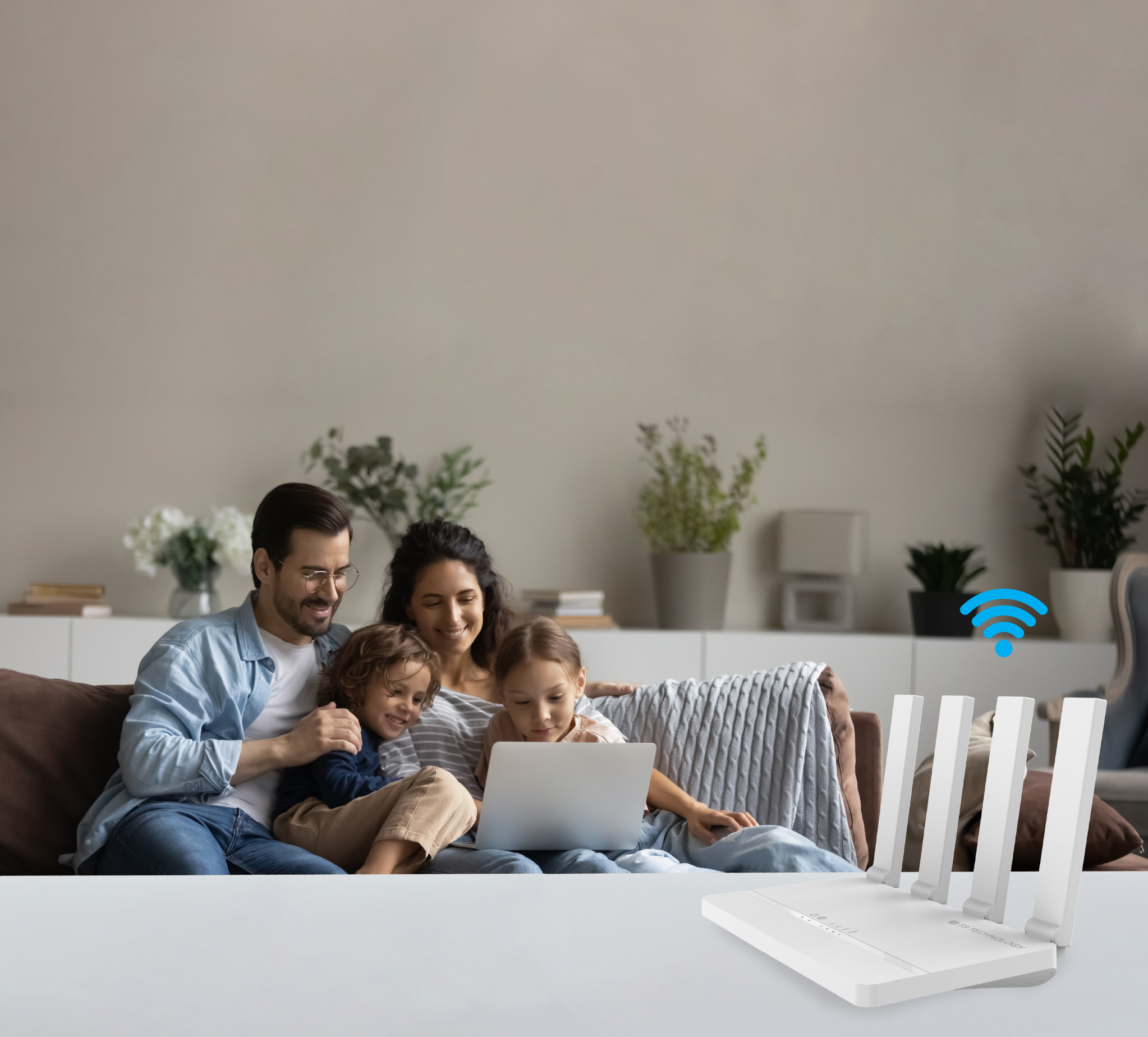
Happiness is everywhere

Connect together

Mobile entertainment

Learning & listening

Work your way
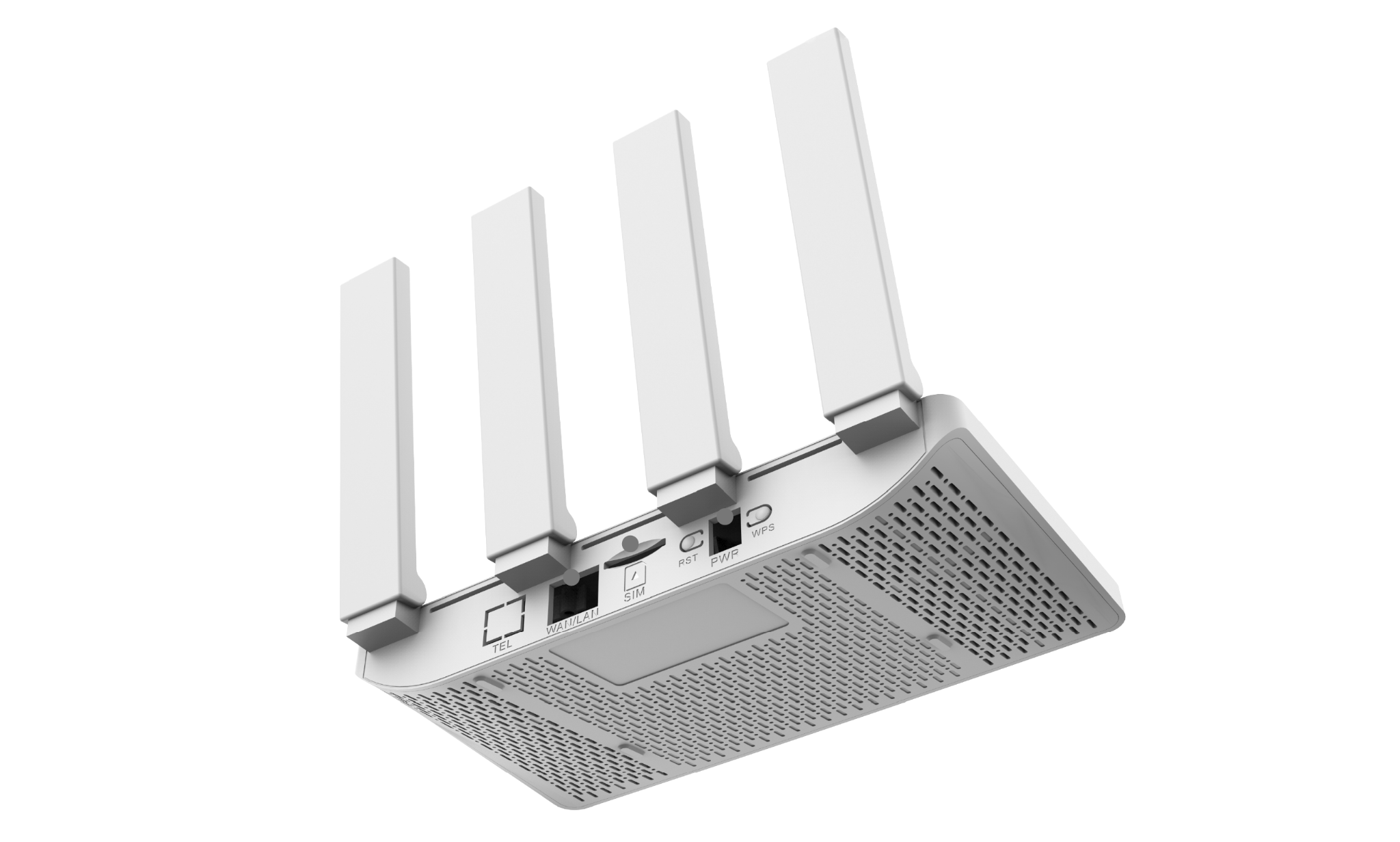
Details
4G CPE C21 is easy to use and portable.
Select a gray point on the product to identify its port.
Specifications
| Model | C21 |
|---|---|
| Power Supply | 12V, 0.5A |
| LTE | 3GPP Release 9 |
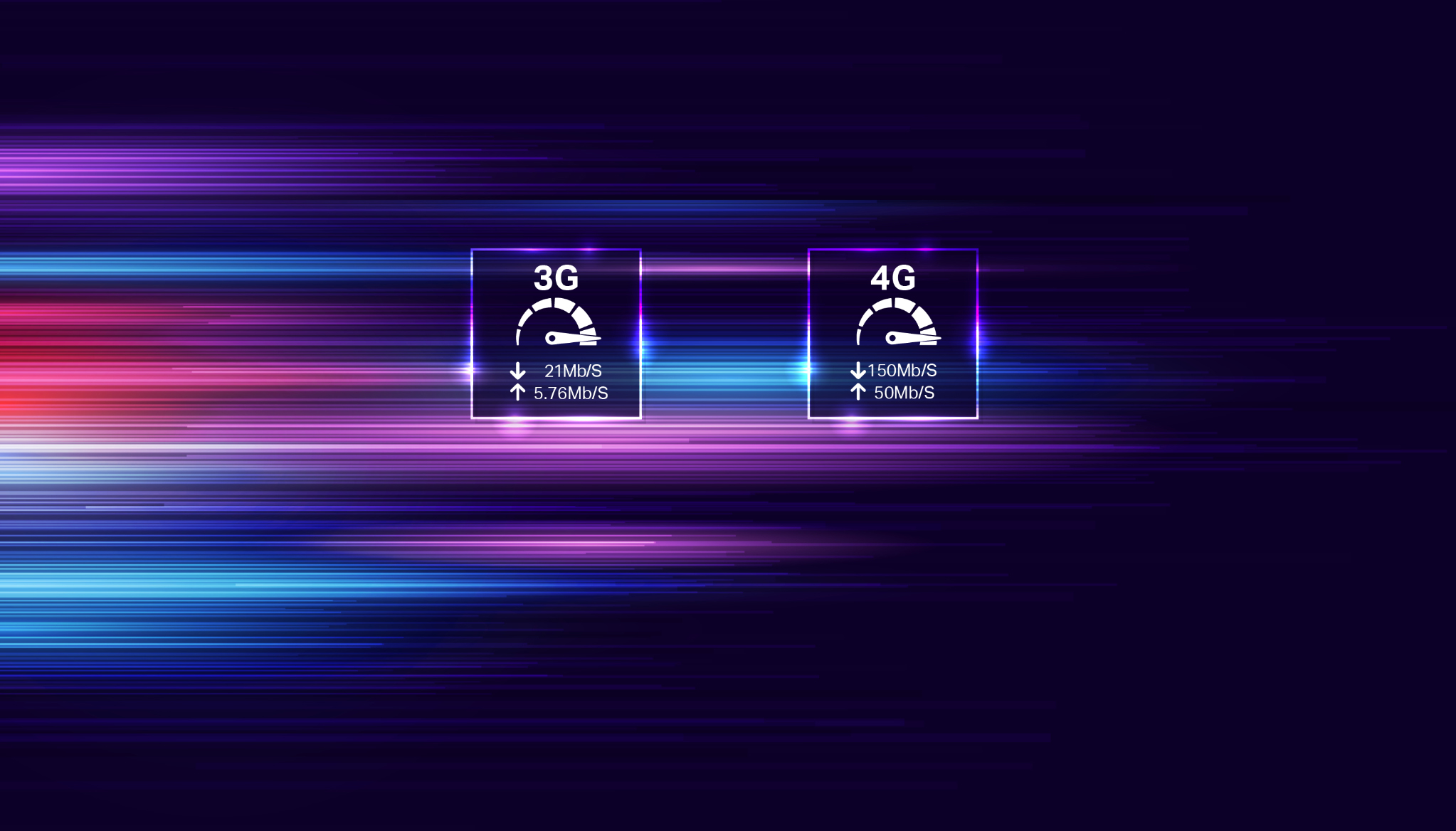
| Data Speed | 4G: 150 Mbps DL, 50 Mbps UL 3G: 21 Mbps DL, 5.76 Mbps UL |
| Dimensions | 196 × 109.86 × 17.2 mm |
| Weight | 220 g |
| Operating Temperature | −10 to 50 °C |
| Operating Humidity | 5%–95% |
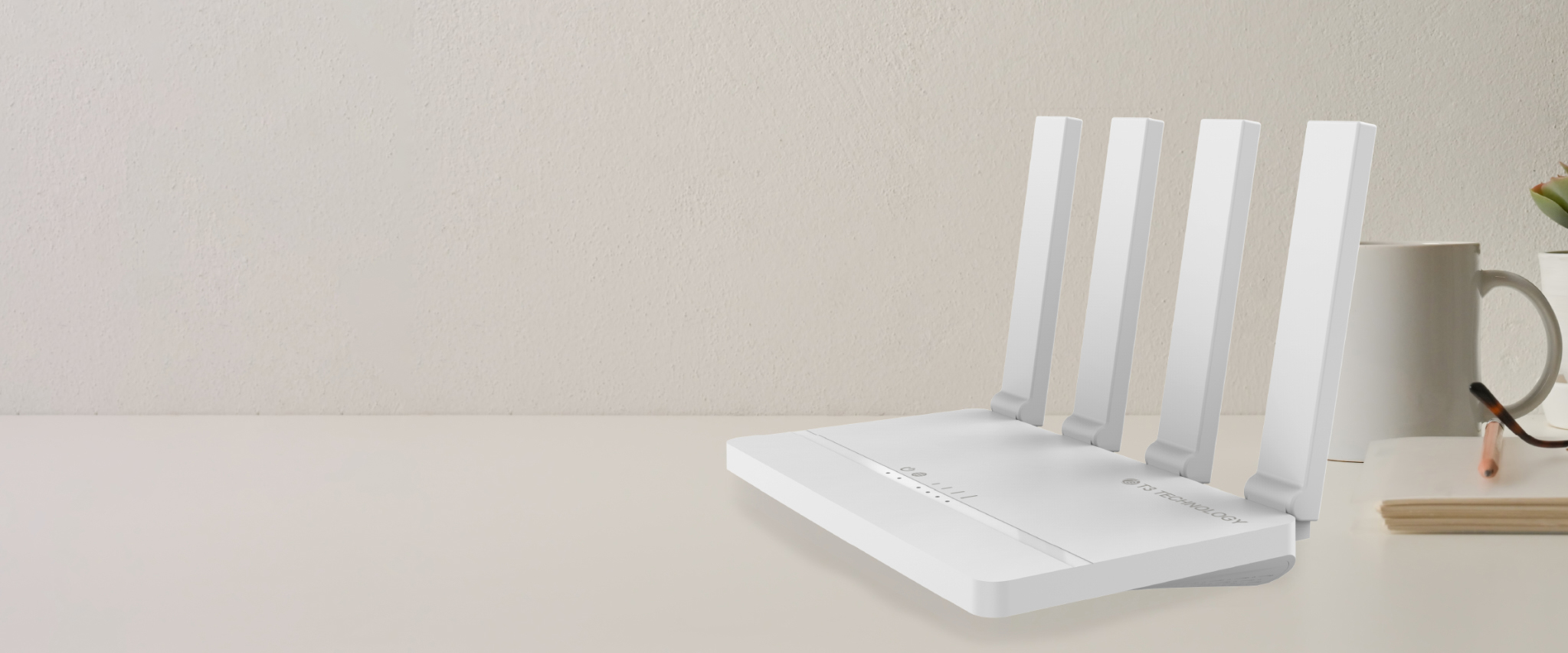
Home broadband you can take anywhere
Tips
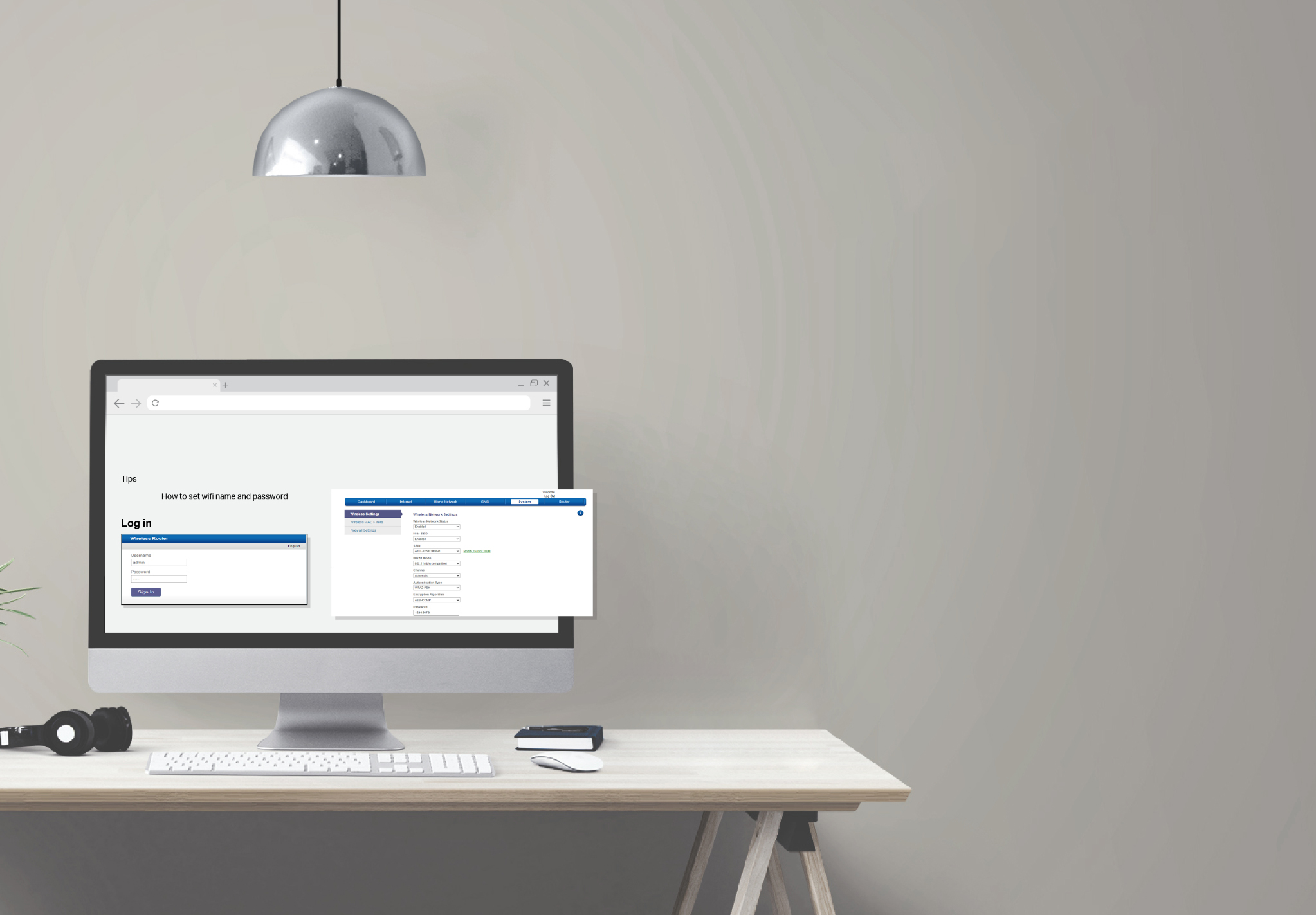
How to set your Wi-Fi name and password
Log in
Open your web browser and enter 192.168.0.1. The login window will appear.
Username: admin
Password: admin
Wireless settings
From this page, you can change your Wi-Fi settings.
- Wireless Network Status: Enabled (default) / Disabled
- Hide SSID: Enabled (default) / Disabled
- SSID: Default SSID: T3-XXXXXX. X represents the last six digits of the MAC address.
- 802.11 Mode: 802.11 n/b/g compatible (default); 802.11 b/g; 802.11 b only; 802.11 g only
- Channel: Automatic (default), channels 1–11
- Authentication Type: WPA2-PSK (default) / WPA-PSK2 Mixed
- Encryption Algorithm: AES-CCMP (default), TKIP / AES-CCMP
- AP Isolate Switch: Closed (default) / Open
- Auto Off Wi-Fi: Enabled / Disabled (default)