
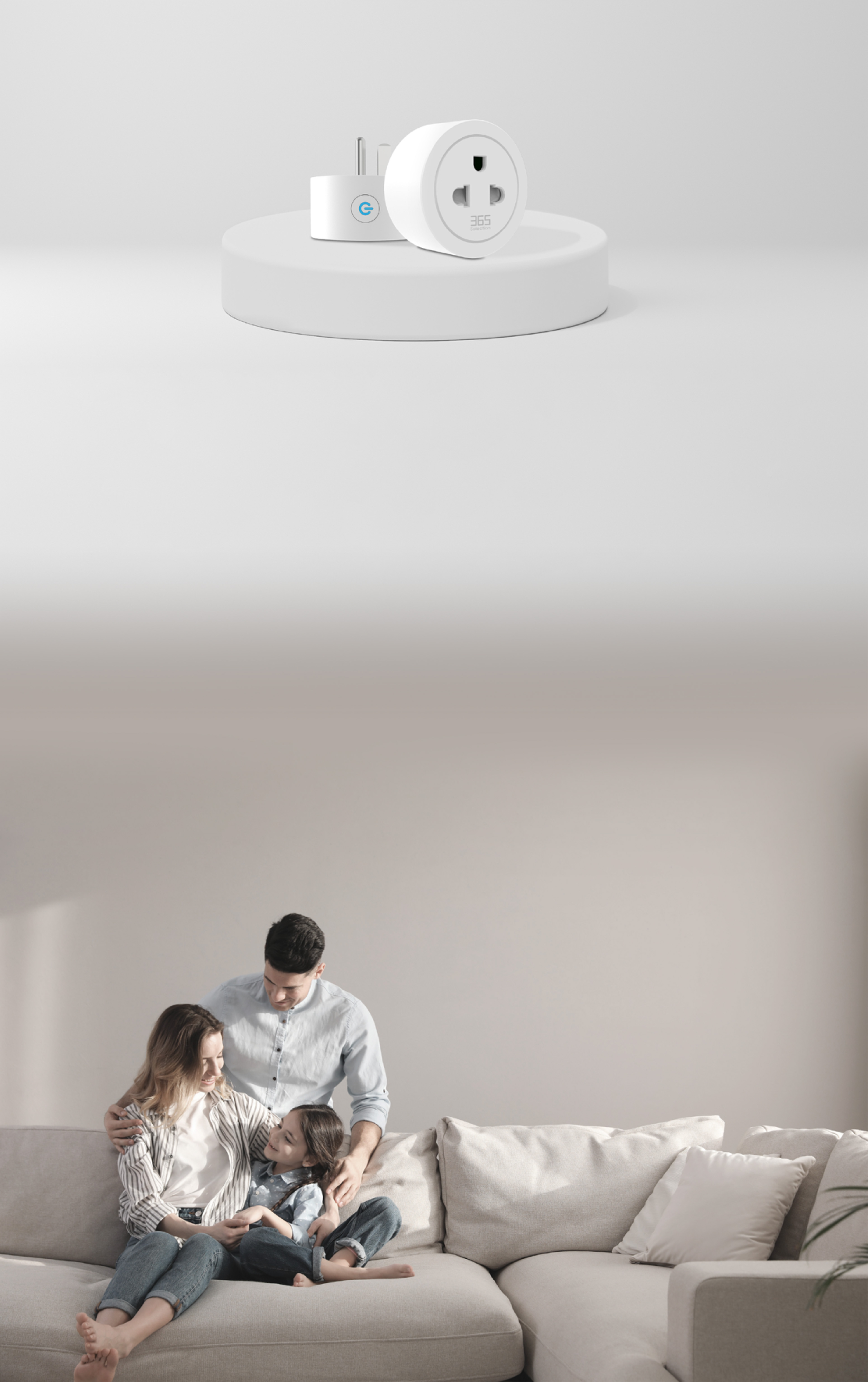
Smart Plug P2
Any device can be
a smart device
A little plug. More control over your everyday devices.
 16A / 3700WMaximum load
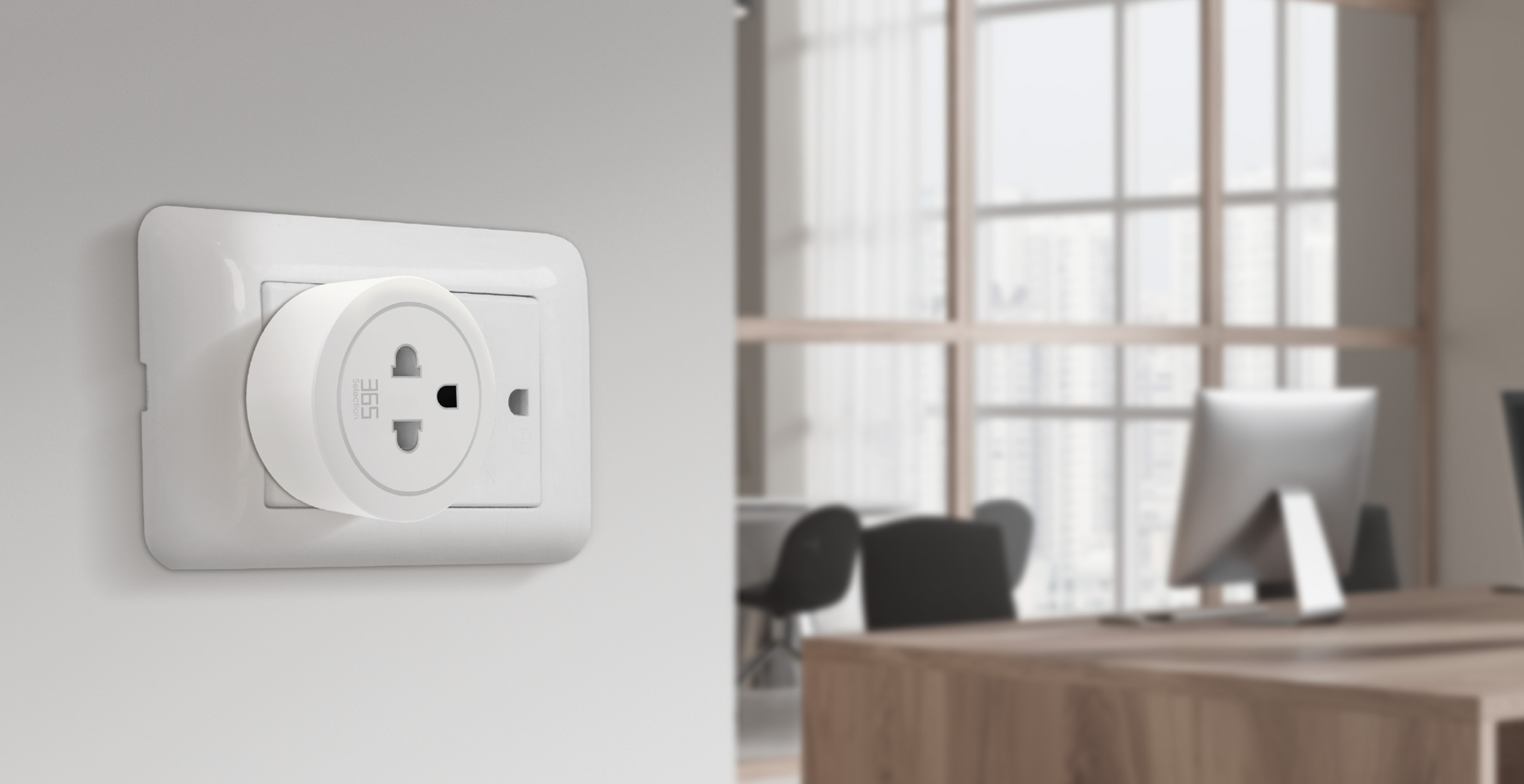
 Energy monitoringTrack power use
 Set timersSix timer modes
 Voice controlHands-free control
 2.4 GHz Wi-FiWireless connection
 App controliOS & Android
Everyday devices
A smarter way to use them
Control power with an app, a timer, or your voice. Make daily routines easier, even when you are away from home.
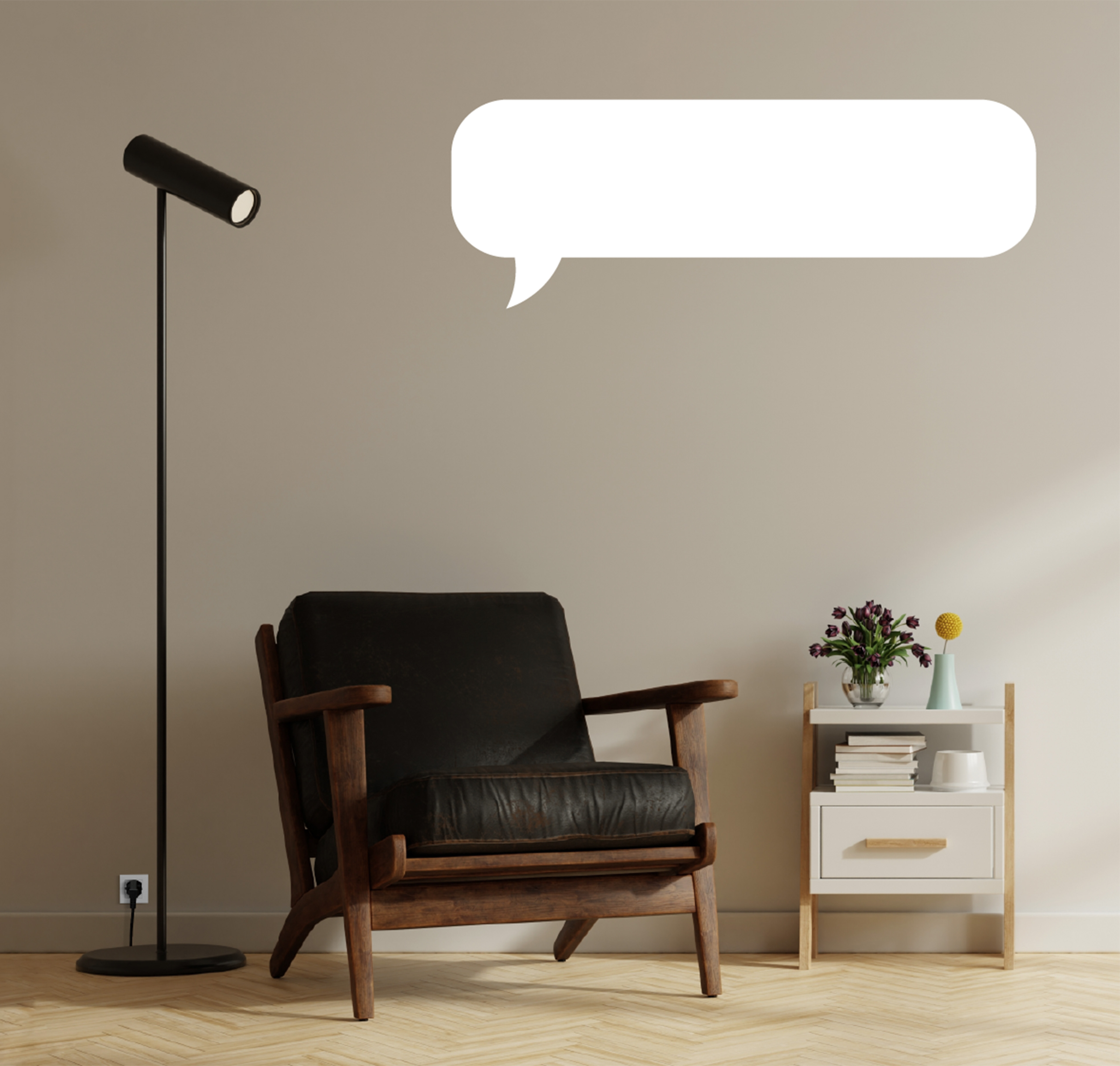
Turn on the sofa light!
Just say the word
Switch connected devices on or off with voice control. Supports Google Home and Siri Shortcuts.
Start a smart day
Bring convenient app control to your connected appliances, including switches that are difficult to reach.
Your schedule
Your switch
Set the time to turn devices on and off, even when you are not home. Use schedules to help manage electricity use.
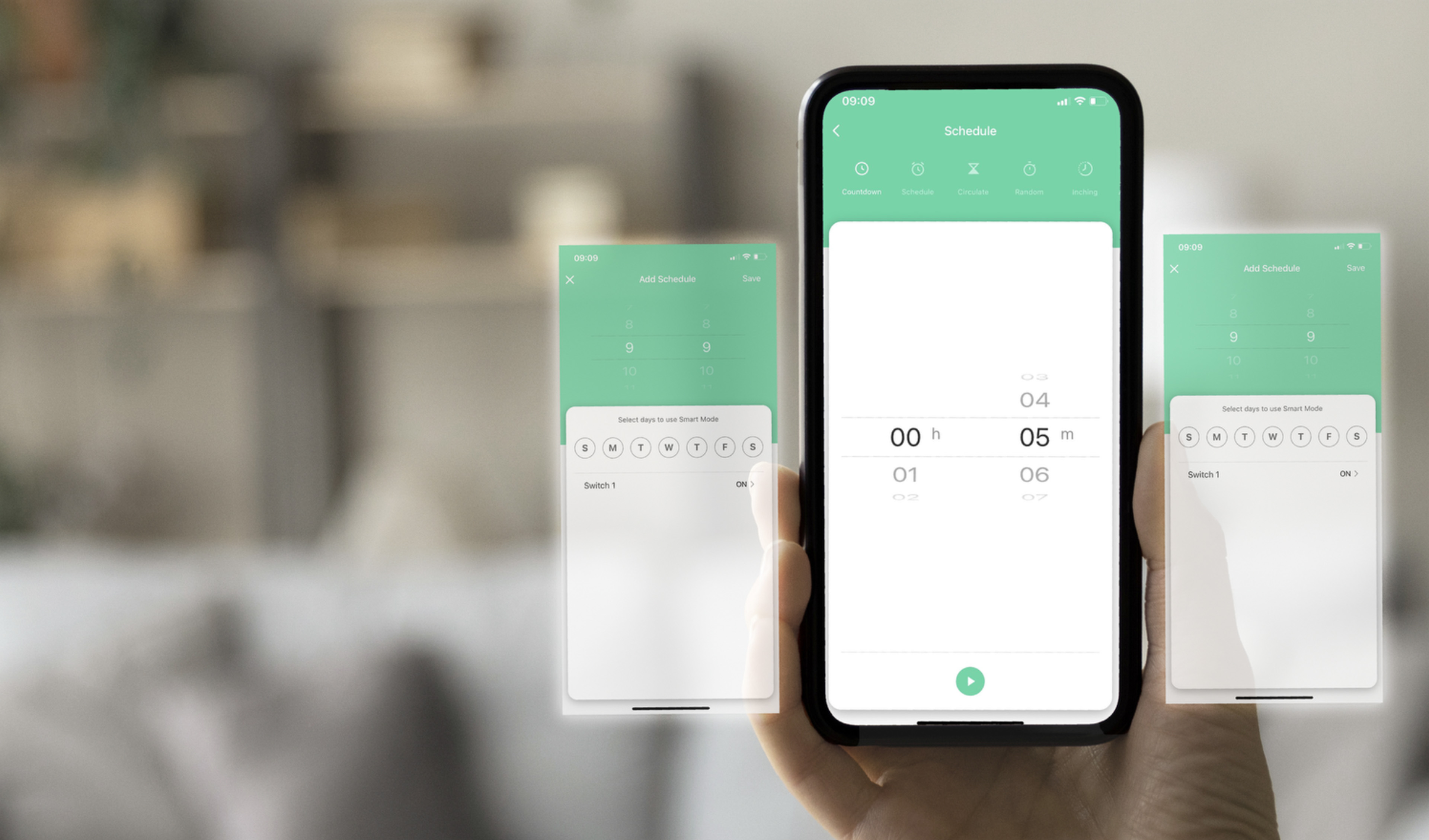
Six ways to time
your everyday
From a morning coffee to lights at sunset, choose the timer mode that fits your routine.
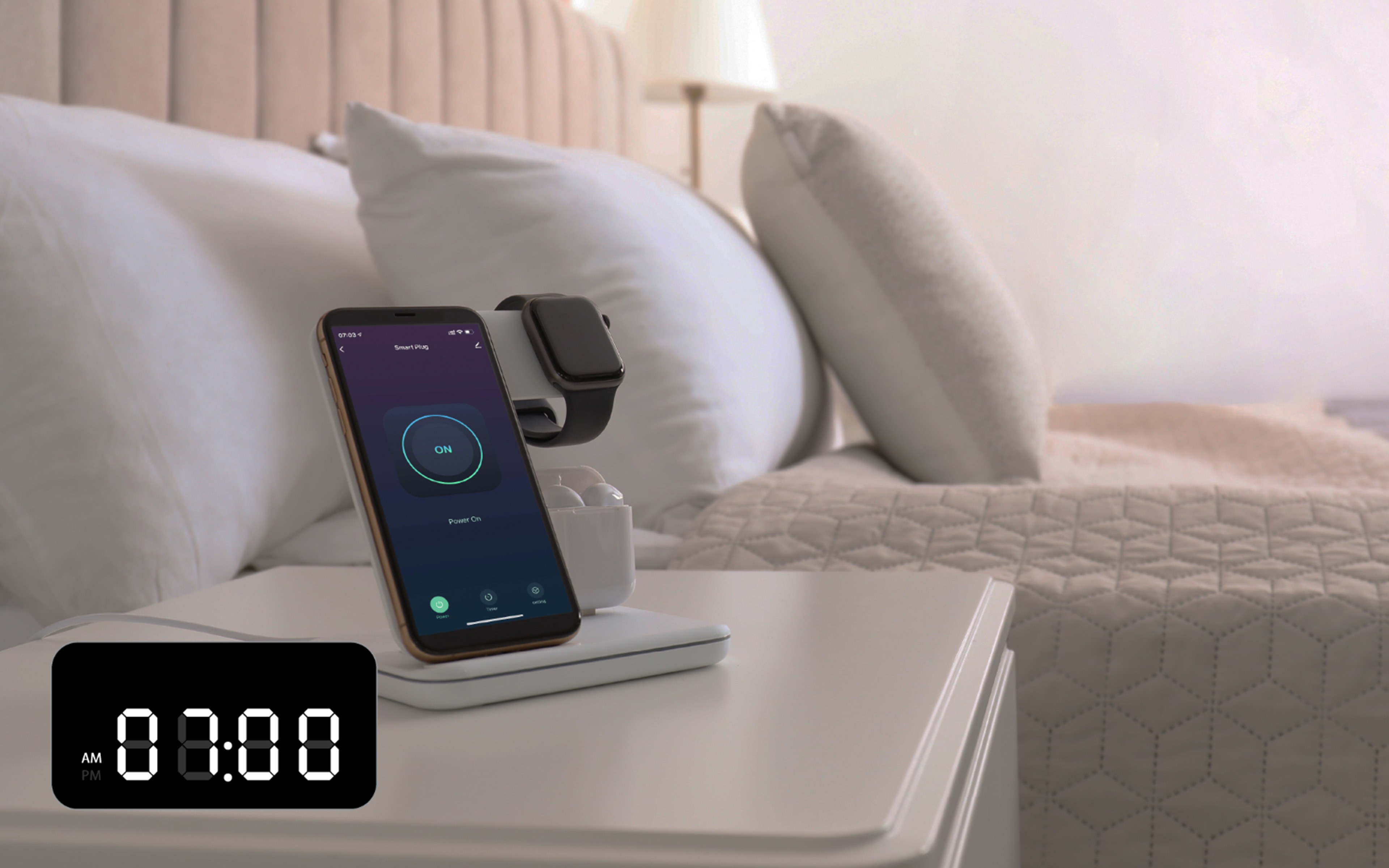 Turn off the charger
Countdown Mode
Set a countdown to turn your smart plug on or off.
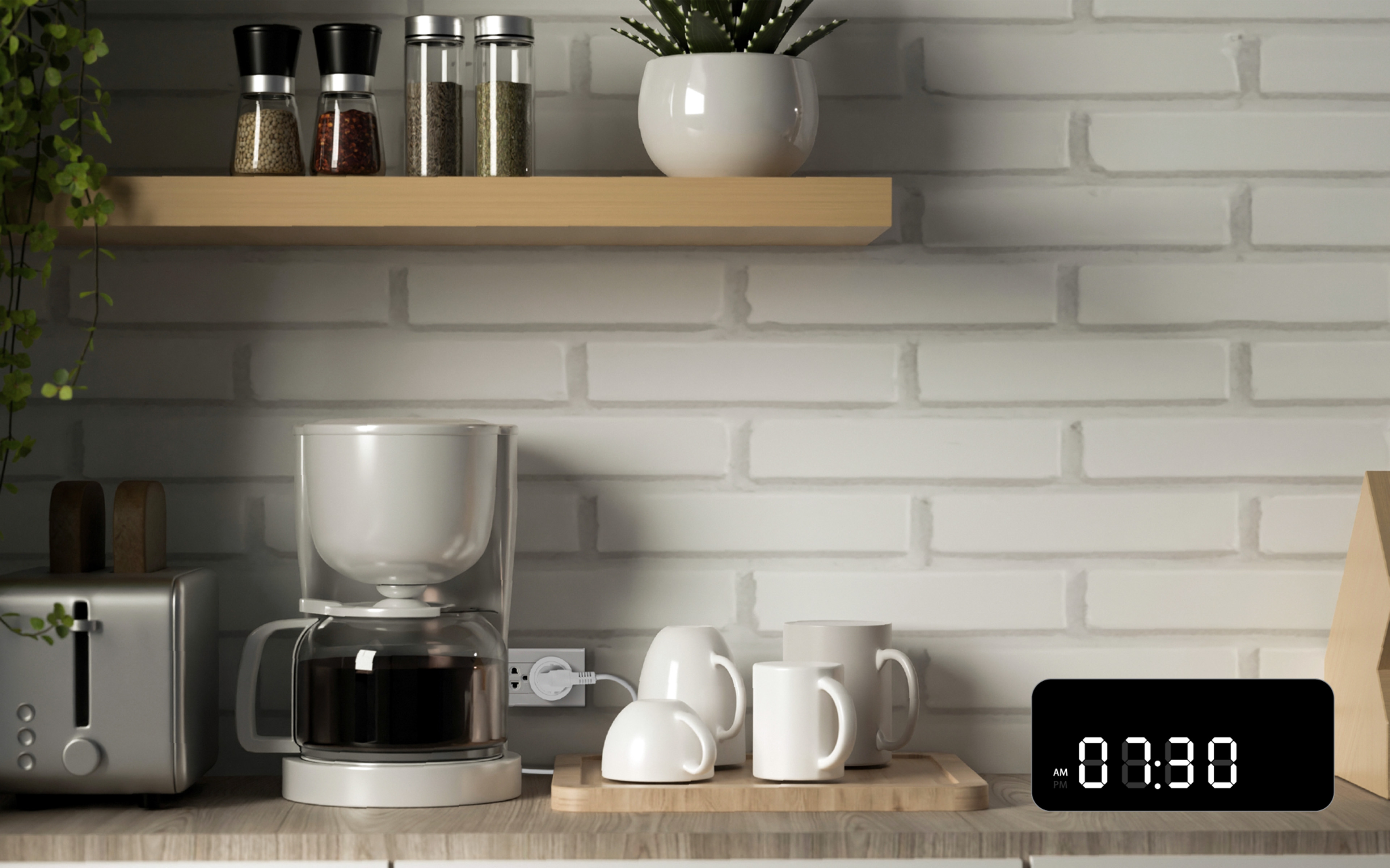 Turn on the coffee maker
Schedule Mode
Choose the on and off times for each day.
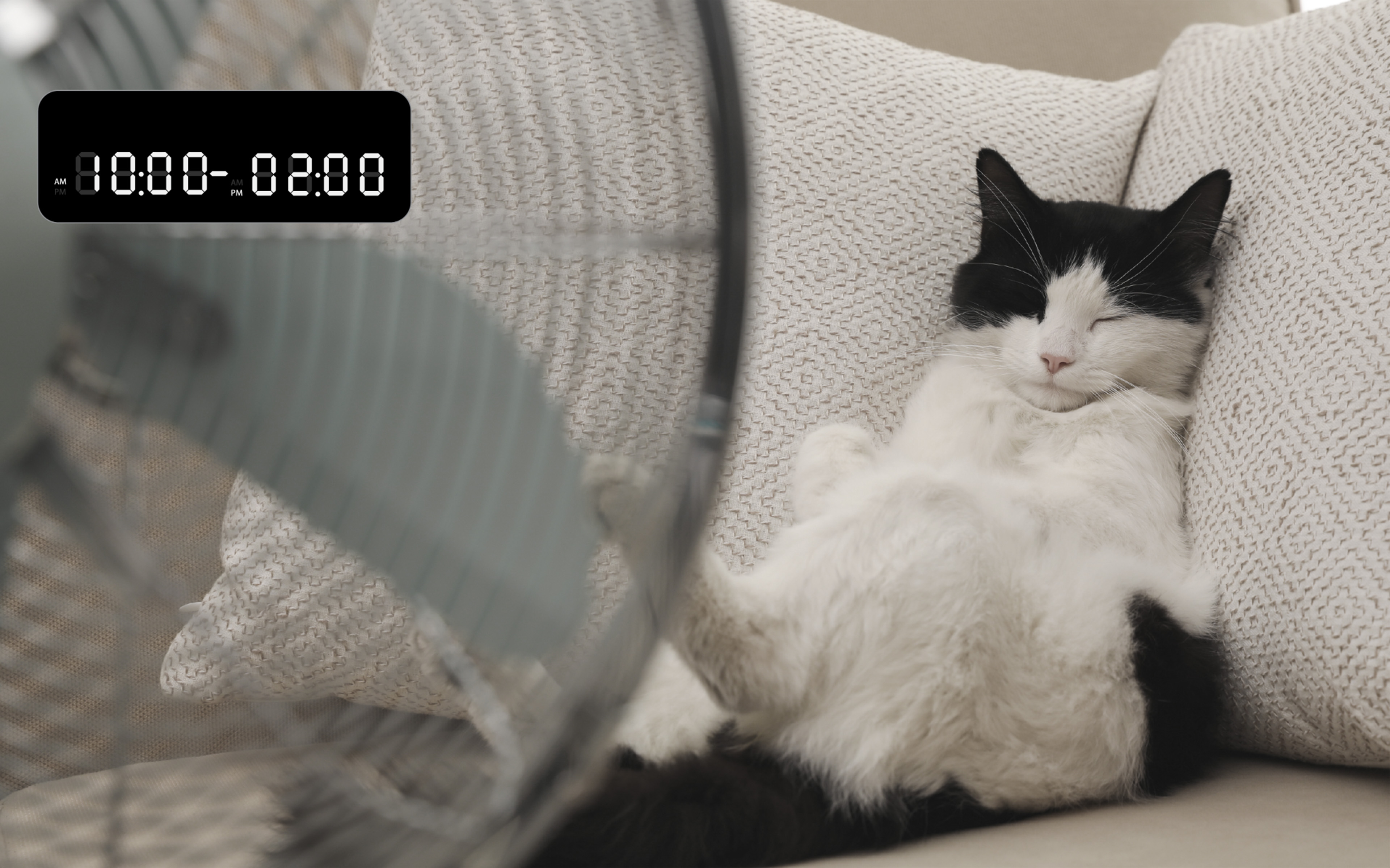 Turn on the fan
Circulate Mode
Set the start and end duration of a daily use cycle.
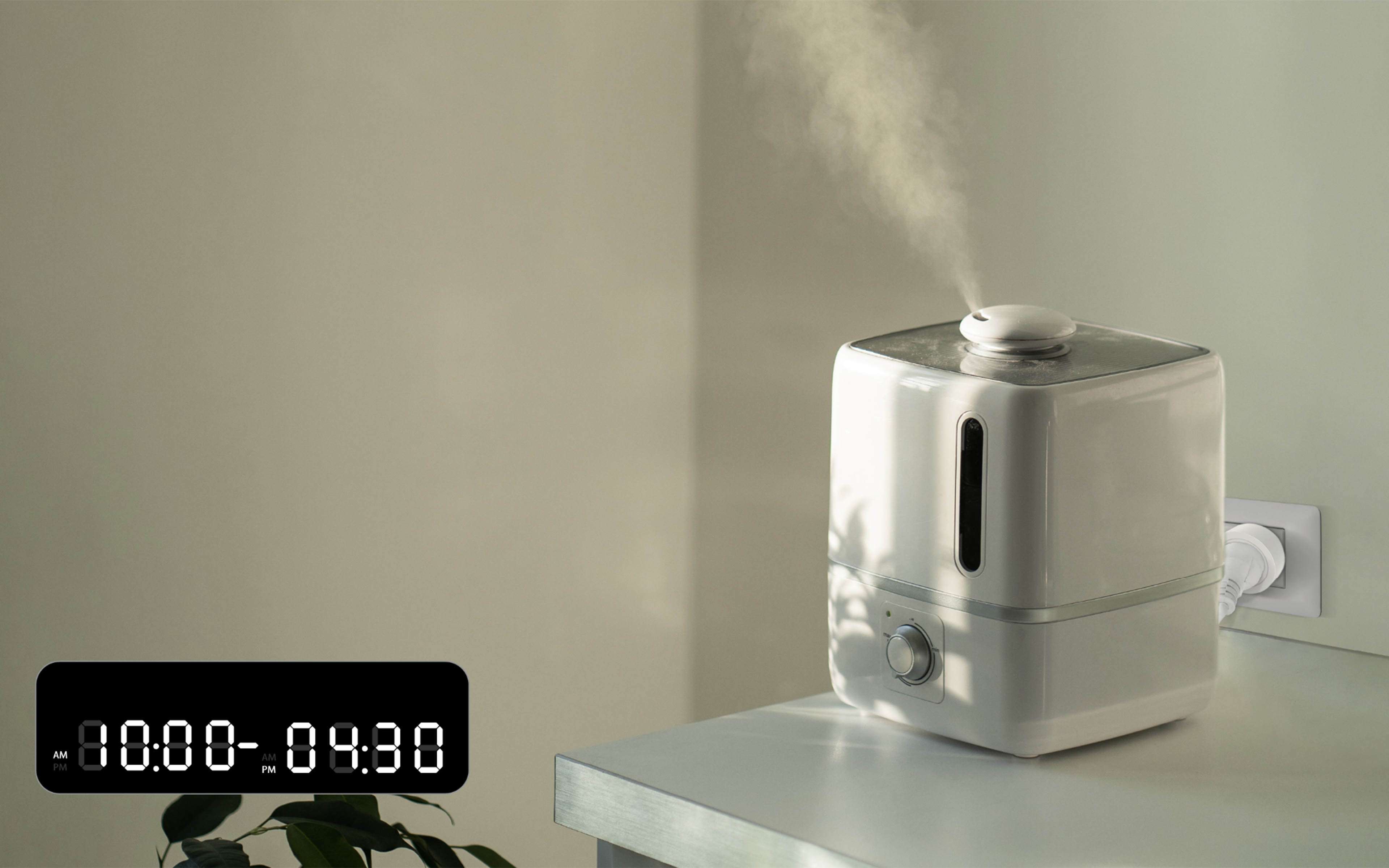 Turn on the air humidifier
Random Mode
Set a random working time.
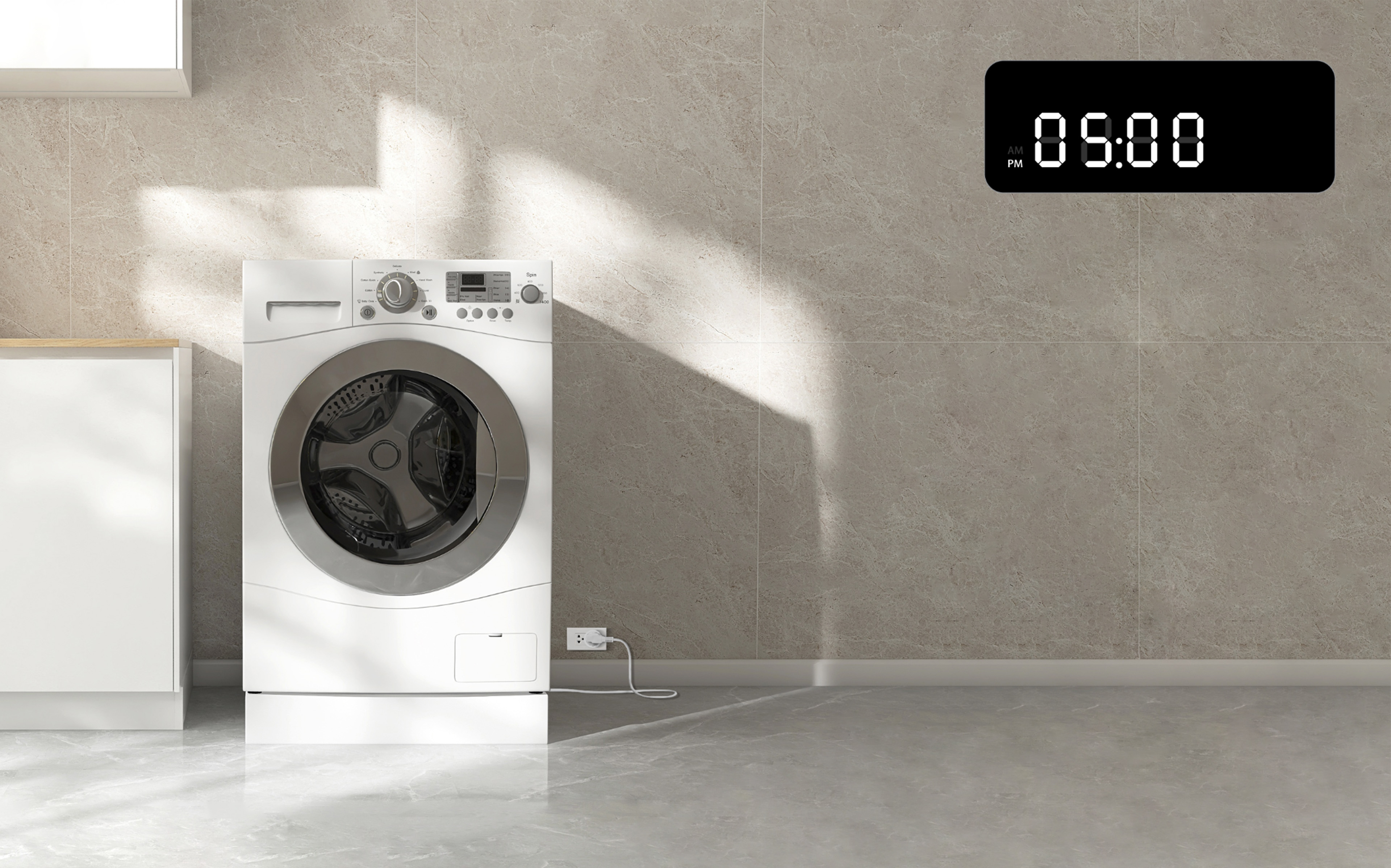 Turn off the washing machine
Inching Mode
Set the timer to turn off automatically after use.
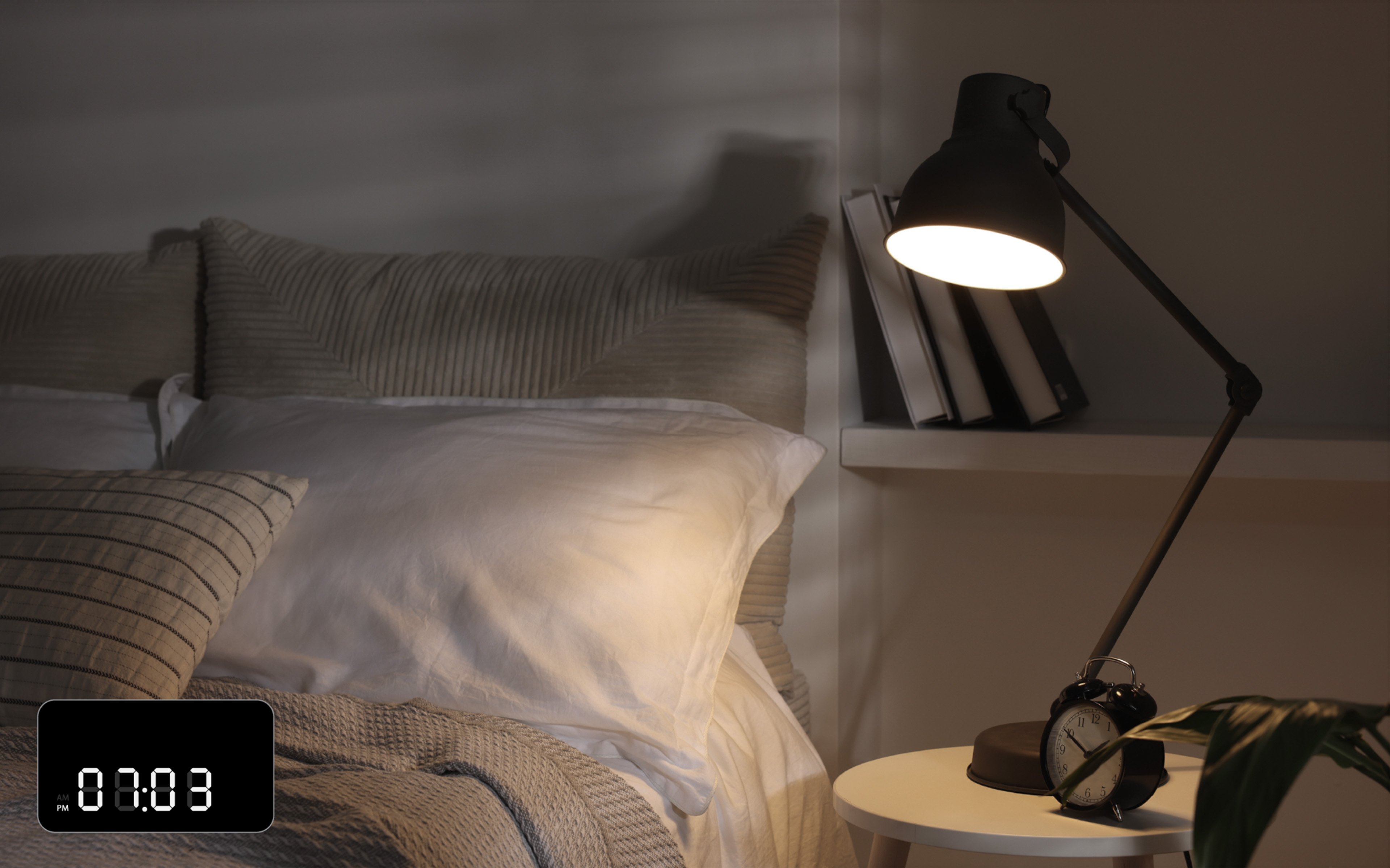 Turn on the light
Astronomical Mode
Turn devices on or off according to sunrise and sunset.
For daily use
Countdown, Inching, and Astronomical modes.
For your routine
Schedule, Random, and Circulate modes.
A few words
A little more comfort
Connect your smart plug to Google Home to control your devices with your voice.
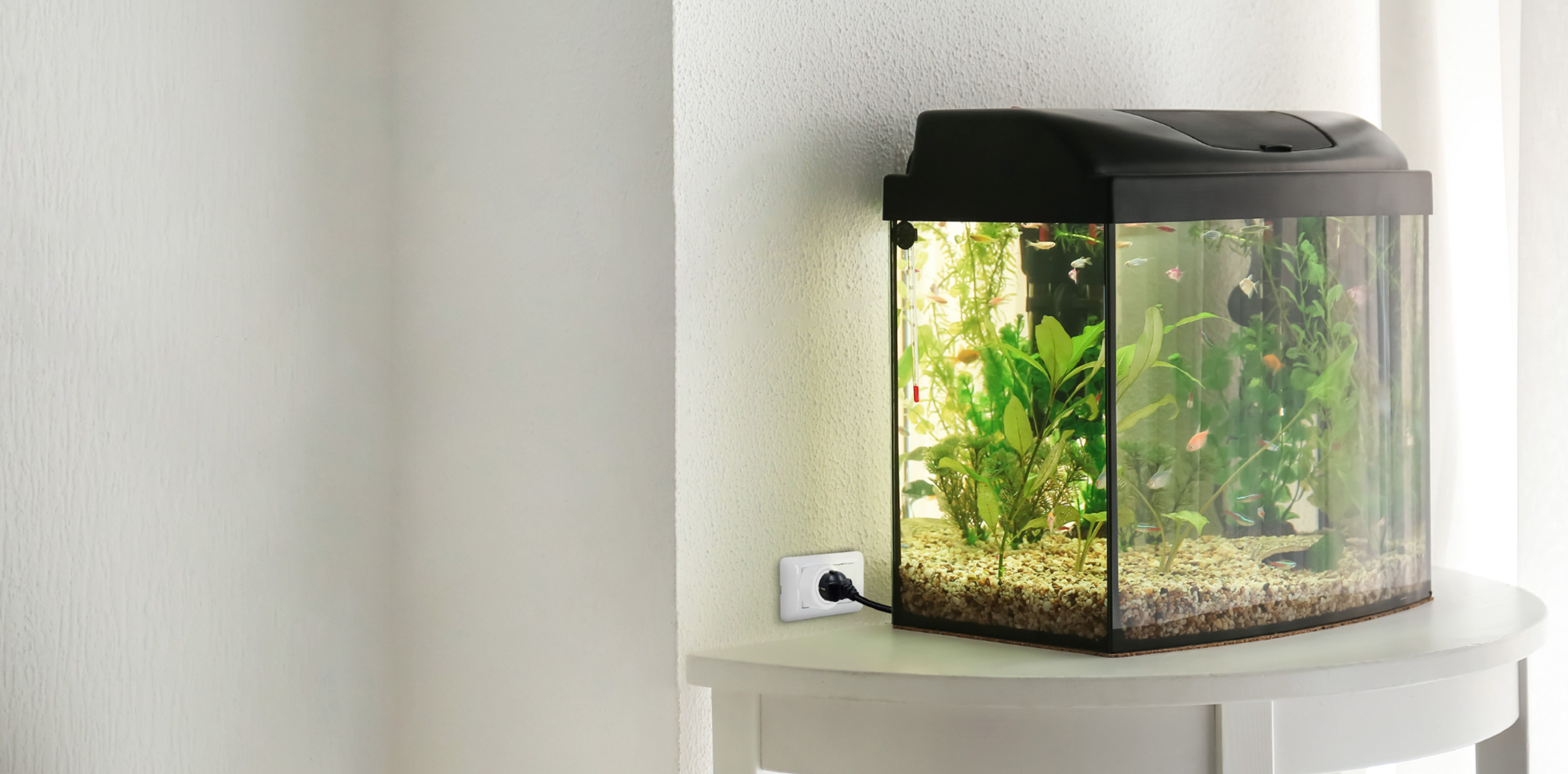
Hands full?
Let your voice help
“Hey Google! Turn on the fish tank light.”
How to connect to Google Home
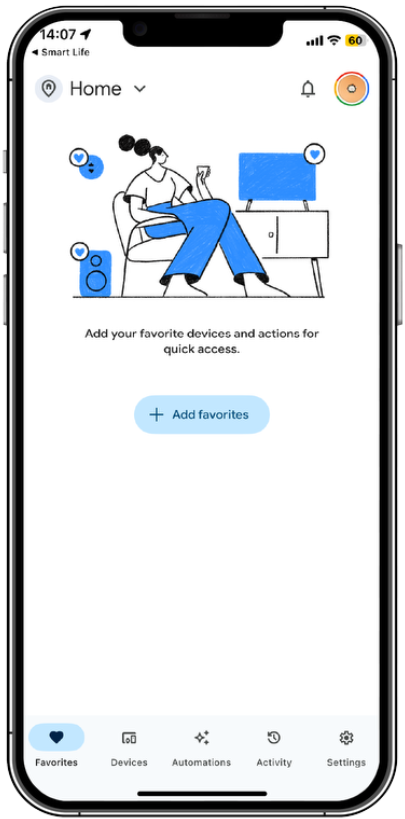
01 / Open Google Home
Launch the Google Home app and select Settings.
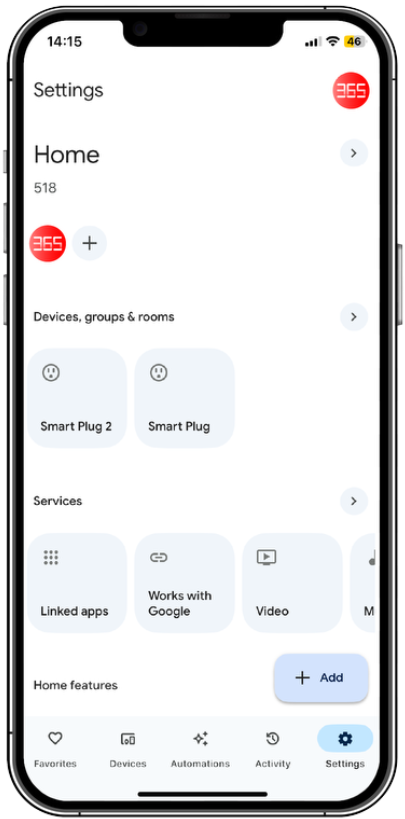
02 / Works with Google
In Settings, choose Works with Google.
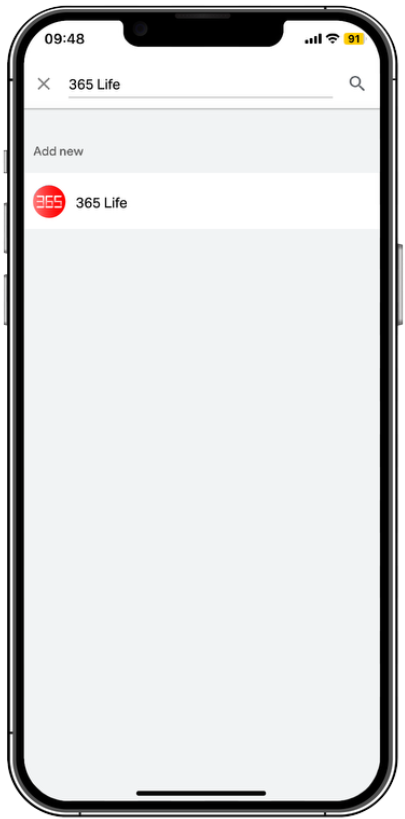
03 / Find 365 Life
Search for 365 Life and follow the on-screen steps.
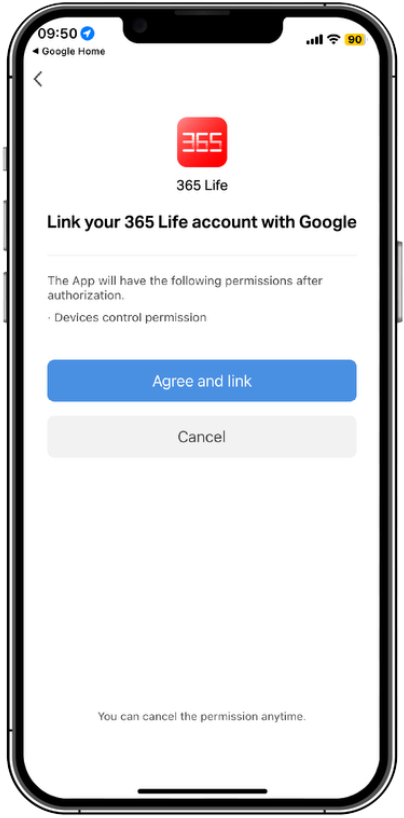
04 / Link your account
Link your 365 Life account with Google.
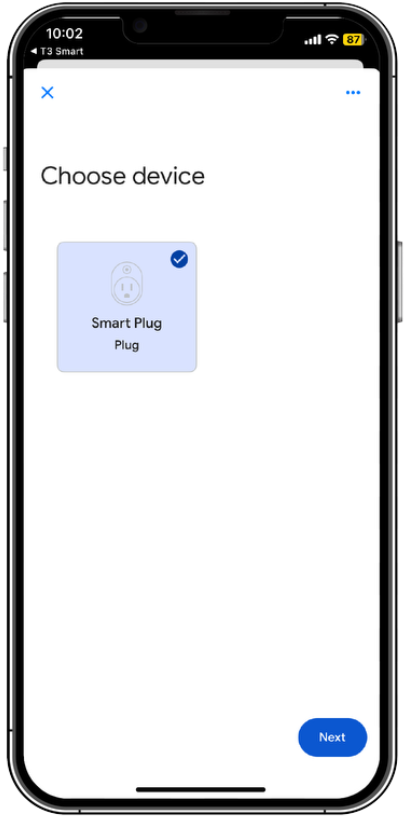
05 / Add Smart Plug
Select Smart Plug and add it as a smart home device.
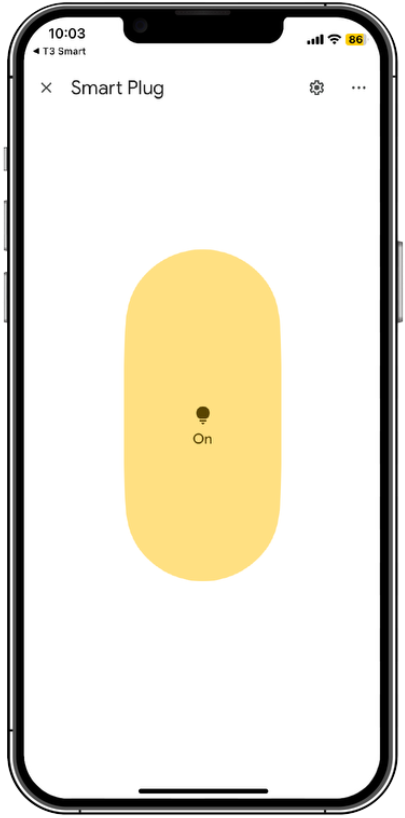
06 / Start using your voice
Control your smart plug through Google Home: “OK Google, turn on/off smart plug.”
The screens above follow the supplied setup guide. App layouts may vary by version.
More control
in a small package
Practical settings for the way you use and share your smart plug.
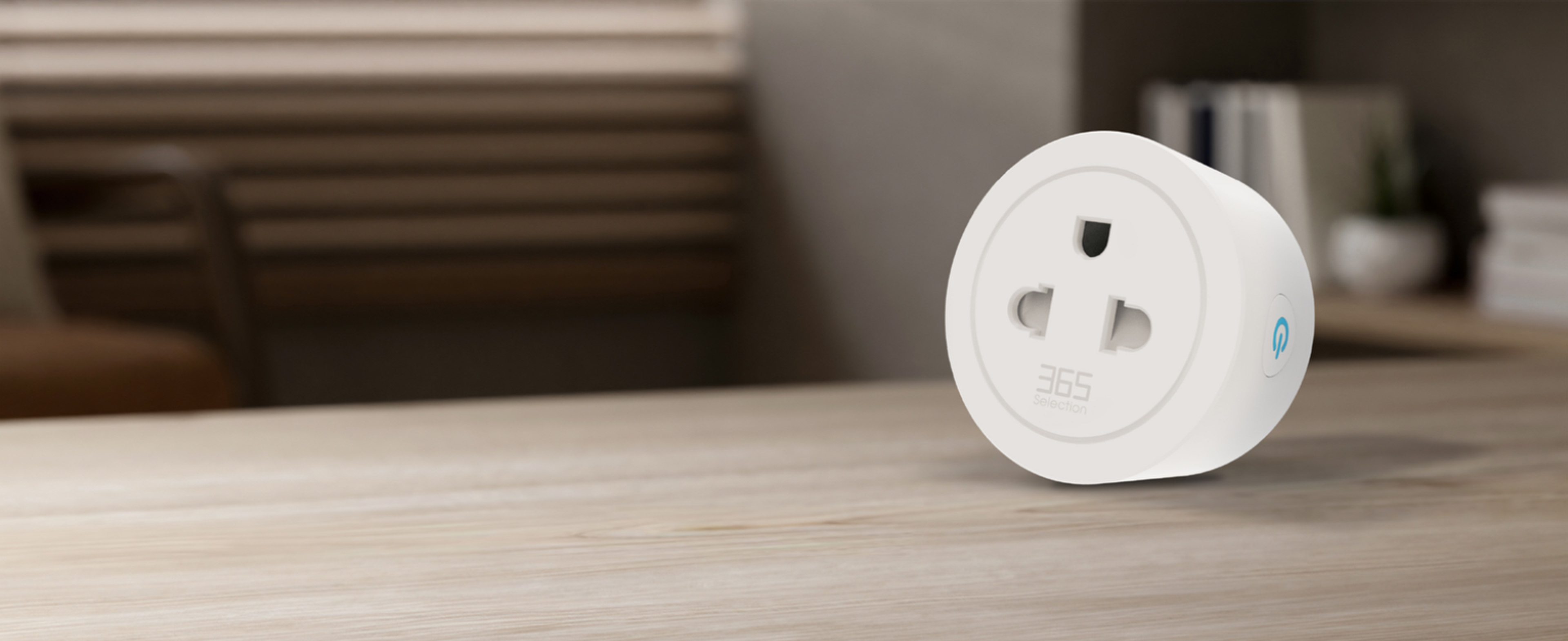
Switch Log
View your smart plug’s usage history.
Light Mode
Turn the plug’s indicator light on or off.
Child Lock
A child-lock setting for everyday use.
Relay Status
Manage the relay state after a power interruption.
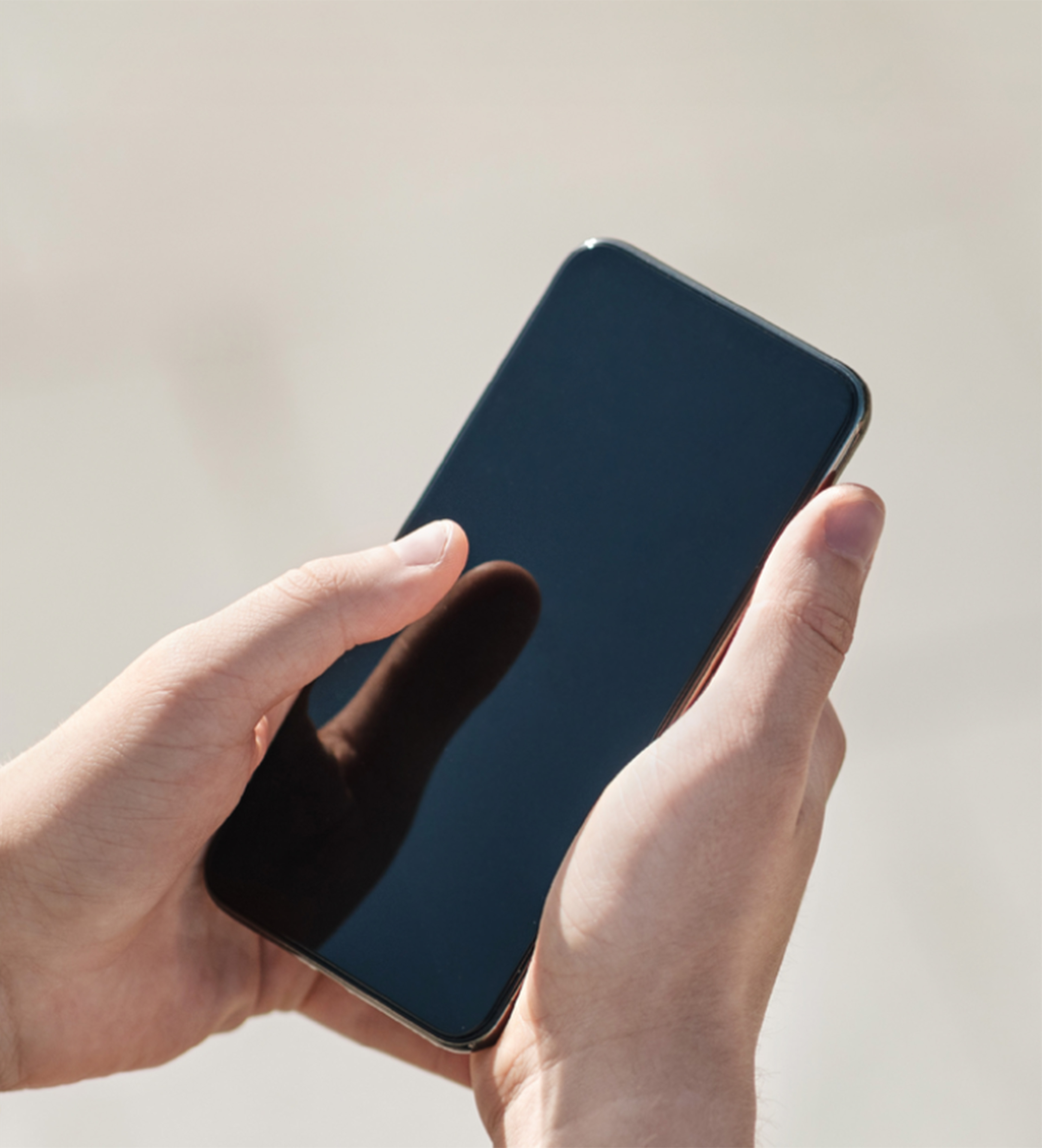
Share the device
with anyone
Share access to your smart plug so others can control it too.
Maximum load
3700W / 16A
| Model | 365-SEL-312 |
|---|---|
| Input frequency | 50/60 Hz |
| Maximum load current | 16 A |
| Maximum load power | 3700 W |
| Wi-Fi | 2.4 GHz |
| Supported systems | iOS / Android |
| Warranty | 12 months |